Back To School Tech For Night Classes

Back to school tech for night classes is designed to keep you productive and connected, no matter how late your schedule runs. Whether you're studying after hours or attending evening lectures, having the right devices and accessories can make a big difference in your academic routine. Explore options that help you stay organized, focused, and ready to tackle assignments whenever inspiration strikes. With reliable technology at your side, balancing coursework and late-night study sessions becomes easier than ever.

Filters

$89.99

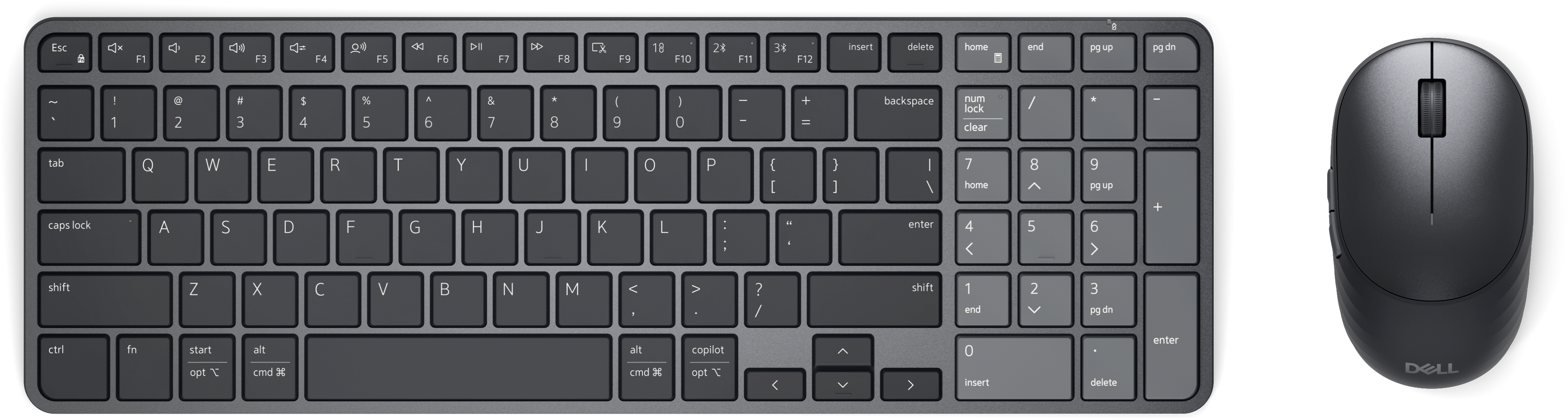
A rechargeable keyboard and mouse combo with quiet operation, adaptive scrolling, and macOS and Windows compatibility.
$89.99
$199.99

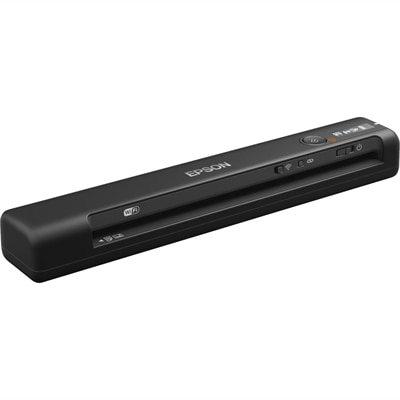
A wireless, portable single-sheet scanner with 600 dpi optical resolution, four-second scanning, OCR, and cloud connectivity.

$199.99
$570.00

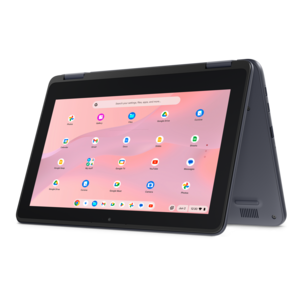
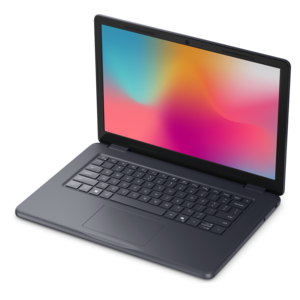
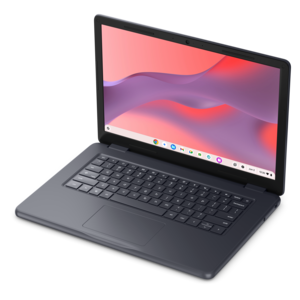
A durable, serviceable Chromebook designed specifically for education environments.

$570
$570.00

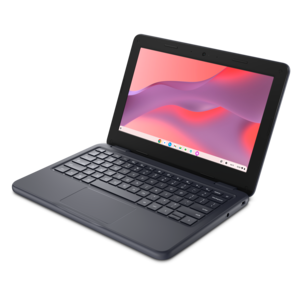
A durable, serviceable Chromebook designed for K–12 learning environments.

$570
$699.99

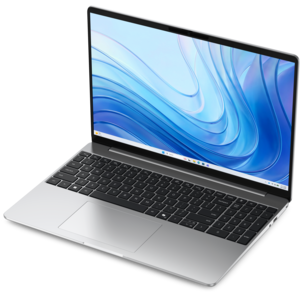
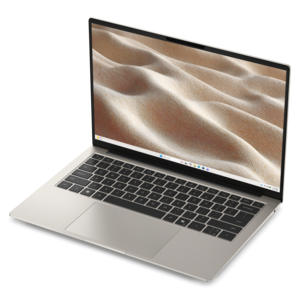
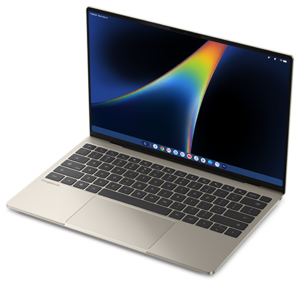
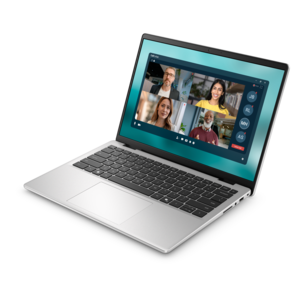
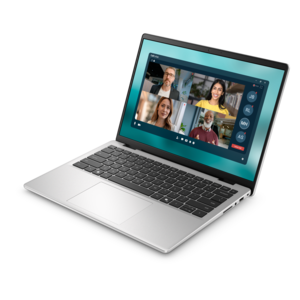
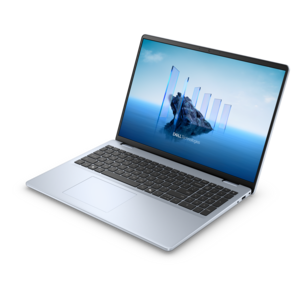
A thin, lightweight laptop crafted from eco-friendly materials with Series 3 Intel Core processors for productivity.

$699.99
$660.00

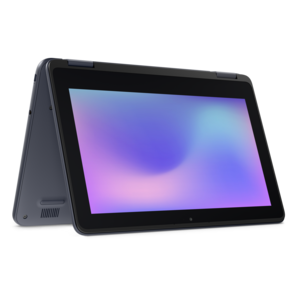
A durable, serviceable laptop or 2-in-1 designed specifically for K-12 learning environments.

$660
$670.00

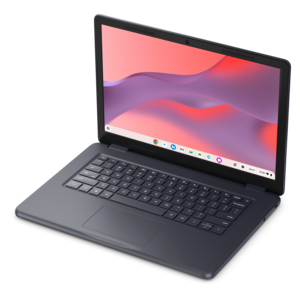
A durable, serviceable Chromebook designed specifically for education environments.

$670
$749.99

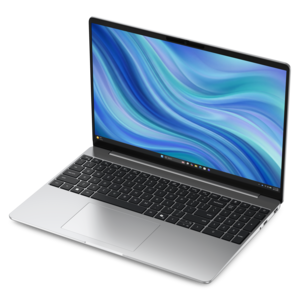
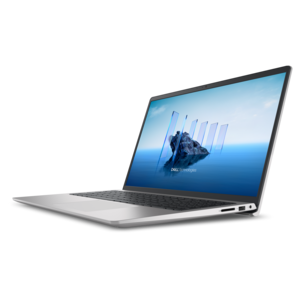
A lightweight everyday laptop with sleek design, dependable performance, and long-lasting battery life.

$749.99
$852.00

A durable, serviceable laptop or 2-in-1 designed specifically for demanding education environments.

$852
$849.99

A thin, lightweight laptop made with eco-friendly materials and Series 3 Intel Core processors for productivity.

$849.99
$879.99

A versatile 2-in-1 laptop with Intel Core processors, DDR5 memory, and multiple modes for creative work.

$879.99
$971.00

A durable, serviceable laptop designed specifically for demanding education environments.

$971
$999.99

A razor-thin, featherlight laptop designed for intelligent productivity with Gemini-powered features.

$999.99
$1043.00

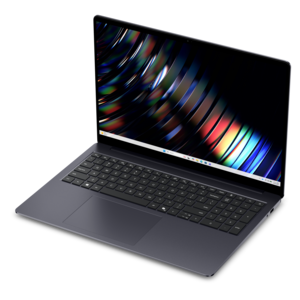
A sleek laptop with a spacious display, enlarged touchpad, and time-saving keyboard shortcuts.

$1043
$1062.00

A portable laptop with a sleek design, 16:10 display, and AI PC options for productivity anywhere.

$1062
$1099.99

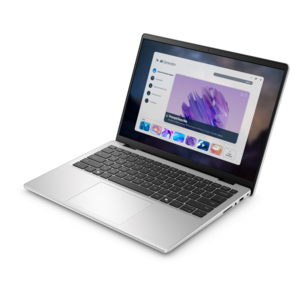
A slim, lightweight laptop with Intel® Core™ processors and graphics for productive work anywhere.

$1099.99
$1122.00

A sleek, portable laptop with an expansive 16:10 display for reliable productivity anywhere.

$1122
$1099.99

A laptop with a built-in FHD camera, enlarged ergonomic keyboard, and Intel 13th Gen processors.

$1099.99
$1149.99

A sleek laptop powered by the latest AMD Ryzen™ AI 400 Series processors for demanding users.

$1149.99
$1149.99

A laptop featuring an FHD camera, enlarged ergonomic keyboard, and AMD Ryzen™ processors for everyday productivity.

$1149.99
$1510.00

A durable, modular laptop featuring robust security, a spacious display, and built-in AI options for workdays.

$1510
$1399.99

A modern laptop with Intel® Core™ processors and graphics for effortless productivity and immersive entertainment.

$1399.99
$1590.00

A durable modular laptop with a spacious 16:10 display, numeric keypad, robust security and built-in AI.

$1590
$1479.99

A modern laptop with Intel Core processors and graphics for effortless productivity and captivating entertainment.

$1479.99

Back To School Tech For Night Classes

Back-to-school tech for night classes supports a particular kind of school day: one that may begin at work, continue through an evening lecture, and end with an assignment at the kitchen table. Useful features include dependable battery life, comfortable screen visibility, a backlit keyboard, and a portable design that does not add unnecessary weight to an already full bag. Laptops suited to this routine balance everyday coursework with the demands of moving between locations. Writing papers, reviewing presentations, and joining an online discussion call for different capabilities than editing video, building complex design projects, or running specialized course software. Processor performance, memory, and compatibility with required applications matter more than appearance alone. Screen size also shapes the experience. A smaller display can make a device easier to carry on public transportation, while a larger one provides more room for side-by-side notes and readings. An antiglare finish can reduce distracting reflections from overhead classroom lights, and adjustable brightness helps keep a screen comfortable to view as lighting changes. Backlit keys are especially useful when an instructor dims the room for a presentation, allowing notes to continue without a separate light. Battery expectations need to reflect the entire evening, not just the scheduled lecture: video calls, higher brightness, and demanding applications can shorten runtime compared with lighter tasks. A compatible charger remains a practical companion for a long day away from home. Durable construction matters during that daily movement, too. Metal and sturdy plastic housings each have different weight and finish characteristics, while hinge stability and a well-fitted protective sleeve help support frequent packing and unpacking. For students returning to school, working toward a professional credential, or taking a course after work, the most useful setup feels manageable on the commute and capable once class begins. Quiet operation during ordinary note-taking can also be welcome in a small seminar room, although fan activity depends on the device and workload.

Accessories make that core device easier to use through the transitions surrounding an evening class. A backpack or shoulder bag needs enough room for the laptop, charger, notebook, and everyday belongings without forcing cables against the screen or placing pressure on the lid. Padded compartments, reinforced seams, secure closures, and straps that fit comfortably over a jacket are practical details for regular commuting. A water-resistant exterior can offer some protection from a brief drizzle, but it is not the same as waterproof construction. Inside the bag, separate pockets keep small accessories from disappearing beneath textbooks and help prevent loose connectors from scratching nearby surfaces. Charging equipment deserves the same attention to fit. A connector that physically plugs into a device does not necessarily provide the power it requires; charging support, wattage, and cable capability all affect compatibility. Compact adapters and neatly organized cables can simplify a quick setup at a classroom desk, particularly when an outlet is shared or positioned awkwardly. Connection needs vary by course and location as well. An adapter may help connect a laptop to a classroom display, while a hub can provide room for compatible peripherals at home. Headphones with a microphone are useful for recorded lessons, remote group work, and online office hours between work and class. Fit becomes especially important during a long listening session: ear-cup pressure, headband adjustment, and the feel of ear tips can influence comfort more than a feature list suggests. Noise reduction may make speech easier to follow in a busy study area, but awareness of surrounding traffic and announcements remains important during a commute. For live online participation, microphone placement and a quieter setting can help classmates hear clearly. A compact mouse can also be welcome when a narrow desk leaves little room for broad gestures, provided its connection method works with the computer. Together, these accessories support the small, repeated tasks that fill an evening, from opening course materials before a lecture to packing up quickly afterward.

At home, a more settled workspace can make the final stretch of an evening feel less cramped. A monitor provides additional room for a reading assignment beside a draft, or a spreadsheet beside instructions, without constant window switching. Display size needs to suit the depth of the desk and the available viewing distance; a large screen is less helpful when it crowds the keyboard or leaves no space for notes. An adjustable stand or compatible monitor arm can help position the display at a comfortable height, while a separate keyboard and mouse allow a laptop to sit higher without making typing awkward. Text scaling, contrast settings, and accessible input options can make course materials easier to navigate, especially after hours spent reading at work. Lighting matters here, too. A desk lamp positioned to illuminate paper without reflecting directly in the screen can support a balanced workspace, and a modest screen brightness often feels more comfortable than a bright display in an otherwise dark room. None of these features replaces breaks or adequate rest, but they can make the setup better suited to sustained evening use. Care helps equipment hold up across a semester and beyond. Screens and keyboards benefit from cleaning methods approved by their manufacturers, with liquids kept away from openings and cables handled by their connectors rather than pulled by the cord. Devices need unobstructed ventilation on a stable surface; a blanket or soft cushion can block airflow during a late assignment. Protective cases also need to fit the device rather than press against ports or interfere with hinges. For someone giving school technology as a gift, course requirements, device compatibility, and the recipient’s commuting routine provide more useful direction than appearance alone. The related Back To School Tech Under $50 collection offers another way to browse back-to-school technology. Whether the evening involves a lecture hall, a video seminar, or independent coursework after a shift, well-matched equipment supports a smoother transition from the day’s responsibilities to focused study.

FAQs:

Add the products you would like to compare, and quickly determine which is best for your needs.

Add the products you would like to compare, and quickly determine which is best for your needs.