Best Laptops for Presentations

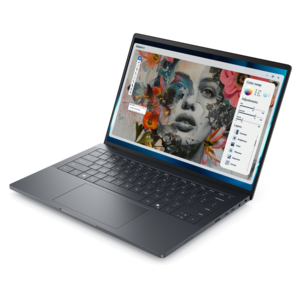
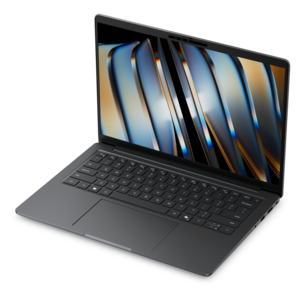
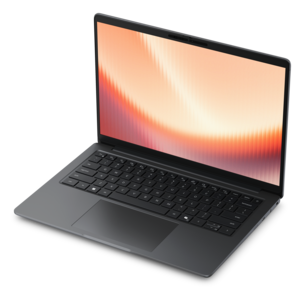
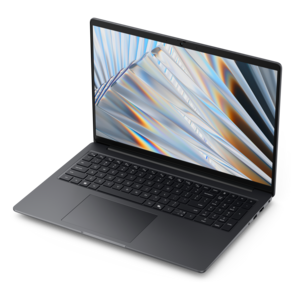
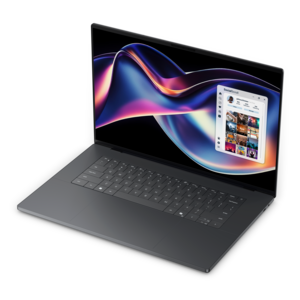
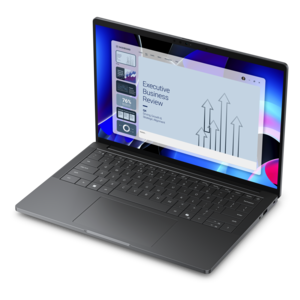
Find the best laptops for presentations by comparing options for creating slide decks and presenting in person or online. Consider screen size, portability, and battery life, and check that the available ports support the projectors or external monitors you plan to use.

Filters

$3418.00

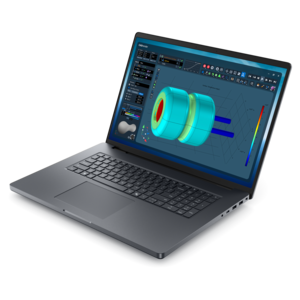
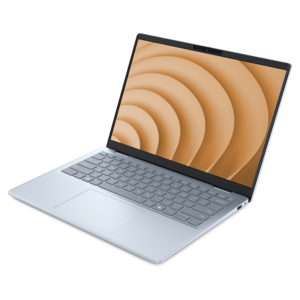
A sleek, lightweight laptop with Intel Core Ultra processors, NVIDIA graphics, and advanced on-device AI.
$3418
$2287.00

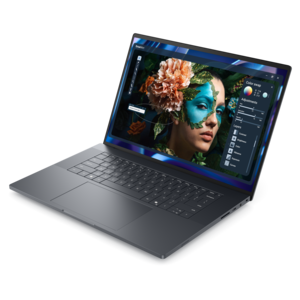
A lightweight AI PC delivering outstanding performance and battery life for highly mobile professionals.

$2287
$2005.00

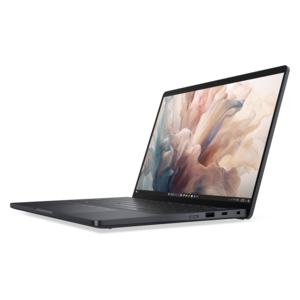
A remarkably thin laptop powered by AMD Ryzen AI PRO 400 Series processors for professional performance.

$2005
$4190.00

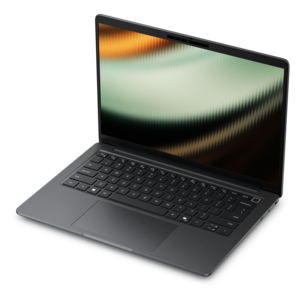
A powerful productivity laptop with scalable performance and advanced on-device AI capabilities.

$4190
$1758.00

A thin, lightweight business laptop powered by AMD Ryzen processors with commercial-grade security and manageability.

$1758
$2133.00

A remarkably thin professional laptop combining portability and performance with Intel Core Ultra Series 3 processors.

$2133
$1966.00

A secure, scalable AI laptop with durable aluminum construction and a spacious productivity-focused display.

$1966
$2507.00

A thin, durable laptop delivering reliable performance for professional productivity.

$2507
$2301.00

A thin 2-in-1 laptop combining versatility, portability, and performance with Series 3 Intel Core Ultra processors.

$2301
$2193.00

A remarkably thin laptop delivering portable performance with Series 3 Intel Core Ultra processors.

$2193
$2183.00

A remarkably thin 2-in-1 laptop powered by AMD Ryzen AI PRO 400 Series processors for performance.

$2183
$3430.00

A sleek workstation delivering exceptional performance with advanced on-device AI and exuberant style.

$3430
$2005.00

A thin, durable laptop powered by AMD Ryzen™ AI PRO 400 Series processors for professional work.

$2005
$2321.00

A thin 2-in-1 laptop powered by AMD Ryzen AI PRO 400 Series processors for versatile performance.

$2321
$2114.00

A remarkably thin laptop powered by AMD Ryzen AI PRO 400 Series processors for professional performance.

$2114
$2754.00

A professional laptop with AMD Ryzen™ AI PRO processors, built for complex workflows and productivity.

$2754
$3449.99

A thin creator-focused laptop delivering high performance and exceptional battery life.

$3449.99
$3259.00

An ultralight, durable AI laptop delivering premium experiences for highly mobile professionals.

$3259
$3595.00

A thin 2-in-1 laptop combining portability and versatility with Series 3 Intel Core Ultra processors.

$3595
$3305.00

A productivity-focused Copilot+ PC powered by Intel® CPU, GPU, and NPU processing.

$3305
$629.99

A laptop featuring an FHD camera, enlarged ergonomic keyboard, and AMD Ryzen™ processing.

$629.99
$2458.00

A thin, lightweight business laptop with durable construction, commercial-grade security, and manageable everyday productivity.

$2458
$799.99

A versatile 2-in-1 laptop with Intel Core processors, DDR5 memory, and multiple modes for creative work.

$799.99
$1249.99

A lightweight AI-powered laptop designed for creative professionals and small businesses.

$1249.99

Best Laptops for Presentations

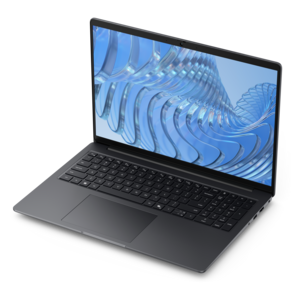
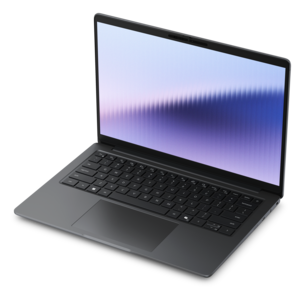
The best laptops for presentations combine dependable performance, a bright, readable display, practical connections, and enough battery life to support the time spent away from an outlet. That balance matters whether the setting is a classroom, a conference room, a client’s office, or a kitchen table during a video meeting. A presentation may look simple on screen, but the laptop behind it can be handling speaker notes, a browser full of research, embedded video, and a live call at the same time. A modern processor and sufficient memory help those tasks run together without making every slide change feel like a pause in the conversation. For many people who regularly multitask, 16GB of memory is a practical starting point, while complex animations, large media files, and creative applications may benefit from additional capacity. A solid-state drive supports responsive file access and application launches, especially when opening a large presentation shortly before a meeting. The right size depends on how the laptop travels and where it gets used. A compact screen can make a device easier to carry between appointments, while a larger screen gives charts, slide layouts, and speaker notes more room during preparation. Neither size automatically makes a better presentation laptop; the useful balance is the one that fits the presenter’s routine. Teachers may need a lightweight device that moves easily between classrooms, consultants may spend hours revising slides while traveling, and students may use the same computer for research, group projects, and a final presentation. A comfortable keyboard and responsive touchpad matter throughout that preparation, not just during the few minutes spent speaking. Quiet operation can also be valuable in a small meeting room, where a loud fan becomes more noticeable during a pause. These everyday details help make a laptop a dependable working tool rather than a device used only when it is time to connect to a projector.

Screen quality influences both the preparation process and the experience of presenting from the laptop itself. Full HD resolution or higher can keep text and graphics clear at typical viewing distances, while a taller display can leave more space for editing tools and notes. Brightness matters in rooms with overhead lighting or large windows, and an anti-glare finish can reduce distracting reflections, although no screen treatment eliminates glare in every setting. Wide viewing angles are helpful when a few colleagues gather around a desk to review a proposal. Accurate color reproduction is especially useful for presentations involving photography, design, or branded artwork, but the projected image will also depend on the connected display and room conditions. For presentations shown on a larger screen, connections deserve as much attention as the built-in panel. An HDMI port can simplify a direct connection to many televisions and projectors. A USB-C port may support an external display, charging, or both, but those capabilities vary by laptop and port; the connector’s shape alone does not confirm video support. Compatible adapters can bridge different connections, and the adapter, cable, and laptop must support the resolution and refresh rate required by the external screen. A USB-A port can be convenient for a presentation remote or other familiar accessories. When speaker notes need to remain private, extended-display mode allows the audience to see the slides while the presenter keeps notes and controls on the laptop, provided the presentation software supports that arrangement. Hybrid meetings add another layer of practical needs. A clear webcam, intelligible microphones, and speakers with enough volume for a small room can make remote participation more comfortable. A headset may be preferable in shared spaces, particularly when nearby conversations could distract participants. Together, these features support the moments that make a presentation feel polished: an opening slide that appears promptly, a video clip that plays smoothly, and a speaker who can focus on the audience rather than the equipment.

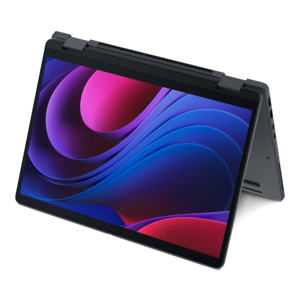
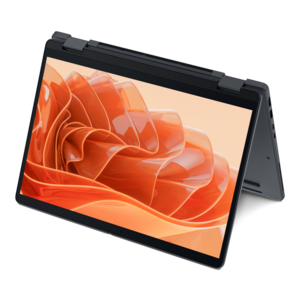
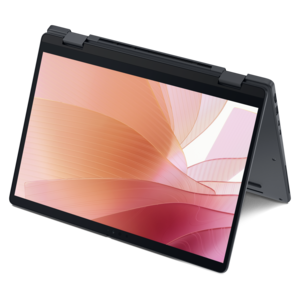
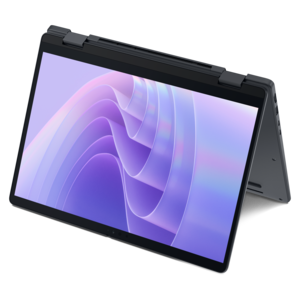
Portability is about more than the weight printed on a specification sheet. The charger, adapters, protective sleeve, and any presentation accessories become part of the load, especially on days that include a commute and several meetings. Battery life also changes with screen brightness, video playback, background applications, and calls, so a published estimate is not a promise of the same runtime in every setting. A comfortable margin beyond the expected meeting length is useful when rehearsal runs long or an outlet is out of reach. Charging through a compatible USB-C power adapter can reduce the number of separate chargers carried, where the laptop supports that feature and the adapter supplies the required power. Construction contributes to everyday confidence as well. Well-fitted panels, a stable hinge, and a keyboard deck that feels firm can make repeated opening, typing, and packing more comfortable. Metal housings may provide a rigid feel, while well-designed reinforced plastics can balance resilience and lower weight; material alone does not establish overall durability. Convertible designs can be useful for marking up slides, sketching an idea, or reviewing material with someone seated across a table, though touch and pen support depend on the model. The appeal of Presentation Laptops extends beyond formal speaking engagements to interviews, training sessions, community meetings, and everyday collaboration. They can also make practical graduation gifts or support someone starting a role that involves frequent communication. Keeping the device ready for those occasions takes straightforward care: a properly fitted padded sleeve, unobstructed ventilation, careful handling around connected cables, and cleaning that follows the manufacturer’s instructions. Liquid should never be sprayed directly onto the screen or keyboard. Saving a separate copy of important presentation files can provide reassurance before travel. With a suitable balance of screen comfort, performance, connections, and manageable weight, a presentation-focused laptop can support the full process, from shaping the first idea to delivering the final slide.

FAQs:

Add the products you would like to compare, and quickly determine which is best for your needs.

Add the products you would like to compare, and quickly determine which is best for your needs.