$809.00
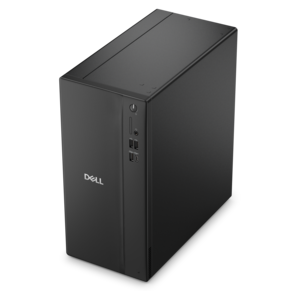
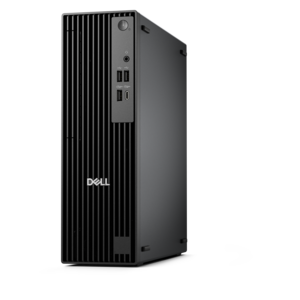
A business-ready tower desktop delivering reliable everyday performance with essential security features for productive workflows.
In today's fast-paced digital landscape, safeguarding your company's data and ensuring seamless operations is more critical than ever. Business IT security plays a pivotal role in protecting sensitive information, preventing unauthorized access, and maintaining the integrity of your business infrastructure. With an increasing number of cyber threats targeting organizations of all sizes, investing in robust IT security solutions is essential to fortifying your network and ensuring peace of mind. Discover a range of advanced tools and technologies designed to enhance your business's security posture, empowering you to focus on growth and innovation with confidence.
A business-ready tower desktop delivering reliable everyday performance with essential security features for productive workflows.
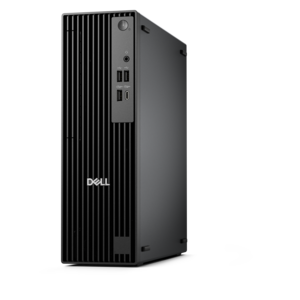
A space-saving business desktop delivering reliable everyday performance with essential security features for productive work.
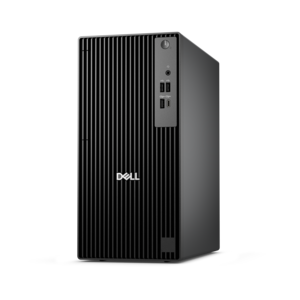
A business-ready tower desktop delivering dependable performance and security for everyday productivity workloads.
A compact, high-performance business desktop offering AI-enhanced productivity, robust security, and streamlined manageability.
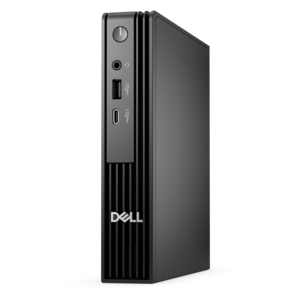
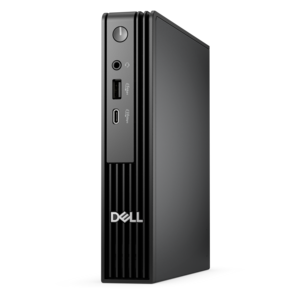
An ultracompact business desktop with Copilot+ PC options, AI-enhanced productivity, robust security, and streamlined manageability.
A business-ready tower desktop with Copilot+ PC options, robust security, manageable features, and expandable performance.
A business-ready tower desktop with AI-enhanced productivity, robust security, seamless manageability, and expandable performance.
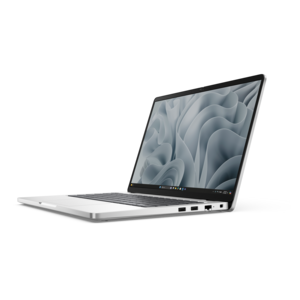
A durable, modular laptop with robust security, a spacious display, and optional built-in AI for workdays.
A durable, modular laptop featuring robust security, spacious 16:10 display, numeric keypad, and optional built-in AI.
A high-performance business desktop with Copilot+ PC options, AI-enhanced productivity, robust security, and manageability.
An ultracompact high-performance business desktop with AI PC options, robust security, and seamless manageability.
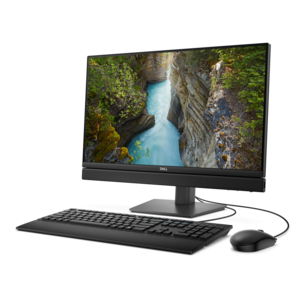
A space-saving all-in-one desktop with AI options, enhanced productivity, and robust security and manageability features.
A durable, lightweight business laptop powered by AMD Ryzen processors with commercial-grade security and manageability.
An ultracompact AI-ready desktop delivering robust business performance with exceptional security and seamless manageability.
A high-performance AI-ready business desktop with security, seamless manageability, and expandable capabilities for demanding tasks.
A durable, lightweight business laptop with commercial-grade security, manageability, and reliable everyday productivity.
A space-saving, AI-ready all-in-one desktop with a 24-inch display and streamlined security and manageability features.
A secure, scalable commercial AI PC in a sleek, durable aluminum body for on-the-go multitasking.
A secure, scalable commercial AI PC featuring a durable aluminum body and spacious productivity-focused display.
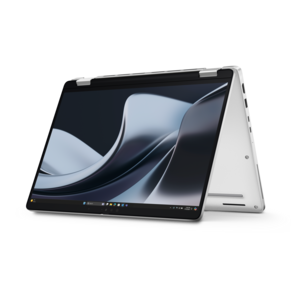
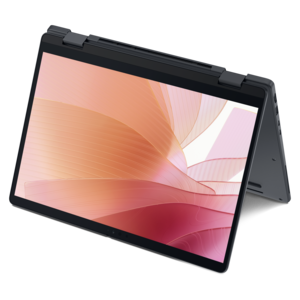
A sleek aluminum commercial AI PC delivering robust security, scalability, productivity, and laptop or 2-in-1 functionality.
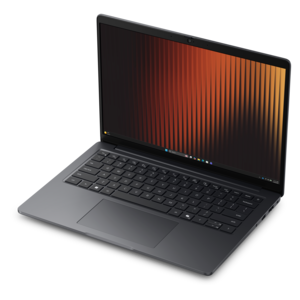
A thin, lightweight business laptop offering durable construction, commercial-grade security, and reliable everyday productivity.
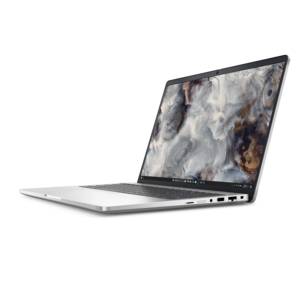
A secure, scalable commercial AI laptop featuring a sleek, durable aluminum body and productivity-focused display.
A thin, lightweight business laptop with AMD Ryzen processors, commercial-grade security, manageability, and durable everyday performance.
A secure, scalable commercial AI PC featuring a durable aluminum body and spacious productivity-focused display.
Business IT security is the practice of protecting a company’s computers, devices, accounts, applications, internet connections, and business information from unauthorized access, malware, theft, disruption, and accidental loss. A thoughtful security setup begins with the everyday tools employees use to work, whether they are in an office, at home, traveling between locations, or assisting customers in the field. Laptops and desktop computers should support current operating systems, routine software updates, secure sign-in methods, and endpoint protection that can help identify suspicious activity. When evaluating devices for business use, consider how easily they can be managed, updated, and secured across the organization. Features such as biometric sign-in, privacy controls, encrypted storage, automatic screen locking, and support for multi-factor authentication can add meaningful layers of protection without making normal work feel cumbersome. Accessories also deserve attention: privacy filters can limit shoulder surfing in shared spaces, reliable webcams can support secure video meetings, and keyboards, mice, docking accessories, and displays can help employees maintain a consistent workstation without relying on unknown or outdated equipment. A clear inventory of assigned devices makes it easier to apply policies, remove access when someone changes roles, and respond quickly if a computer is misplaced. For small organizations, these considerations are especially important because one compromised account or unprotected endpoint can affect customer records, invoices, project files, and the confidence built with clients over many years. The Small Business Security selection can help organizations compare computing equipment and accessories with security-minded purchasing priorities in view.
Effective protection extends beyond the device itself. Network security helps safeguard internet connections and data moving between employees, offices, and online services, while identity and access management helps ensure that people can reach only the information required for their responsibilities. Strong, unique passwords should be paired with multi-factor authentication, which asks for a second verification step such as an approval in an authentication application, a security key, or a one-time code. Role-based permissions can reduce unnecessary exposure by separating access for accounting, sales, human resources, operations, and temporary contractors. Businesses should also establish a dependable backup and recovery process, keeping protected copies of essential files so work can continue after ransomware, hardware failure, accidental deletion, or another disruptive event. Backups are most useful when they are monitored, tested, and separated from everyday accounts so an intruder cannot easily alter every copy. Software updates should be automated wherever practical, including updates for operating systems, web browsers, productivity tools, and security applications; patches often address weaknesses that attackers already know how to exploit. A security-conscious purchasing decision therefore includes more than appearance or processing performance. Consider support availability, warranty coverage, device manageability, compatibility with existing authentication tools, battery life for mobile workers, camera and microphone controls, and the ability to replace or repair equipment responsibly. A larger, clearer monitor can help an employee review alerts and documents with less strain, while a dependable laptop can support secure work away from the office without requiring employees to use personal devices. These details make security more practical because protection works best when it fits naturally into the way people work.
People are an essential part of business IT security, and straightforward habits can prevent many common incidents. Regular training should show employees how to recognize phishing messages, inspect unfamiliar links, verify urgent payment requests, handle customer information carefully, and report mistakes without delay. A short conversation after a suspicious email can be more valuable than a policy document that remains unread, particularly when training uses examples that resemble the messages employees actually receive. Organizations should define who approves new accounts, who can reset credentials, how departing workers’ access is removed, and where suspected incidents are reported. An incident response plan should describe how to isolate an affected device, preserve relevant information, notify responsible leaders, communicate with customers when necessary, and restore normal operations. Testing the plan during a quiet afternoon can reveal missing contact details or unclear responsibilities before a real disruption occurs. Businesses may also benefit from separating work and personal activity on company equipment, limiting administrative privileges, securing devices when they are left unattended, and reviewing access permissions on a regular schedule. These practices apply to a neighborhood office, a growing professional firm, a home-based business, and a distributed team working across several locations. During the cooler months, when employees may move between home offices, shared workplaces, and travel destinations, consistent sign-in policies, updated devices, and physical privacy measures remain useful wherever work takes place. The strongest approach combines capable computers and accessories with secure configurations, informed employees, tested recovery procedures, and ongoing attention to changing risks.
Add the products you would like to compare, and quickly determine which is best for your needs.