$809.00
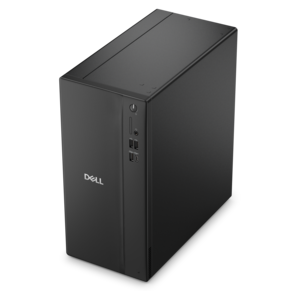
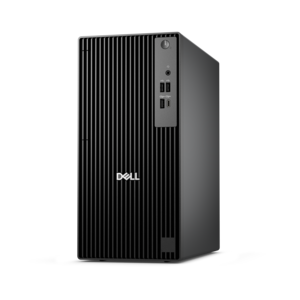
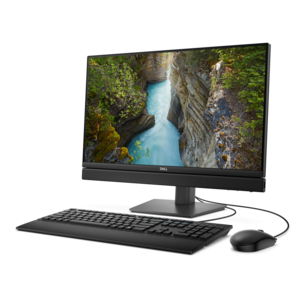
A business-ready tower desktop delivering reliable everyday performance with essential security features for productive workflows.
Protecting your enterprise with robust small business security solutions is essential in today's fast-paced digital landscape. As cyber threats continue to evolve, having a reliable security system in place can safeguard sensitive information, ensuring that your business operations run smoothly and efficiently. Whether you're looking to secure a physical storefront or protect valuable digital assets, investing in comprehensive security measures tailored to small businesses can provide peace of mind and help maintain customer trust. Explore a range of options designed to keep your business safe and resilient against potential risks.
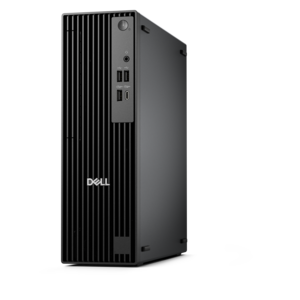
A business-ready tower desktop delivering reliable everyday performance with essential security features for productive workflows.
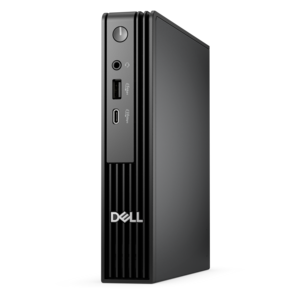
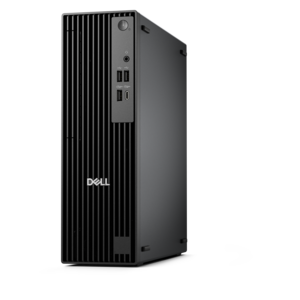
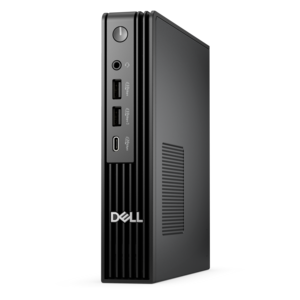
A space-saving business desktop delivering reliable everyday performance with essential security features for productive work.
A business-ready tower desktop delivering dependable performance and security for everyday productivity workloads.
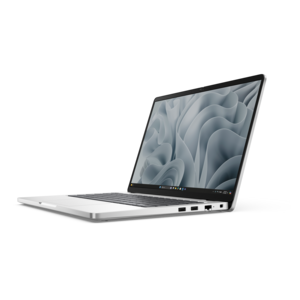
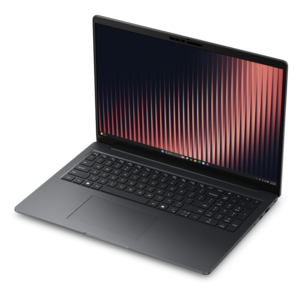
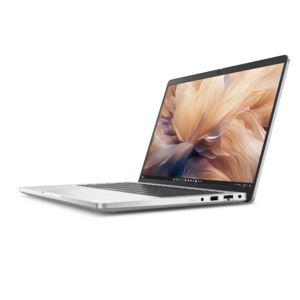
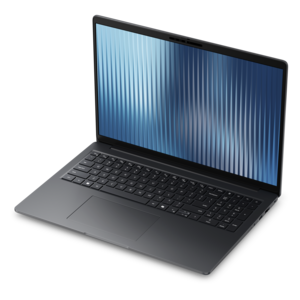
A durable, modular laptop with robust security, a spacious display, and optional built-in AI for workdays.
A high-performance business desktop with AI PC options, robust security, and seamless manageability for productivity.
An ultracompact business desktop with Copilot+ PC options, AI-enhanced productivity, robust security, and streamlined manageability.
A business-ready tower desktop with Copilot+ PC options, robust security, manageable features, and expandable performance.
A compact, high-performance business desktop for heavy workloads, featuring advanced security, manageability, and optional AI productivity.
A business-ready tower desktop with AI-enhanced productivity, robust security, seamless manageability, and expandable performance.
A durable, modular laptop featuring robust security, spacious 16:10 display, numeric keypad, and optional built-in AI.
A durable, lightweight business laptop powered by AMD Ryzen processors with commercial-grade security and manageability.
A thin, lightweight business laptop powered by AMD Ryzen processors with commercial-grade security and manageability.
A space-saving all-in-one desktop with AI options, enhanced productivity, and robust security and manageability features.
An ultracompact AI-ready desktop delivering robust business performance with exceptional security and seamless manageability.
A compact, high-performance business desktop supporting heavy workloads, AI-enhanced productivity, and secure manageability in tight spaces.
A high-performance AI-ready business desktop with security, seamless manageability, and expandable capabilities for demanding tasks.
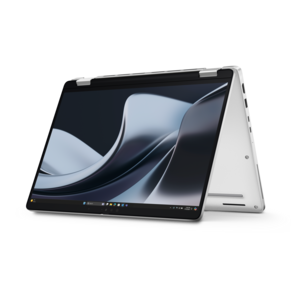
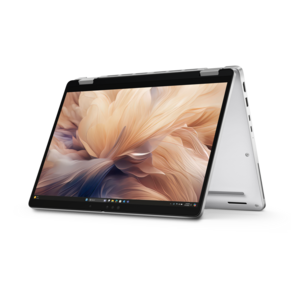
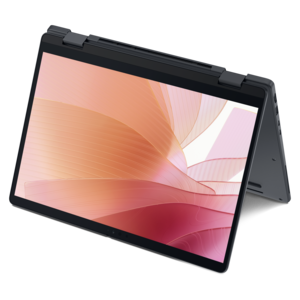
A sleek aluminum commercial AI PC with robust security, scalable performance, and flexible laptop-or-tablet versatility.
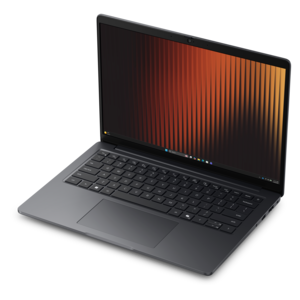
A durable, lightweight business laptop with commercial-grade security, manageability, and reliable everyday productivity.
A space-saving, AI-ready all-in-one desktop with a 24-inch display and streamlined security and manageability features.
A secure, scalable commercial AI PC in a sleek, durable aluminum body for on-the-go multitasking.
A secure, scalable commercial AI PC featuring a durable aluminum body and spacious productivity-focused display.
A thin, lightweight business laptop offering durable construction, commercial-grade security, and reliable everyday productivity.
A secure, scalable commercial AI laptop featuring a sleek, durable aluminum body and productivity-focused display.
A secure, scalable commercial AI PC featuring a sleek, durable aluminum body for productive multitasking.
Small business security starts with a practical combination of physical protection, secure computing habits, and dependable devices that help people work without exposing sensitive information. A small office, storefront, studio, clinic, or home-based business may have only a few employees, but it still handles customer details, payment information, employee records, invoices, intellectual property, and everyday communications that deserve careful protection. The right products can support that effort at every desk and doorway. Laptops and desktops with current operating systems give employees a reliable foundation for secure work, while monitors can make it easier to review account activity, approve transactions, and notice unusual messages without constantly switching between windows. Useful accessories, including privacy screens, webcams with physical covers, encrypted removable media, comfortable keyboards, and dependable mice, can help create a more controlled workspace. When selecting equipment, consider how many people will use it, whether employees work from one location or several, the sensitivity of the information they handle, and how easily devices can be updated and maintained. A business owner working from a spare bedroom may need a compact setup that can be locked away at night, while a growing office may benefit from standardized computers that can be configured and updated consistently. Look for strong login support, automatic security updates, built-in protections against unauthorized access, and enough performance for the applications your team uses every day. A computer that starts quickly, stays responsive during video meetings, and receives routine updates is more likely to remain in service and less likely to encourage employees to create workarounds that weaken protection.
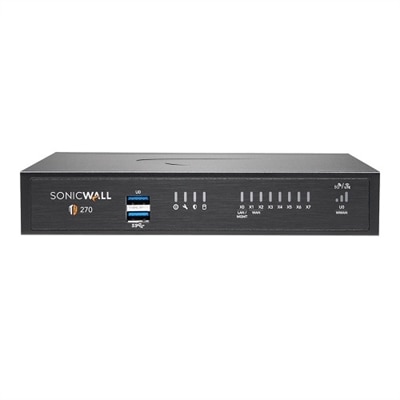
Physical safeguards add another important layer, particularly for businesses with a public entrance, inventory, client records, or equipment that remains onsite after closing. Door sensors, motion detectors, glass-break sensors, and security cameras can help owners understand what is happening around the premises and receive alerts when activity occurs at unexpected times. A simple camera positioned near an entrance may provide a clear view of visitors, deliveries, or a door that was left open, while motion detection can draw attention to activity after normal business hours. Choose equipment according to the size and layout of the space rather than buying more coverage than the business can reasonably monitor. A single-location office may need a straightforward arrangement around exterior doors, reception areas, and rooms containing valuable equipment; a larger storefront may require broader visibility and clearly defined access zones. Consider lighting, camera placement, privacy expectations, power availability, and how long recorded footage should be retained. Physical security products work best when paired with clear routines: keep devices out of public reach, lock screens whenever someone steps away, limit access to rooms and equipment, and review alerts promptly. For digital access, use unique passwords and multi-factor authentication, which asks a user to provide two or more verification factors before entering an account or application. This may combine a password with an approval on a trusted device, a security key, or a biometric check. Multifactor protection can stop an intruder who has obtained a password from entering an account, making it especially valuable for email, financial services, payroll tools, and business applications. Owners who want to evaluate firewall options for a smaller organization can explore Small Business Firewalls while considering the number of users, devices, locations, and applications that need protection.
Security also depends on the people using the equipment. Even a carefully configured computer can be put at risk when someone opens a convincing message, reuses a password, or postpones an important update. Short, regular training can help employees recognize phishing, including deceptive emails, text messages, and calls that imitate a bank, delivery service, colleague, or familiar service provider. Encourage the team to pause before opening an unexpected attachment, entering credentials, changing payment instructions, or sharing confidential information. A useful habit is to verify unusual requests through a trusted channel rather than replying to the original message. Keep operating systems, browsers, applications, firmware, and security tools current, and establish a routine for checking that updates have been applied across every company computer. Built-in security features and reputable protection software can help identify harmful files, suspicious behavior, and attempts to access protected information, but they should complement—not replace—sound policies and attentive users. It is also wise to define who can access financial records, customer information, employee documents, and administrative settings, granting only the permissions each person needs. When an employee joins, changes roles, or leaves, review their access promptly. For businesses with remote workers, provide clear guidance for using company equipment in coffee shops, shared offices, and at home; privacy screens can reduce shoulder surfing, and automatic screen locks can protect an unattended laptop. A thoughtfully selected computer, monitor, or accessory can be a practical addition when opening a new location, equipping a new employee, or replacing aging equipment that no longer receives dependable updates. The best small business security setup is not necessarily the largest or most complicated. It is a balanced, manageable collection of devices and safeguards that fits the workplace, supports daily tasks, protects information, and can grow as the business gains customers, employees, and responsibilities.
Add the products you would like to compare, and quickly determine which is best for your needs.