$49.99
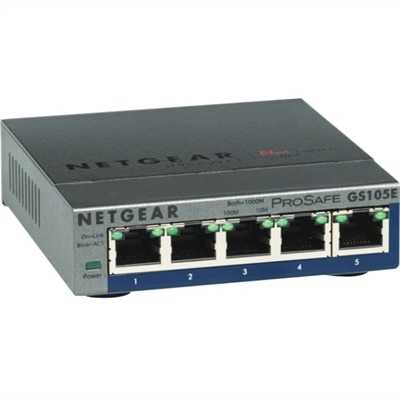
A 5-port Gigabit Ethernet switch featuring VLAN, QoS, IGMP snooping, link aggregation, and traffic monitoring.
Navigating the ever-evolving landscape of business technology needs can be a daunting task, but finding the right tools is essential for driving efficiency and innovation. Whether you're a small startup or an established enterprise, having access to cutting-edge technology solutions can streamline operations, enhance communication, and boost productivity. From powerful computing systems to versatile mobile devices and advanced networking equipment, the right mix of technology can empower your team to excel in today's competitive market. Explore a diverse range of options designed to meet your unique business technology needs and keep you ahead of the curve.
A 5-port Gigabit Ethernet switch featuring VLAN, QoS, IGMP snooping, link aggregation, and traffic monitoring.
A 1080p conference camera with full-duplex speakerphone audio, autofocus, remote pan-tilt-zoom, and echo cancellation.
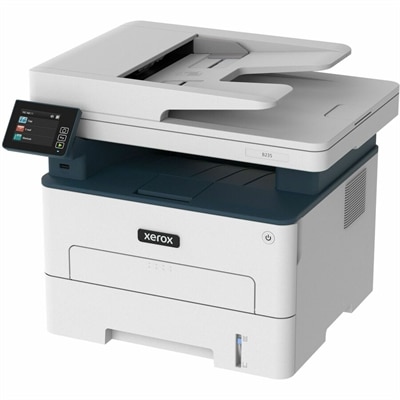
A wireless multifunction laser printer offering automatic two-sided printing, scanning, copying, faxing, and mobile device support.
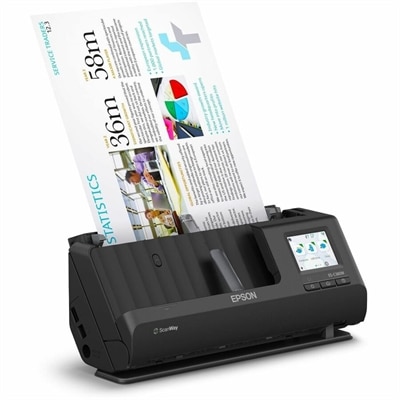
A wireless sheetfed scanner with 600-dpi optical resolution, duplex scanning, 20-page ADF, and 30-ppm performance.
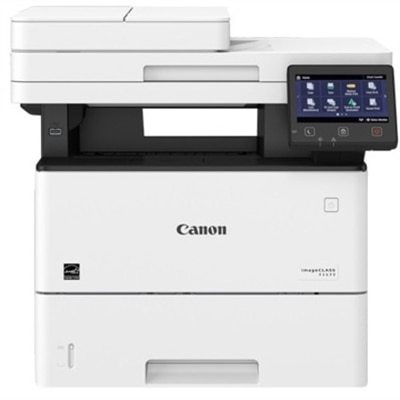
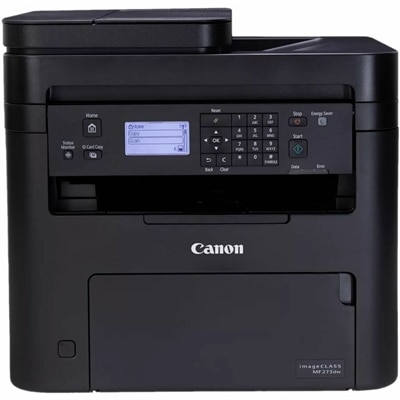
A monochrome laser multifunction printer delivering 45 ppm, 600x600 dpi, duplex scanning, and 2,300-sheet capacity.
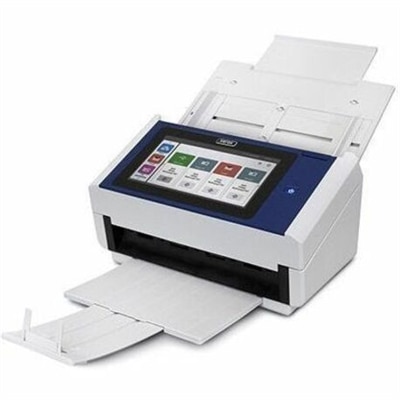
A document scanner with an 8-inch touchscreen, 600 dpi optical resolution, Wi-Fi, Ethernet, and 100-sheet feeder.
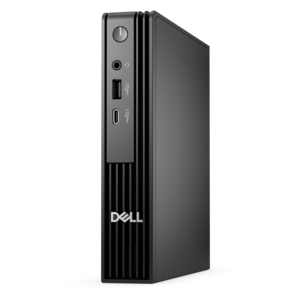
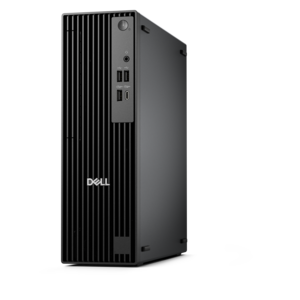
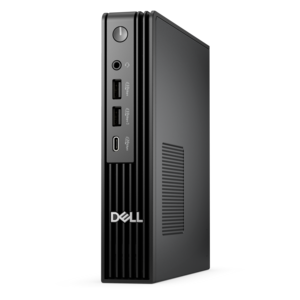
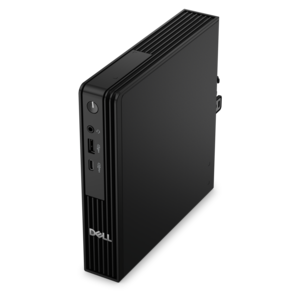
An ultracompact business desktop with Copilot+ PC options, AI-enhanced productivity, robust security, and streamlined manageability.
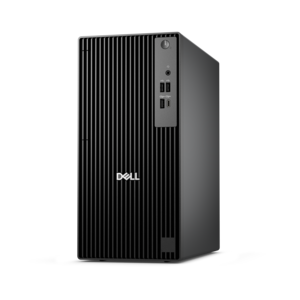
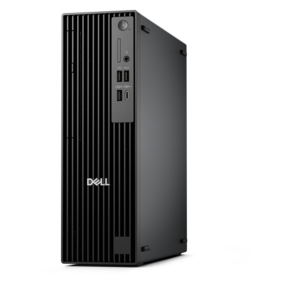
A business-ready tower desktop with Copilot+ PC options, robust security, manageable features, and expandable performance.
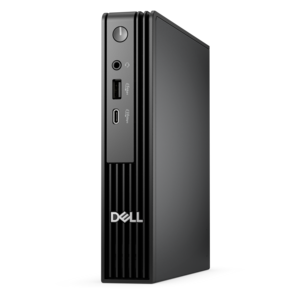
A compact business desktop with AI PC options, robust security and streamlined manageability for productive workflows.
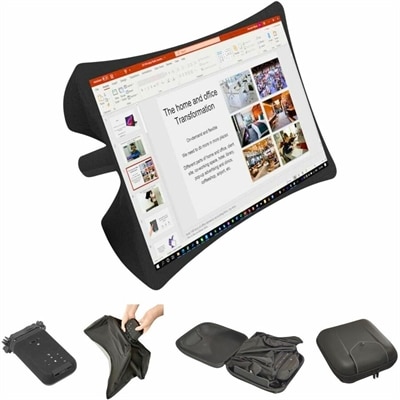
A foldable, rugged projection system with a nanomaterial screen, built-in battery, HDMI and USB-C connectivity.
A compact business desktop PC built for heavy workloads, with AI-enhanced productivity, security, and manageability.
A business-ready tower desktop with AI-enhanced productivity, robust security, seamless manageability, and expandable performance.
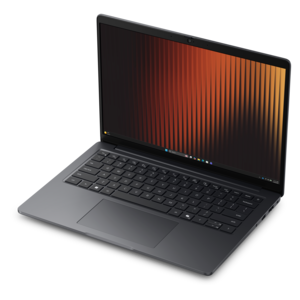
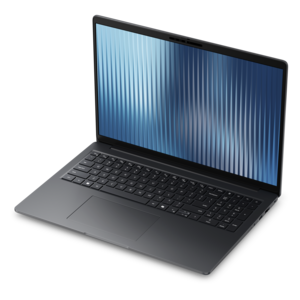
A thin, lightweight business laptop with AMD Ryzen processors, commercial-grade security, and durable, manageable construction.
A compact, high-performance AI-ready desktop delivering secure, manageable performance for demanding business workloads.
A high-performance AI-ready business desktop with security, seamless manageability, and expandable capabilities for demanding tasks.
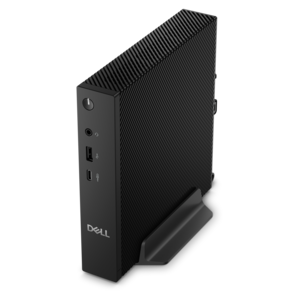
An ultracompact AI-ready business desktop with robust performance, exceptional security, and seamless manageability.
A thin, lightweight business laptop with durable construction and commercial-grade security and manageability.
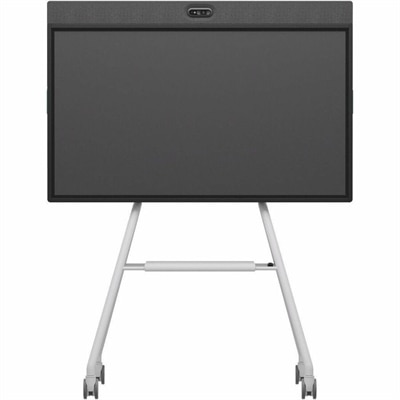
An all-in-one mobile conferencing system with touchscreen collaboration, AI-powered audio/video, recycled plastic, and lockable cart.
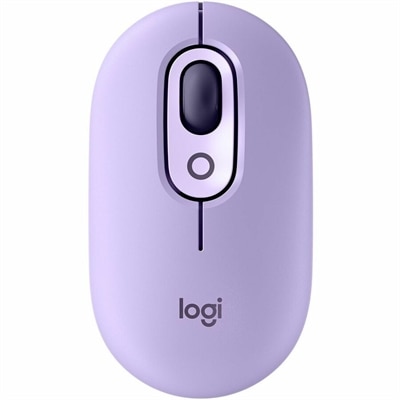
A colorful wireless mouse with customizable buttons, quiet clicks, smart scrolling, multi-device switching, and a two-year battery.
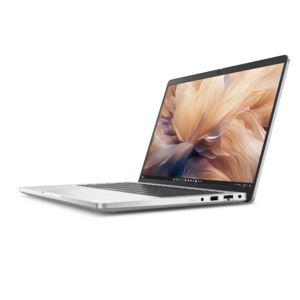
A commercial AI PC with robust security, scalability, durable aluminum construction, and a productivity-focused display.
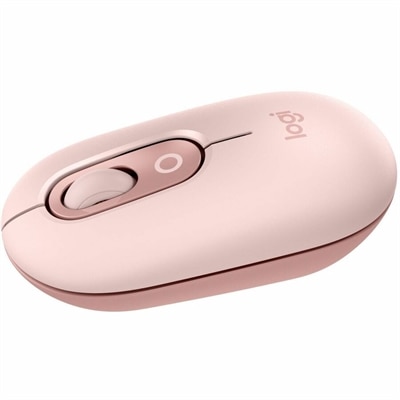
A rose compact wireless mouse with Bluetooth, programmable buttons, quiet clicks, and switching between up to three devices.
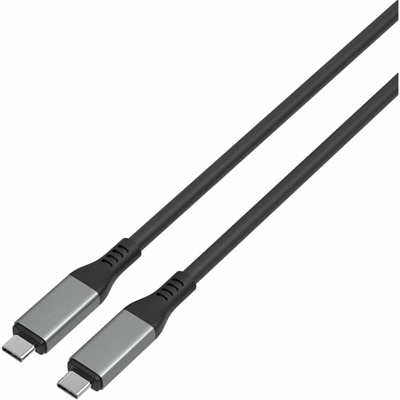
A high-performance USB-C cable supporting 80Gbps transfers, 240W charging, and DP Alt Mode 2.1.
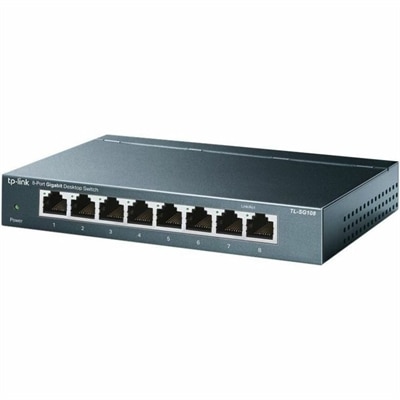
An 8-port Gigabit desktop switch with metal casing, fanless operation, plug-and-play setup, QoS, and energy savings.
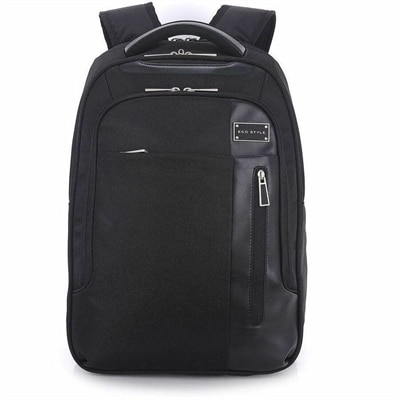
A black laptop backpack with dedicated tablet storage, TSA-friendly access, and ergonomic shoulder straps.
Business technology needs vary with the way a company works, the people it serves and the tasks employees handle each day. A dependable computer remains central to many workplaces, whether it is used for drafting proposals, reviewing financial documents, managing customer relationships, creating presentations or joining a video meeting with a remote colleague. Laptops are well suited to people who move between a home office, a shared workspace and client locations, while desktops can be a practical choice for employees who spend most of their time at a dedicated workstation and value a larger display, a full-size keyboard or a consistent setup. Small businesses often equip a combination of both so each employee has technology that matches the rhythm of the role. A clear, comfortable monitor can make long work sessions easier on the eyes and provide room to compare documents, follow a presentation and keep communication tools visible without constant window switching. Accessories can complete the experience with more comfortable pointing and typing, improved audio for calls, adjustable positioning and convenient ways to connect everyday equipment. When comparing options, consider processor performance, memory, battery life, display size and resolution, operating system compatibility, available ports, camera and microphone quality, warranty coverage and ease of support. It is also worth thinking beyond a single busy afternoon: a computer that handles current applications smoothly, accommodates a growing workload and fits naturally into an employee’s routine can help avoid unnecessary interruptions. For additional ideas across work-ready devices and accessories, explore Small Business Technology.
A useful business technology setup should support more than individual productivity. Employees may need reliable internet access, approved communication tools, video conferencing, customer relationship management applications, accounting and invoicing software, digital scheduling tools and shared workspaces that keep information available to the right people. A company laptop used by a salesperson on the road may need strong battery life, a dependable camera and a lightweight design, while a desktop used for bookkeeping may benefit from a larger screen and a comfortable, stable workspace. Someone who creates marketing materials may appreciate a higher-resolution display and responsive performance, whereas a customer support representative may place greater importance on clear audio, a well-placed webcam and quick access to several applications at once. These details are easy to overlook when selecting equipment by price or appearance alone. Before making a purchase, map the most common tasks for each role, identify the applications employees rely on, check compatibility with existing tools and allow room for reasonable growth. Consider how equipment will be managed, updated and protected after it arrives. Multi-factor authentication, strong account permissions, endpoint protection, automatic software updates and regular backups are important parts of a responsible technology plan, even when the business has only a few employees. A written process for replacing a lost device, removing access when someone leaves and reporting suspicious messages can be just as valuable as the hardware itself. Clear policies also help employees work confidently from home, from a client site or from a shared office without putting company information at unnecessary risk.
Business technology can serve nearly anyone who contributes to an organization, from a first-time entrepreneur working at a kitchen table to an established team coordinating projects across several locations. It can also be a thoughtful gift for a new business owner, a freelancer building a professional workspace or an employee preparing for a new role, particularly when the selection reflects how that person actually works. A compact laptop can help a consultant move from a morning appointment to an afternoon presentation, while a monitor or ergonomic accessory can turn a spare room into a more capable home office during the cooler months. For a growing company, providing consistent equipment can simplify onboarding and create a familiar experience across departments. Look for practical features that employees will notice every day: a keyboard that feels comfortable during long periods of writing, a display that can be adjusted to a better viewing position, a camera that keeps faces clear in meetings and enough connectivity for the accessories already in use. Portability, durability and repair or support options may matter more than a long list of advanced features, especially for equipment that travels between locations. As work patterns shift through late summer and fall, dependable technology helps teams stay organized through changing schedules, customer deadlines and a mix of in-person and remote collaboration. The strongest choices are not necessarily the most elaborate; they are the ones that make routine tasks feel simpler, protect important work and give people the confidence to focus on serving customers and moving the business forward.
Add the products you would like to compare, and quickly determine which is best for your needs.