$550.00
A durable, serviceable Chromebook designed specifically for education environments.
Classroom technology is transforming the way students and educators connect, collaborate, and learn. With a wide range of innovative devices and tools designed for modern educational environments, it’s easier than ever to create engaging lessons and interactive experiences. Explore solutions that support productivity, encourage creativity, and streamline classroom management, all designed to help elevate learning outcomes in schools of every size.
A durable, serviceable Chromebook designed specifically for education environments.
A durable, serviceable Chromebook laptop or 2-in-1 designed for K-12 learning environments.
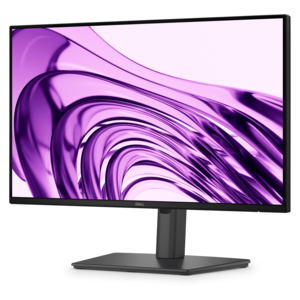
A productivity-focused FHD monitor with extensive connectivity, high refresh rate, and TÜV-certified four-star eye comfort.
A 2K QHD webcam designed for clear, confident everyday video collaboration.
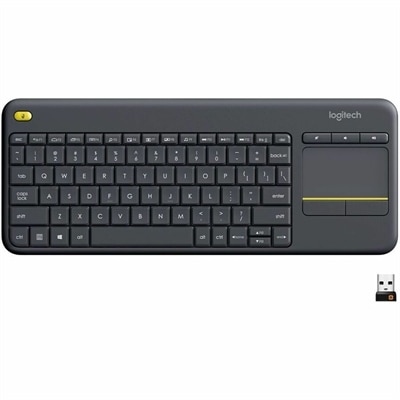
A wireless keyboard with integrated touchpad, comfortable media controls, and 10-meter range for seamless entertainment navigation.
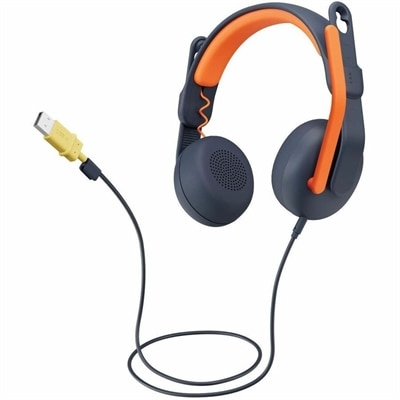
A USB-A wired on-ear headset with microphone, adjustable fit, comfortable pads, and voice-focused audio for learners.
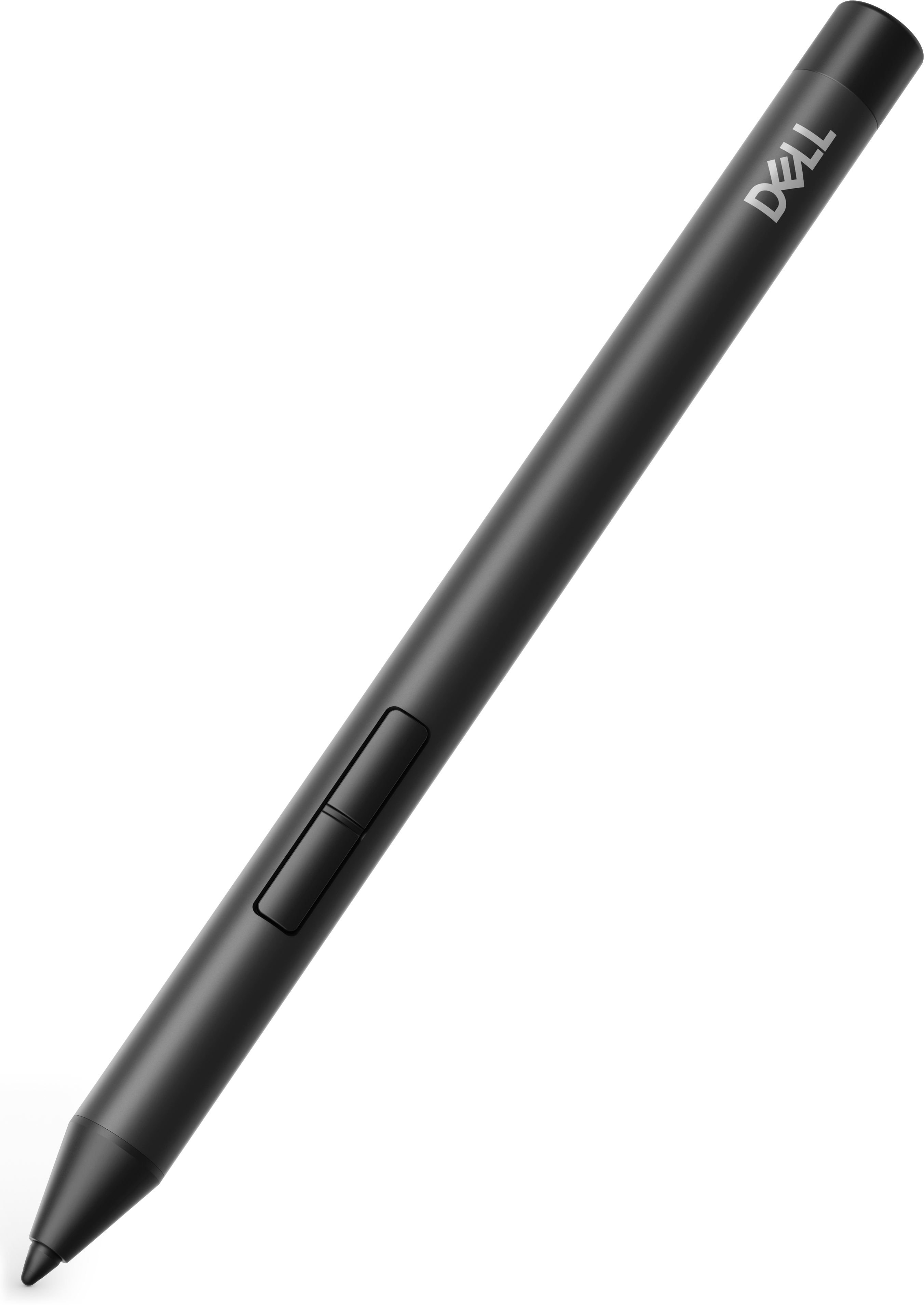
A precision active pen offering multiprotocol compatibility and smooth operation for creative, productive, comfortable workflows.
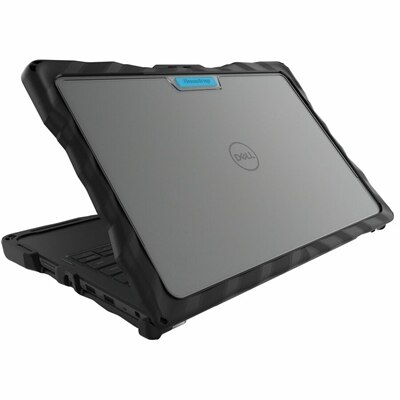
A rugged, two-piece Chromebook case with rubberized tread, reinforced corners, and four-foot drop protection.
A ceiling-installed tensioned projection screen with thin steel cables, sliding brackets, and integrated trim for presentations.
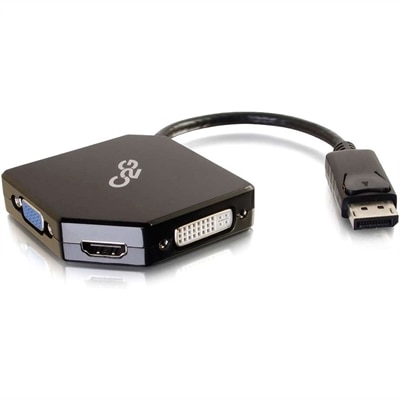
An all-in-one DisplayPort adapter supporting HDMI, VGA, and DVI displays with plug-and-play, bus-powered connectivity.
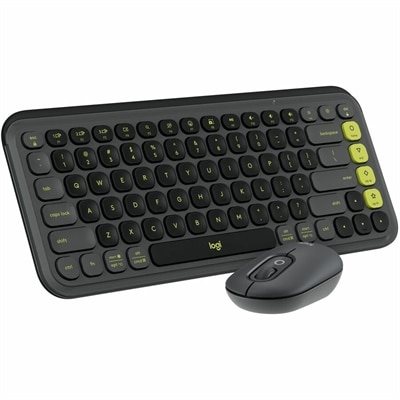
A graphite-and-green keyboard and mouse combo with low-profile typing, customizable controls, and Smartwheel scrolling.
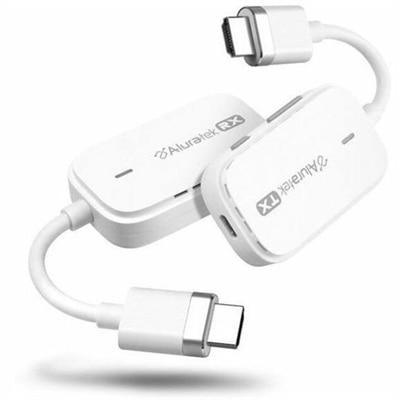
A plug-and-play wireless HDMI kit supporting Full HD 1080p streaming up to 100 feet.
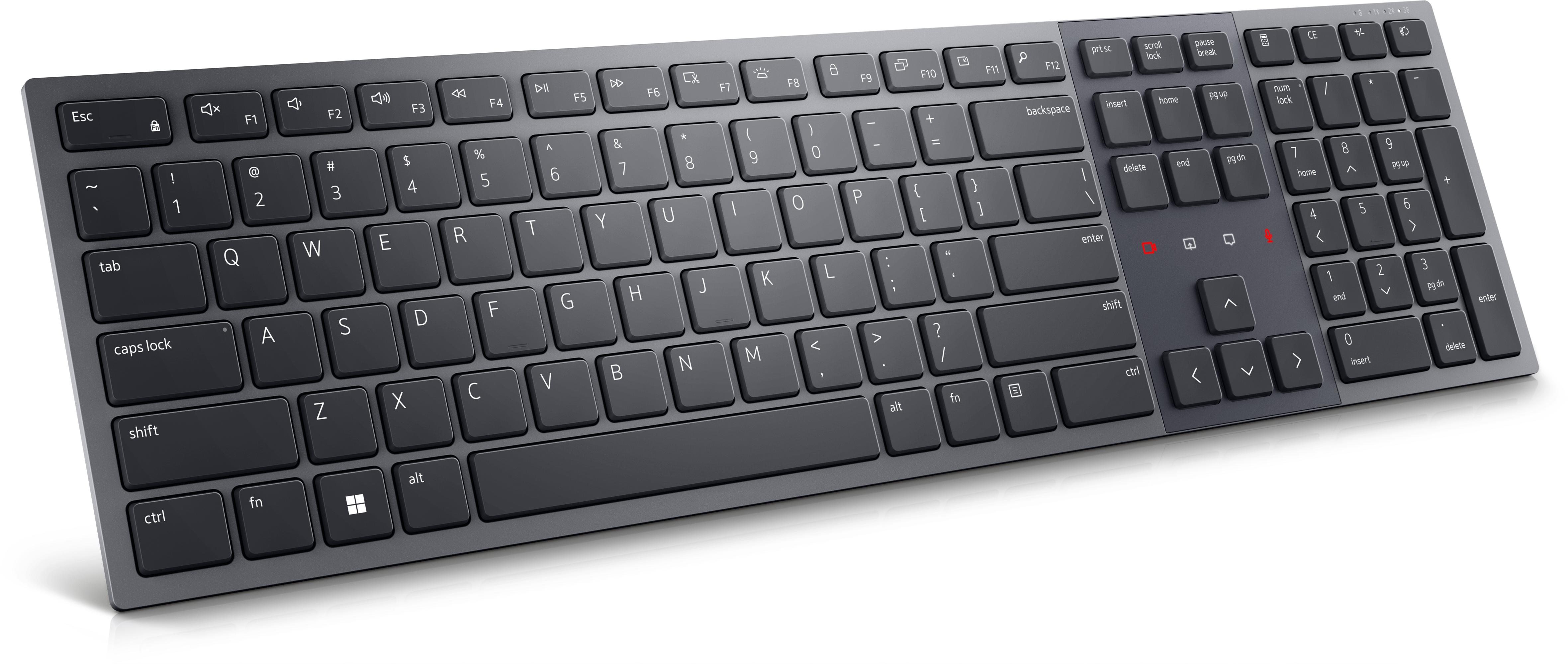
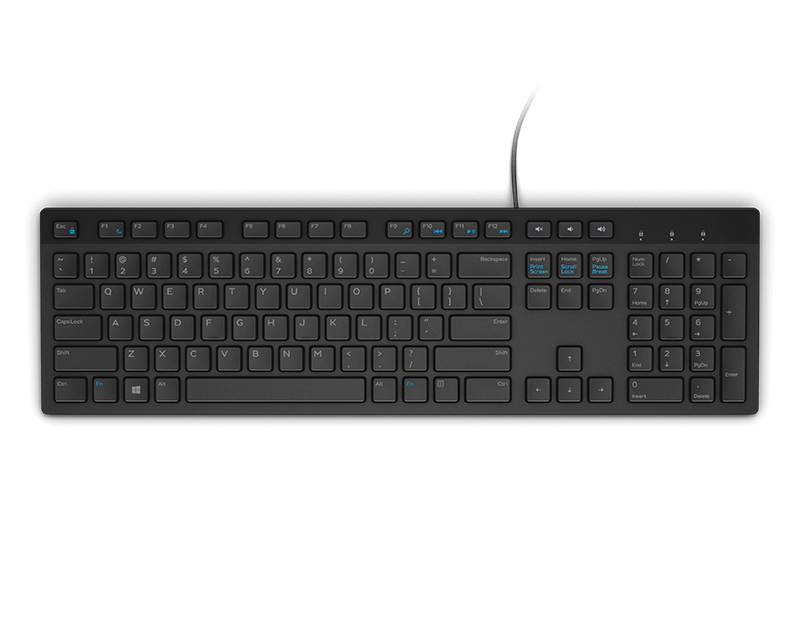
A Zoom-certified rechargeable keyboard designed for seamless collaboration, enhanced productivity, and all-day typing comfort.
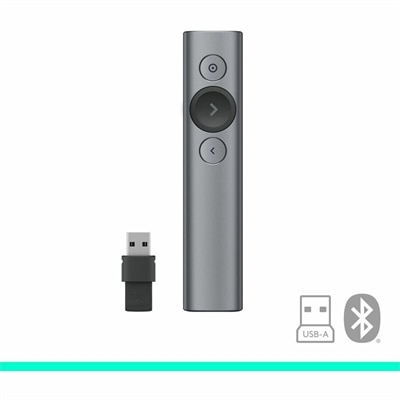
A slate wireless presentation remote with laser pointer, Bluetooth connectivity, digital highlighting, 30-meter range, and quick charging.
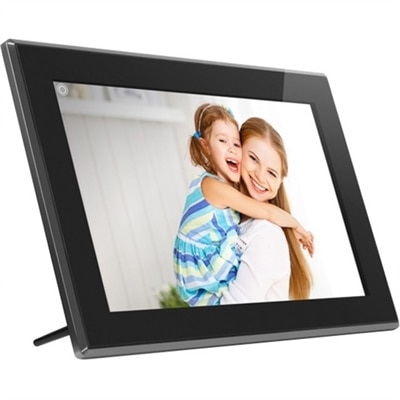
A touchscreen digital frame with IPS display, multimedia playback, wireless sharing, 16GB storage, and SD/USB support.
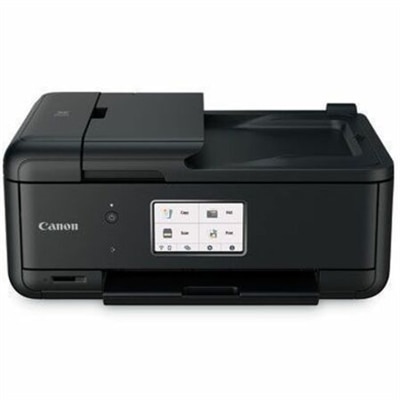
A compact wireless all-in-one inkjet printer with five-ink printing, duplexing, scanning, faxing, and smartphone connectivity.
A Full HD conferencing monitor with built-in webcam, speakers, and microphone for seamless everyday collaboration.
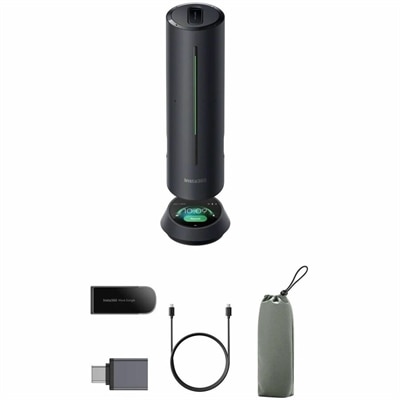
A smart conference speakerphone with eight microphones, 16-foot pickup, AI noise reduction, transcription, and 32GB storage.
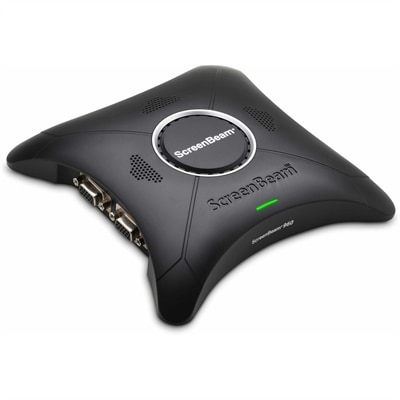
A wireless display receiver enabling app-free presentations, extended desktops, interactive touch, and centralized remote management.
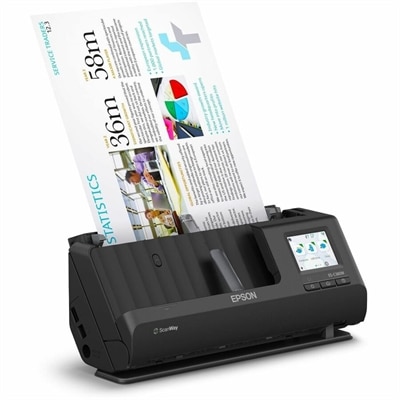
A wireless sheetfed scanner with 600-dpi optical resolution, duplex scanning, 20-page ADF, and 30-ppm performance.
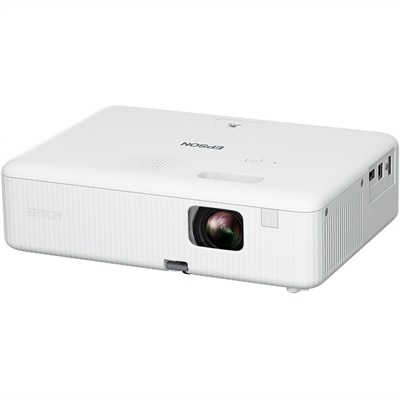
A portable WXGA 3LCD projector delivering 3,000 lumens, 378-inch images, HDMI connectivity, and easy keystone correction.
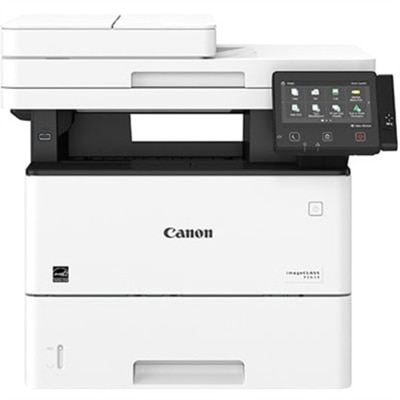
A monochrome multifunction laser printer with copier, fax, scanner, 45-ppm output and customizable color touchscreen.
A durable, serviceable Chromebook or 2-in-1 designed specifically for K–12 learning environments.
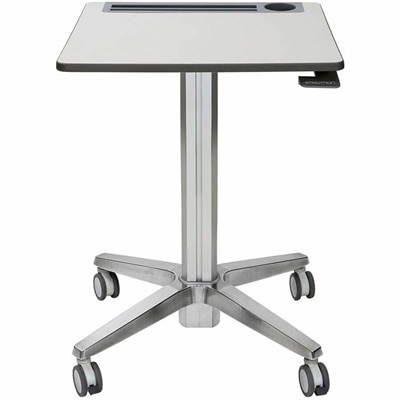
A mobile sit-stand desk enabling flexible, active learning and workspaces.
Classroom technology includes the computers, monitors, and accessories used to support teaching, learning, communication, and creative work in educational settings. These tools give students ways to research a topic, draft an essay, explore a visual model, or present findings, while helping teachers prepare lessons and share information clearly. Classroom laptops bring that flexibility to individual desks, small-group tables, and shared learning spaces. Desktop computers suit more permanent workstations, where a full-size keyboard and a separate display can support extended writing, coding, and detailed project work. Monitors and audio accessories complement those computers by making digital material easier to see and hear. The most useful combination depends on what happens during the school day: a student reviewing a reading passage has different needs from a class editing video or building three-dimensional models. For everyday assignments, a responsive computer that comfortably runs the school’s required applications can keep the focus on the task. More demanding creative and technical coursework may call for greater processing capability, additional memory, or specialized graphics capabilities. Software compatibility matters just as much as hardware performance, particularly when teachers rely on specific assessment tools, accessibility features, or subject-based applications. Learning platforms organize assignments and feedback, while collaboration applications let classmates contribute to shared documents; compatible classroom computers provide access to both. Age and learning environment also shape the experience. Younger learners may benefit from straightforward controls and a setup with fewer loose components, while older students often need room for several documents, browser tabs, and project windows. In a busy classroom, practical details become noticeable quickly: whether a screen is readable from the next seat, whether a microphone picks up a spoken response clearly, and whether a computer wakes promptly between activities. Well-matched classroom technology supports these ordinary moments without making the equipment the center of the lesson. It can serve teachers, students, tutors, and support staff across elementary classrooms, secondary schools, college study spaces, and adult education programs.
Physical fit and durability influence how comfortably classroom equipment handles repeated daily use. A laptop carried between rooms benefits from a manageable weight, sturdy hinges, and a protective sleeve that fits its dimensions without leaving it loose inside. Reinforced construction and spill-resistant features can be useful where available, though no device should be treated as immune to drops or liquid damage. A smooth plastic housing may be lightweight and easy to wipe down, while a metal enclosure can feel more rigid; actual durability depends on construction and testing rather than material alone. On a shared desk, a stable monitor stand and a keyboard that stays put help keep the workspace orderly during transitions between students. Screen size needs to suit both the task and the available surface. A compact laptop leaves space for a notebook and a paperback, while a larger monitor can make it easier to compare a source document with a written response. Display resolution, text scaling, brightness adjustment, and glare all affect readability, especially near windows or under bright overhead lights. Adjustable monitor height and tilt help position the screen for different users, although the desk and chair also need to fit the learner. Keyboards and mice should feel comfortable for the hands using them, with enough room to move naturally instead of reaching around books or cables. For listening stations and language practice, headset fit deserves similar attention: adjustable headbands, cushioned ear pads, and manageable weight can make longer activities more comfortable. Listening volume should remain appropriate, and shared headsets need a consistent cleaning routine. Care is generally straightforward but should follow each manufacturer’s directions. Powering equipment down before cleaning, using approved materials, and keeping moisture away from openings help protect frequently touched surfaces. Charging cables also need room to connect without bending sharply or stretching across walkways. In shared settings, clear device labels and a consistent place for each accessory make classroom transitions simpler without adding complexity to the learning routine.
Intended use brings these details together. During independent reading, a student might listen to an assigned passage through headphones while following the text on a laptop. At a nearby table, a small group might use a separate monitor to review a presentation together, with enough screen space for everyone to follow the discussion. A teacher preparing feedback may prefer a desktop workstation with a comfortable keyboard and room to view student work beside a grading rubric. For remote instruction or conversations with a visiting speaker, a webcam and microphone can help people see demonstrations and hear questions, provided they are positioned carefully and work with the chosen application. Connection types deserve attention because monitors, headsets, and other accessories need compatible ports or suitable adapters; a connector that physically fits does not always support every intended function. Battery needs vary with the schedule, too. A device used away from an outlet for several class periods has different requirements from one that remains at a dedicated workstation, and actual battery life changes with brightness, applications, and workload. Accessibility features can broaden participation through larger text, captions, dictation, keyboard navigation, and other supported input options. These features work best when the computer, peripherals, and learning applications support the learner’s particular needs. Privacy is another everyday consideration when computers are shared: individual accounts, screen locking, and careful handling of saved work help keep one student’s activity separate from another’s. Equipment used for schoolwork at home benefits from the same attention to comfort, compatibility, and care. Families building a dedicated study area can explore Technology for Homeschooling for a related learning setting. Whether the workspace is a classroom desk, a campus study station, or a quiet corner at home, the purpose remains practical: giving learners dependable tools for reading, creating, practicing, and communicating. Thoughtful choices leave room for paper notes, hands-on materials, conversation, and movement, with digital equipment supporting the activity rather than crowding it out.
Add the products you would like to compare, and quickly determine which is best for your needs.