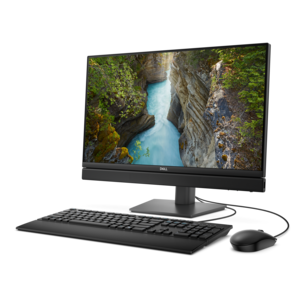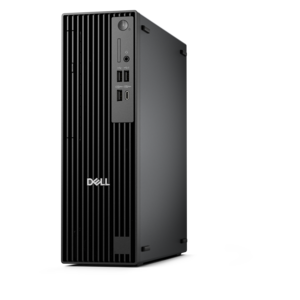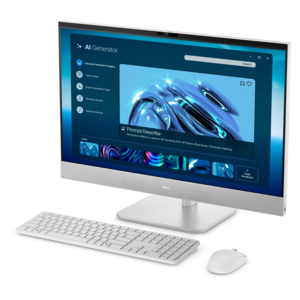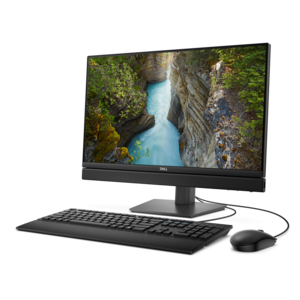
Compact Computing

Discover the world of compact computing, where innovation meets convenience in a sleek and portable form. Perfect for those who value efficiency without compromising on power, these devices are designed to fit seamlessly into any lifestyle. Whether you're working on-the-go, studying in a café, or simply seeking a space-saving solution for your home office, compact computing offers the versatility and performance you need. Explore a range of options that cater to various needs and preferences, all while ensuring you stay connected and productive wherever life takes you.

Filters

$699.99

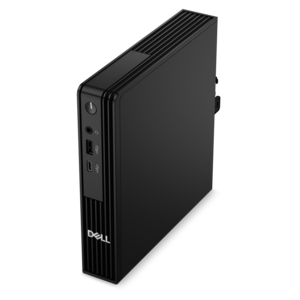
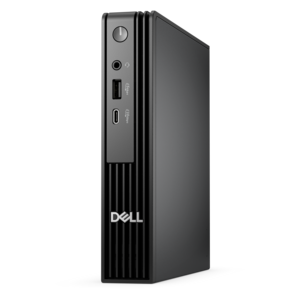
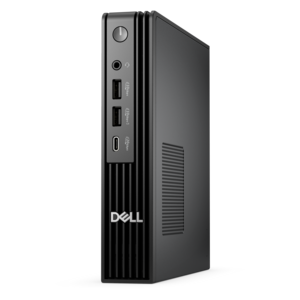
A compact desktop computer designed for everyday productivity and creative tasks.

$699.99
$1417.00

A space-saving desktop engineered for exceptional speed and efficiency in a sleek, compact design.

$1417
$800.00

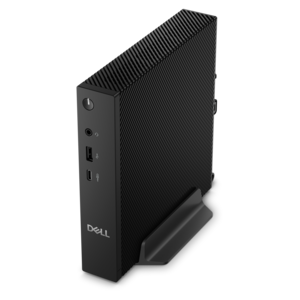
A compact thin client supporting cloud software, ThinOS, Windows 11 IoT Enterprise, or no operating system.

$800
$799.99

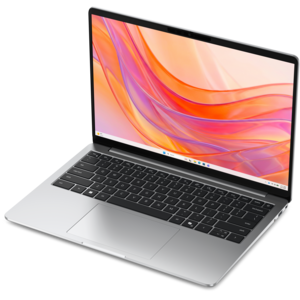
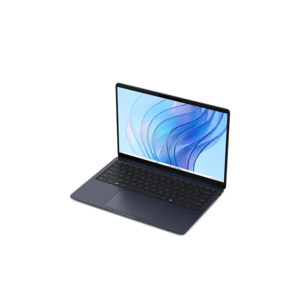
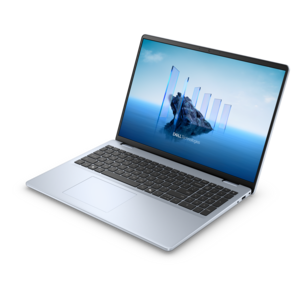
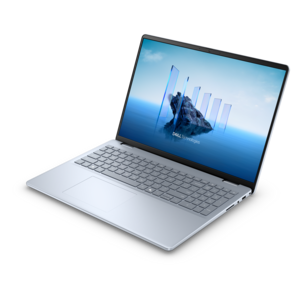
A thin, lightweight laptop crafted with eco-friendly materials and powered by AMD Ryzen 200 Series processors.

$799.99
$1479.99

A compact desktop computer for everyday productivity and creative work.

$1479.99
$849.99

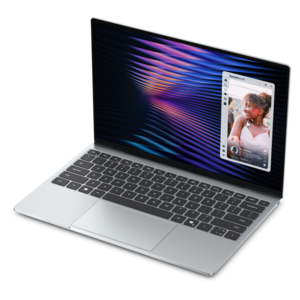
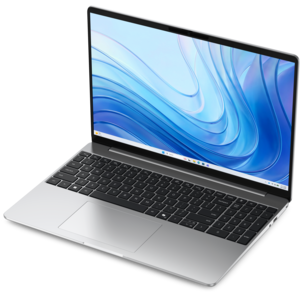
A remarkably thin, lightweight laptop designed for ultimate mobility and effortless everyday productivity.

$849.99
$1039.00

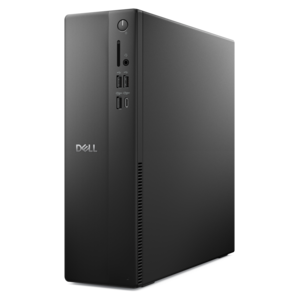
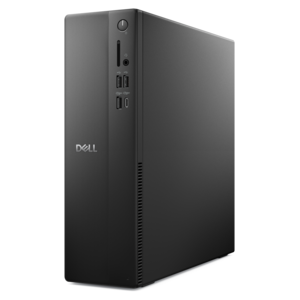
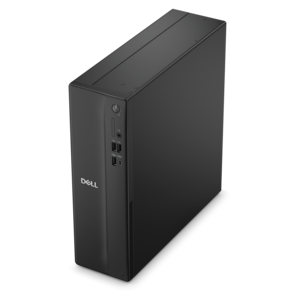
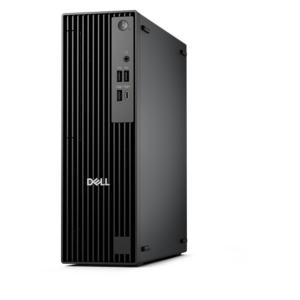
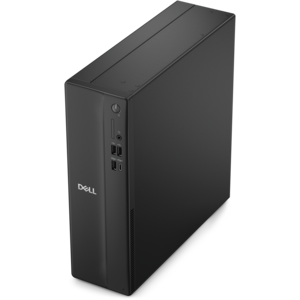
A compact desktop delivering reliable performance and security for everyday productivity.

$1039
$849.99

A thin, lightweight laptop made with eco-friendly materials and powered by Series 3 Intel Core processors.

$849.99
$649.99

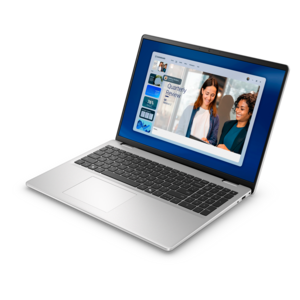
A modern laptop with AMD Ryzen™ processors delivers effortless productivity and captivating entertainment.

$649.99
$1059.00

A space-saving business desktop delivering reliable everyday performance with essential security features for productive work.

$1059
$1149.99

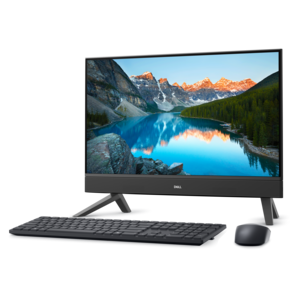
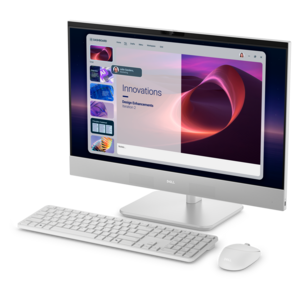
A compact all-in-one desktop designed for productive work and enjoyable entertainment.

$1149.99
$1089.00

A space-saving desktop delivering reliable performance and security for everyday productivity.

$1089
$1415.00

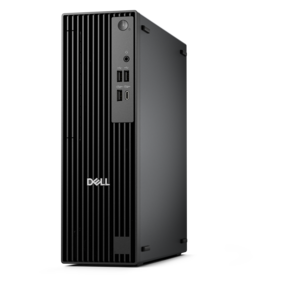
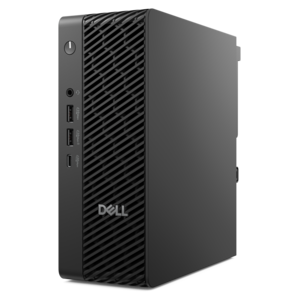
A compact, high-performance business desktop designed for heavy workloads, tight spaces, security, manageability, and AI-enhanced productivity.

$1415
$1099.99

A thin, lightweight laptop made with eco-friendly materials and powered by Series 3 Intel Core processors.

$1099.99
$1299.00

An ultracompact business desktop with Copilot+ PC options, AI-enhanced productivity, robust security, and streamlined manageability.

$1299
$1549.99

A space-saving all-in-one desktop designed for productive work and entertaining.

$1549.99
$1189.99

A modern laptop with Intel Core processors and graphics for effortless productivity and captivating entertainment.

$1189.99
$1359.00

A high-performance business desktop with Copilot+ PC options, AI-enhanced productivity, robust security, and manageability.

$1359
$1764.00

A space-saving all-in-one desktop with AI options, enhanced productivity, and robust security and manageability features.

$1764
$1762.00

A compact, high-performance AI-ready desktop delivering secure, manageable performance for demanding business workloads.

$1762
$2149.99

A space-saving all-in-one desktop designed for productive work and everyday entertainment.

$2149.99
$1902.00

A space-saving 24-inch AI-ready all-in-one desktop with 65W performance, security, and manageability features.

$1902
$1572.00

An ultracompact AI-ready business desktop with robust performance, exceptional security, and seamless manageability.

$1572
$1929.99

A modern laptop with Intel® Core™ processors and graphics for effortless productivity and captivating entertainment.

$1929.99

Compact Computing

Compact computing brings everyday computer tasks into a smaller physical footprint through mini PCs, small form factor desktops, and lightweight laptops. These systems suit spaces where a traditional tower would compete with notebooks, a desk lamp, or room to spread out a project. A mini desktop can sit beside a monitor or, with a compatible mounting bracket, attach behind a display to leave more of the work surface open. A slim laptop combines the screen, keyboard, and computer in one portable device, making it practical for moving between a home office, classroom, and kitchen table. The distinction matters: a small desktop typically needs a separate display, keyboard, mouse, and continuous connection to external power, while a laptop includes those primary controls and a battery. Compact does not describe a single level of performance, either. Some systems focus on web browsing, email, video calls, and documents; others have the processing capability for demanding spreadsheets, programming, photo editing, or creative work. For a student working at a narrow dorm desk, a remote employee sharing a spare bedroom, or someone keeping family paperwork organized in a living area, the appeal is a computer that fits the room without dominating it. Smaller enclosures can also be easier to reposition when furniture changes, although the monitor, cables, and power adapter remain part of the overall setup. A compact desktop paired with a comfortable full-size keyboard can provide a familiar workspace without a bulky computer underfoot. In a shared household, that arrangement can leave enough room for handwritten notes or a second person helping with homework. The most useful compact computing setups balance physical size with the tasks performed every day, rather than treating the smallest enclosure as the automatic best fit. Portability, comfortable screen placement, and access to connections all contribute to how naturally a system settles into a particular space.

Performance depends on the components inside the enclosure and the work they are asked to handle. Processor capability influences responsiveness during calculations, browser-based applications, and other active tasks, while sufficient memory helps keep multiple applications and browser tabs open without frequent slowdowns. A solid-state drive supports quick access to the operating system, applications, and saved files; its capacity determines how much room remains for documents, photos, software, and other content. Someone who mainly writes papers and attends video meetings has different needs from someone organizing a large photo library or working with complex design files. Graphics capability also deserves attention when the intended use includes gaming, video editing, or multiple high-resolution displays. A compact chassis alone does not guarantee support for those workloads, and integrated graphics vary considerably in capability. Cooling design affects sustained performance as well as the sound a computer makes during heavier work. A quiet room used for recorded presentations may make fan noise more noticeable than a busy family workspace. Some compact designs use less energy than larger, more powerful desktops, but actual consumption depends on the components, settings, connected displays, and workload. Connections are another practical difference between systems that look similar from the outside. Display outputs must support the intended monitor resolution and refresh rate, and using more than one screen requires compatible graphics and connections. USB-C describes a connector shape, not a promise that every port supports video output, charging, or the same transfer speeds. A laptop connected to a dock may create a tidy one-cable workspace when the computer, dock, cable, and power delivery specifications are compatible. A mini desktop may instead connect directly to a monitor and accessories. Conveniently placed ports make a difference for someone regularly attaching a camera, headset, or removable drive. Reliable wireless connectivity can reduce cable clutter, while the position of the computer still matters for signal quality. These details shape whether a small system feels effortless during a normal day or requires repeated rearranging to connect everyday essentials.

The physical construction of compact computers influences how they feel, travel, and hold up to regular handling. Depending on the design, an enclosure may use aluminum, molded plastic, or a combination of materials. Aluminum can provide a rigid feel, while well-designed plastic housings can keep weight manageable; material alone does not establish durability. Hinge construction, port placement, chassis reinforcement, and the way a device is carried also matter. For a laptop that moves between classes or workspaces, a padded sleeve sized to its actual dimensions helps separate the finish from keys, charger plugs, and other objects in a bag. For a stationary mini PC, a stable surface and clear ventilation space are more important than squeezing the case into the tightest possible gap. The computer’s measurements are only part of its footprint: cable connectors, gentle cable bends, an external power adapter, and room for airflow can require additional space. A closed cabinet or stack of papers can interfere with cooling even when the computer itself fits neatly. Routine care generally includes shutting down and disconnecting power before exterior cleaning, using a soft cloth as directed by the manufacturer, and keeping liquid away from openings. Dust around vents, strained cables, and blocked exhaust paths deserve attention over time. Internal access varies, too; some small desktops permit memory or drive replacement, while other compact systems have components that are not intended for user upgrades. A compact computer also belongs to a wider Computing Hardware setup, where a well-positioned monitor, comfortable keyboard, and appropriately sized mouse can make a modest desk easier to use for longer sessions. For someone receiving a computer as a graduation or housewarming gift, compatibility with existing accessories and the recipient’s usual tasks matters more than size alone. A thoughtfully matched compact system can support a first apartment workspace, a dedicated study corner, or a quieter shared room while leaving the surrounding space useful for everyday life.

FAQs:

Add the products you would like to compare, and quickly determine which is best for your needs.
Add the products you would like to compare, and quickly determine which is best for your needs.