$1423.00
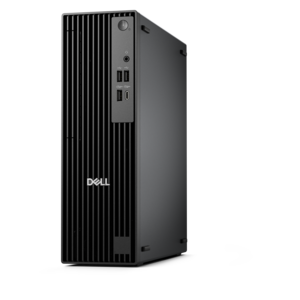
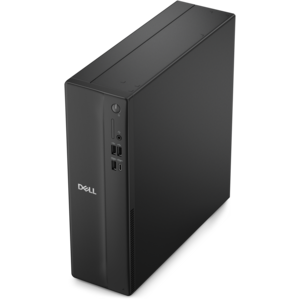
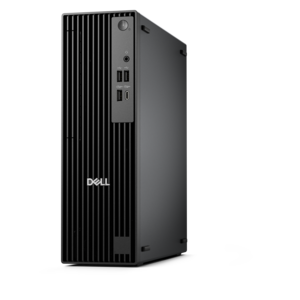
A compact, high-performance desktop with AI PC options, robust security, and streamlined manageability for demanding workloads.
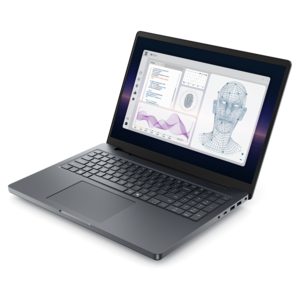
Explore a wide selection of computing hardware designed to support productivity, creativity, and connectivity at home or in the office. From powerful laptops and desktops to essential monitors and accessories, discover solutions that help streamline everyday tasks and enhance your digital experience. Whether upgrading your current setup or building something new, find the computing hardware that fits your needs and complements your workspace.
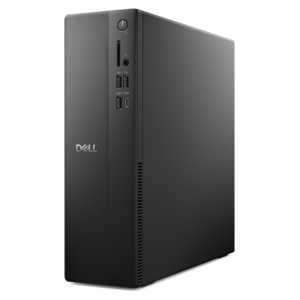
A compact, high-performance desktop with AI PC options, robust security, and streamlined manageability for demanding workloads.
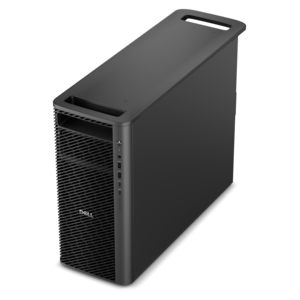
A scalable professional desktop delivering elite computing power with massive expandability.
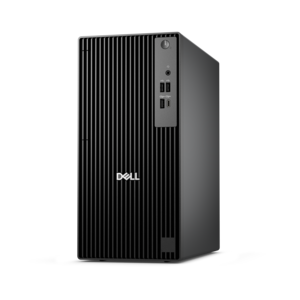
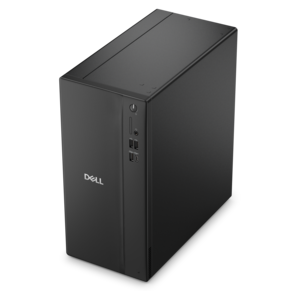
A business-ready tower desktop with AI-enhanced productivity, robust security, seamless manageability, and expandable performance.
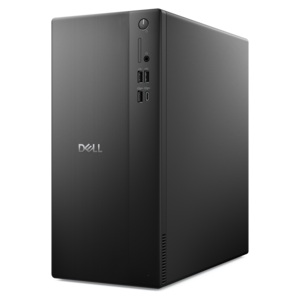
A space-saving desktop engineered for exceptional speed and efficiency in a sleek, compact design.
A business-ready tower desktop with Copilot+ PC options, robust security, manageable features, and expandable performance.
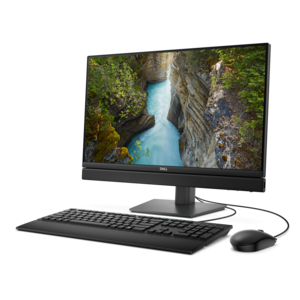
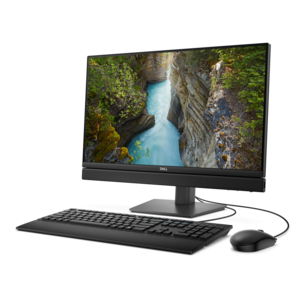
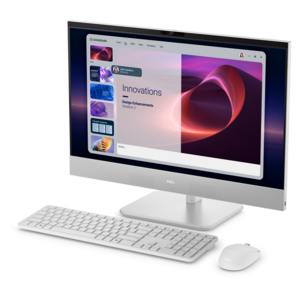
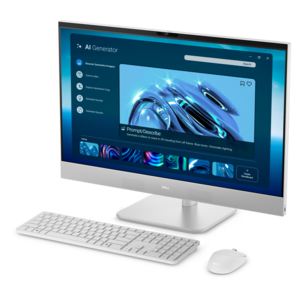
A space-saving, AI-ready all-in-one desktop with a 24-inch display and streamlined security and manageability features.
A powerful desktop designed to boost everyday productivity in a streamlined setup.
A powerful desktop designed to boost everyday productivity while conserving workspace.
A compact, high-performance business desktop for heavy workloads, featuring advanced security, manageability, and optional AI productivity.
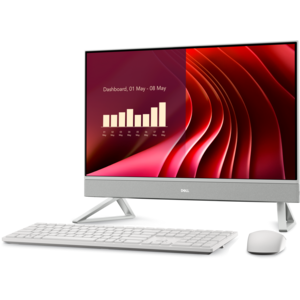
A space-saving all-in-one desktop with AI options, enhanced productivity, and robust security and manageability features.
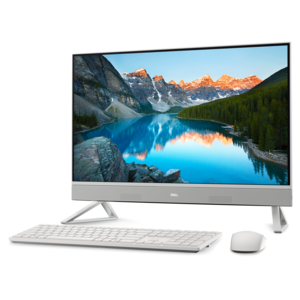
A sleek all-in-one desktop featuring a spacious display for streamlined computing and everyday productivity.
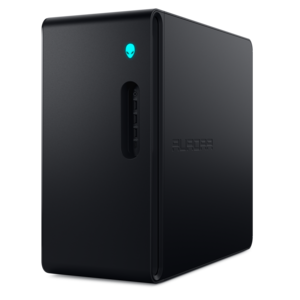
A powerful desktop featuring advanced graphics and expansive upgradeability for creative workloads, gaming, and demanding tasks.
A business-ready tower desktop delivering reliable everyday performance with essential security features for productive workflows.
A compact desktop delivering reliable performance and security for everyday productivity.
A compact desktop designed for everyday productivity and creative tasks.
A space-saving all-in-one desktop designed for productive work and immersive entertainment.
A business-ready tower desktop delivering dependable performance and security for everyday productivity workloads.
A purpose-built gaming desktop featuring efficient airflow and improved acoustics for immersive play in any setting.
A space-saving business desktop delivering reliable everyday performance with essential security features for productive work.
A compact all-in-one desktop designed for productive work and everyday entertainment.
A reliable workstation desktop delivering excellent performance with professional graphics for demanding productivity and creative workloads.
A space-saving all-in-one desktop designed for productive work and immersive entertainment.
A high-performance AI-ready business desktop with security, seamless manageability, and expandable capabilities for demanding tasks.
A compact desktop designed for everyday productivity and creative tasks.
Computing hardware is the collection of physical components that make a computer work, from the processor and memory inside its enclosure to the monitor, keyboard, and mouse used every day. These parts handle calculations, run applications, display information, and translate a person’s movements or keystrokes into actions on a screen. The central processing unit, or CPU, executes instructions, while random access memory, or RAM, temporarily holds information that active applications need. The motherboard connects internal components, and a graphics processing unit, or GPU, renders images, video, and three-dimensional scenes. Cooling components help manage the heat generated during operation. Together, these elements shape how a computer feels in use: how smoothly a presentation moves between slides, how comfortably several applications run at once, or how responsively a detailed image responds to an edit. Laptops bring the screen, keyboard, and core components into a portable design that moves between a kitchen table, classroom, and office. Desktops suit more permanent workspaces, with separate displays and input devices that can be arranged around the person using them. All-in-one computers integrate the main computing components into the display enclosure, reducing the number of separate pieces on a desk. The right balance depends on the work involved. Writing assignments, managing household paperwork, and joining video calls have different demands from editing high-resolution footage or working with complex design software. Processor capabilities, memory capacity, graphics performance, and application requirements matter together; a single specification does not describe the entire experience. For someone carrying a computer across campus, weight and battery life may influence daily comfort as much as processing power. At a home workstation used for long creative sessions, screen space, cooling, and room for peripherals may matter more. Battery runtime varies with settings, applications, and workload, while sustained performance also depends on the computer’s design. Computing hardware becomes most useful when its capabilities match the tasks, surroundings, and habits of the person using it.
Monitors and accessories extend that experience beyond the computer itself, shaping what users see, hear, and touch throughout the day. A monitor’s size describes its diagonal measurement, while resolution describes the number of pixels available to display text and images. Those characteristics work together: a larger screen offers more physical workspace, but text clarity also depends on pixel density, scaling settings, and viewing distance. A broad display can keep a spreadsheet beside a reference document, while two separate screens can give a remote worker distinct spaces for a video meeting and project notes. Higher refresh rates can make motion appear smoother when supported by the connected computer, and accurate color reproduction matters for photography, illustration, and other visual work. Surface finish deserves attention, too. A matte screen can help reduce distracting reflections in a bright room, although positioning the display away from direct sunlight remains important. Keyboards vary in width, key spacing, travel, and layout; a number pad may be useful for frequent numeric entry, while a compact layout leaves more room for mouse movement. Mouse size, shape, and button placement affect how naturally it fits the hand. Headsets, speakers, microphones, and webcams support conversations, entertainment, and collaborative work, with comfort and placement often making a noticeable difference during longer sessions. A headset that feels comfortable for a quick call may feel different after an afternoon of meetings, especially when worn with glasses. Related PC Equipment can bring these elements together around a workspace’s everyday needs. Connections deserve the same attention as comfort: a matching connector shape does not always guarantee the same charging, video, or data capabilities. Display connections, cable specifications, operating system support, and peripheral requirements all influence compatibility. Docking accessories can simplify the transition from a portable computer to a desk setup, provided their supported functions match the computer and connected devices. Adjustable monitor stands, sufficient cable length, and a keyboard positioned within easy reach help a collection of components function as a coherent workspace rather than a crowded surface.
Materials, construction, and care influence how computing hardware holds up to regular use. Laptop enclosures may use aluminum, magnesium alloys, plastics, or combinations of materials, each contributing differently to weight, rigidity, and surface feel. Material alone does not establish durability; hinge construction, chassis design, handling, and the conditions of use matter as well. A computer carried between classes faces different wear from a desktop that stays beneath a worktable. For portable use, a padded sleeve or compartment should fit the device’s actual dimensions, not simply its advertised screen size, and leave enough space to avoid pressure on the lid. At a desk, the enclosure needs stable support and clearance around its ventilation openings. Placing a laptop on bedding or another soft surface can obstruct airflow, so a firm surface is more suitable for extended use. Everyday care is generally straightforward but should follow the manufacturer’s instructions. Powering equipment down before cleaning, using an appropriate soft cloth, and keeping liquids away from openings help protect finishes and components. Screens may have coatings that require particular cleaning methods, and harsh chemicals or abrasive materials can damage them. Cables last better when routed without sharp bends or constant tension, especially near plugs. Practical fit also includes the room around the equipment: enough depth for a comfortable viewing distance, space for the mouse to move, and an outlet arrangement that does not stretch cords across a walking path. Households sharing one computer may value adjustable accessories that accommodate different users, while students may prioritize portability and a setup that fits a small desk. Gaming enthusiasts and creative users often need closer alignment between graphics capabilities, display characteristics, and the software they use. Computing accessories can also make useful graduation or birthday gifts when the recipient’s device compatibility, workspace, and preferences are known. A familiar keyboard layout, a comfortably fitted headset, or a display suited to everyday tasks can be more meaningful than an unfamiliar feature. Across these settings, thoughtful construction, appropriate performance, and manageable upkeep support hardware that remains comfortable and useful through repeated daily use.
Add the products you would like to compare, and quickly determine which is best for your needs.