$1099.99
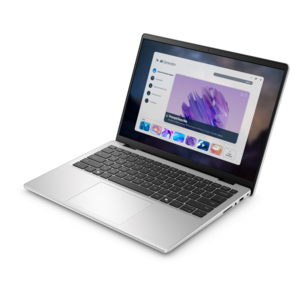
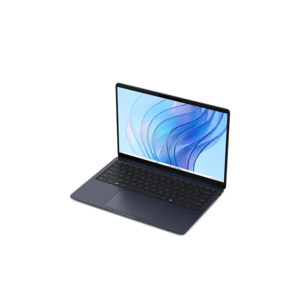
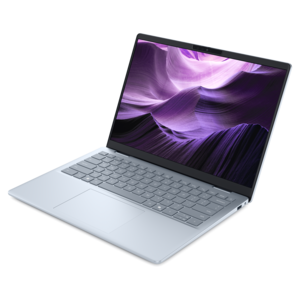
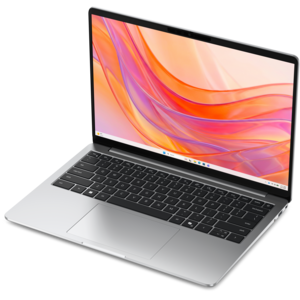
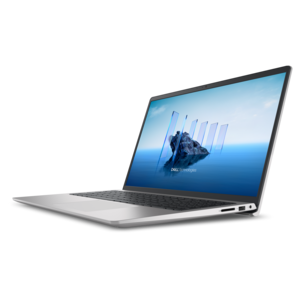
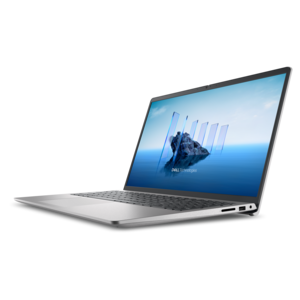
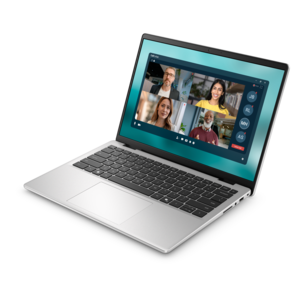
A slim, lightweight laptop with Intel® Core™ processors and graphics for productive work anywhere.
Find compact laptops for students who need a portable computer for taking notes, completing coursework, and studying on the go. Compare screen size, weight, battery life, and performance to choose a laptop that fits your backpack and meets the requirements of your classes.
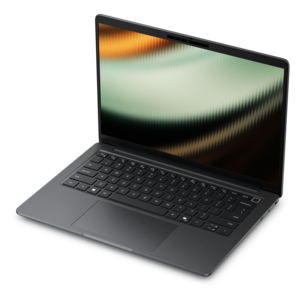
A slim, lightweight laptop with Intel® Core™ processors and graphics for productive work anywhere.
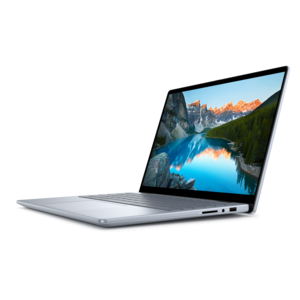
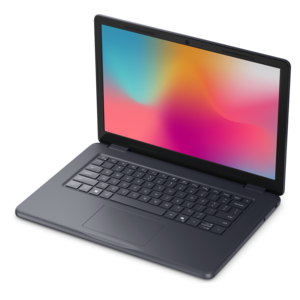
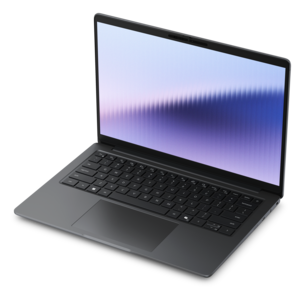
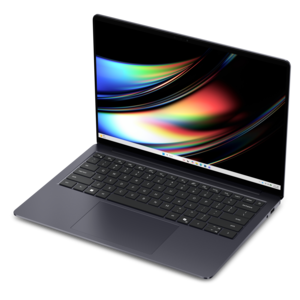
A portable laptop with a sleek design, 16:10 display, and AI PC options for productivity anywhere.
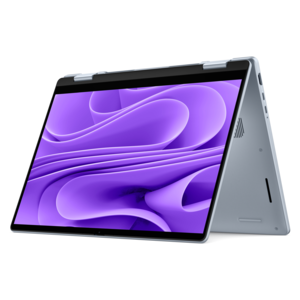
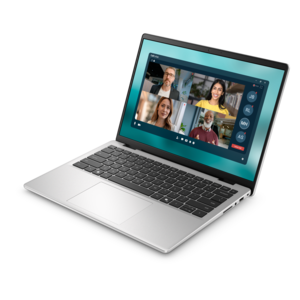
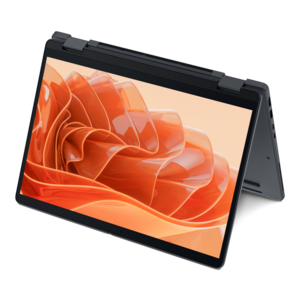
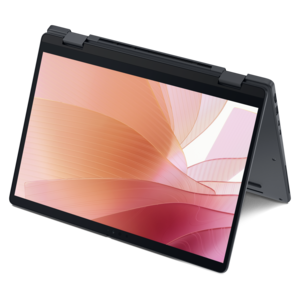
A versatile 2-in-1 laptop with Intel Core processors, DDR5 memory, and multiple modes for creative work.
A versatile 2-in-1 laptop with AI experiences, all-day battery life, and seamless multitasking.
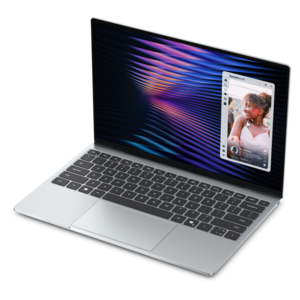
A remarkably thin, lightweight laptop designed for ultimate mobility and effortless everyday productivity.
A thin, lightweight laptop made with eco-friendly materials and Series 3 Intel Core processors for productivity.
A remarkably thin laptop powered by AMD Ryzen AI PRO 400 Series processors for professional performance.
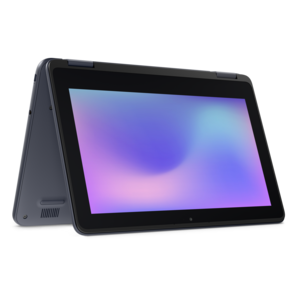
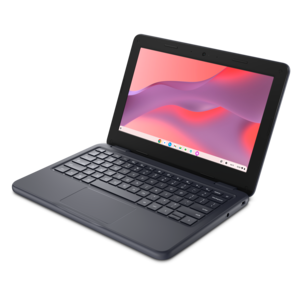
A durable, serviceable laptop designed specifically for demanding education environments.
A sleek, portable laptop with an expansive 16:10 display for reliable productivity anywhere.
A lightweight AI-powered laptop with Intel Arc graphics, ideal for creative professionals and small businesses.
A remarkably thin laptop delivering portable performance with Series 3 Intel Core Ultra processors.
A durable, serviceable laptop or 2-in-1 designed specifically for demanding education environments.
A remarkably thin 2-in-1 laptop powered by AMD Ryzen AI PRO 400 Series processors for performance.
A thin, lightweight laptop crafted with eco-friendly materials and powered by AMD Ryzen 200 Series processors.
A durable, serviceable laptop or 2-in-1 designed specifically for K-12 learning environments.
A sleek laptop powered by AMD Ryzen AI 400, designed for smooth, capable multitasking.
A thin 2-in-1 laptop powered by AMD Ryzen AI PRO 400 Series processors for versatile performance.
A secure, scalable commercial AI PC with a sleek, durable aluminum body for versatile multitasking.
A thin, durable laptop powered by AMD Ryzen™ AI PRO 400 Series processors for professional work.
A thin 2-in-1 laptop combining versatility, portability, and performance with Series 3 Intel Core Ultra processors.
A stylish, lightweight AI-powered laptop designed to boost productivity for creatives and small businesses.
A sleek laptop with a stylish modern design, built for multitasking and powerful everyday performance.
A durable, modular laptop featuring robust security, a spacious display, and built-in AI options for workdays.
A thin 14-inch laptop built for mobile creation with exceptional battery life.
Compact laptops for students fit into the spaces where schoolwork actually happens: a narrow lecture-hall desk, a crowded library table, a bedroom study corner, or a backpack already carrying notebooks and a water bottle. Their appeal goes beyond a smaller footprint. A manageable size makes it easier to move between classes, review an assignment during a bus ride, or carry a computer home for the weekend without rearranging an entire bag. Screen size, overall dimensions, and weight all contribute to that experience, and they do not always move together. Two laptops with similar displays can feel noticeably different in hand because of their construction, thickness, and weight distribution. Slim display borders can leave more room for reading while keeping the chassis relatively small, while a slightly taller screen can show more of a research article or document at once. For students who type for long stretches, enough space around the keyboard and palm rest matters just as much as whether the computer slips into a sleeve. Materials also shape everyday comfort and durability. Aluminum housings can feel firm and substantial, while well-constructed polymer designs can offer a lighter feel; either benefits from secure hinges and a chassis that resists excessive flex. Rounded edges are more comfortable against a wrist or forearm, and a lid that opens smoothly makes quick transitions between classrooms less awkward. A compact computer can suit high school coursework, campus life, continuing education, or a return to school after time away. It can also make a useful graduation or back-to-school gift when its size and capabilities match the recipient’s courses and preferences. The most useful fit is not necessarily the smallest possible machine, but one that feels comfortable during an ordinary afternoon of reading, writing, and moving from place to place. That balance becomes especially noticeable when a computer is carried daily rather than left on a desk, and when the same device needs to feel at home both in class and at the kitchen table.
Schoolwork can mean a few browser tabs and a document one hour, then a video meeting, a large spreadsheet, and a presentation the next. A compact laptop’s processor and memory influence how comfortably those activities run together, particularly when several applications stay open throughout the day. File capacity matters for students who keep lecture recordings, photographs, course readings, or creative projects on the computer rather than relying entirely on online services. Requirements differ by subject: essay writing and web research place different demands on a system than engineering applications, digital illustration, video editing, or three-dimensional modeling. Compatibility with required course software is therefore an important part of the fit, especially when a department specifies an operating system, graphics capability, or particular application. The display deserves equal attention because students may spend hours looking at small text, detailed diagrams, and presentation slides. Clear text, comfortable brightness adjustment, and a surface that manages reflections can make a difference beneath classroom lighting or beside a sunny window. Higher resolution can sharpen detail, though readable scaling remains important on a smaller screen. A comfortable keyboard supports everything from quick lecture notes to a final paper, with key spacing, feedback, and a stable typing surface contributing to the feel. Keyboard backlighting can help in a dim auditorium, while a responsive touchpad leaves more room on a small desk where a mouse would be awkward. For online discussions and group assignments, a clear webcam and microphone help classmates follow a conversation, and a physical camera shutter provides a straightforward privacy option when the call ends. Speakers and a headphone connection, whether wired or wireless, also matter for recorded lectures and language practice. Touchscreens and convertible hinges can be useful for handwritten annotations or reading in a more flexible position, but pen support varies. Those features are most meaningful when they match an actual habit, such as marking up a chemistry diagram or sketching an idea during a project meeting, rather than simply adding another way to interact with the screen.
The practical side of portability continues after a laptop leaves the desk. Battery life depends on screen brightness, applications, wireless activity, and other settings, so a day of document editing will not necessarily resemble a day of video calls or demanding creative work. The charger’s size and weight also count toward what travels in a backpack. Compatible USB-C charging can simplify a school setup, but not every USB-C port supports power input, video output, or the same capabilities. Connections for classroom displays, external monitors, headphones, and other accessories help determine how smoothly a compact computer moves between independent study and shared work. Wireless performance matters in busy classrooms and residence halls, while an external keyboard or monitor can make longer sessions more comfortable at a permanent desk. Students whose priority is an easy-to-carry design can also explore Thin and Light Laptops for Students alongside other compact options. Everyday care helps preserve the convenience of a smaller machine: a properly fitted padded sleeve limits rubbing against books and chargers, and a separate compartment keeps keys and loose objects away from the lid. Drinks belong far enough from the keyboard that an accidental bump does not become a damaged assignment or interrupted semester. Vents need open space, making a firm desk or table a better working surface than bedding that can trap heat. Cleaning should follow the manufacturer’s directions, with the computer powered off and liquids kept away from openings; a soft, lint-free cloth is often suitable for routine dust removal. Regular software updates, secure sign-in, and a consistent backup routine help protect coursework as reliably as a sleeve protects the exterior. For a student settling into a first semester, commuting to evening classes, or balancing study with a job, compactness works best as part of a complete fit. Comfortable controls, suitable performance, useful connections, and manageable carrying weight together support a computer that can move easily through the school day without making the work feel cramped.
Add the products you would like to compare, and quickly determine which is best for your needs.