Thin and Light Laptops for Students

Find thin and light laptops for students that are easy to carry between classes and study sessions. Compare screen size, weight, and battery life alongside the system requirements of your coursework software to choose a portable laptop that fits your academic needs and daily routine.

Filters

$849.99

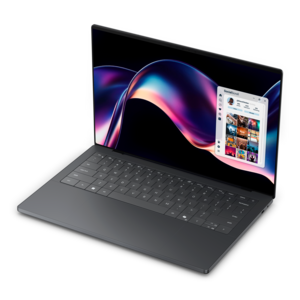
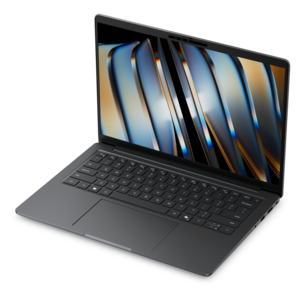
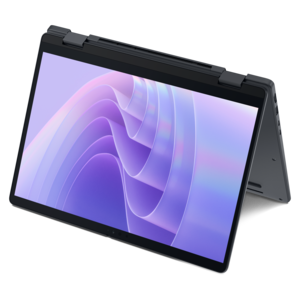
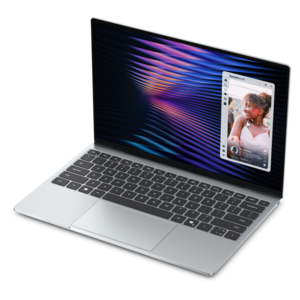
A remarkably thin, lightweight laptop designed for ultimate mobility and effortless everyday productivity.
$849.99
$1249.99

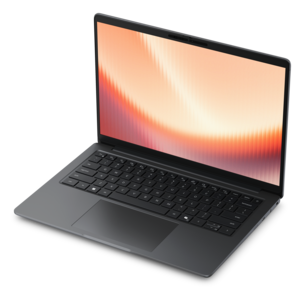
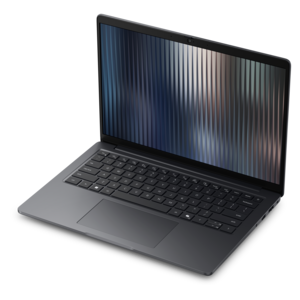
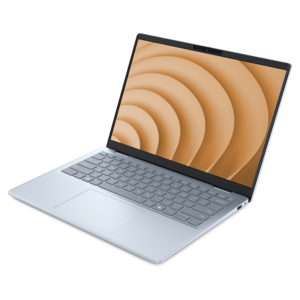
A lightweight AI-powered laptop designed for creative professionals and small businesses.

$1249.99
$2005.00

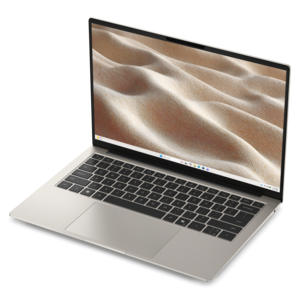
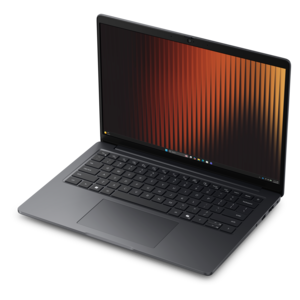
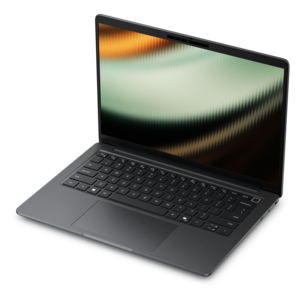
A remarkably thin laptop powered by AMD Ryzen AI PRO 400 Series processors for professional performance.

$2005
$799.99

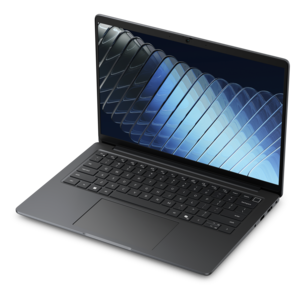
A thin, lightweight laptop crafted with eco-friendly materials and powered by AMD Ryzen 200 Series processors.

$799.99
$1299.99

A lightweight AI-powered laptop with Intel Arc graphics, ideal for creative professionals and small businesses.

$1299.99
$2301.00

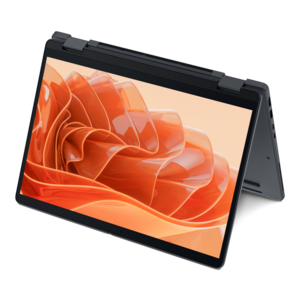
A thin 2-in-1 laptop combining versatility, portability, and performance with Series 3 Intel Core Ultra processors.

$2301
$1299.99

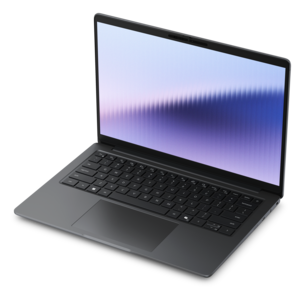
A sleek laptop powered by AMD Ryzen AI 400, designed for smooth, capable multitasking.

$1299.99
$2469.99

A thin laptop built for mobile creation with exceptional battery life.

$2469.99
$2183.00

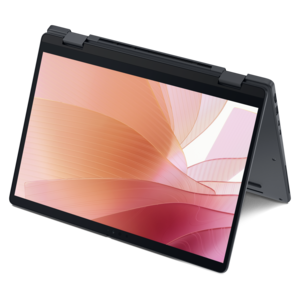
A remarkably thin 2-in-1 laptop powered by AMD Ryzen AI PRO 400 Series processors for performance.

$2183
$2193.00

A remarkably thin laptop delivering portable performance with Series 3 Intel Core Ultra processors.

$2193
$2321.00

A thin 2-in-1 laptop powered by AMD Ryzen AI PRO 400 Series processors for versatile performance.

$2321
$2005.00

A thin, durable laptop powered by AMD Ryzen™ AI PRO 400 Series processors for professional work.

$2005
$2114.00

A remarkably thin laptop powered by AMD Ryzen AI PRO 400 Series processors for professional performance.

$2114
$649.99

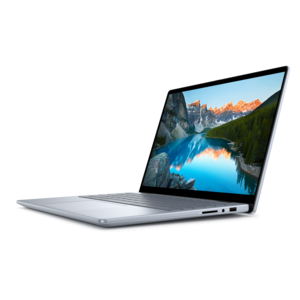
A lightweight laptop with sleek design, fresh colors, dependable everyday performance, and long-lasting battery life.

$649.99
$3358.00

A durable, ultra-thin laptop designed for powerful performance in a compact chassis.

$3358
$3595.00

A thin 2-in-1 laptop combining portability and versatility with Series 3 Intel Core Ultra processors.

$3595
$2904.00

A thin, lightweight business laptop with durable construction, commercial-grade security, and manageable everyday performance.

$2904
$2346.00

A thin laptop combining portability and performance, powered by Series 3 Intel Core Ultra processors.

$2346
$799.99

A versatile 2-in-1 laptop with Intel Core processors, DDR5 memory, and multiple modes for creative work.

$799.99
$2035.00

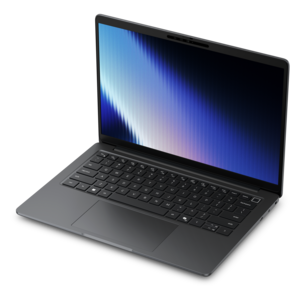
A thin, lightweight business laptop with AMD Ryzen processors, commercial-grade security and manageability, built for everyday productivity.
$2035
$570.00

A durable, serviceable Chromebook designed specifically for education environments.

$570
$1339.99

A versatile 2-in-1 laptop with AI experiences, all-day battery life, and seamless multitasking.

$1339.99
$2287.00

A lightweight AI PC delivering outstanding performance and battery life for highly mobile professionals.

$2287
$1789.00

A professional laptop delivering powerful on-device AI, impressive unplugged performance, and groundbreaking battery life.

$1789

Thin and Light Laptops for Students

Thin and light laptops for students combine a compact design with the everyday computing capabilities needed for taking notes, researching assignments, attending online classes, and preparing presentations. Their appeal is especially clear during a full day away from home: a computer that slips into a backpack beside a notebook and a water bottle is easier to carry between classrooms, the library, and a study session across campus. Portability involves more than the number on a weight specification. The size of the power adapter, the depth of the chassis, and the space a laptop occupies on a small desk all affect how comfortably it fits into a student's routine. A smaller display can leave room for a textbook on a crowded table, while a slightly larger screen provides more space for viewing lecture slides beside typed notes. Materials also influence the feel of a portable computer. Depending on the design, aluminum, magnesium alloy, or durable plastic may be used to balance weight, rigidity, and everyday handling. A firm keyboard deck and a smoothly moving hinge contribute to a stable experience when typing a long paper or adjusting the screen during a group project. A slim profile alone does not establish durability, and careful handling remains important regardless of the chassis material. Students commuting by bus, walking between buildings, or moving frequently between shared study spaces may appreciate a computer that is easy to pack and comfortable to carry for extended periods. Those working mainly at one desk may place more emphasis on screen space and connectivity. A thin laptop can also be a thoughtful graduation gift when its software compatibility and physical dimensions suit the recipient's coursework. The appeal of Lightweight Laptops For Students extends beyond a smaller footprint: a manageable computer helps keep assignments, research, and class materials close throughout the school day. The most useful balance is one that supports the student's actual workload without adding unnecessary bulk to the bag.

Everyday performance depends on how the processor, memory, and solid-state drive work together, rather than on thinness alone. A student writing essays with several research tabs open has different computing needs from someone editing video, building complex spreadsheets, or running engineering applications. For many students, 16GB of memory provides useful room for multitasking, although course requirements and application recommendations remain important. A solid-state drive supports responsive application launches and file access, while its capacity determines how much room is available locally for documents, recorded lectures, and larger project files. Some compact laptops have components that cannot be upgraded later, making the original configuration relevant to several years of study. Operating system compatibility matters just as much as hardware capability, particularly when a department requires specialized applications, exam software, or particular peripheral connections. Display quality shapes daily comfort, too. Readable text, useful brightness adjustment, and a screen finish that manages reflections can make a noticeable difference during long reading sessions. A larger screen may simplify comparing two documents, but it usually requires more room in a backpack and on a desk. Touch input or a convertible design may suit students who annotate readings or sketch diagrams, provided the model supports the intended input method. Keyboard spacing, key response, and a responsive touchpad matter during hours spent drafting lab reports or revising papers. A clear webcam, usable microphone, and intelligible speakers support remote participation, office hours, and collaborative work. Battery endurance is another practical consideration, but published estimates do not guarantee the same result during every school day. Video calls, high display brightness, demanding software, and background activity can shorten time between charges. A compact charger and supported USB-C charging may make it easier to recharge between classes, though charging requirements vary by laptop. Slim designs also have limited room for cooling, so sustained creative or technical workloads may produce more fan noise or require a larger system with greater thermal capacity.

A student laptop also needs to work comfortably with the accessories and spaces used throughout the week. Built-in ports can simplify connecting a flash drive, headphones, an external display, or classroom presentation equipment, while a compatible adapter can provide connections that a thinner chassis leaves out. USB-C ports do not all support the same charging, display, or data functions, so those capabilities depend on the computer's specifications. At a desk, a monitor, keyboard, and mouse can turn a small laptop into a more spacious study setup without changing the computer carried to class. A stable wireless connection supports submitting assignments and joining virtual sessions, although connection quality also depends on the surrounding environment. Practical care helps protect a slim computer through repeated trips in and out of a backpack. A padded sleeve that matches the laptop's dimensions reduces movement inside a bag, and a separate compartment keeps pens, keys, and charger plugs from pressing against the lid. The screen should close without objects resting on the keyboard, and books should not be packed tightly enough to put heavy pressure on the computer. Cleaning is generally simplest with the device powered off and a soft, lint-free cloth, following the manufacturer's directions for any cleaning solution. Liquids should stay away from openings, and ventilation areas need clear space during use; a blanket or soft cushion can obstruct airflow. Regular software updates, secure sign-in settings, and a separate backup of important coursework help protect work as well as the device itself. For students balancing lectures, independent study, and collaborative assignments, these everyday details matter as much as the first impression of a slim design. A comfortable keyboard, a screen that remains readable in typical study spaces, dependable application performance, and manageable carrying weight together support a computer that feels practical from the first class of the morning to the final revision of an evening assignment.

FAQs:

Add the products you would like to compare, and quickly determine which is best for your needs.

Add the products you would like to compare, and quickly determine which is best for your needs.