Compact Mini Desktop PCs for Modern Workspaces

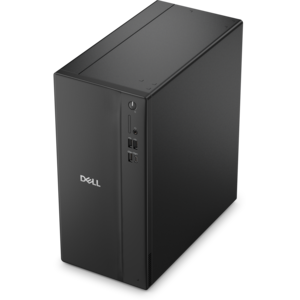
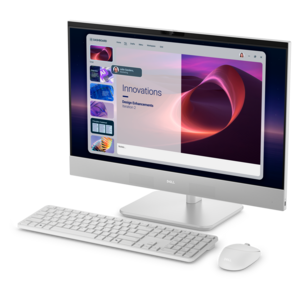
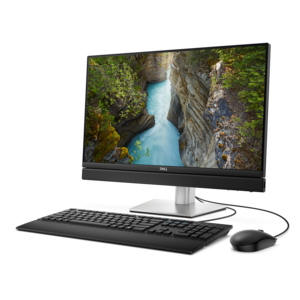
Compact Mini Desktop PCs for Modern Workspaces offer a streamlined solution for those seeking powerful performance in a small footprint. Ideal for home offices, creative studios, and dynamic business environments, these space-saving desktops are designed to fit seamlessly into any modern workspace. With their sleek profiles and efficient designs, compact mini desktop PCs help maximize desk space while keeping your setup organized and clutter-free. Explore a range of options tailored to meet the demands of productivity, multitasking, and everyday computing needs.

Filters

$1039.00

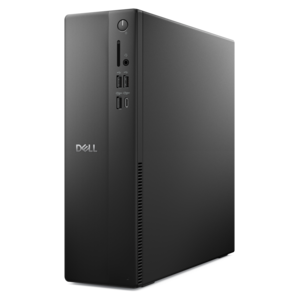
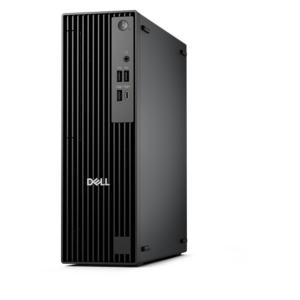
A compact desktop delivering reliable performance and security for everyday productivity.

$1039
$1417.00

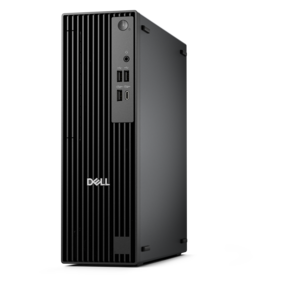
A space-saving desktop engineered for exceptional speed and efficiency in a sleek, compact design.

$1417
$800.00

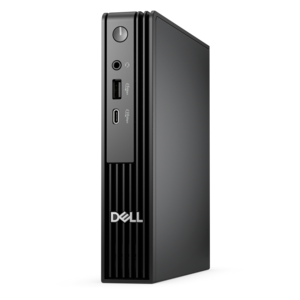
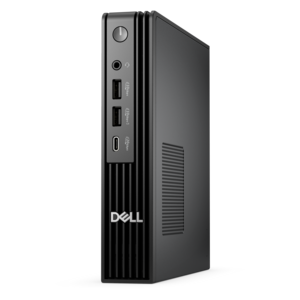
A compact thin client supporting cloud software, ThinOS, Windows 11 IoT Enterprise, or no operating system.

$800
$829.99

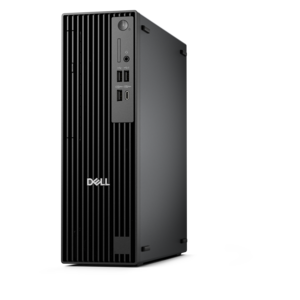
A compact desktop designed for everyday productivity and creative tasks.

$829.99
$1089.00

A space-saving desktop delivering reliable performance and security for everyday productivity.

$1089
$1299.00

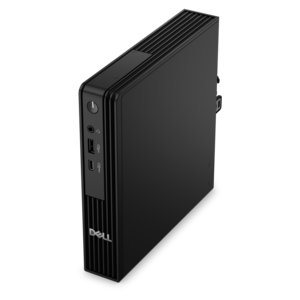
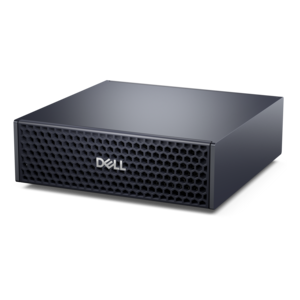
An ultracompact business desktop with Copilot+ PC options, AI-enhanced productivity, robust security, and streamlined manageability.

$1299
$1579.99

A compact desktop designed for everyday productivity and creative projects.

$1579.99
$1488.00

A compact, high-performance desktop with AI PC options, robust security, and streamlined manageability for demanding workloads.

$1488
$1528.00

A compact business desktop with AI PC options, robust security and streamlined manageability for productive workflows.

$1528
$1762.00

A compact, high-performance AI-ready desktop delivering secure, manageable performance for demanding business workloads.

$1762
$1359.00

A high-performance business desktop with Copilot+ PC options, AI-enhanced productivity, robust security, and manageability.

$1359
$1589.00

An AI-powered Copilot+ PC featuring Series 3 Intel Core Ultra processors for efficient performance.

$1589
$1572.00

An ultracompact AI-ready business desktop with robust performance, exceptional security, and seamless manageability.

$1572
$878.00

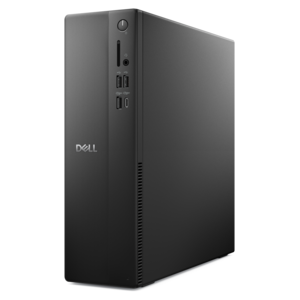
A space-saving business desktop delivering reliable everyday performance with essential security features for productive workflows.

$878
$829.99

A powerful desktop designed to boost everyday productivity in a streamlined setup.

$829.99
$1549.99

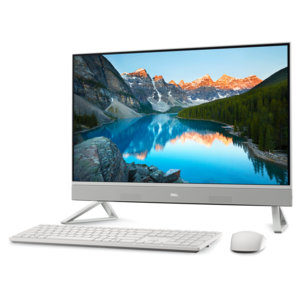
A space-saving all-in-one desktop designed for productive work and entertaining.

$1549.99
$1575.00

A slim desktop delivering exceptionally fast CPU and GPU performance for demanding professional workloads.

$1575
$1764.00

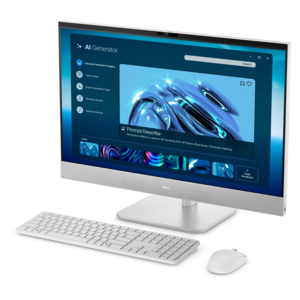
A space-saving all-in-one desktop with AI options, enhanced productivity, and robust security and manageability features.

$1764
$1399.99

A sleek all-in-one desktop featuring a spacious display for streamlined computing and everyday productivity.

$1399.99
$7901.00

A compact AI accelerator delivering powerful local inferencing, AI development, and versatile edge performance.

$7901
$1429.99

A space-saving all-in-one desktop designed for productive work and immersive entertainment.

$1429.99
$1902.00

A space-saving 24-inch AI-ready all-in-one desktop with 65W performance, security, and manageability features.

$1902
$2257.00

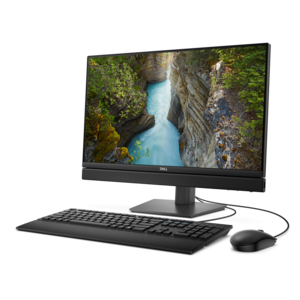
An AI-ready all-in-one desktop with an optional 5MP IR camera and streamlined security and manageability features.

$2257
$160172.00

A high-performance desktop powered by the NVIDIA Grace Blackwell Ultra Desktop Superchip with MaxCool technology.

$160172

Compact Mini Desktop PCs for Modern Workspaces

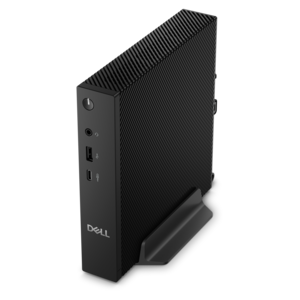
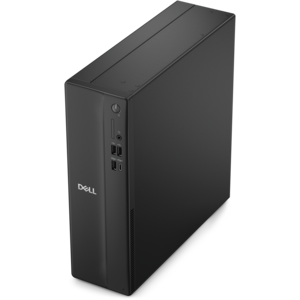
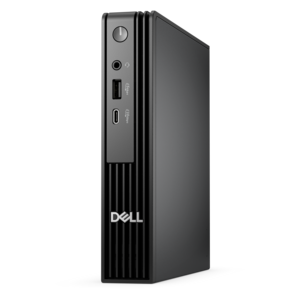
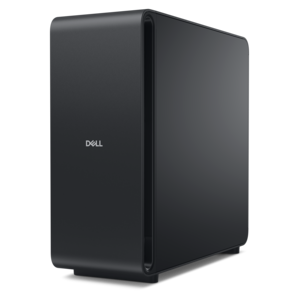
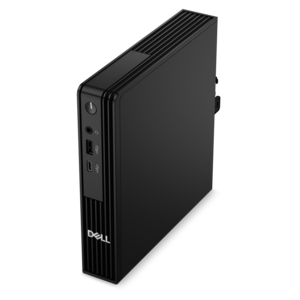
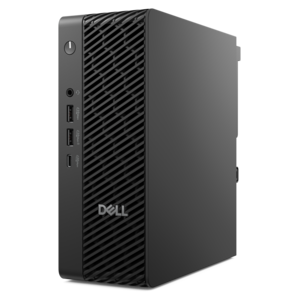
Compact mini desktop PCs put everyday computing into a small enclosure that takes up less desk space than a traditional tower. They suit modern workspaces where a full-size monitor, comfortable keyboard, and room to spread out matter more than a large computer case. Depending on the configuration, a mini desktop can handle email, documents, browser-based applications, video meetings, and more demanding multitasking while sitting beside a monitor or mounting out of sight. Unlike an all-in-one computer, the separate enclosure lets the display and computer be replaced independently, which can make an established workspace easier to adapt over time. In a home office, that smaller footprint leaves room for a notebook, task lamp, or drawing tablet. At a reception counter, it can help keep the work surface clear without putting the computer far from the person using it. Shared desks, apartment workstations, and study areas also benefit from a computer that does not dominate the furniture. Physical fit involves more than the dimensions of the case, however. Power adapters, cable connectors, and ventilation clearances all need space, especially when the computer sits on a shallow shelf or behind a screen. A compatible mounting bracket can keep the enclosure off the desktop, but the bracket, monitor, and mounting arrangement must work together without blocking vents or access to controls. Horizontal and vertical placement options vary, so the intended orientation matters when fitting a computer into a narrow cubby or monitor stand. Front-facing connections can make a headset or removable drive easier to reach, while rear connections help keep frequently used cables tucked away. A tidy setup still needs enough cable length to move the display, adjust a standing desk, or reach the power button comfortably. The result can be a compact workstation that feels open and organized without giving up the familiar experience of using a desktop computer.

Performance in a mini desktop depends on its components, cooling design, and power settings rather than its size alone. A system used mainly for scheduling, spreadsheets, and online collaboration has different demands from one used for photo editing, software development, or detailed design work. Processor capability affects how quickly applications respond, while memory helps keep several tasks active at once. Someone moving between a video call, a large workbook, and numerous browser tabs benefits from enough memory to avoid constant interruptions as applications compete for resources. A solid-state drive supports responsive startup and file access, although drive capacity also needs to suit the applications, documents, and media kept locally. Integrated graphics can support everyday office work and some creative tasks, but complex visual projects, demanding games, and specialized applications may require graphics capabilities that not every compact enclosure provides. Sustained workloads deserve particular attention because a short burst of activity is different from rendering a project or compiling code for an extended period. Cooling fans may become more noticeable as the workload increases; a small case does not automatically mean silent operation. Display support is another practical distinction between configurations. Two screens can place a document beside a reference window, while a single high-resolution display can provide a generous working area on a narrower desk. The supported number of displays, their resolution, and their refresh rates depend on the computer’s graphics hardware and connections. A matching connector alone does not guarantee every display mode will work. USB connections serve keyboards, mice, webcams, and other accessories, but their data speeds and display capabilities vary. Wireless capability, a wired internet connection, and the location of the computer can also affect how comfortably the workspace functions. Operating system compatibility and application requirements remain important for specialized work or an existing set of peripherals. Together, these details determine whether a compact PC feels effortless during a normal day or becomes restrictive as the workload grows.

Construction, maintenance, and room to adapt help shape the long-term usefulness of a mini desktop. Enclosures may use metal, molded plastic, or a combination of materials, with finishes that range from smooth surfaces to lightly textured panels. A sturdy case and secure placement matter on a frequently used desk, particularly where cables are connected and disconnected throughout the day. Compact does not necessarily mean designed for travel: a desktop still needs protection from impacts, moisture, and pressure on its ports when moved between locations. For daily care, shutting down and unplugging the computer before cleaning, using a soft cloth on exterior surfaces, and following the manufacturer’s cleaning instructions help protect the finish and openings. Keeping vents clear of papers, fabric, and dust supports airflow, while avoiding enclosed, heat-trapping spaces gives the cooling system room to work. Easy access for maintenance can also matter over several years of use. Some designs allow memory or internal drives to be replaced, while others have fixed components or limited expansion space, so future flexibility varies considerably. A slightly larger enclosure may suit someone who expects to add components later; the related selection of Small Form Factor PCs for Modern Workspaces provides another compact desktop category to consider alongside mini designs. For remote professionals, students, and households sharing a computer, the strongest fit often comes from matching the enclosure to both the room and the routine. A student writing papers may value an uncluttered study surface, while a remote worker may prioritize accessible audio connections and dependable support for two displays. As a practical gift for a college student or someone establishing a home office, a mini desktop makes the most sense when the recipient’s software needs and existing monitor, keyboard, and mouse are understood. Those everyday details help a small computer become a comfortable, lasting part of the workspace.

FAQs:

Add the products you would like to compare, and quickly determine which is best for your needs.
Add the products you would like to compare, and quickly determine which is best for your needs.