Small Form Factor PCs for Modern Workspaces

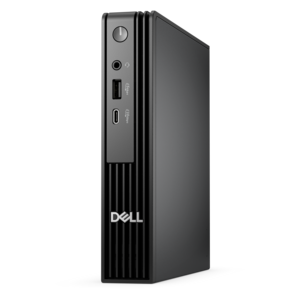
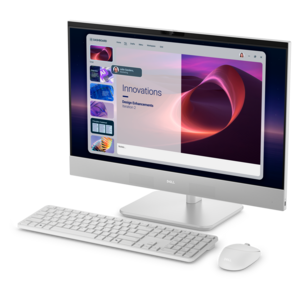
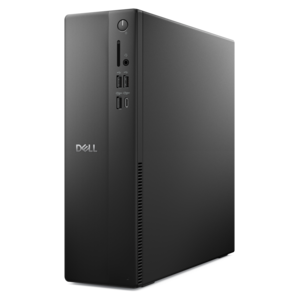
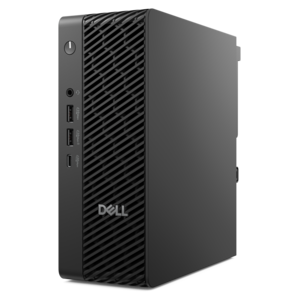
Small Form Factor PCs for Modern Workspaces offer a streamlined solution for those seeking to maximize efficiency without sacrificing valuable desk space. Ideal for offices, home workstations, and collaborative environments, these compact computers blend seamlessly into any setting while supporting productivity and organization. Discover how Small Form Factor PCs for Modern Workspaces can help you create a clean, clutter-free area that meets the demands of today’s fast-paced professional landscape.

Filters

$800.00

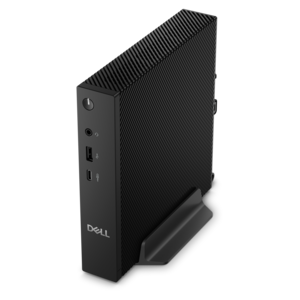
A compact thin client supporting cloud software, ThinOS, Windows 11 IoT Enterprise, or no operating system.
$800
$878.00

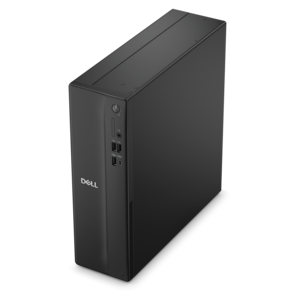
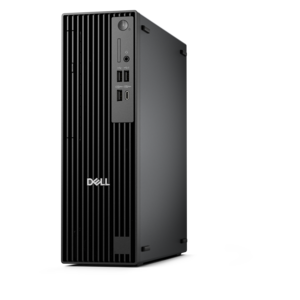
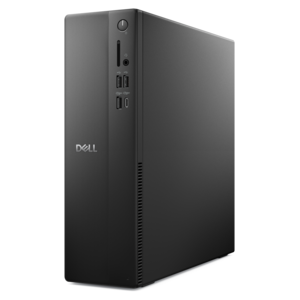
A space-saving business desktop delivering reliable everyday performance with essential security features for productive workflows.

$878
$1189.98

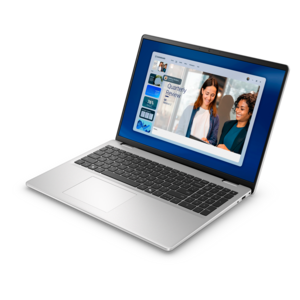
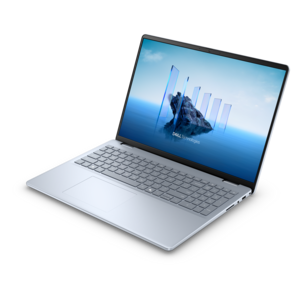
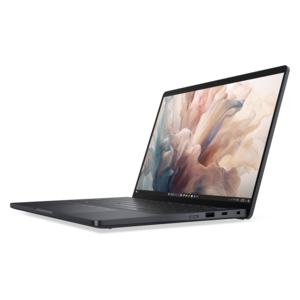
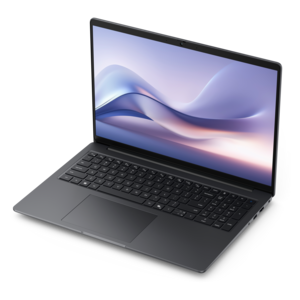
A modern laptop with Intel Core processors and graphics for effortless productivity and captivating entertainment.

$1189.98
$1089.00

A space-saving desktop delivering reliable performance and security for everyday productivity.

$1089
$1239.98

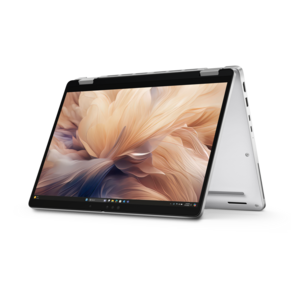
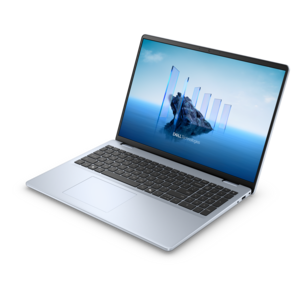
A modern laptop with AMD Ryzen™ processors, delivering effortless productivity and captivating entertainment in a design.

$1239.98
$1379.99

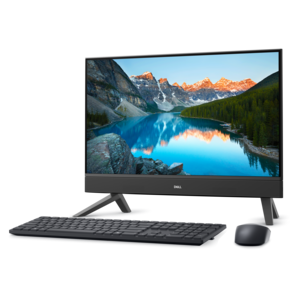
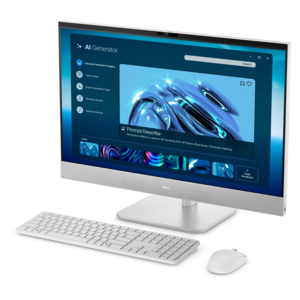
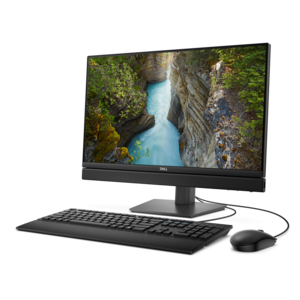
A compact all-in-one desktop designed for productive work and everyday entertainment.

$1379.99
$1169.00

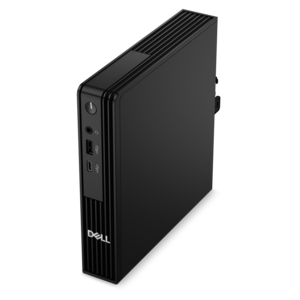
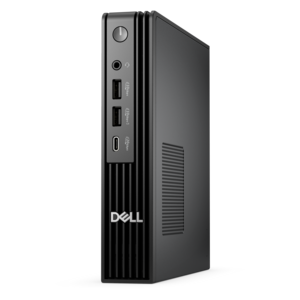
An ultracompact desktop delivering reliable performance and security for everyday productivity.

$1169
$1385.00

An ultracompact business desktop offering Copilot+ PC options, AI-enhanced productivity, robust security, and seamless manageability.

$1385
$1549.99

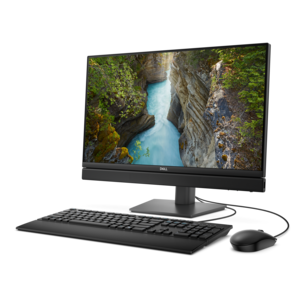
A space-saving all-in-one desktop designed for productive work and entertaining.

$1549.99
$1479.99

A compact desktop computer for everyday productivity and creative work.

$1479.99
$1417.00

A space-saving desktop engineered for exceptional speed and efficiency in a sleek, compact design.

$1417
$1488.00

A compact, high-performance desktop with AI PC options, robust security, and streamlined manageability for demanding workloads.

$1488
$1528.00

A compact business desktop with AI PC options, robust security and streamlined manageability for productive workflows.

$1528
$1575.00

A slim desktop delivering exceptionally fast CPU and GPU performance for demanding professional workloads.

$1575
$1359.00

A high-performance business desktop with Copilot+ PC options, AI-enhanced productivity, robust security, and manageability.

$1359
$1429.99

A space-saving all-in-one desktop designed for productive work and immersive entertainment.

$1429.99
$1764.00

A space-saving all-in-one desktop with AI options, enhanced productivity, and robust security and manageability features.

$1764
$1572.00

An ultracompact AI-ready business desktop with robust performance, exceptional security, and seamless manageability.

$1572
$1929.99

A modern laptop with Intel® Core™ processors and graphics for effortless productivity and captivating entertainment.

$1929.99
$1879.00

A compact, high-performance AI-ready desktop engineered for demanding workloads, enhanced security, and streamlined business management.

$1879
$2025.00

A secure, scalable commercial AI PC featuring a sleek, durable aluminum body for productive multitasking.

$2025
$2287.00

A lightweight AI PC delivering outstanding performance and battery life for highly mobile professionals.

$2287
$2019.00

An AI-ready all-in-one desktop delivering space-saving productivity with enhanced security and streamlined manageability.

$2019
$2560.00

A thin, lightweight Copilot+ PC combining powerful Intel CPU, GPU, and NPU performance for productive multitasking.

$2560

Small Form Factor PCs for Modern Workspaces

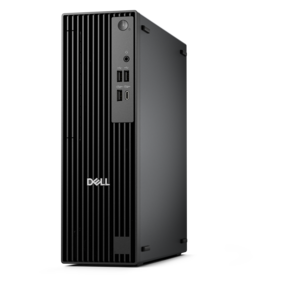
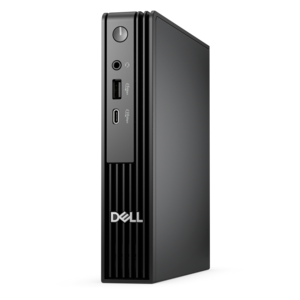
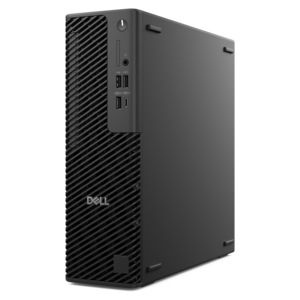
Small form factor PCs bring desktop computing to workspaces where every inch matters, combining a compact chassis with the connections needed for monitors, keyboards, and everyday peripherals. They can sit beside a display, tuck into a suitable desk compartment, or, with compatible mounting hardware, move off the work surface altogether. For home offices, shared studios, and business desks, SFF Desktop PCs For Space-Saving Workstations help leave more room for notebooks, reference materials, and the work happening beyond the screen. The category includes different sizes and layouts, so “small form factor” does not describe one universal set of dimensions. A compact desktop with room for internal expansion may be noticeably larger than a mini PC designed around a particularly tight footprint. That distinction matters on a shallow writing desk, inside a workstation cabinet, or behind a monitor with limited clearance. The best physical fit accounts for the chassis, its power connection, attached cables, and the ventilation space specified for the computer. A machine that technically fits into a cubby still needs unobstructed airflow and enough room to reach frequently used ports. Many compact desktop cases use metal structural components with molded exterior panels, balancing everyday durability with practical access to controls and connections. A stable placement helps protect those surfaces from knocks, while a location away from chair wheels, foot traffic, and drink spills reduces avoidable wear. Vertical and horizontal placement options can make a meaningful difference, but supported orientation varies by design. For someone working at a kitchen alcove during the day or sharing a small apartment office, these details can turn a crowded surface into a comfortable place to concentrate. The appeal is less about making the computer disappear than giving it an appropriate place without letting the case dominate the room. A thoughtfully positioned compact PC can remain easy to use while keeping the main work area open and accessible.

Performance in a small form factor desktop depends on its configuration, cooling system, and intended workload, not simply its case size. Writing documents, managing appointments, attending video meetings, and working across browser tabs call for a different balance of components than editing high-resolution images or manipulating detailed design files. Processor capability affects responsiveness, while memory helps determine how comfortably several applications can remain open together. A solid-state drive can contribute to quicker startup and application loading, with drive capacity affecting how much room remains for documents, project files, and downloaded media. For a bookkeeper moving between spreadsheets, scanned receipts, and video calls, sufficient memory and convenient connections may matter more than advanced graphics. A designer working with large visual assets may place greater emphasis on graphics capability, display support, and sustained performance. Compact dimensions do not guarantee support for every component, and some systems rely on integrated graphics rather than a separate graphics card. Where expansion is supported, card length, card height, power requirements, and cooling clearance all influence compatibility. Those distinctions make the internal layout just as relevant as the exterior footprint. Multiple-monitor setups also depend on the number and type of display outputs, along with supported resolutions and refresh rates. Two screens can give a project coordinator room for a schedule on one display and working documents on the other, but the computer and monitors need compatible connections. Front-facing ports are useful for temporarily connecting a headset or external drive, while rear connections can keep permanent accessories out of the way. Wireless capability, when included, may reduce some cabling, though power and display connections still need a practical route. For remote employees, students, creative professionals, and households sharing one workstation, the right balance comes from matching these capabilities to actual routines. A compact case can support substantial everyday work, provided expectations reflect the components inside it and the demands placed on them.

The surrounding workspace plays a large part in how satisfying a compact desktop feels over time. A computer mounted behind a display can free the desk for handwritten notes, but the mount must support the chassis and remain compatible with the monitor stand or arm. An under-desk position can create a similarly open surface when there is adequate clearance for knees, cables, and airflow. Neither arrangement should make the power button or essential ports frustrating to reach. Cable length matters, too: a tidy route needs enough slack for comfortable adjustments without leaving loops where they can snag. Reusable cable ties and accessible routing paths make it easier to move a display or replace an accessory later. Smaller computers may consume less electricity than larger systems configured for heavier workloads, but actual energy use depends on the processor, graphics hardware, power settings, and activity. Case size alone is not an efficiency rating. Sound levels also vary with workload and cooling design; a quiet document-editing session may produce a different fan response from a long export or complex calculation. That difference is worth considering in a bedroom office or a shared room where someone else may be reading nearby. Routine care is straightforward: keep ventilation openings clear, remove surface dust according to the manufacturer’s directions, and disconnect power before cleaning. Cleaning liquid belongs on an appropriate cloth rather than directly on the computer, and internal maintenance should follow the system’s service instructions. Easy access to replaceable memory or drives, where supported, can make future adjustments more practical, while a less accessible design may require professional service. Durable everyday use also depends on sensible placement, secure cable connections, and avoiding repeated bumps during cleaning or furniture changes. Together, those practical details help a small form factor PC settle naturally into a modern workspace: close enough for convenient access, compact enough to preserve working room, and configured for the tasks that fill an ordinary day.

FAQs:

Add the products you would like to compare, and quickly determine which is best for your needs.

Add the products you would like to compare, and quickly determine which is best for your needs.