$14.99
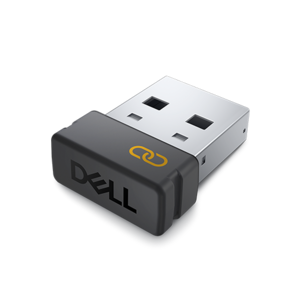
An encrypted USB receiver using FIPS-approved algorithms for secure keyboard and mouse connectivity.
Discover the versatility and convenience that computer adapters bring to your tech setup. Whether you're connecting devices, expanding your workstation, or streamlining your workflow, the right computer adapters make it easy to stay productive and connected. Explore a wide selection designed to help you bridge compatibility gaps and enhance your computing experience with seamless connectivity solutions.
An encrypted USB receiver using FIPS-approved algorithms for secure keyboard and mouse connectivity.
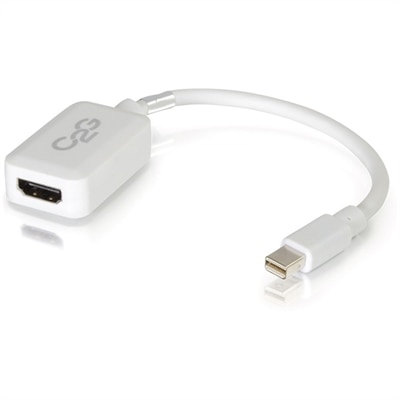
A white adapter converting Mini DisplayPort or Thunderbolt 2 to HDMI audio/video at up to 1080p.
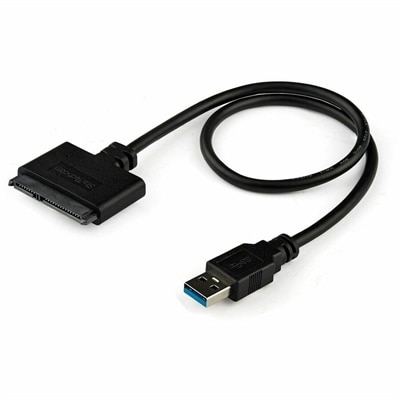
A USB-A to SATA adapter supporting 5Gbps transfers, UASP, plug-and-play connectivity, and SSD or HDD upgrades.
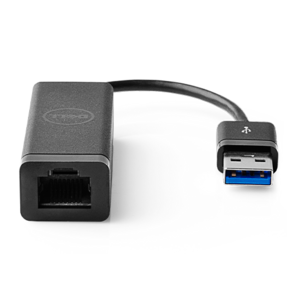
A USB 3.0 adapter adding Ethernet connectivity to computers and desktops, with PXE boot support.
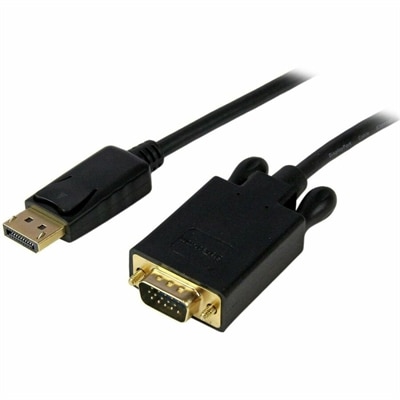
An active DisplayPort-to-VGA converter cable supporting 1920x1200 video for connecting computers to VGA monitors or projectors.
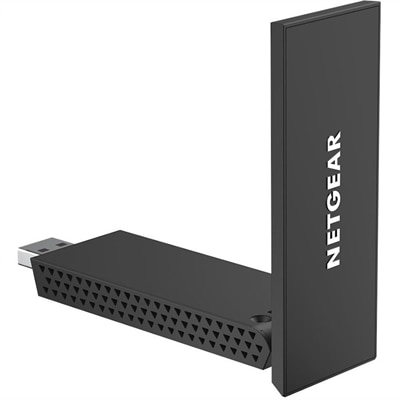
A tri-band Wi-Fi 6E USB 3.0 adapter enabling fast gaming and streaming with a flip-open antenna.
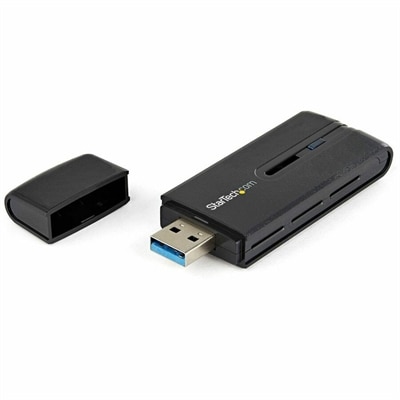
A dual-band USB 3.0 Wireless-AC adapter delivering up to 867 Mbps with WPS and backward compatibility.
A professional docking station delivering 130W power and versatile connectivity for streamlined productivity.
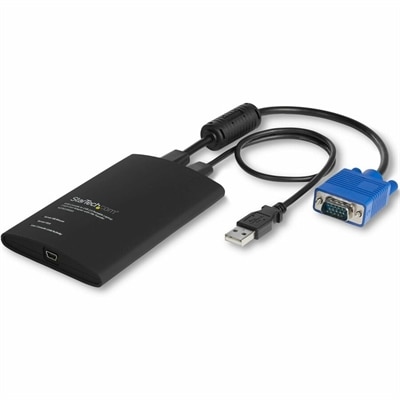
A compact USB/VGA crash cart adapter enabling BIOS-level control, file transfer and 1920×1200 video capture.
A versatile Thunderbolt 5 smart dock delivering up to 300W power with remote management capabilities.
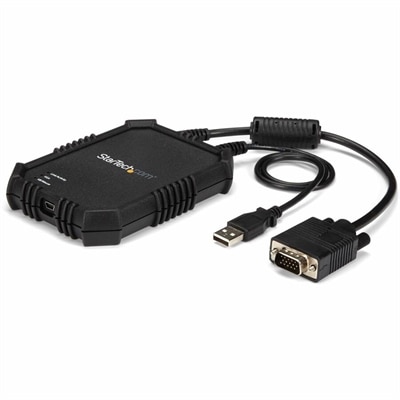
A rugged, portable USB crash cart adapter providing VGA/USB BIOS-level access, file transfer, and video capture.
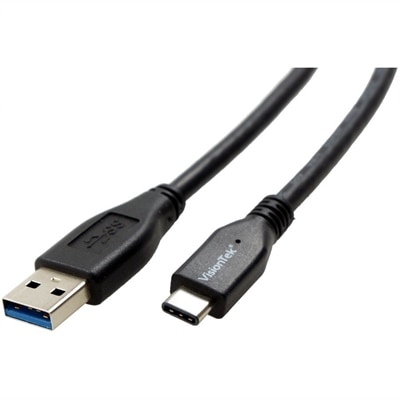
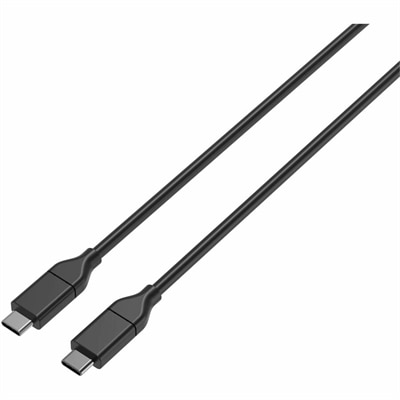
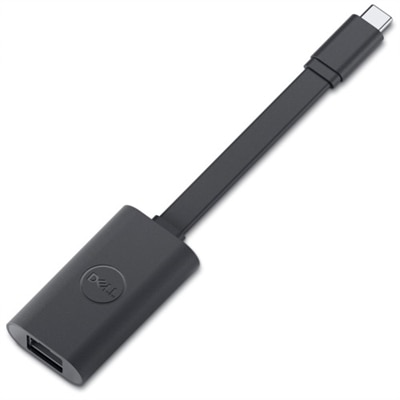
Computer adapters are compact accessories that help different ports, cables and devices work together when their connections do not match. A laptop may have a modern USB-C port while an older flash drive, keyboard or printer uses USB-A; a thin notebook may lack a built-in wired network port; or a computer may need to connect to a monitor, projector or television through a different video connection. An adapter bridges that gap by changing the connector shape, carrying a compatible signal or adding a port that is not built into the computer. Common types include USB adapters, display adapters, Ethernet adapters and power adapters. USB-A to USB-C adapters are useful for connecting newer USB-C accessories to computers with standard USB-A ports, while other USB adapters can help older peripherals remain useful with newer laptops. Display adapters can convert or connect video signals such as HDMI, VGA and DisplayPort, allowing a computer to send an image to an external screen. Ethernet adapters add a wired RJ45 network connection through USB for people who prefer a direct internet connection, and power adapters are designed to deliver the appropriate electrical output for compatible computers and accessories. Because an adapter is part of the connection between two pieces of equipment, the right choice depends on more than the overall appearance of the plug. Check the ports on both devices, the direction of the connection, the type of signal being transferred and the performance supported by the computer, cable and display. A simple connector change may be all that is needed for a keyboard or storage accessory, while video connections may require attention to resolution, refresh rate, audio support and the number of displays being used. For charging, confirm voltage, wattage, connector size and compatibility rather than relying only on a similar-looking plug. An adapter should make the intended connection easier and safer, not introduce a limitation that prevents a device from operating as expected.
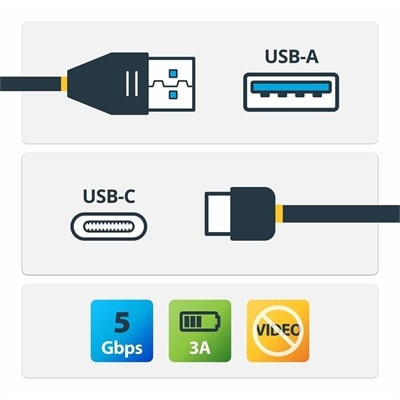
The best computer adapter for a particular setup starts with a quick inventory of the equipment already on hand. Look along the sides and rear of the computer for the symbols and shapes of available ports, then inspect the cable attached to the accessory or display. USB-A ports are usually wider and rectangular, while USB-C ports are smaller, rounded and reversible. Video ports vary in shape and capability, and a network adapter requires a USB connection on one side and a standard Ethernet cable connection on the other. It is also worth considering whether the adapter will remain at a desk or travel between locations. A compact adapter can slip into a laptop sleeve and help when working from a conference room, classroom, library or shared workspace, while a longer cable or multiport design may be more comfortable for a permanent home office. People who work with several screens may need to review display support carefully, especially when connecting through a thin laptop with limited ports. Students can use adapters to connect classroom equipment, external drives or familiar accessories to a newer computer. Remote workers may use them to connect a monitor, wired network, webcam or other desk equipment without replacing devices that still perform well. Travelers can appreciate the reassurance of having a small connector on hand when a hotel desk, meeting room or borrowed display uses an unexpected port. Adapters can also be practical gifts for someone starting school, setting up a home office or moving to a new laptop. They are especially useful for recipients who already own dependable accessories but need a simple way to connect them to updated equipment. Before choosing, consider the number of connections needed, supported data-transfer speed, display resolution, power delivery, cable length, portability and operating-system compatibility. If the main need is connecting an older USB accessory to a newer port, browse USB A Adapters for options designed around that type of connection. Reading the technical details can prevent a frustrating mismatch, particularly when a computer has only one available port or when an adapter will be used with a high-bandwidth display or network connection.
A dependable adapter can make a computer setup feel less restrictive. At a desk, it can help arrange a monitor, keyboard, mouse, external drive and network cable in a practical layout, keeping the computer positioned comfortably while the connected accessories remain within reach. During cooler months, when more work and entertainment may happen indoors, a small adapter can help turn a familiar laptop into a more capable workstation without requiring every accessory to be replaced. The same accessory can also be useful when moving between a home office and another workspace: disconnect the adapter, place it beside the computer and reconnect the same group of peripherals at the next destination. For display connections, check whether the adapter is intended for input or output and whether it supports the resolution and refresh rate of the screen. For network connections, a wired adapter can provide a direct link to a compatible router or wall jack, which may be helpful for video meetings, large file transfers or environments where wireless access is limited. For USB connections, remember that an adapter changes the physical connection but does not necessarily increase the speed of the slower device or port. Power adapters deserve extra care because an incorrect electrical specification can damage equipment or create a safety concern; use only an adapter rated for the computer or accessory and follow the manufacturer’s requirements. Keeping ports free of dust, avoiding sharp bends in attached cables and storing travel adapters in a small protective pouch can extend their useful life. It is also sensible to label adapters that look alike, especially in a shared household or workspace. With the right match, an adapter can preserve the value of existing accessories, simplify everyday connections and make a computer easier to use wherever work, study or relaxation takes place.
Add the products you would like to compare, and quickly determine which is best for your needs.