$39.99
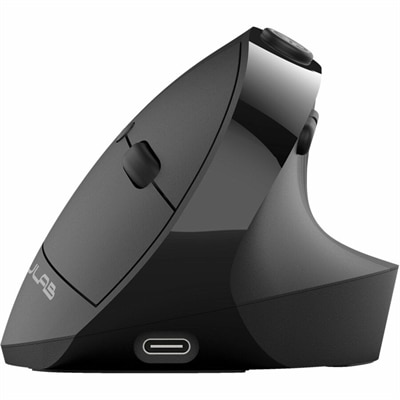
An ergonomic vertical mouse with seven silent buttons, Bluetooth/USB connectivity, and rechargeable four-month battery life.
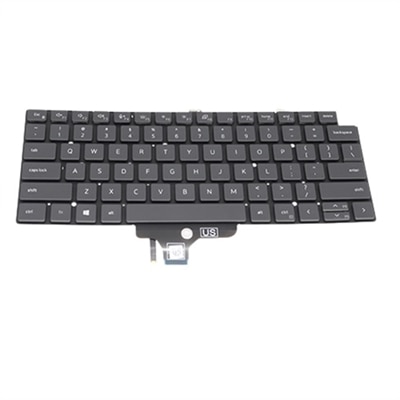
Enhancing your computing experience starts with the right accessories, and computer buttons play a crucial role in ensuring smooth navigation and efficient functionality. Whether you're upgrading your keyboard or looking for customizable options to suit your needs, exploring a variety of computer buttons can lead to improved productivity and comfort. From tactile feedback to ergonomic designs, these essential components are key to creating an optimal setup for work or play. Discover the perfect blend of style and performance as you browse through our diverse selection of computer buttons tailored to elevate your digital interactions.
An ergonomic vertical mouse with seven silent buttons, Bluetooth/USB connectivity, and rechargeable four-month battery life.
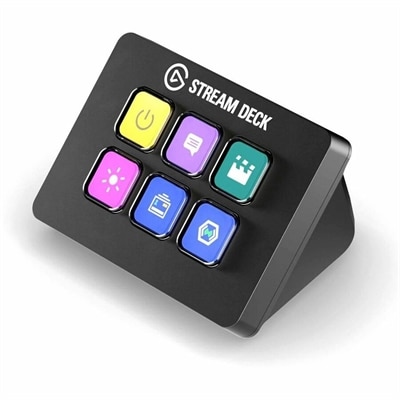
A compact six-key control pad with customizable drag-and-drop controls for streamlined workflows on PC and Mac.
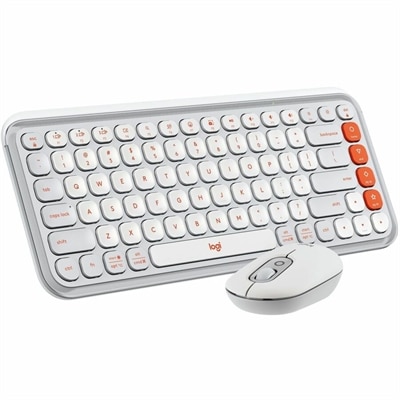
An off-white and orange keyboard-and-mouse combo with quiet typing, contoured designs, and customizable keys and buttons.
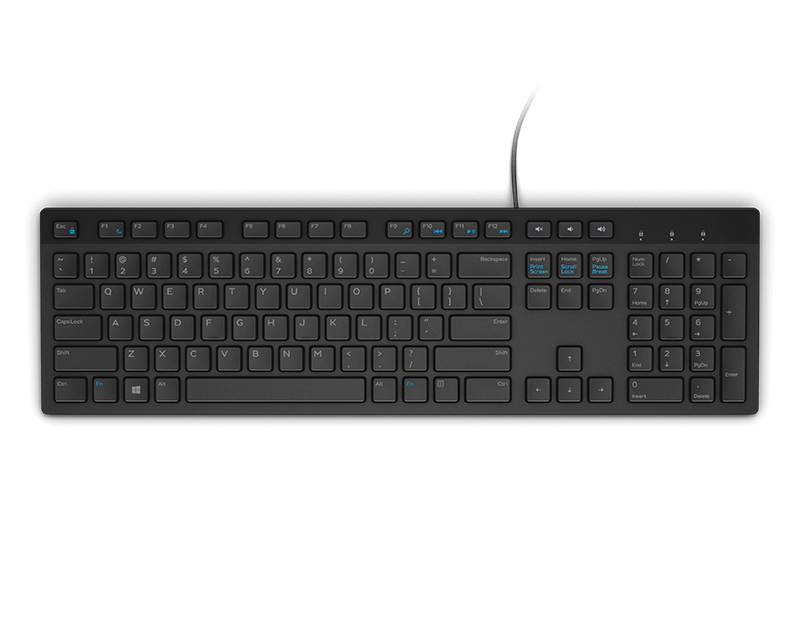
Computer buttons, more commonly called keys, are the everyday controls that connect your hands to a computer. On a keyboard, alphanumeric keys include the letters A through Z and numbers 0 through 9, making it possible to write messages, complete forms, prepare schoolwork, enter information and search the web. Other keys perform specific commands or help you move through a document. Enter usually confirms an instruction or moves the cursor to a new line, while Backspace removes the character to the left of the cursor and Delete removes the character to the right. The Escape key can cancel an action or close a full-screen view, and the Spacebar adds a space between words. Function keys, commonly labeled F1 through F12, may provide shortcuts that vary by computer or software. Control keys such as Ctrl, Alt and the Windows key are often pressed together with another key to carry out commands, including copying, pasting, saving or switching between open applications. Navigation keys, including the arrow keys, Home, End, Page Up and Page Down, help move through text, webpages and menus without reaching for a mouse. A computer button page may include complete keyboards, replacement input accessories or other tools designed to make these essential controls more comfortable and convenient to use. For a closer look at related options for portable computers, explore Laptop Input Devices.
When choosing computer buttons or a keyboard with the right layout, start with the way the computer is used most often. Someone who spends long stretches writing may appreciate full-size spacing, a familiar arrangement and keys with a clear, comfortable response. A compact layout can leave more room on a small desk or travel easily between a home office, classroom and shared workspace, though some compact designs combine or omit less frequently used keys. A full-size layout generally includes a dedicated number pad, which can be helpful for spreadsheets, accounting tasks, data entry and frequent number work. Pay attention to key shape, spacing and labeling, particularly when several people share the same computer or when a student is learning to type. Key feel also matters: some buttons have a soft, quiet press, while others provide a more distinct response that can make each keystroke easier to sense. A quieter design may be well suited to video calls, libraries, bedrooms or a household where one person works while another is resting. Backlighting can improve visibility during evening use or in a dim room, and adjustable brightness may help users find a comfortable setting as daylight changes during the cooler months. For a desktop setup, consider the available connection method, cable length and placement of nearby accessories. A wired connection can provide a straightforward setup without charging, while a wireless option can reduce cable clutter and make it easier to reposition the keyboard. For a laptop, an external input device can create a more spacious typing area at a desk while the built-in keys remain useful when working away from home. Check operating-system compatibility, available ports and the included connection hardware before choosing, especially when the keyboard will move between different computers. A durable surface, clearly printed legends and a design that is easy to clean can be valuable in busy homes, classrooms and offices where computer buttons receive steady daily use.
The best choice also reflects the person using it. A writer may focus on comfortable repeated keystrokes, a student may need a dependable layout for assignments and research, and a remote worker may value quiet operation during calls and a stable feel for long documents. Families can benefit from clearly labeled keys and a layout that feels approachable for both occasional users and experienced typists. Computer buttons can also be a practical gift for someone setting up a first desk, refreshing a home workspace or spending more time with a desktop computer during the cooler months. When selecting one for another person, consider whether they prefer a compact or full-size arrangement, whether they regularly enter numbers, and whether they work in a quiet shared room. Accessibility deserves equal attention: high-contrast markings, well-spaced keys, tactile differences, adjustable backlighting and a comfortable amount of key resistance can make routine tasks easier for people with different vision, dexterity or sensory needs. For everyday care, keep food and drinks away from the keyboard, wipe the surface with a suitable dry or lightly damp cloth according to the manufacturer’s instructions, and avoid forcing a button that feels stuck. If a key stops responding, check the connection, restart the computer and inspect for visible debris before attempting further cleaning. Learning the main sections of a keyboard can make computer use feel more natural: alphanumeric keys handle text and numbers, function keys provide quick access to software commands, control keys work in combinations, and navigation keys move the cursor or page. With the right combination of layout, comfort, connection and durability, computer buttons can support everything from a short email at the kitchen table to hours of focused work at a dedicated desk.
Add the products you would like to compare, and quickly determine which is best for your needs.