$19.99
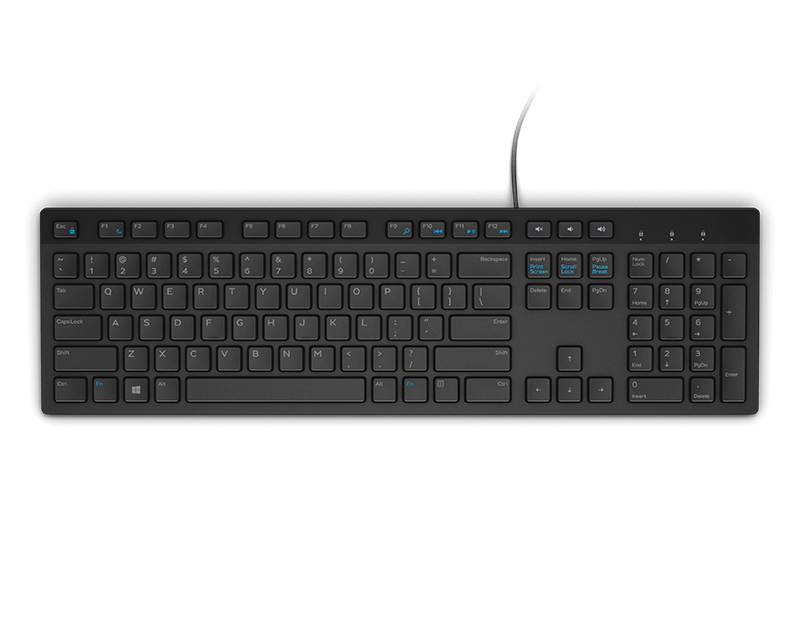
A reliable wired keyboard and mouse combo that connects easily to compatible PCs for everyday computing.
Enhance your productivity and comfort with the right laptop input devices. Whether you're working, gaming, or creating, choosing the ideal keyboard, mouse, touchpad, or stylus can make all the difference in your daily computing experience. Explore a wide selection of laptop input devices designed to help you interact seamlessly with your device and tailor your setup to fit your unique needs. Find options that support efficient navigation and effortless control, so you can get the most out of every task.
A reliable wired keyboard and mouse combo that connects easily to compatible PCs for everyday computing.
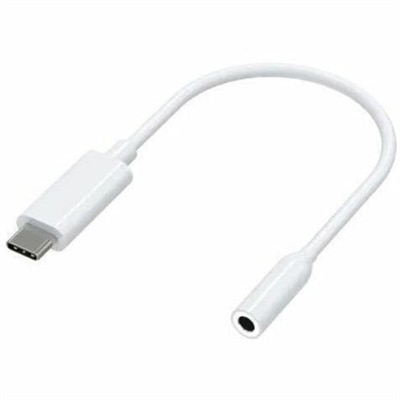
A compact USB-C to 3.5mm audio adapter with Hi-Res DAC, 93dB SNR, and plug-and-play compatibility.
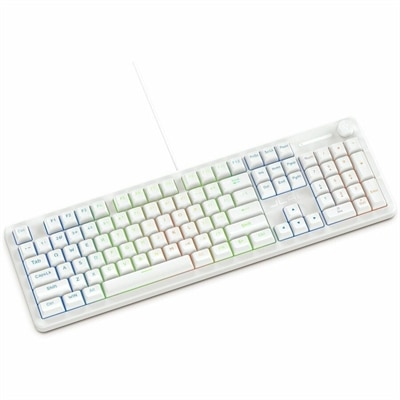
A wired gaming keyboard with membrane switches, 19-key rollover, 1000Hz polling, and customizable RGB lighting.
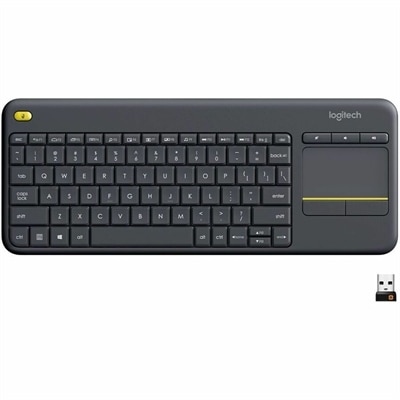
A wireless keyboard with integrated touchpad, comfortable media controls, and 10-meter range for seamless entertainment navigation.
A wired fingerprint mouse offering one-touch, password-free Windows Hello authentication for secure everyday access.
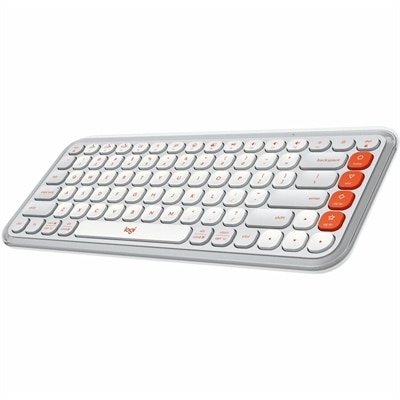
A compact off-white and orange Bluetooth keyboard with quiet low-profile keys, programmable controls, and three-device switching.
A slim, quiet keyboard delivering comfortable all-day typing with industry-leading battery life.
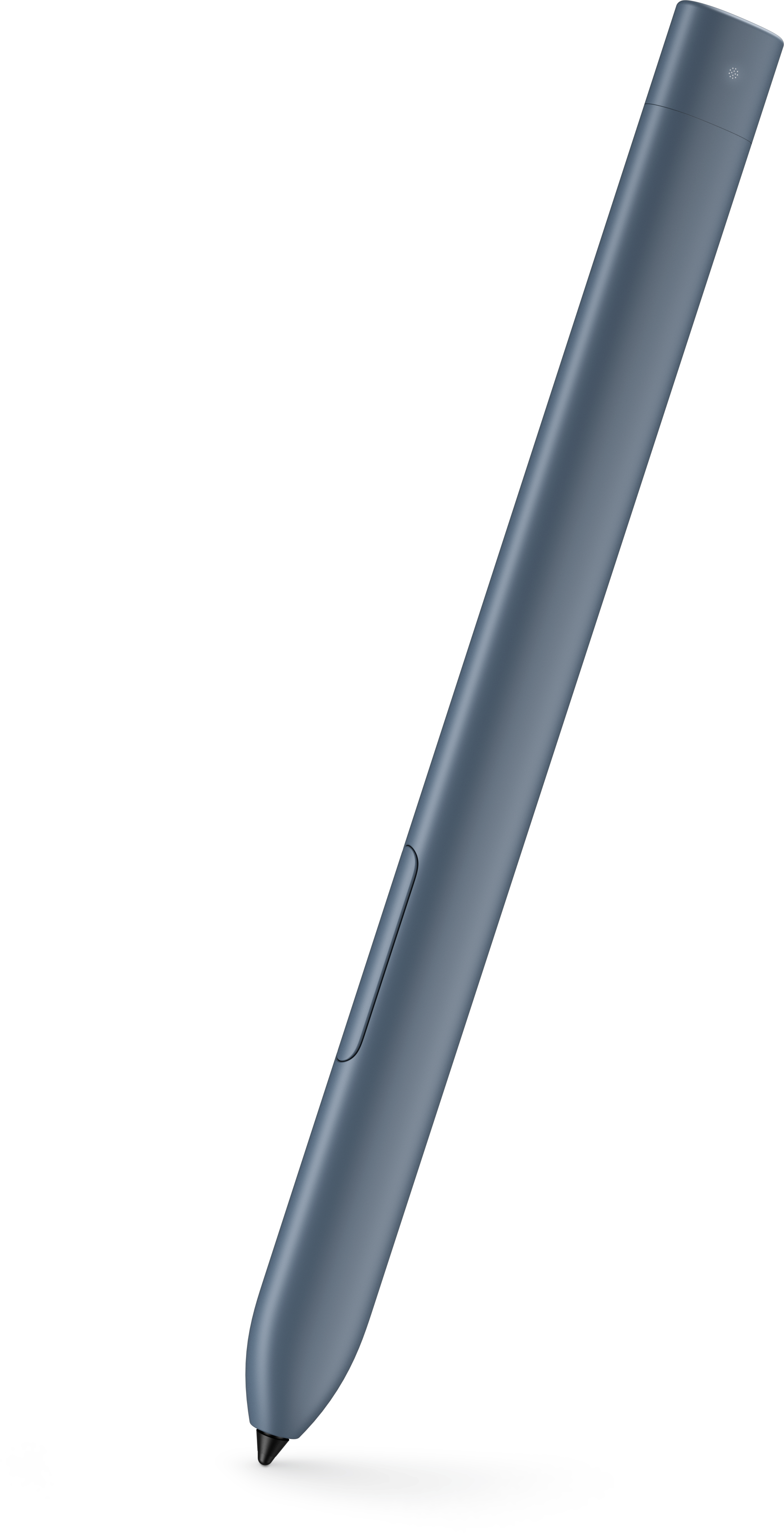
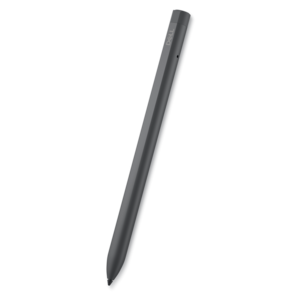
An active stylus designed for compatible detachable tablets, with convenient storage and charging in the keyboard garage.
A right-hand-focused wireless gaming mouse with 26,000 DPI, reliable connectivity, and robust battery life.
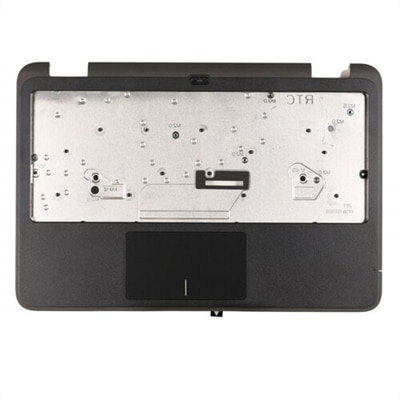
A palmrest assembly with an integrated fingerprint reader, touchpad, and USH board for compatible systems.
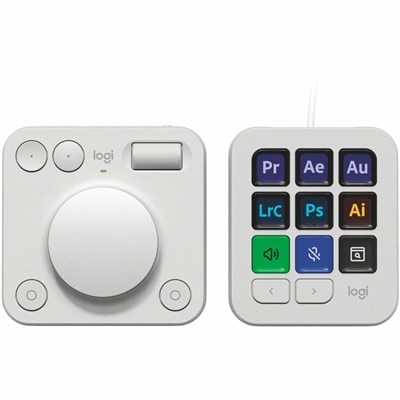
A pale grey console with nine customizable LCD keys and an aluminum dial for streamlined workflows.
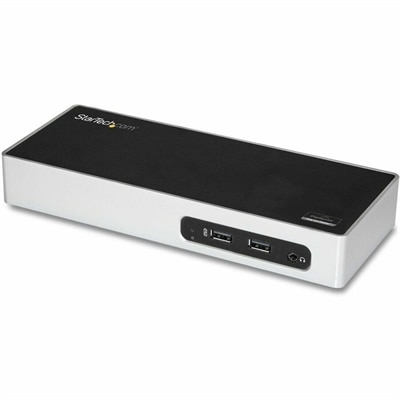
A USB 3.0 docking station with dual-monitor HDMI, DVI/VGA, six USB-A ports, Gigabit Ethernet, and audio.
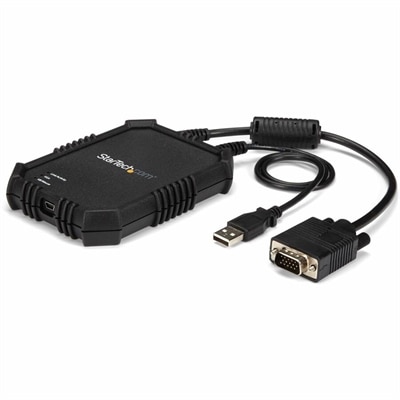
A rugged, portable USB crash cart adapter providing VGA/USB BIOS-level access, file transfer, and video capture.
Laptop input devices are the built-in controls and external peripherals that let people enter text, move a pointer, capture sound or images, and send commands to a laptop. Keyboards handle typing and shortcuts, touchpads and mice control navigation, and compatible digital pens support handwriting and drawing. Microphones provide audio input for conversations, recordings, and voice commands, while webcams capture video for meetings and other visual communication. Some laptops also include touchscreens or fingerprint readers, which accept touch input or support biometric sign-in when configured with compatible software. Together, these tools shape the everyday experience of using a computer, from answering a short message at the kitchen counter to editing a presentation at a dedicated desk. Built-in controls keep a laptop self-contained for travel, while external input devices can extend its capabilities or create a more comfortable arrangement around a separate display. An external keyboard and mouse, for example, allow the laptop screen to sit on a stand without leaving the typing surface out of reach. Compact peripherals suit a backpack or a small workspace, whereas larger layouts can provide more room between controls and dedicated keys for frequently used functions. The right fit depends on the work as much as the available space: a student taking lecture notes, an accountant entering figures, and an illustrator sketching on a compatible touchscreen have different priorities. For households with shared computers, familiar layouts and straightforward controls can make transitions between users easier. Input accessories can also be thoughtful gifts for someone starting college, setting up a home office, or spending more time on a creative hobby, provided the connection type and laptop compatibility are known. Whether used for work, study, entertainment, or communication, their value comes from how naturally they translate a person’s movements, words, and ideas into actions on the screen.
Keyboards, mice, and touchpads account for much of that interaction, so their dimensions, surface feel, and control layout deserve close attention. A full-size keyboard typically includes a numeric keypad that can simplify spreadsheet entry, while a compact layout leaves more room for a mouse on a narrow desk. Key spacing, key travel, and the force needed to register a press affect the typing experience; quieter keys may be especially welcome in a shared office or during evening study sessions. Low-profile keys offer a different feel from taller keys, and neither style is universally more comfortable. Readable legends, useful shortcut keys, and adjustable positioning can matter more than appearance over a long afternoon of writing. Mouse fit is similarly personal. Body width, height, weight, and button placement influence how comfortably the hand rests and how easily the pointer moves. A small travel mouse takes up little bag space, but a larger shape may feel more supportive at a permanent workstation. Left-handed users may prefer a symmetrical design or controls intended for their dominant hand. Scroll wheels and programmable buttons can reduce repeated movements through long documents or frequently used commands when supported by the device’s software. For those who favor gesture-based navigation, Laptop Touchpads provide a focused category for exploring touchpad options. A touchpad translates finger movement into pointer movement and may support scrolling, zooming, and other gestures, depending on the hardware, drivers, and operating system. Surface area, texture, palm rejection, and click behavior all contribute to how it feels in use. Replacement touchpads require careful matching to the laptop model, internal connector, mounting arrangement, and supported configuration; a similar appearance does not establish compatibility. Digital pens have equally important compatibility requirements. Active pens communicate with specific display technologies, so a touchscreen alone does not guarantee support for pressure sensitivity, tilt recognition, or palm rejection. For handwritten annotations, diagramming, and artwork, pen balance, grip texture, tip feel, and supported features help determine how closely the experience matches the intended task.
Connection method, construction, and care affect how laptop input devices fit into a routine over time. Wired accessories avoid battery management and can provide a straightforward connection, though cable length and routing influence placement on a crowded desk. Wireless accessories reduce visible cables and offer more freedom of movement, but they may connect through Bluetooth or a separate USB receiver, with different setup requirements. The laptop needs the appropriate port or wireless support, and features such as custom button assignments or advanced gestures may depend on compatible software. A receiver that occupies a USB port is worth accounting for when other accessories are connected. Rechargeable devices need periodic charging, while those with replaceable batteries benefit from an accessible battery compartment and a clear power indicator. For someone moving between a home workspace and a classroom, an on-off switch, a secure receiver compartment, and a protective carrying sleeve can make daily packing simpler. Materials also influence wear and handling. Plastic housings keep many accessories lightweight, metal components can add rigidity, and textured grips may improve control, although finishes and coatings respond differently to friction, skin oils, and cleaning products. Key legends, cable strain relief, button construction, and replaceable pen tips are useful details when considering frequent use. Routine care generally means keeping crumbs and liquids away, disconnecting or powering down the device before cleaning, and following the manufacturer’s instructions for suitable cloths and cleaning methods. Spraying liquid directly into keys, seams, or sensor openings can damage electronics. Microphones and webcams bring additional considerations for people who communicate or create content from a laptop. Microphone placement and pickup pattern affect how much room sound enters a recording, while webcam positioning and lighting influence how clearly a face appears on screen. Physical mute controls and camera shutters, when present, offer convenient ways to manage capture. Across these categories, a dependable setup is one that suits the user’s space, abilities, and habits without adding unnecessary complexity, whether that means quiet typing during a video call, precise cursor movement through a detailed worksheet, or quick handwritten notes between classes.
Add the products you would like to compare, and quickly determine which is best for your needs.