$27.99
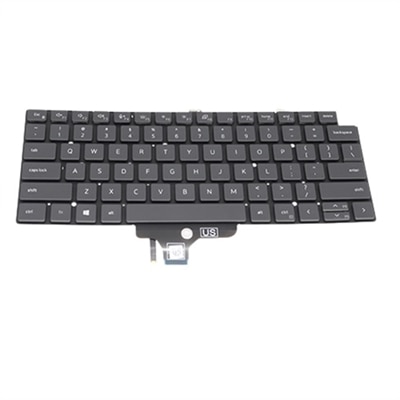
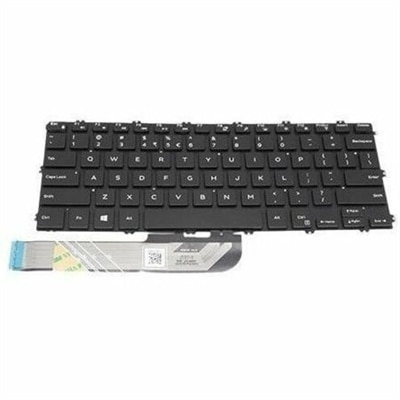
A refurbished laptop keyboard assembly with genuine OEM components, tested for reliable fit and functionality.
Make your typing with our wide range of laptop keyboards, crafted for precision, comfort, and performance. Whether you're a professional in need of ergonomic designs for extended work sessions or a casual user seeking reliable and stylish options, our selection has you covered. Featuring backlit keyboards, customizable layouts, and durable designs, these keyboards seamlessly integrate with your laptop to boost productivity and elevate your tech experience. Explore our curated collection of laptop keyboards to find the perfect match for your needs and enjoy a superior typing experience tailored to your lifestyle.
A refurbished laptop keyboard assembly with genuine OEM components, tested for reliable fit and functionality.
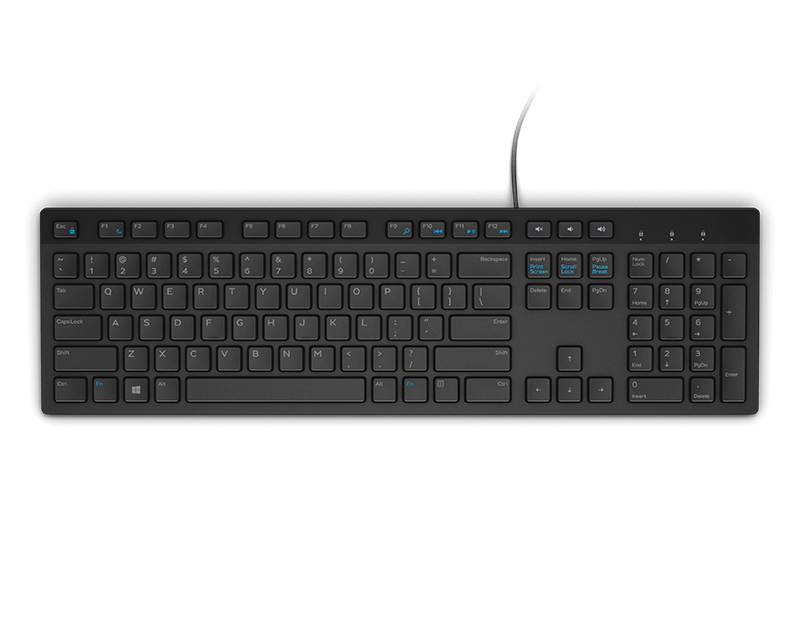
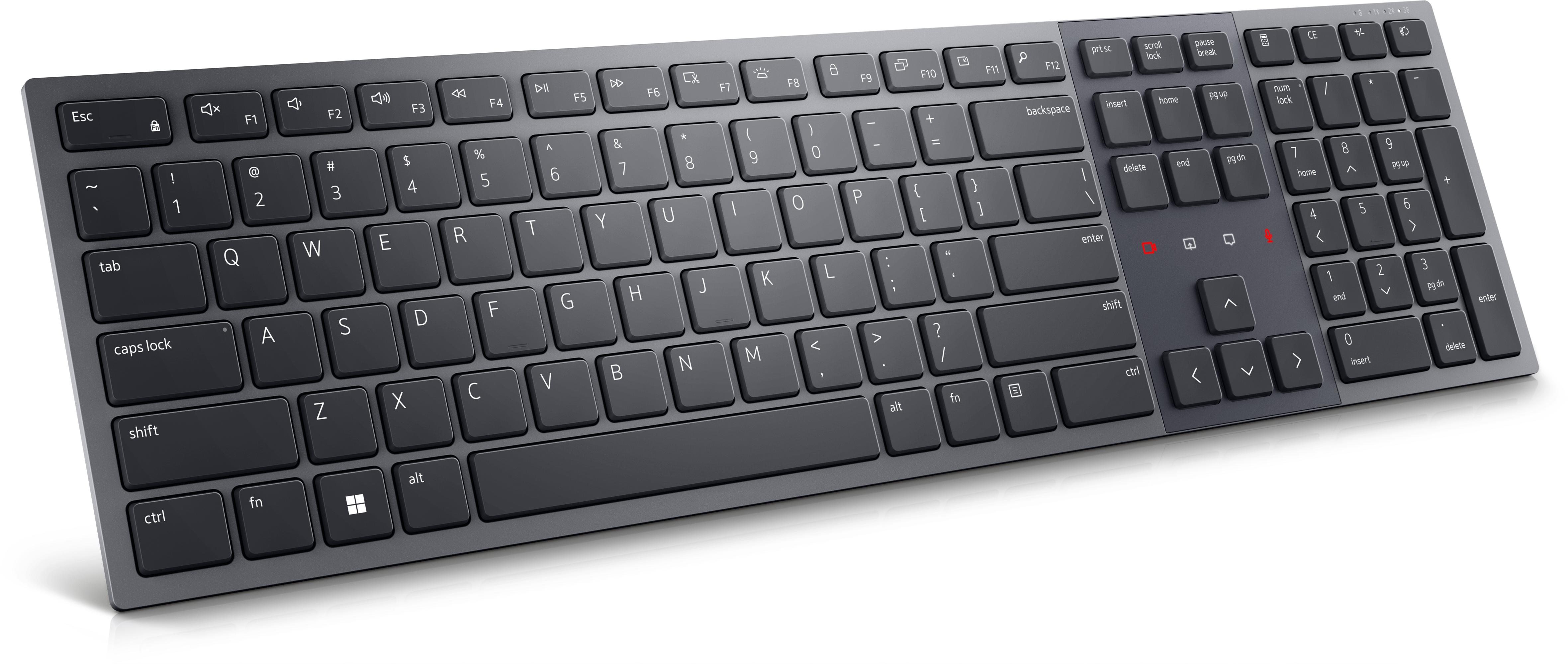
A slim, quiet keyboard delivering comfortable all-day typing with industry-leading battery life.
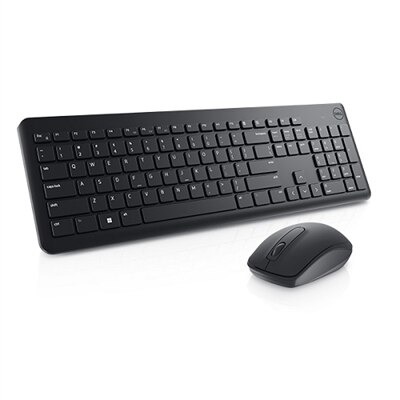
A comfortable black keyboard and mouse combo with smooth typing, easy gliding and long-lasting battery life.
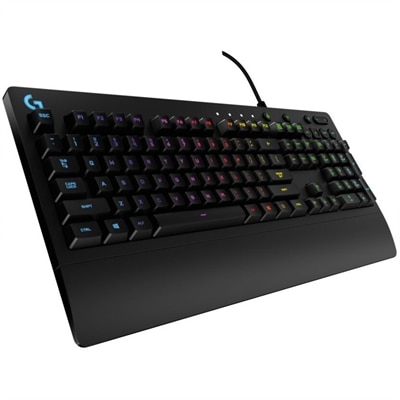
A wired gaming keyboard with RGB lighting, spill-resistant Mech-Dome keys, palm rest, and dedicated media controls.
Laptop keyboards shape the feel of everyday computing, from the first password entered in the morning to the last few lines of a presentation. The category includes external keyboards that connect to a laptop and replacement keyboards designed to fit inside a compatible computer. External laptop keyboards can make a desk more comfortable, add a dedicated number pad, or provide a different typing feel without changing the laptop itself. A slim wireless keyboard suits a small workspace or a bag carried between home and the office, while a full-size wired keyboard can provide a consistent home base for spreadsheets, writing, and routine administrative work. Compact layouts leave more room for a mouse and notebook, and tenkeyless designs remove the number pad while typically retaining a separate navigation area. Full-size layouts give frequent number entry its own space, which can be useful for household budgets, accounting tasks, and coursework involving data. The differences become noticeable in ordinary moments: entering a column of figures, reaching for an arrow key while editing a document, or working at a narrow desk beside a window. Key spacing, the shape of the keycaps, and the placement of frequently used controls all affect how naturally the layout fits established habits. Smaller keyboards may combine functions or move navigation keys, so their reduced footprint can come with an adjustment period. Students, remote workers, programmers, and anyone who types for extended stretches may value different combinations of portability, familiar controls, and feedback. An external keyboard can also be a practical gift for someone setting up a study area or home office, especially when its layout and connection type match the recipient’s computer and routine. For a laptop raised on a stand, a separate keyboard allows the screen and typing surface to sit at different heights, creating more flexibility than the built-in keyboard alone can offer. That separation is particularly useful when a laptop serves as both a portable computer and the center of a desk setup.
Typing feel depends on more than the height of the keys. Many laptop-style keyboards use low-profile scissor mechanisms, which support the keycap and provide a short, controlled press. Mechanical keyboards use individual switches beneath the keys, with variations that can feel smooth, provide a noticeable tactile bump, or produce an audible click. Low-profile mechanical designs offer a shallower profile than many traditional mechanical keyboards, but they do not necessarily feel identical to a laptop’s built-in keyboard. Key travel, resistance, spacing, and sound work together to create the overall experience. A quiet keyboard can be more considerate in a shared office, library, or bedroom where someone else is resting; a stronger tactile response may appeal to a writer who likes a distinct indication of each keypress. Sound also depends on the keycaps, case, desk surface, and typing force, not just the switch mechanism. External keyboard cases commonly use plastic, metal, or a combination of materials. Plastic can help keep a travel setup light, while a metal top plate or frame can add rigidity and weight for a stationary workspace. Keycap texture and the method used to apply legends influence how the surface feels and how markings hold up to repeated use. Backlighting can make legends easier to distinguish in a dim room, although brightness settings and lighting effects may affect battery life on wireless models. Connection choices matter just as much as construction. Wired USB keyboards draw power through their connection and avoid a separate charging routine, though the laptop must have a compatible port or suitable adapter. Bluetooth keyboards can connect without occupying a USB port when the computer supports that connection. Other wireless keyboards use a dedicated USB receiver, and some support switching among multiple paired devices. Wireless responsiveness and connection stability vary with the keyboard, settings, and surrounding conditions. For travel, overall dimensions, weight, battery requirements, and protection against accidental keypresses help determine whether a keyboard is genuinely convenient to carry rather than simply small enough to fit.
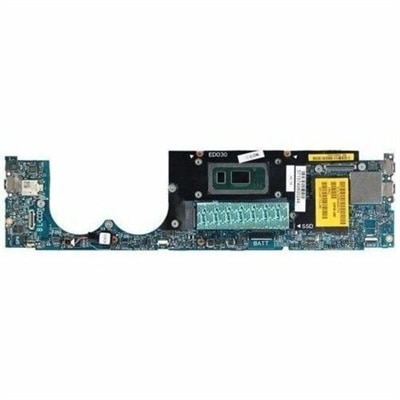
Fit has a more exact meaning for an internal replacement laptop keyboard. Its dimensions, mounting points, ribbon cable, connector placement, regional layout, and backlighting support must match the laptop’s requirements; a similar-looking keyboard is not necessarily interchangeable. Some laptop designs use a separately replaceable keyboard, while others integrate it into a larger palm-rest or upper-case assembly. The relevant service documentation helps establish which configuration applies and whether replacement involves substantial disassembly. Internal keyboards connect to the laptop’s electronics, so connector compatibility and system design matter alongside the visible key layout. For repairs that extend beyond the typing assembly, Laptop Motherboards represent a separate component category with its own model-specific fit requirements. An external keyboard, by contrast, generally depends on connection support, operating-system compatibility, and any software needed for advanced functions. Basic typing may work even when certain shortcuts, programmable controls, or lighting features require additional support. Day-to-day care helps preserve either type of keyboard. Dust and crumbs can collect around key edges, while skin oils gradually change the feel of frequently touched surfaces. Cleaning is safest with the computer shut down or the external keyboard disconnected, following the manufacturer’s instructions and using an appropriate soft cloth without spraying liquid directly onto the keys. Removing keycaps is not a universal cleaning method, particularly on shallow laptop mechanisms that can be damaged by lifting them incorrectly. A protective sleeve can reduce scuffs and debris during transport, and keeping drinks away from the typing area reduces the risk of a spill. Spill resistance, where specified, should not be treated as waterproofing. Long-term durability also involves the cable, charging connector, folding feet, and battery as well as the keys themselves. At a desk, stable placement and a typing height that allows relaxed shoulders and relatively straight wrists can support a more comfortable routine, though no keyboard alone guarantees comfort. The most useful laptop keyboard is one whose size, feel, connection, and construction suit the work it will actually do, whether that means quiet evening study, repeated number entry, or moving between workspaces throughout the week.
Upgrading your laptop keyboard can enhance your typing comfort, increase productivity, and improve the overall responsiveness of your device. A new dell laptop keyboard can provide better tactile feedback, quieter operation, and features like backlighting or ergonomic design, making long work or study sessions more enjoyable.
To ensure compatibility, check your laptop’s model number and compare it with the specifications listed for the dell notebook keyboard you’re considering. It’s important to match the connector type and layout to your specific device to guarantee a proper fit and full functionality.
Yes, many modern laptop keyboards offer features such as spill resistance, customizable hotkeys, backlit keys for low-light environments, and improved key travel for a more comfortable typing experience. Some dell keypad options also include numeric keypads for easier data entry.
Students, remote professionals, gamers, and anyone who spends extended time on their laptop can benefit from a high-quality dell keyboard laptop. These keyboards are also a thoughtful gift for those setting up a new workspace or upgrading their current technology.
While some users with technical experience may feel comfortable installing a new laptop keyboard themselves, others may prefer professional installation to ensure proper fit and avoid potential damage. Always follow the manufacturer’s guidelines and consider your own comfort level with hardware upgrades.
Add the products you would like to compare, and quickly determine which is best for your needs.