$14.99
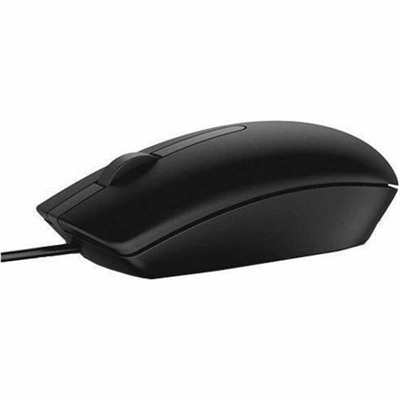
A black wired mouse featuring optical LED tracking for reliable everyday computer control.
Explore the world of computer input devices, where innovation meets functionality to enhance your digital experience. From keyboards that offer seamless typing to mice designed for precision control, these essential tools are crafted to meet the diverse needs of every user. Whether you're a gamer seeking responsive controls or a professional looking for ergonomic solutions, our range of input devices promises to elevate your interaction with technology. Dive into our selection and find the perfect device to complement your computing setup.
A black wired mouse featuring optical LED tracking for reliable everyday computer control.
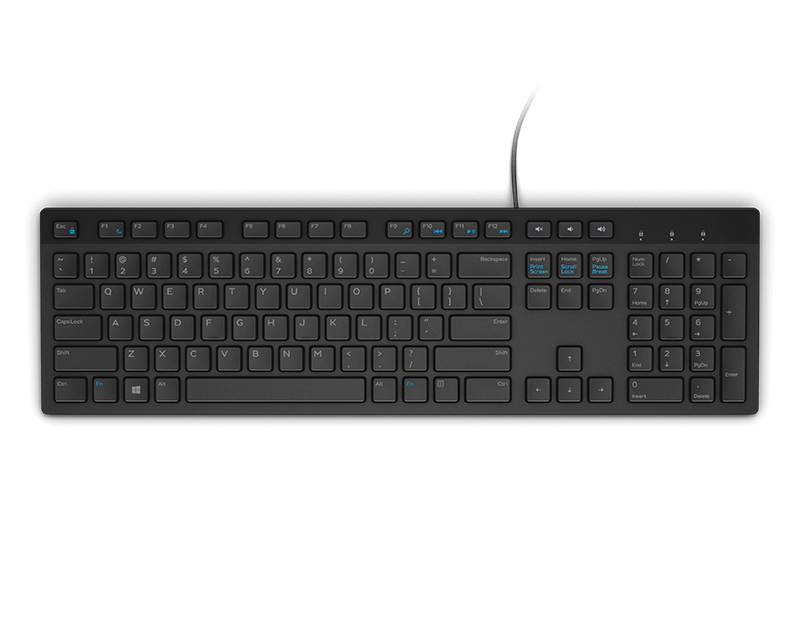
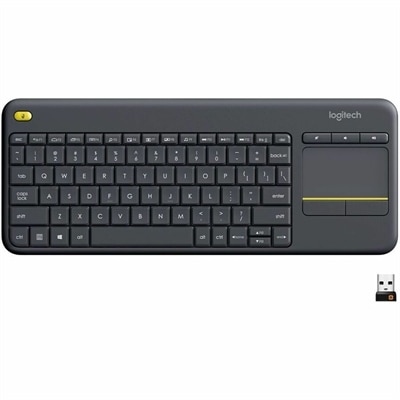
A black wired keyboard designed for convenient everyday home and office computing.
A reliable wired keyboard and mouse combo that connects easily to compatible PCs for everyday computing.
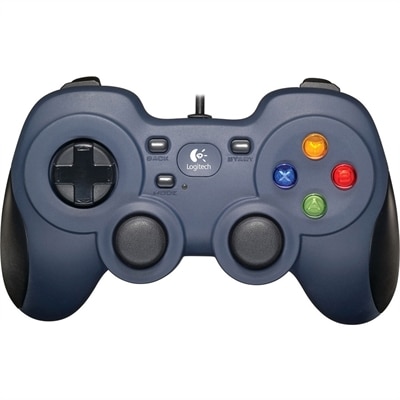
A wired gaming controller with XInput/DirectInput support, programmable controls, responsive four-switch D-pad, and contoured rubber grips.
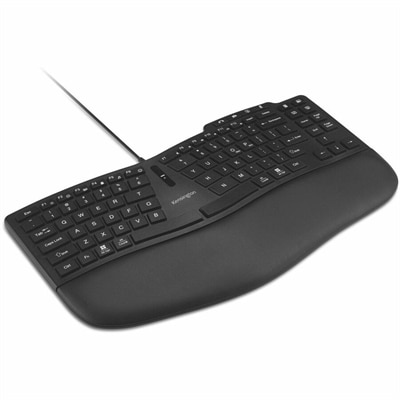
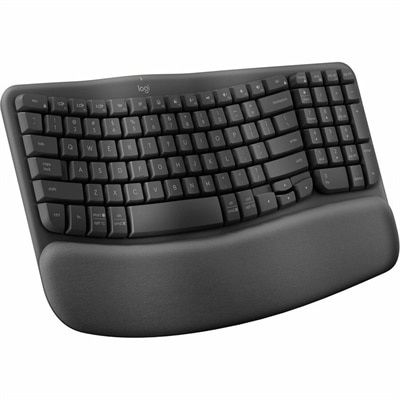
An ergonomic wired keyboard with a curved TKL layout, wrist pad, customizable keys, and video-conferencing controls.
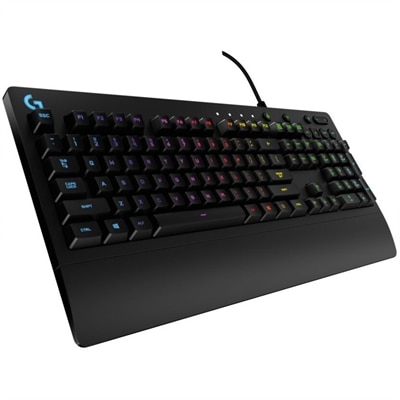
A wired gaming keyboard with RGB lighting, spill-resistant Mech-Dome keys, palm rest, and dedicated media controls.
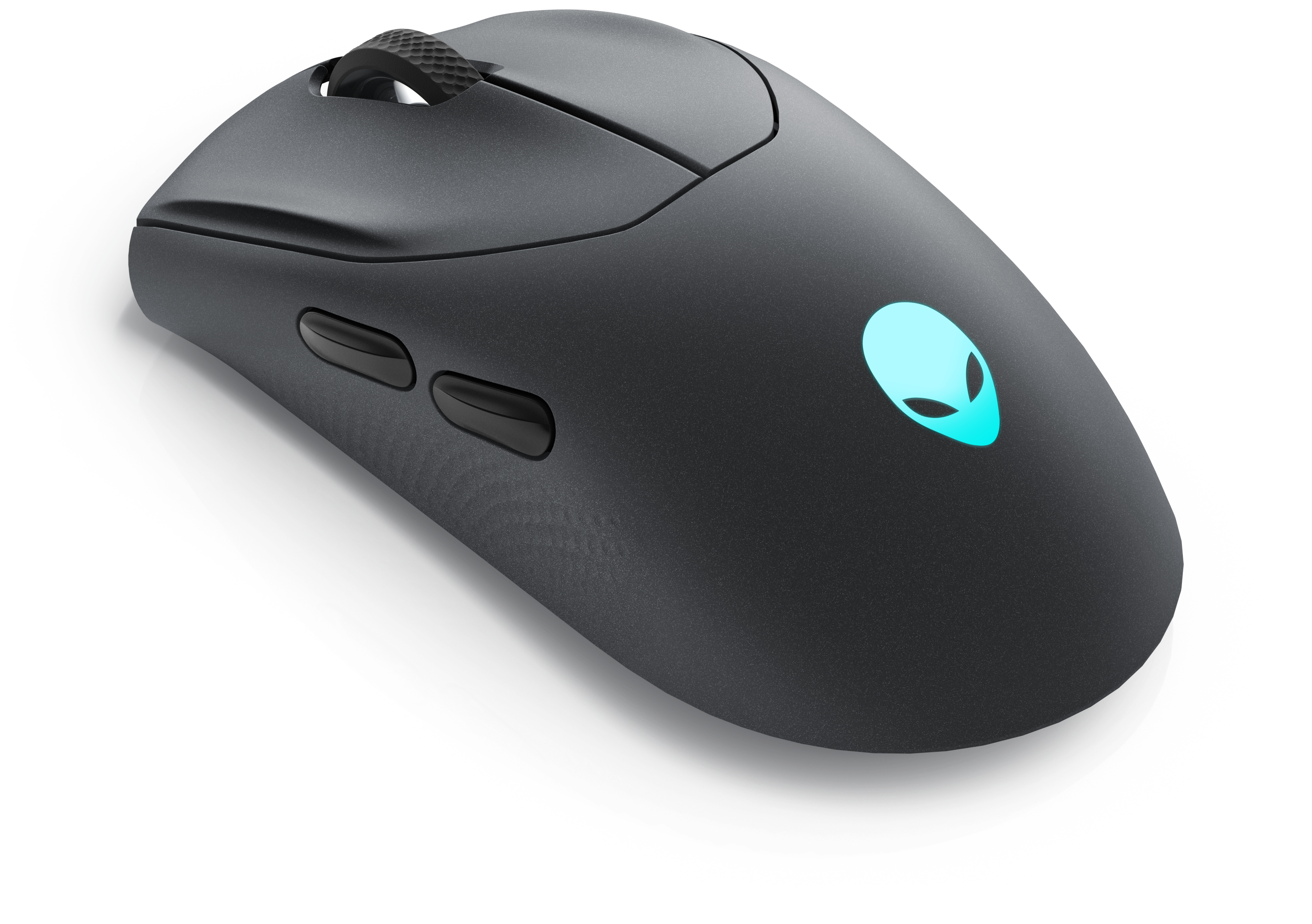
A wireless gaming mouse featuring tri-mode connectivity, 26,000 DPI, slim design, and magnetic-snap fast charging.
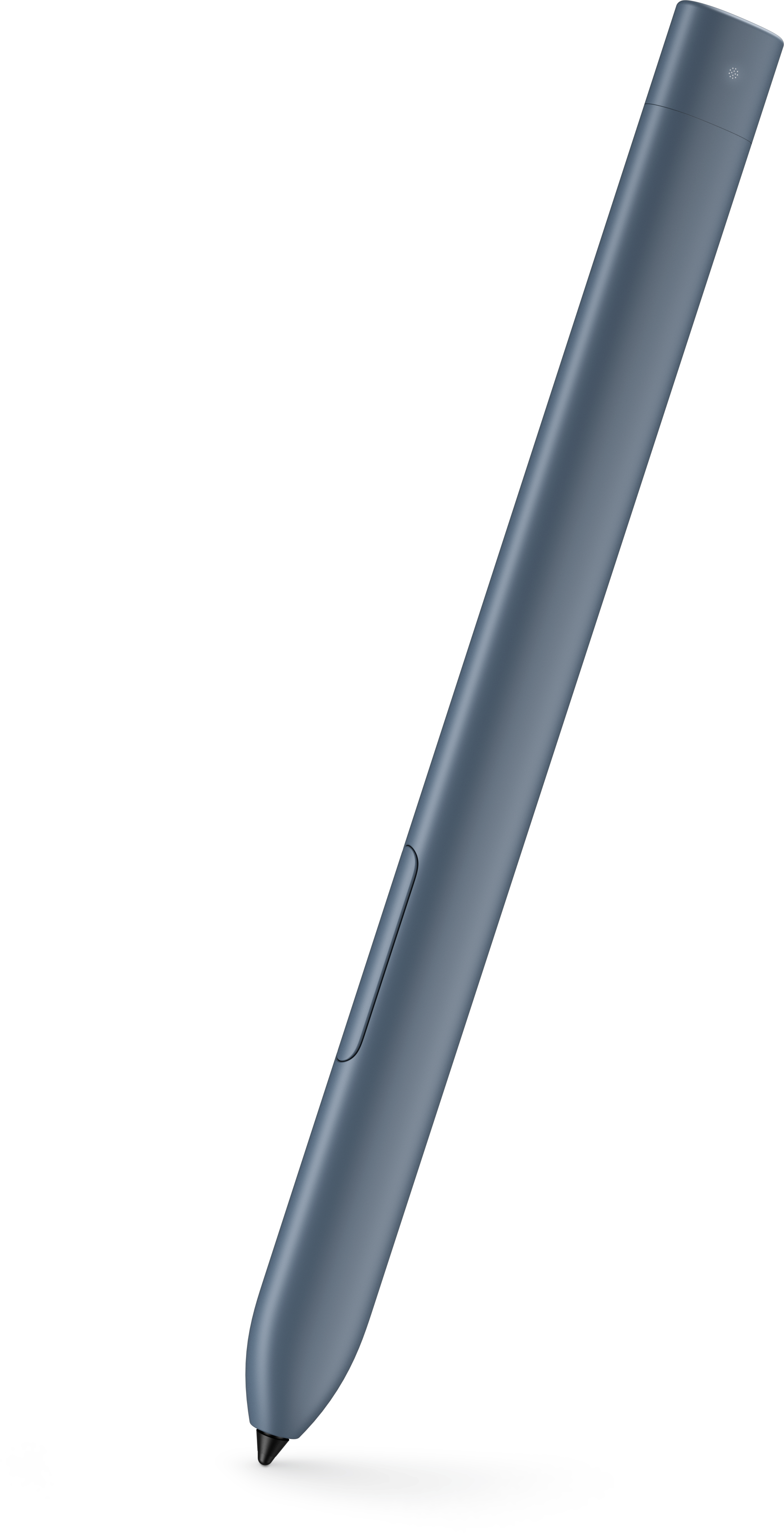
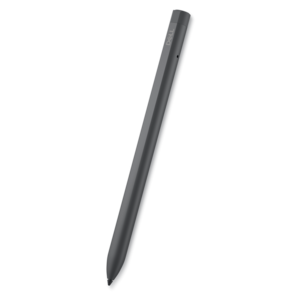
An active stylus designed for compatible detachable tablets, with convenient storage and charging in the keyboard garage.
A reliable wired headset offering hassle-free performance and easy plug-and-play setup.
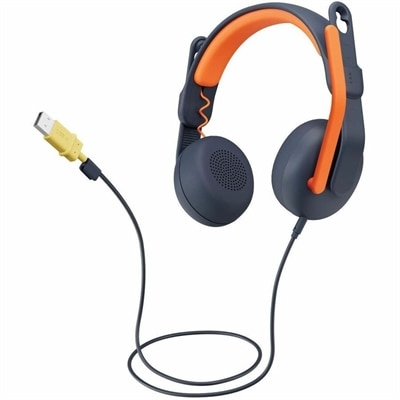
A USB-A wired on-ear headset with microphone, adjustable fit, comfortable pads, and voice-focused audio for learners.
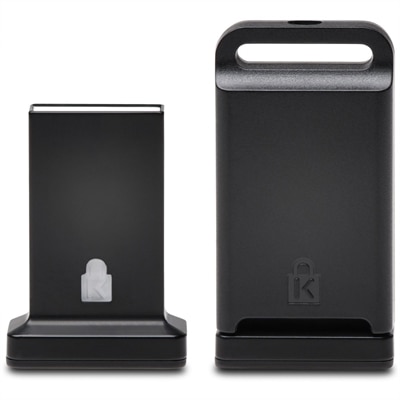
A cross-platform USB-A fingerprint security key offering FIDO2, FIDO U2F, passwordless and multi-factor authentication.
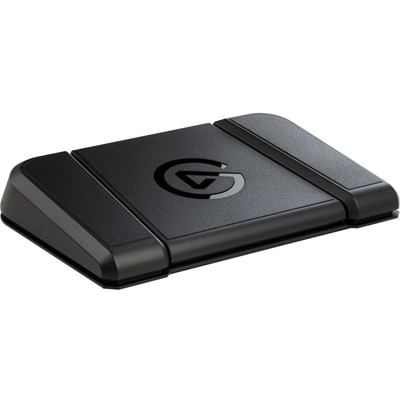
A sturdy, customizable foot pedal providing hands-free control for streaming apps and tools.
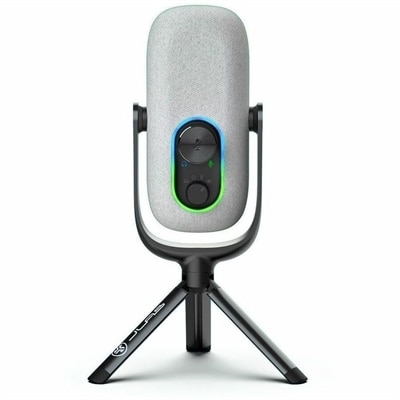
A white condenser microphone offering 192kHz/24-bit recording, four directional patterns, gain controls, and plug-and-play USB connectivity.
A portable wired speakerphone with AI-based dual-directional noise-canceling microphones for clear, distraction-free audio.
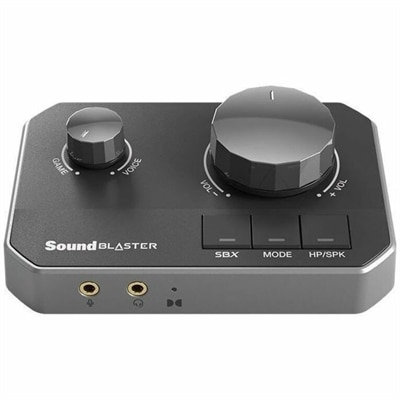
A gaming DAC with dual USB-C inputs, 32-bit/384kHz playback, and discrete headphone amplification.
A palmrest assembly with an integrated fingerprint reader, touchpad, and USH board for compatible systems.
Computer input devices are hardware tools that send text, movement, sound, images, or control commands to a computer. They translate physical actions, such as pressing a key, moving a mouse, speaking into a microphone, or drawing with a stylus, into digital signals that software can process. Keyboards, mice, trackpads, microphones, webcams, scanners, and pen tablets are common examples, each supporting a different way to work, communicate, or create. A keyboard handles written input and shortcuts, while a mouse or trackpad controls the pointer for selecting text, opening files, and navigating applications. Microphones capture audio, webcams capture live images and video, and scanners convert paper documents or photographs into digital files. A touchscreen combines input and output functions: its display presents information, while its touch-sensitive surface accepts taps and gestures. These categories often work together rather than replace one another. At a home office desk, a keyboard and mouse might handle a morning of spreadsheets, followed by a webcam and microphone for an afternoon meeting. In a creative workspace, a pen tablet adds a more direct way to sketch curves, retouch photographs, or mark up a layout. Students may rely on compact peripherals for writing assignments and participating in remote study sessions, while shared household computers benefit from familiar controls that accommodate different users. The right combination depends on the tasks performed most often, the space around the computer, and the way each person prefers to interact with the screen. Input devices also differ from output devices, which present information through functions such as displaying an image or playing sound. That distinction helps explain why a microphone is an input device, while a speaker is an output device, even when both are built into the same headset. For everyday computing, a few well-matched peripherals can make the transition between typing, navigating, and communicating feel consistent, whether connected to a laptop at the kitchen table or a desktop in a dedicated workspace.
Comfort and fit are especially important for computer input devices that stay under the hands for hours at a time. Keyboard width, key spacing, key travel, and the angle of the typing surface all influence how a workspace feels. A full-size layout provides a dedicated number pad for frequent numeric entry, while a compact layout leaves more room for mouse movement on a narrow desk. Low-profile keys offer a shallower press, and other switch designs can provide a more pronounced tactile response; sound levels vary, making typing noise a practical consideration in shared rooms. Mouse shape matters just as much as size. The height of the shell, the placement of side buttons, and the amount of support beneath the palm can feel quite different depending on hand size and grip. An ambidextrous shape may suit a shared workstation, while a contoured or vertical design changes the position of the hand during use. No single shape guarantees comfort for everyone, and a peripheral works best alongside sensible desk placement, relaxed shoulders, and regular changes in position. Trackballs offer pointer control without moving the entire device across the desk, and trackpads support gestures within a small footprint. Materials contribute to both feel and durability: textured plastic can provide grip, metal housings can add rigidity and weight, and cushioned supports introduce a softer contact surface. Keycap markings, cable flexibility, button construction, and the finish on frequently touched areas all affect how a device holds up to daily handling. For portable setups, a slim profile and protected switches or keys help peripherals travel more easily between classrooms, offices, and home. Routine care is generally straightforward, but cleaning methods should follow the manufacturer's directions. Disconnecting a device before cleaning, keeping liquid away from openings, and using an appropriate soft cloth help protect sensitive components. Crumbs around keys, dust near sensors, and fingerprints on camera lenses are small details that can interfere with an otherwise comfortable setup. Protective sleeves and loosely coiled cables can also reduce wear when accessories are carried in a bag.
Connection type and software compatibility determine how smoothly computer input devices fit into an existing setup. Wired peripherals provide a direct connection without a separate battery to recharge, while wireless designs reduce cable clutter and offer more freedom in placement. Wireless models may connect through Bluetooth or a dedicated USB receiver, so available ports, supported operating systems, and pairing requirements deserve attention. Connector shape alone does not establish compatibility, and advanced functions such as custom button assignments, gesture controls, or lighting adjustments may require supported software. Battery life and charging arrangements also matter for a device used throughout the workday or packed for travel. Beyond basic typing and pointing, specialized input options support more focused tasks. For digital drawing, the active area of a pen tablet affects how much hand movement translates to movement on screen, while pressure sensitivity can let compatible software vary line weight or brush response. A display-equipped drawing surface allows marks to appear beneath the pen, whereas a separate tablet requires looking at the computer screen while drawing. For voice recording and online meetings, microphone pickup patterns and placement influence how much room sound enters the recording. A webcam's field of view affects whether the frame includes one person or a wider workspace, and lighting can make as much difference to the image as resolution. Scanning needs vary too: loose multipage paperwork, bound pages, and delicate photographs call for different handling features. Interactive entertainment introduces another set of preferences, including responsive controls, comfortable button placement, and sufficient space for broad mouse movements. The Gaming Input Devices collection focuses on peripherals for these uses. Input accessories can also make thoughtful gifts for a college student setting up a study area, an artist exploring digital illustration, or someone refreshing a home office, provided the recipient's computer compatibility and personal preferences are understood. Across work, study, creative projects, and recreation, the most useful choices are those that match familiar habits while making room for the tasks a person wants to do next.
Add the products you would like to compare, and quickly determine which is best for your needs.