$299.99
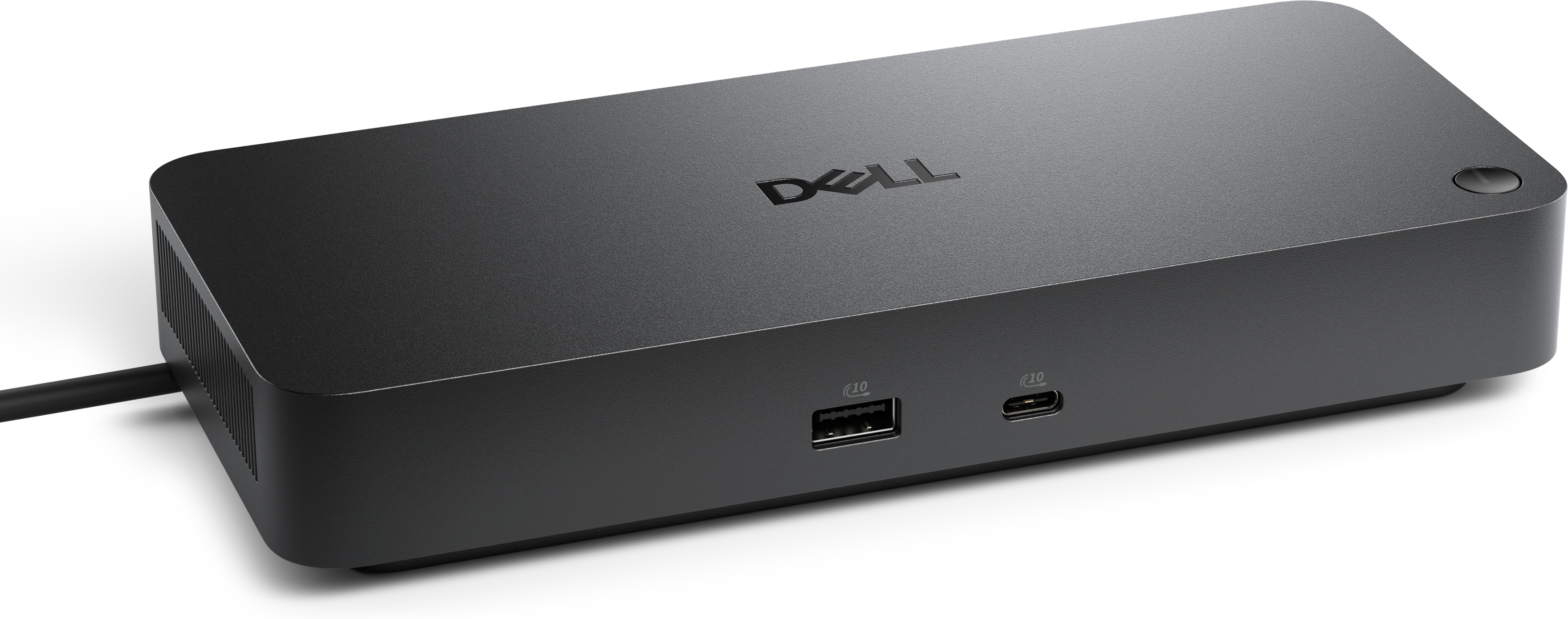
A Thunderbolt 4 dock delivering up to 130W of power for a powerful, streamlined workspace.
Effortlessly manage your digital life with our extensive selection of computer data transfer solutions. Whether you're upgrading to a new device, sharing files between systems, or ensuring your data is securely backed up, finding the right tools for seamless data movement is essential. Explore our range of options designed to make computer data transfer efficient and hassle-free, enabling you to focus on what matters most—staying connected and productive. With a variety of products tailored to meet diverse needs, achieving smooth and reliable data transfer has never been easier.
A Thunderbolt 4 dock delivering up to 130W of power for a powerful, streamlined workspace.
Computer data transfer is the movement or copying of files between computers, or between a computer and a compatible device. It can mean bringing years of family photos to a new laptop, moving a semester’s worth of assignments to a desktop, or carrying a finished presentation from a home workspace to an office. Data transfer accessories and software support these everyday transitions, with different capabilities for connecting devices, organizing files, and managing larger migrations. The right combination depends on the computers involved, the types and volume of files, and whether the goal is a one-time move or a recurring part of the workday. A folder of documents places different demands on a connection than hours of high-resolution video, while thousands of small files can take longer to process than a single large file of a similar total size. For wired transfers, compatibility matters at both ends: the connector must fit, the connection must support data rather than charging alone, and the devices must support the intended transfer method. A USB-C connector describes a physical shape, not a guaranteed transfer speed or feature set. Cables that look nearly identical can have different capabilities, making their specifications more useful than their appearance. Moving files directly between two computers also requires a supported connection method; an ordinary USB cable is not automatically suitable for connecting two computer ports. Purpose-built transfer cables may include bridge electronics and require compatible software to manage the connection. These distinctions are especially relevant when replacing an older computer with a newer model that has a different mix of ports. Rather than treating every connector as interchangeable, computer data transfer accessories are best understood as parts of a complete setup, with the computer ports, cable, adapter, and software all contributing to what the connection can do. A well-matched setup supports the actual task without adding unnecessary complexity to an already busy desk.
Physical design makes a noticeable difference when data transfer becomes part of a daily routine. A cable used occasionally at a kitchen table has a different life from one packed into a backpack every morning or routed behind a desktop for months at a time. Flexible jackets can make cables easier to coil, while reinforced strain relief helps protect the points where the cable meets each connector. Braided coverings may offer added resistance to everyday abrasion, although a thicker outer layer does not by itself establish better signal quality or faster performance. Connector housings should fit comfortably beside neighboring ports, particularly on slim laptops where several connections may sit close together. Cable length deserves similar attention. A short cable keeps a compact workspace tidy, but it can leave connected devices awkwardly positioned; a longer cable offers more reach, though supported speed and reliable operation depend on its design and rating. Hubs and adapters can help accommodate different connector types, but they cannot add capabilities that the computer itself does not support. When several accessories share a hub, they may also share the bandwidth of its connection to the computer. That can matter to someone moving a large photo collection while using other connected peripherals. For mobile professionals, compact housings and secure-fitting connections can make a setup easier to carry between workspaces. At a permanent desk, enough cable slack to reposition a laptop without tugging on its ports can be more useful than the smallest possible footprint. Basic care supports durability: disconnecting by the connector rather than pulling the cord, avoiding tight bends, and keeping plugs clean and dry all help reduce unnecessary wear. Cables and adapters should also sit where chair wheels, desk edges, and heavy bags will not crush them. These practical details are relevant to students, remote workers, photographers, and households sharing a computer, because reliable file movement often depends as much on a stable physical connection as on a headline speed rating.
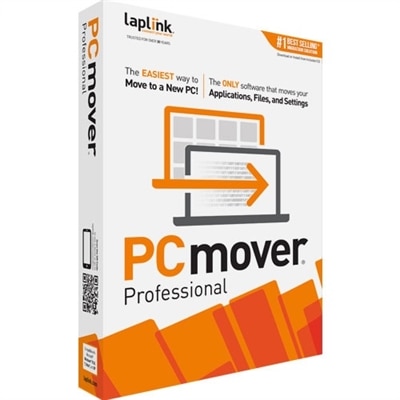
Software addresses a different side of computer data transfer: deciding what moves, where it goes, and how the process is tracked. Simple file copying may be enough for a clearly organized set of documents, while a larger computer migration can involve multiple user folders, duplicate filenames, permissions, and settings that need separate attention. Copying personal files does not necessarily transfer installed applications, saved sign-ins, or software licenses. Those may require reinstallation, account access, or a migration tool that explicitly supports them. For shoppers comparing that part of a setup, File Transfer Software For Windows offers a related category to consider alongside connection accessories. Useful software considerations include operating system compatibility, clear progress reporting, options for choosing folders, and an understandable record of files that were skipped or could not be copied. Support for pausing, resuming, or verifying transfers can be valuable when moving a large collection, although those features vary by application. A freelance designer handing off project files may care most about preserving folder structure, while a family moving to a new laptop may prioritize keeping photographs, schoolwork, and household documents easy to find. Wired methods can support local file movement without an internet connection when the hardware and software allow it, though downloading or activating software may still require internet access. Internet-based methods depend on upload and download performance as well as account requirements, so the fastest approach is not the same for every household. Advertised connection speeds are maximum interface capabilities rather than promises of real-world completion times; computer performance, file size, and other activity can all affect results. Privacy is another consideration when personal records or work documents are involved. Clear controls over destinations, access, and temporary copies help make the process easier to understand. Keeping the originals until the transferred files have been checked provides a useful safeguard, especially for irreplaceable photographs or an important final project. Together, compatible accessories and appropriate software make computer data transfer a practical part of upgrading a workspace, sharing finished work, and keeping everyday files accessible on the computer where they are needed.
Add the products you would like to compare, and quickly determine which is best for your needs.