$37.99
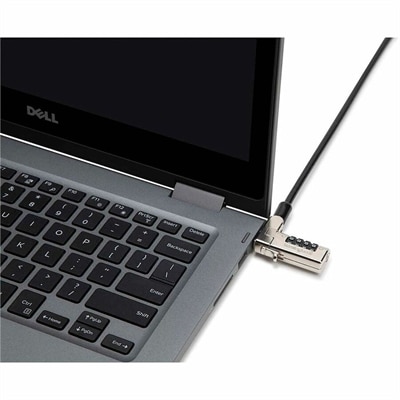
A security lock with carbon steel cable, four-wheel combination, and direct attachment for specialized USB-C slots.
Find computer security accessories that fit your devices and help address your security needs at home or in the office. Compare options by device compatibility, the type of protection offered, and setup requirements, paying attention to how each accessory will work with your equipment and workspace.
A security lock with carbon steel cable, four-wheel combination, and direct attachment for specialized USB-C slots.
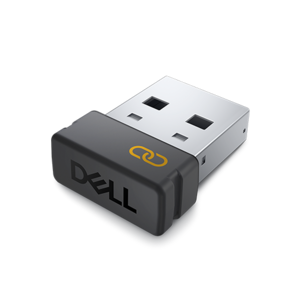
An encrypted USB receiver using FIPS-approved algorithms for secure keyboard and mouse connectivity.
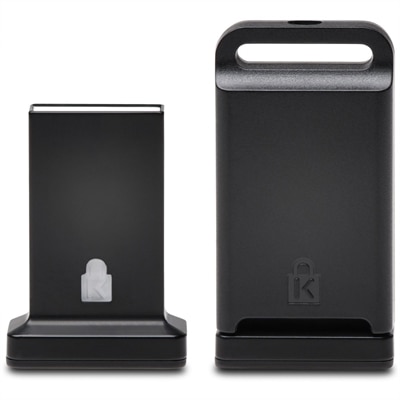
A cross-platform USB-A fingerprint security key offering FIDO2, FIDO U2F, passwordless and multi-factor authentication.
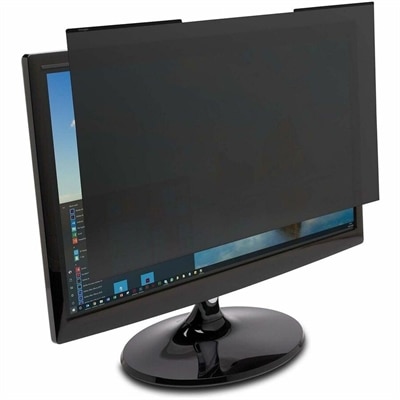
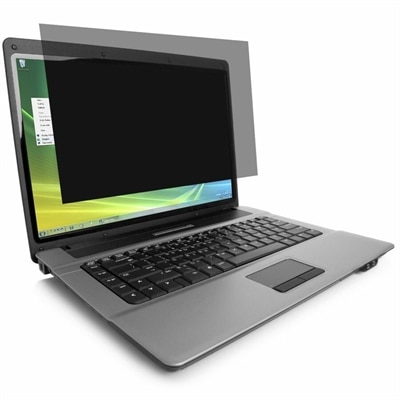
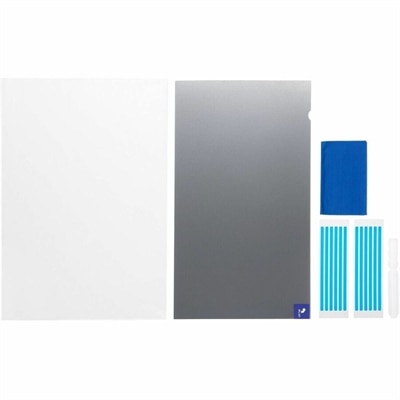
A reversible magnetic privacy filter limits viewing to ±30°, reduces blue light and glare, and resists scratches.
A wired fingerprint mouse offering one-touch, password-free Windows Hello authentication for secure everyday access.
A magnetic privacy filter with ±30-degree viewing, 52% blue-light reduction, reversible matte/glossy surfaces, and scratch resistance.
Computer security accessories can help protect your laptop, desktop, and monitor while adding practical safeguards to your workspace. Whether you work from home, study on campus, or use a shared office, the right accessories can support physical device security and help keep sensitive information out of view. Laptop cable locks provide a physical deterrent to unauthorized removal when attached to a compatible security slot and an appropriate anchor point. Before choosing a computer lock, check your device’s specifications, since security slot designs vary and not every laptop or desktop supports the same locking mechanism. For visual privacy, a laptop privacy screen or monitor privacy filter can reduce screen visibility from side angles, helping limit casual viewing of documents, messages, and account information. Compare the filter’s dimensions, aspect ratio, attachment method, and touchscreen compatibility with your display rather than relying on screen size alone. These checks help you choose computer security accessories that fit your equipment and everyday routine. Access protection is another important consideration as you compare laptop security accessories and desktop security accessories. Hardware security keys can add an extra authentication step to supported accounts, helping reduce reliance on passwords alone. Compatibility matters: confirm that a key works with your device’s available ports, operating system, and the services you use, and follow each service’s guidance for setup and account recovery. An external fingerprint reader may also offer a convenient sign-in option on supported computers, but it should be evaluated against your operating system requirements and any workplace security policies. A webcam cover can provide a physical barrier over a compatible camera; check the computer manufacturer’s guidance before attaching one, particularly on laptops where an accessory could interfere with lid closure. Computer security accessories work best as part of a broader routine that includes automatic screen locking, timely software updates, strong passwords, and multifactor authentication. Selecting compatible accessories around your specific privacy and security needs helps create a more protected workspace without adding unnecessary complexity.
Add the products you would like to compare, and quickly determine which is best for your needs.