$3418.00
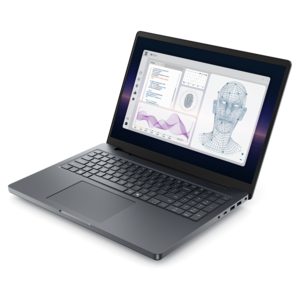
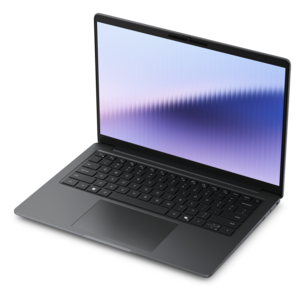
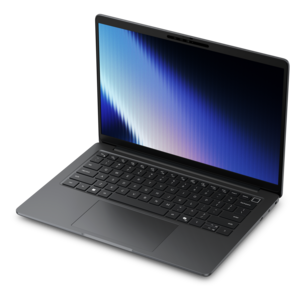
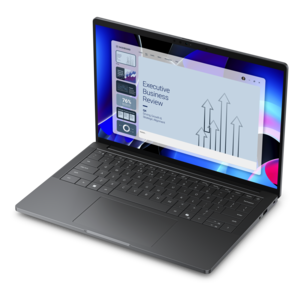
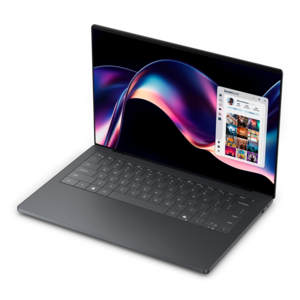
A sleek, lightweight laptop with Intel Core Ultra processors, NVIDIA graphics, and advanced on-device AI.
Compare computers for architects with your CAD, drafting, and 3D modeling workflows in mind. Review processor, RAM, and graphics specifications against your design software’s requirements, then weigh portability and workspace needs to narrow your options.
A sleek, lightweight laptop with Intel Core Ultra processors, NVIDIA graphics, and advanced on-device AI.
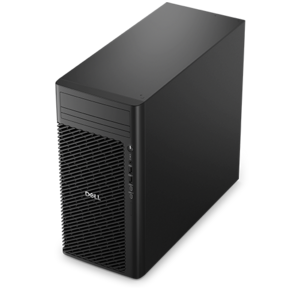
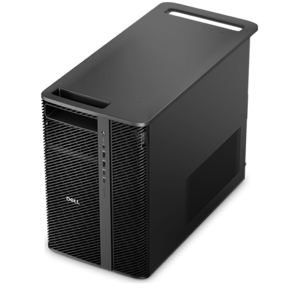
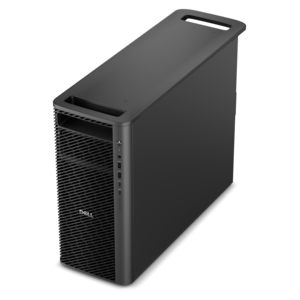
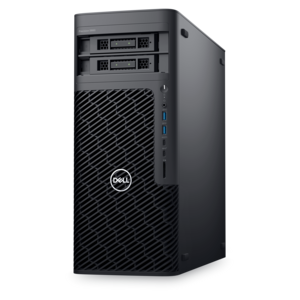
A scalable tower workstation delivering reliable, outstanding performance for demanding multi-threaded applications.
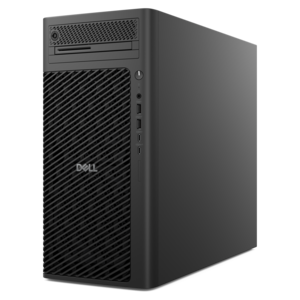
A business-ready tower desktop delivering reliable everyday performance with essential security features for productive workflows.
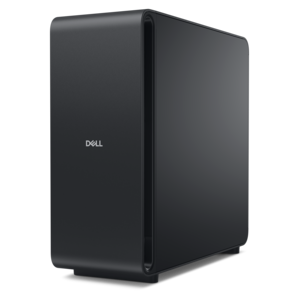
A dense, powerful rack-ready desktop engineered to optimize demanding computing environments.
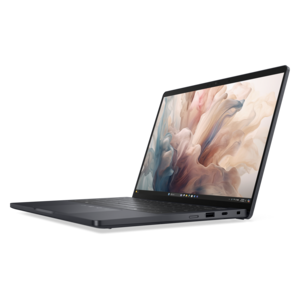
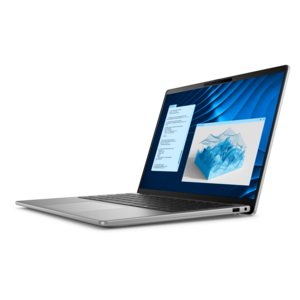
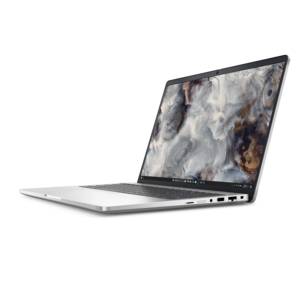
A powerful professional laptop delivering productivity, scalability, ease of use, and advanced on-device AI.
A reliable workstation desktop delivering excellent performance with professional graphics for demanding productivity and creative workloads.
A lightweight AI PC delivering outstanding performance and battery life for highly mobile professionals.
A remarkably thin laptop powered by AMD Ryzen AI PRO 400 Series processors for professional performance.
A slim desktop delivering exceptionally fast CPU and GPU performance for demanding professional workloads.
A high-performance desktop combining Intel Xeon 6 processors and advanced graphics for demanding professional workloads.
A high-performance desktop powered by the NVIDIA Grace Blackwell Ultra Desktop Superchip with MaxCool technology.
A remarkably thin laptop delivering portable performance with Series 3 Intel Core Ultra processors.
A professional laptop delivering powerful on-device AI, impressive unplugged performance, and groundbreaking battery life.
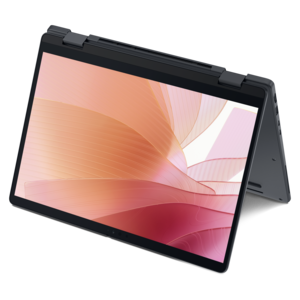
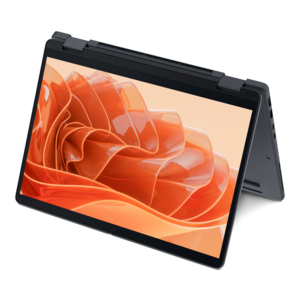
A thin 2-in-1 laptop powered by AMD Ryzen AI PRO 400 Series processors for versatile performance.
A scalable, high-performance workstation designed to handle critical professional tasks and evolving workloads.
A remarkably thin professional laptop combining portability and performance with Intel Core Ultra Series 3 processors.
An elegant, ultralight, durable AI PC delivering premium productivity experiences for highly mobile professionals.
A scalable professional desktop delivering elite computing power with massive expandability.
A remarkably thin 2-in-1 laptop powered by AMD Ryzen AI PRO 400 Series processors for performance.
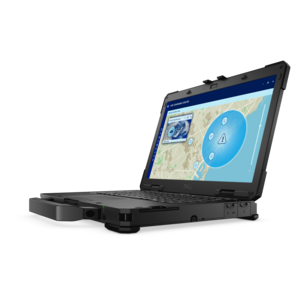
A lightweight semi-rugged laptop with Intel Core Ultra processors delivering AI performance for demanding fieldwork.
A workstation with Xeon processing, dual 300W graphics, 56TB storage, 2TB memory, and Windows 11 Pro.
A secure, scalable AI laptop with durable aluminum construction and a spacious productivity-focused display.
A sleek laptop built for mobile creation with exceptional battery life and an ultra-thin design.
A scalable desktop delivering the world’s fastest single-threaded performance for demanding professional workloads.
Computers for architects are laptops and desktops used for architectural drawing, building information modeling, three-dimensional design, visualization, and project documentation. Their role extends from an early floor plan to a coordinated building model, a presentation rendering, or a revised construction document. Architects, architectural designers, drafting professionals, and architecture students often move between several of these tasks during the same workday, so the right computer depends on both the applications involved and the complexity of the projects. A small residential renovation with mostly two-dimensional drawings places different demands on hardware than a large building model containing detailed interiors, structural references, and linked consultant files. Processor performance affects how quickly many design commands respond, while applications that distribute calculations across multiple processor cores can benefit from additional cores during supported rendering and analysis tasks. Graphics capabilities matter for navigating shaded models, displaying complex geometry, and running visualization applications, although the exact requirements vary by software and rendering method. Dedicated graphics memory becomes more relevant as scenes accumulate high-resolution textures, detailed objects, and demanding visual effects. System memory supports the working space needed for active models and open applications; having sufficient capacity can make a difference when drawings, reference documents, image-editing tools, and a browser remain open together. A solid-state drive helps with application startup and opening or saving project files, though large linked models also depend on the performance of the applications and other hardware involved. The balance among these components matters more than any single specification. A powerful graphics processor cannot compensate for every limitation elsewhere in a system, and hardware beyond an application’s needs does not necessarily improve every task. For architecture work, a well-matched computer supports both the detailed concentration of drafting and the broader visual exploration of design, whether that means adjusting a stair landing, reviewing daylight through a glazed facade, or rotating a model during a client conversation.
Laptops for architects bring drawings and models into studios, classrooms, conference rooms, and project meetings, while desktops suit a more permanent workspace with room for larger displays and extended work sessions. Portability involves more than the dimensions of the computer itself: the power adapter, protective case, and accessories also contribute to what travels in a bag. A lighter system can be easier to carry between classes or across an office, while a larger chassis may accommodate a bigger screen and cooling designed for sustained workloads. Neither size nor weight alone determines performance, and battery life varies with display brightness, application activity, and the intensity of graphics processing. A laptop used to review documents may run for a different length of time than the same computer generating a complex visualization. At a desk, external monitors can create separate spaces for a drawing, a model, and reference material, reducing the need to continually rearrange windows. Screen resolution affects how much detail is visible, while display scaling influences whether dimensions, toolbars, and annotation text remain comfortably readable. Color accuracy and consistent brightness are useful for presentation boards, material studies, and rendered images, although an on-screen representation is not a substitute for evaluating a physical material sample under appropriate lighting. Matte surfaces can reduce distracting reflections in some environments, and adjustable monitor positioning supports a more comfortable viewing angle during long sessions. Keyboard feel, a responsive pointing device, and enough desk space for marked-up drawings also shape the everyday experience. Connection options matter when a computer needs to work with an external display, a projector, a drawing tablet, or other peripherals; the connector shape alone does not establish every supported capability. A thoughtfully arranged architecture workspace accommodates these practical details, leaving enough room to compare a plan with a section, review a consultant’s comments, and make revisions without constantly switching between crowded windows.
Durability and everyday care are especially relevant when an architecture computer moves between a desk, a studio pinup, and meetings away from the office. Aluminum, magnesium-alloy, and reinforced-plastic housings each appear in computer construction, but material names alone do not establish how well a particular design handles daily use. Hinge construction, chassis rigidity, weight distribution, and protection during transport all contribute to the ownership experience. A padded sleeve or fitted compartment helps limit scratches and minor bumps, while a stable work surface keeps the computer supported during use. Clear ventilation openings are important during demanding modeling and rendering sessions, when components generate more heat; soft furnishings and loose papers can obstruct airflow. Cleaning methods should follow the manufacturer’s recommendations, particularly for coated screens, and liquids should stay away from keyboards and ports. Beyond physical care, dependable architecture work depends on software compatibility, maintained project files, and appropriate security practices. Operating-system support, application versions, plug-ins, and graphics-driver requirements can influence whether a computer fits an established studio workflow. Collaboration also depends on consistent file organization and agreed methods for exchanging revisions, especially when several people contribute to the same project. Separate backup copies and device security features help protect drawings, research, and presentation work without replacing a firm’s document-management procedures. The overlap between architectural visualization and graphic design is substantial: both involve composition, typography, image preparation, and communicating an idea clearly. Computers For Graphic Designers offers a related perspective for work that includes portfolio layouts, presentation boards, and visual storytelling alongside architectural drawings. For a student beginning a design program or a professional developing a home workspace, a computer’s usefulness comes from how closely it fits those real assignments. The strongest fit supports the software, working environment, and project scale involved, with comfortable interaction and consistent performance across the tasks that fill an architecture workday.
Add the products you would like to compare, and quickly determine which is best for your needs.