$3418.00
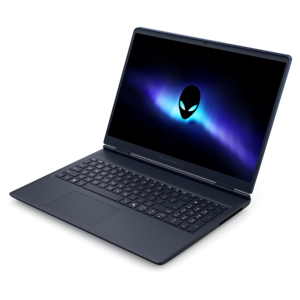
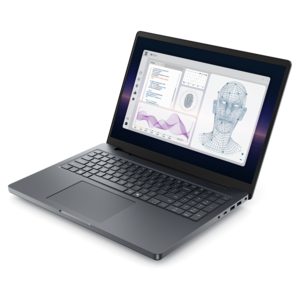
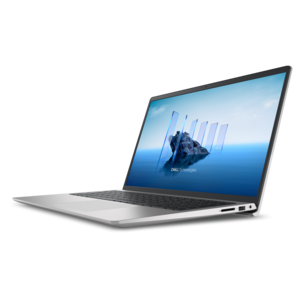
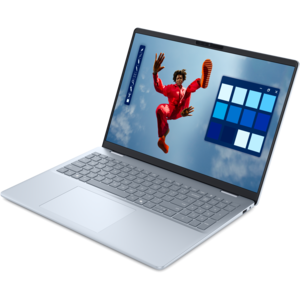
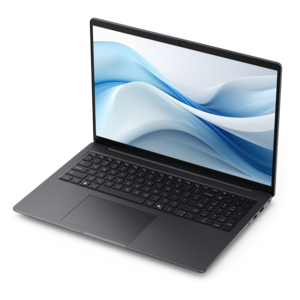
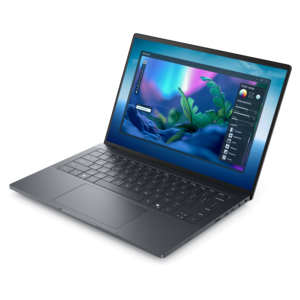
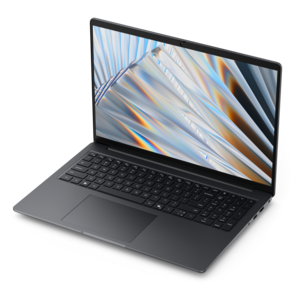
A sleek, lightweight laptop with Intel Core Ultra processors, NVIDIA graphics, and advanced on-device AI.
Elevate your video editing projects with our selection of top-tier Dell computers. Designed to handle demanding tasks like high-definition rendering, complex effects, and multi-layered edits, these powerful systems deliver the performance and reliability you need. Experience a smooth, efficient workflow that lets you focus on creativity, not technical limits. Explore Dell computers built to bring your vision to life and achieve professional results.
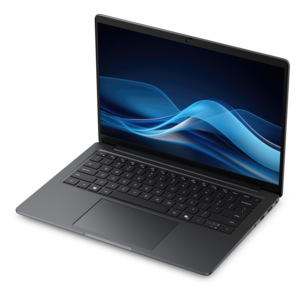
A sleek, lightweight laptop with Intel Core Ultra processors, NVIDIA graphics, and advanced on-device AI.
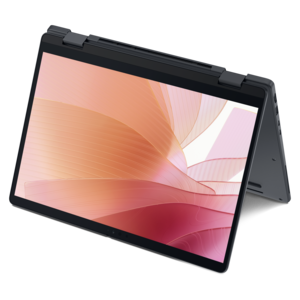
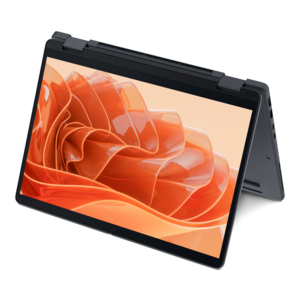
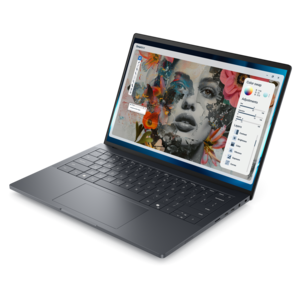
A versatile 2-in-1 laptop with Intel Core processors, DDR5 memory, and multiple modes for creative work.
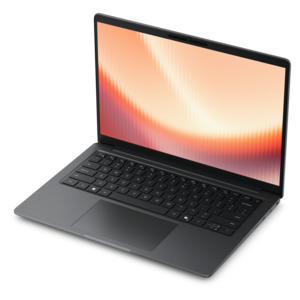
A thin, lightweight laptop crafted from eco-friendly materials with Series 3 Intel Core processors for productivity.
A lightweight AI-powered laptop designed for creative professionals and small businesses.
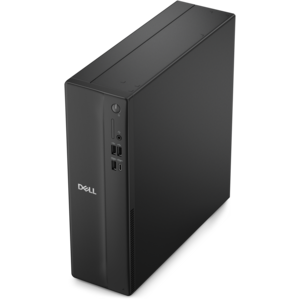
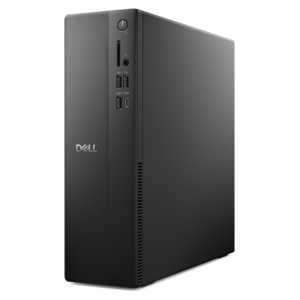
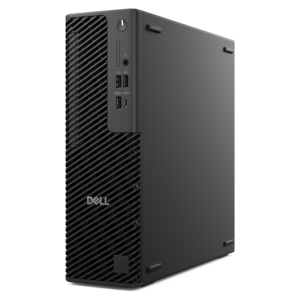
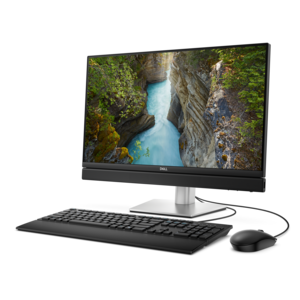
A compact desktop designed for everyday productivity and creative tasks.
A sleek laptop delivering smooth AI experiences and accelerated creative workflows for demanding high-performance users.
An AI-ready laptop with a spacious display, designed for creators and developers seeking high performance.
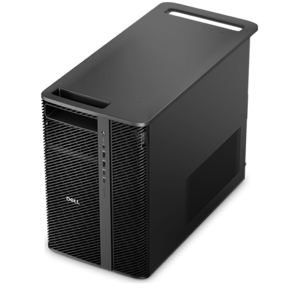
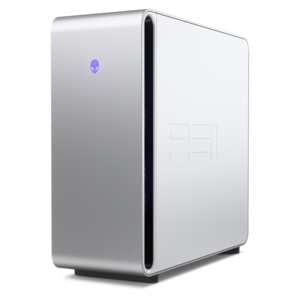
A powerful desktop featuring advanced graphics and expansive upgradeability for creative workloads, gaming, and demanding tasks.
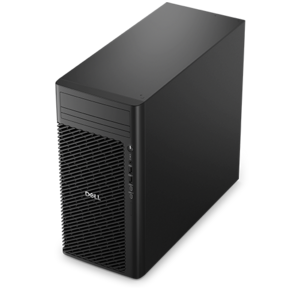
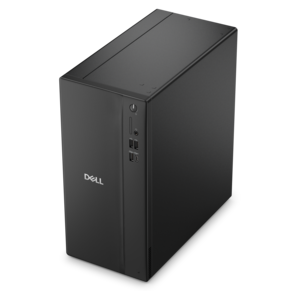
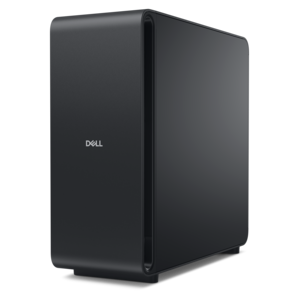
A business-ready tower desktop delivering reliable everyday performance with essential security features for productive workflows.
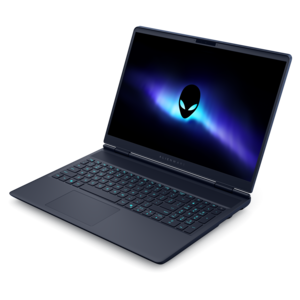
A streamlined gaming laptop delivering essential performance with up to NVIDIA GeForce RTX 50 Series graphics.
A thin 2-in-1 laptop powered by AMD Ryzen AI PRO 400 Series processors for versatile performance.
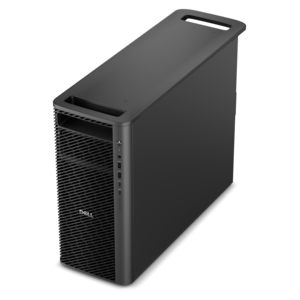
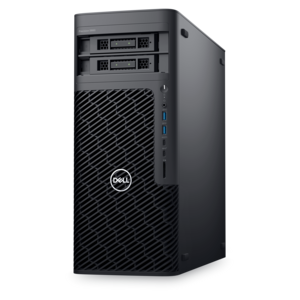
A reliable workstation desktop delivering excellent performance with professional graphics for demanding productivity and creative workloads.
A remarkably thin laptop powered by AMD Ryzen AI PRO 400 Series processors for professional performance.
A remarkably thin 2-in-1 laptop powered by AMD Ryzen AI PRO 400 Series processors for performance.
A powerful professional laptop delivering productivity, scalability, ease of use, and advanced on-device AI.
A sleek laptop powered by the latest AMD Ryzen™ AI 400 Series processors for demanding users.
A productivity-focused Copilot+ PC powered by a capable AMD CPU, GPU and NPU combination.
A workstation-class laptop delivering powerful performance in a modern design.
A high-performance desktop combining Intel Xeon 6 processors and advanced graphics for demanding professional workloads.
A versatile desktop for everyday productivity and creative tasks.
A business-ready tower desktop delivering dependable performance and security for everyday productivity workloads.
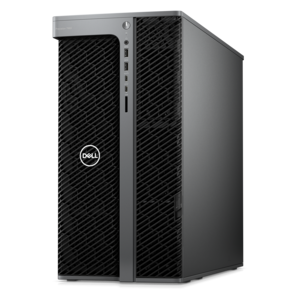
A scalable professional desktop delivering elite computing power with massive expandability.
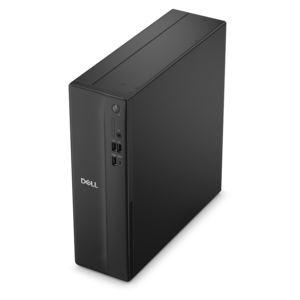
A space-saving desktop delivering reliable performance and security for everyday productivity.
A slim desktop delivering exceptionally fast CPU and GPU performance for demanding professional workloads.
An AI-powered, lightweight laptop with Intel Arc graphics, ideal for creative professionals and small businesses.
A scalable, high-performance workstation designed to handle critical professional tasks and evolving workloads.
A durable productivity laptop featuring an expansive 16:10 display and convenient numeric keypad.
A streamlined gaming laptop with AMD Ryzen 200 Series processors and NVIDIA GeForce RTX graphics.
A modern workstation-class laptop delivering cost-effective performance for professional productivity.
A creator-focused laptop with built-in AI, a spacious display, and Intel Arc graphics for demanding workflows.
A flagship gaming desktop featuring AMD Ryzen 9000X3D series processors, advanced design, and high-performance hardware.
A remarkably thin laptop powered by AMD Ryzen AI PRO 400 Series processors for professional performance.
A high-performance desktop powered by the NVIDIA Grace Blackwell Ultra Desktop Superchip with MaxCool technology.
A thin, lightweight Copilot+ PC combining powerful AMD CPU, GPU, and NPU performance for enhanced productivity.
A sleek workstation delivering exceptional performance with advanced on-device AI and exuberant style.
A streamlined gaming laptop delivering exceptional performance with NVIDIA GeForce RTX 50 Series graphics.
A laptop featuring an FHD camera, enlarged ergonomic keyboard, and AMD Ryzen™ processors for everyday productivity.
An AI-ready all-in-one desktop with an optional 5MP IR camera and streamlined security and manageability features.
A space-saving business desktop delivering reliable everyday performance with essential security features for productive workflows.
A workstation with Xeon processing, dual 300W graphics, 56TB storage, 2TB memory, and Windows 11 Pro.
A sleek, high-performance laptop featuring advanced on-device AI for productive workflows wherever you go.
A scalable tower workstation with professional graphics and up to a 56-core Intel Xeon processor.
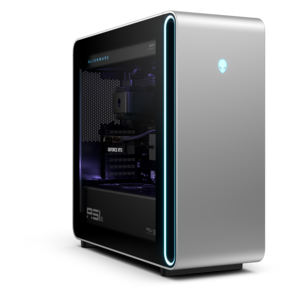
A powerful gaming desktop featuring an advanced design for a legendary, high-performance gaming experience.
A productivity laptop powered by AMD Ryzen™ AI PRO processors for complex workflows and productive results.
A powerful gaming laptop with Intel Core processors and NVIDIA GeForce RTX graphics for immersive gaming.
A laptop featuring an FHD camera, enlarged ergonomic keyboard, and Intel 13th Gen processing.
A sleek laptop powered by AMD Ryzen™ AI 400, designed for powerful performance and modern multitasking.
A thin, lightweight Copilot+ PC combining powerful Intel® CPU, GPU, and NPU performance for productive multitasking.
Video editing computers give creators the processing power, graphics performance and responsive storage needed to turn raw footage into polished visual stories. Whether you are assembling family videos, producing online content, building a portfolio, editing client projects or developing a short film, the right computer can make every stage of the process feel more fluid. Editing often involves much more than cutting clips together: high-resolution footage must be decoded, color adjustments rendered, audio tracks synchronized, transitions previewed and finished files exported in a format suited to the audience. A capable computer helps reduce interruptions during these demanding tasks, allowing you to spend more time shaping the pace, mood and detail of a project. Laptops are a practical choice for creators who work between a home office, classroom, studio or location shoot, while desktop computers can provide additional headroom for intensive workflows and long editing sessions. A portable system may be especially useful for journalists, students, wedding videographers, social media creators and small production teams that need to review footage or make revisions away from a fixed workspace. For help exploring portable options, browse High Performance Laptops for Video Editing. A video editing computer can also be a thoughtful gift for a film student, aspiring creator or family member who enjoys documenting travel, performances, celebrations and everyday moments. The most suitable choice depends on the type of footage, editing application, desired resolution and the amount of multitasking involved, so it is helpful to think about the entire creative routine rather than focusing on a single specification.
The processor, or CPU, is central to many editing tasks, including media preparation, timeline management, encoding and exporting. A modern multi-core processor with strong clock speeds can help handle several operations at once, which is valuable when an edit includes multiple video layers, effects, titles and audio tracks. Graphics processing is equally important for real-time playback, visual effects, color work and accelerated rendering. A dedicated graphics processor with its own video memory can be beneficial for high-resolution projects and demanding effects, particularly when working with 4K footage or complex timelines. Memory, commonly called RAM, affects how comfortably a computer can keep editing software, source files, browser tabs and other creative tools open together. For basic editing, a moderate memory configuration may be adequate, but 32GB is a practical baseline for many 4K workflows, while 64GB or more can provide greater flexibility for large projects, high-resolution media and heavy multitasking. Storage deserves close attention as well. A fast solid-state drive can shorten startup times, improve application responsiveness and make it easier to scrub through large files than older mechanical storage. Solid-state storage is also useful when importing footage, creating preview files and exporting finished videos. Capacity matters because high-resolution clips, project files, audio assets, graphics and backup copies can quickly fill a drive. Many creators prefer a fast internal drive for the operating system and active projects, supplemented by additional external storage for an organized media library and completed work. Keeping source footage, project files and exports in clearly labeled folders can make it easier to revisit an edit months later, especially when a seasonal project or client revision calls for a quick change.
The display and surrounding accessories can have just as much influence on the editing experience as the computer itself. A sharp monitor with ample screen space makes it easier to view a timeline, preview window, audio controls and effect panels without constantly rearranging the workspace. Color accuracy is important when adjusting skin tones, shadows, highlights and the overall look of a project, while a comfortable brightness level and adjustable stand can help during long sessions. Some creators prefer a second monitor for keeping media bins, scripts or reference footage visible while the main display remains dedicated to the timeline. A precise keyboard and responsive mouse can speed up trimming, navigation and repetitive tasks, and a quality headset or set of speakers helps reveal background noise, uneven dialogue and subtle changes in music. For creators who record voiceovers, interviews or live performances, a compatible microphone and suitable audio connection may be worthwhile additions. A laptop can pair with a larger monitor, external drive and other accessories when used at a desk, then return to a compact setup for travel. A desktop can serve as the central hub for a more permanent editing station, with room for additional displays and accessories that support a carefully arranged workflow. Before choosing, consider the resolution and codec used most often, whether projects include multiple camera angles or effects, how frequently files are exported, and how much time is spent editing away from home. Full HD projects, short social clips and occasional family videos may have different requirements from 4K productions, long-form content or professional color work. Choosing balanced performance across the processor, graphics, memory, storage and display can help a video editing computer remain useful as creative ambitions grow, from the first carefully trimmed clip to increasingly detailed projects created during the warmer and cooler parts of the year.
Add the products you would like to compare, and quickly determine which is best for your needs.