$199.99
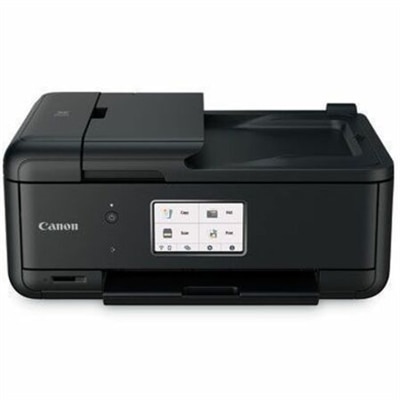
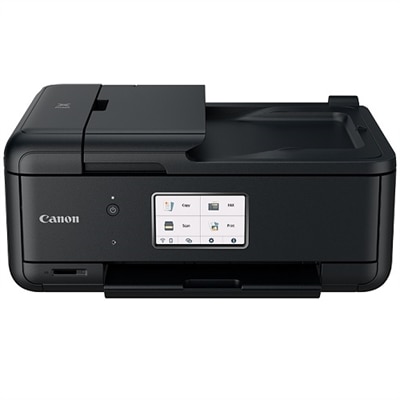
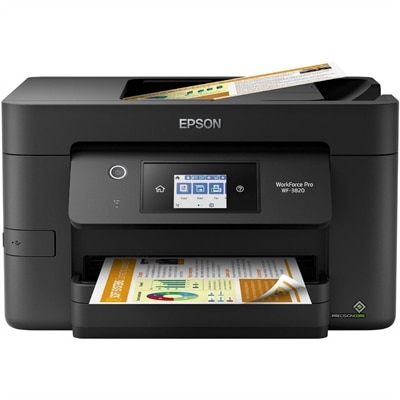
A professional color multifunction printer with automatic duplex printing, wireless connectivity, scanning, faxing, and a touchscreen.
Discover the convenience and efficiency of desktop all in one printers, designed to streamline your workspace and simplify everyday tasks. Perfect for home offices, small businesses, or personal use, these versatile devices combine multiple functions into a single compact unit. Explore a wide selection of desktop all in one printers that offer reliable performance and help you tackle printing, scanning, and copying needs with ease. Find the ideal solution to enhance productivity and keep your workflow running smoothly.
A professional color multifunction printer with automatic duplex printing, wireless connectivity, scanning, faxing, and a touchscreen.
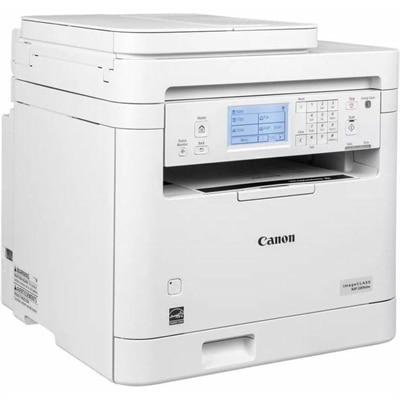
A white monochrome multifunction laser printer with wireless duplex printing, scanning, copying, faxing, and 35-ppm speed.
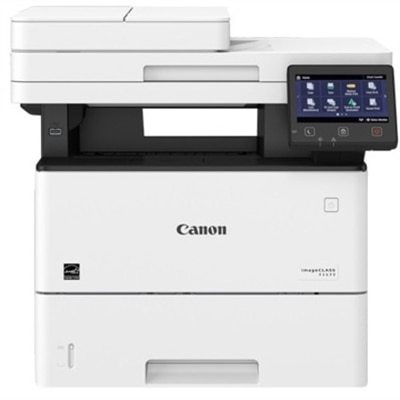
A monochrome laser multifunction printer delivering 45 ppm, duplex printing, wireless connectivity, and 600 dpi scanning.
Desktop all-in-one printers bring several everyday document tasks into one convenient device, combining printing, scanning and copying in a footprint designed for a desk, home office or shared workspace. Some models also include fax capability, while others focus on straightforward print, scan and copy functions. This versatile format can be useful for a household that needs to print school forms, travel documents, recipes, shipping labels and family photos, as well as for a home-based professional handling invoices, contracts and signed paperwork. During the warmer months and into the cooler months, a desktop all-in-one printer can help keep paperwork organized without requiring a trip to a copy center. It may also be a practical gift for a student moving into a dorm or apartment, a relative setting up a home office, or anyone who regularly works with both digital files and paper documents. Before choosing a model, consider where it will sit and leave enough room for the paper tray, scanner lid and access panels. A compact printer can fit neatly beside a laptop, but the listed dimensions may not include the space needed to open a tray or lift the scanner lid. Think about the kinds of pages you expect to produce, too. Black-and-white text documents generally place different demands on a printer than color charts, craft projects or borderless photographs, so matching the printer type to the household’s routine can make the device more useful over time.
Connectivity is another important consideration when comparing desktop all-in-one printers. Wireless networking allows a laptop, desktop computer or mobile device to send documents without a direct cable connection, which is helpful when the printer sits across a room or serves several people. Wi-Fi Direct can allow compatible devices to connect to the printer without joining the same traditional network, while USB connections can provide a dependable option for a primary computer. Look for compatibility with the operating systems and mobile platforms used in the home, along with a clear control panel or companion app for setup, scanning and maintenance. An automatic document feeder, often called an ADF, can save considerable time when copying or scanning multiple pages because it handles a stack of documents with less manual attention. This feature is especially useful for receipts, applications, multipage forms and work records. Automatic two-sided printing can reduce paper use and make longer documents easier to manage, while a flatbed scanner remains valuable for books, photographs, identification cards and delicate originals. Print speed is worth reviewing if several people will use the printer, but the number listed for a draft or monochrome page may differ from the time required for a full-color image. Paper handling also matters: check the input capacity, supported paper sizes and media types, output tray design and whether the printer can accommodate envelopes, labels or heavier stock. A touchscreen may simplify navigation, although physical buttons can be comfortable for users who prefer a direct, tactile interface.
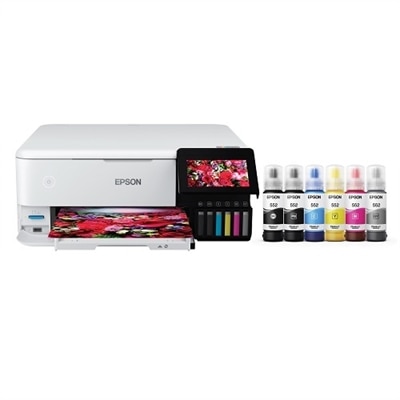
Ink choice and ongoing maintenance can shape the ownership experience as much as the initial features. Traditional cartridge-based printers are often convenient for occasional printing because replacement cartridges are familiar and easy to install. High-capacity refillable ink tank systems can be appealing for households that print frequently, particularly when producing many color pages, but they require careful filling and attention to ink-level instructions. Compare the expected page yield of replacement supplies rather than looking only at the number of cartridges or bottles included, and remember that actual results vary with page coverage, image density and cleaning cycles. For mostly text-based work, review black-ink performance, crispness and the availability of features such as automatic duplex printing. For photos and graphics, consider color detail, tonal transitions, borderless printing and the paper types supported by the device. Scanning specifications such as optical resolution, color depth and file-format options can be useful when archiving photographs or converting signed paperwork into digital files. A desktop all-in-one printer may be especially well suited to families sharing one workspace, freelancers balancing printed and electronic records, or small teams that need convenient document access without dedicating an entire room to office equipment. Keep frequently used paper within reach, protect photo paper and specialty media from humidity, and follow the manufacturer’s maintenance guidance to help preserve print quality. Shoppers focused on inkjet functionality can also compare the available Inkjet All In One Printers to find a configuration that aligns with their typical volume, preferred output and available workspace.
Add the products you would like to compare, and quickly determine which is best for your needs.