Desktop Packages

Compare desktop packages to find a computer setup that fits your workspace and everyday computing needs. Review PC specifications and what’s included in each package so you can choose the right fit for work, study, or home use.

Filters

$159205.00

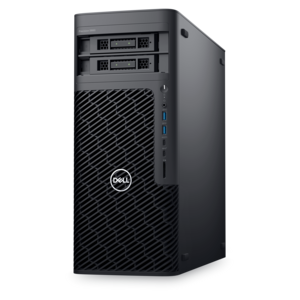
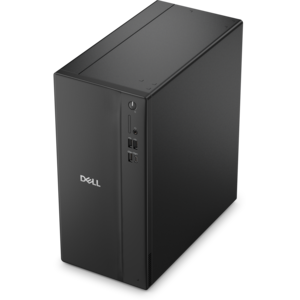
A high-performance desktop powered by the NVIDIA Grace Blackwell Ultra Desktop Superchip with MaxCool technology.
$159205
$4127.00

A workstation with Xeon processing, dual 300W graphics, 56TB storage, 2TB memory, and Windows 11 Pro.

$4127
$829.99

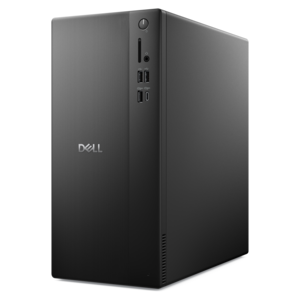
A powerful desktop designed to boost everyday productivity in a streamlined setup.

$829.99
$1330.00

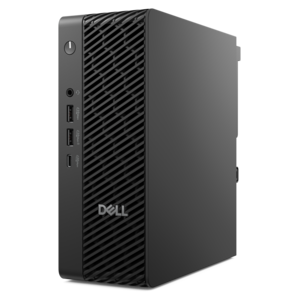
A reliable workstation desktop delivering excellent performance with professional graphics for demanding productivity and creative workloads.

$1330
$900.00

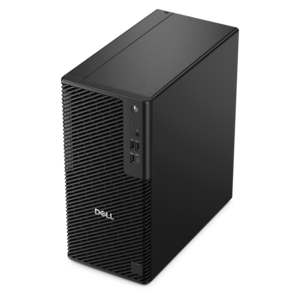
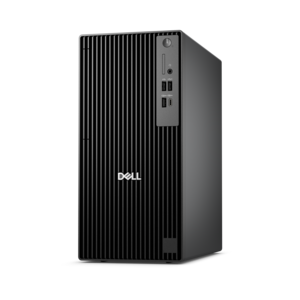
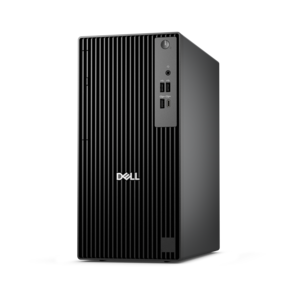
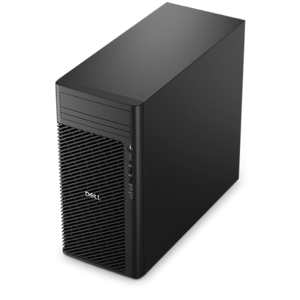
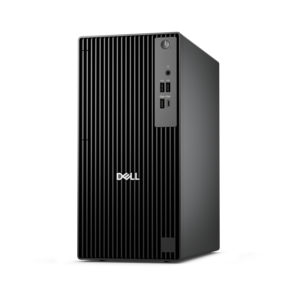
A business-ready tower desktop delivering reliable everyday performance with essential security features for productive workflows.

$900
$4802.00

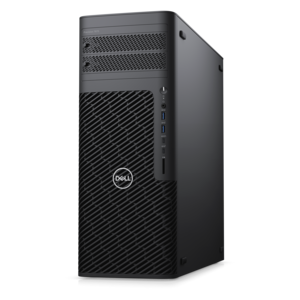
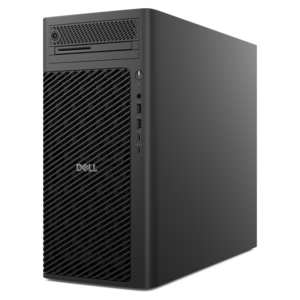
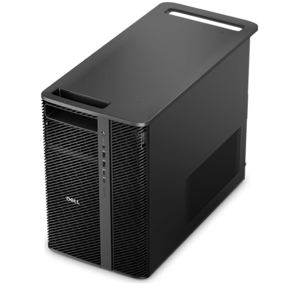
A scalable tower workstation delivering reliable, outstanding performance for demanding multi-threaded applications.

$4802
$829.99

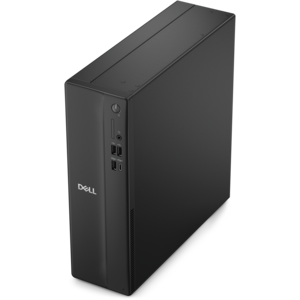
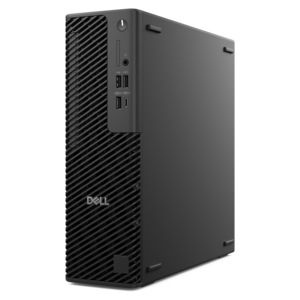
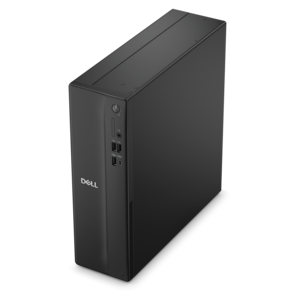
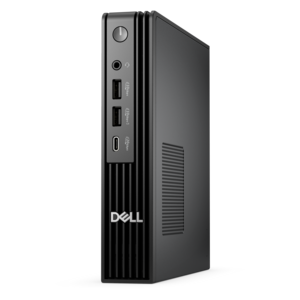
A compact desktop designed for everyday productivity and creative tasks.

$829.99
$1789.00

A high-performance AI-ready business desktop with security, seamless manageability, and expandable capabilities for demanding tasks.

$1789
$4157.00

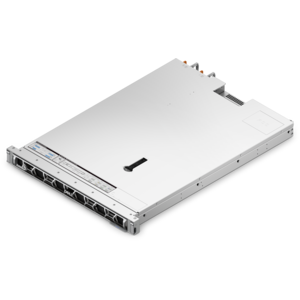
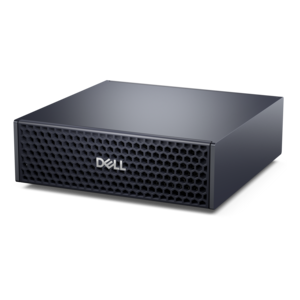
A dense, powerful rack-ready desktop engineered to optimize demanding computing environments.

$4157
$1598.00

A slim desktop delivering exceptionally fast CPU and GPU performance for demanding professional workloads.

$1598
$1492.00

A business-ready tower desktop with AI-enhanced productivity, robust security, seamless manageability, and expandable performance.

$1492
$1449.00

A space-saving desktop engineered for exceptional speed and efficiency in a sleek, compact design.

$1449
$1087.00

A space-saving desktop delivering reliable performance and security for everyday productivity.

$1087
$4156.00

A high-performance desktop combining Intel Xeon 6 processors and advanced graphics for demanding professional workloads.

$4156
$1499.00

A scalable desktop delivering the world’s fastest single-threaded performance for demanding professional workloads.

$1499
$7901.00

A compact AI accelerator delivering powerful local inferencing, AI development, and versatile edge performance.

$7901
$1399.99

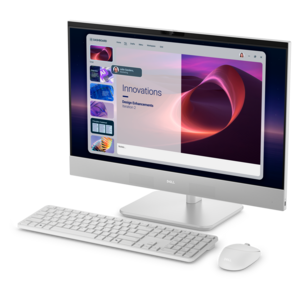
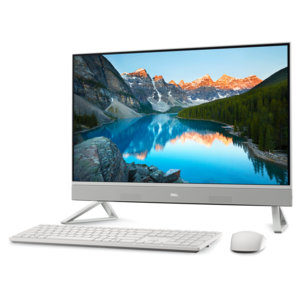
A space-saving all-in-one desktop designed for productive work and entertaining.

$1399.99
$1421.00

A business-ready tower desktop with Copilot+ PC options, robust security, manageable features, and expandable performance.

$1421
$1764.00

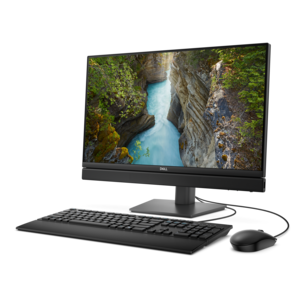
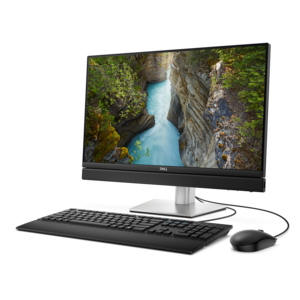
A space-saving all-in-one desktop with AI options, enhanced productivity, and robust security and manageability features.

$1764
$8002.00

A scalable, high-performance workstation designed to handle critical professional tasks and evolving workloads.

$8002
$1775.00

An ultracompact AI-ready desktop delivering robust business performance with exceptional security and seamless manageability.

$1775
$2257.00

An AI-ready all-in-one desktop with an optional 5MP IR camera and streamlined security and manageability features.

$2257
$1399.99

A sleek all-in-one desktop featuring a spacious display for streamlined computing and everyday productivity.

$1399.99
$1858.00

A space-saving, AI-ready all-in-one desktop with a 24-inch display and streamlined security and manageability features.

$1858

Desktop Packages

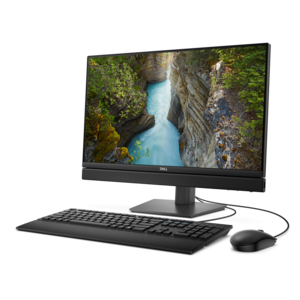
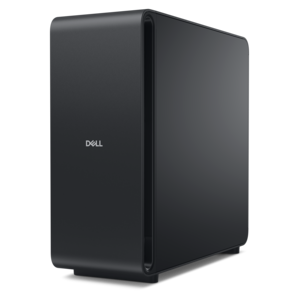
Desktop packages bring a desktop computer together with supporting equipment for a coordinated setup, often pairing the computer with a monitor, keyboard, and mouse. The exact contents vary, so a package’s listed components define what is included rather than the word “package” alone. Some combinations center on a traditional tower and a separate display; others use a compact computer that leaves more room on the desk or an all-in-one design that integrates the computer into the screen. Each format supports a different balance of workspace, screen placement, and future flexibility. A tower can suit a dedicated home office where the computer sits beside or beneath the desk, while a compact design fits naturally into a smaller study area or shared family workspace. An all-in-one can create a tidy arrangement with fewer separate enclosures, although its integrated design generally provides less freedom to replace the display independently. Across these formats, desktop packages can support everyday tasks such as writing documents, managing household paperwork, attending online classes, and keeping several browser windows open. More demanding uses, including video editing, design work, and gaming, depend on the capabilities of the computer and display rather than the number of pieces in the package. A coordinated setup is especially useful when replacing an older workstation or furnishing a desk for the first time, since the relationship between the computer and its peripherals is easier to assess together. Connections still matter: a monitor needs a compatible video output, and accessories may require particular ports, batteries, or wireless support. A USB-C port, for example, does not necessarily support video output simply because the connector fits. Package details also establish whether essentials such as display cables, speakers, a webcam, or an operating system are included. The computer’s underlying format remains an important distinction, and Desktop Platforms provides another way to explore that aspect of a desktop setup.

The physical fit of a desktop package shapes how comfortable and practical it feels after the first few days. A screen that looks appropriately sized on a spacious desk may crowd a shallow writing surface, particularly when its stand extends forward into the keyboard area. Monitor dimensions, stand depth, and the space needed for a mouse are useful considerations alongside the computer’s footprint. Room behind the desk matters, too, because power plugs and display connectors need clearance without sharp bends or constant pressure against a wall. In a shared room, an adjustable monitor stand can accommodate different users more comfortably, while a separate keyboard allows the screen and typing position to be arranged independently. A relaxed setup generally places the display directly ahead, with the top of the screen around eye level or slightly below and the keyboard positioned so shoulders can remain loose. Screen finish and placement influence visibility: a bright window reflected in a glossy panel can make reading difficult even when the display itself is capable. Matte surfaces can soften reflections, while curtains or a different screen angle may help control glare. Materials also affect everyday handling. Desktop enclosures and accessory housings commonly use metal, molded plastic, or a combination of both, with textured surfaces providing grip and smooth finishes making dust easier to notice. Durability depends on construction and care as much as appearance. Ventilation openings need unobstructed space, and a computer tucked tightly into a closed cabinet may retain heat. Routine care includes removing dust according to the manufacturer’s directions, keeping drinks away from keyboards and vents, and cleaning screens with suitable materials rather than spraying liquid directly onto the panel. Turning equipment off before cleaning and avoiding excessive moisture helps protect surfaces and connections. A setup with accessible ports, manageable cable routing, and enough room to move accessories is easier to maintain through years of regular use.

Performance brings another layer of distinction to desktop packages, particularly when several people share the same computer or a workspace serves more than one purpose. A student writing papers and joining video lessons has different needs from someone working with large photo libraries, detailed illustrations, or edited video. The processor influences how quickly many tasks run, while memory helps keep applications responsive when several are open at once. A solid-state drive can shorten startup and application loading times, and drive capacity determines how much room remains for documents, projects, photos, and installed software. Graphics capabilities matter most when the workload involves demanding visual applications or games; ordinary document work and web browsing generally place fewer demands on them. The monitor should complement those uses. Clear text and sufficient workspace are valuable for spreadsheets and research, color performance matters for visual projects, and refresh rate and response characteristics can influence the feel of fast-moving games. A larger screen does not automatically show more detail unless its resolution supports that extra working area, and higher resolution can make text appear smaller until display scaling is adjusted. Everyday experience also includes details that are easy to overlook: keyboard layout, mouse size, fan noise, speaker placement, and whether a webcam sits at a comfortable angle during calls. For a remote worker, clear audio and reliable peripheral connections may be more useful than capabilities intended for demanding games. For a household computer, separate user accounts and accessible controls can make sharing more practical. Desktop packages can also be thoughtful gifts for a graduate, someone starting a home-based role, or a family member establishing a dedicated creative space. The recipient’s desk dimensions, preferred applications, and comfort with setup are more meaningful than appearance alone. Longer-term usefulness depends partly on whether memory, drives, or other components can be replaced or expanded, with that flexibility varying by design. Matching the package to familiar routines helps create a workspace that feels comfortable, capable, and ready for daily use.

FAQs:

Add the products you would like to compare, and quickly determine which is best for your needs.

Add the products you would like to compare, and quickly determine which is best for your needs.