$509.00
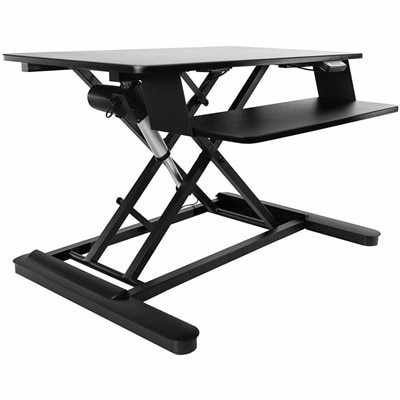
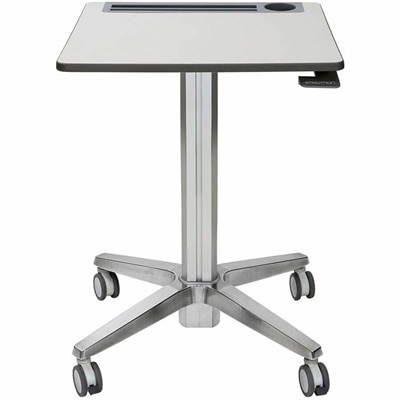
A mobile sit-stand desk enabling flexible, active learning and workspaces.
Explore the world of desktop platforms, where innovation meets functionality to transform your workspace into a hub of productivity and creativity. Whether you're setting up a home office, upgrading your business environment, or diving into immersive gaming experiences, desktop platforms offer the versatility and power you need to achieve your goals. From sleek designs that fit seamlessly into any decor to robust systems engineered for demanding applications, discover an array of options that cater to both personal and professional needs. Embrace the future of computing with desktop platforms that elevate your digital experience and keep you connected in style.
A mobile sit-stand desk enabling flexible, active learning and workspaces.
An electric sit-stand workstation with upper display and lower keyboard surfaces, arriving assembled for easy setup.
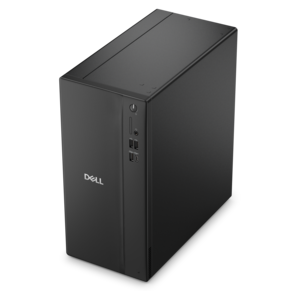
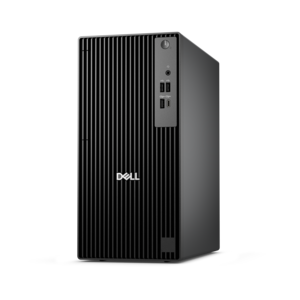
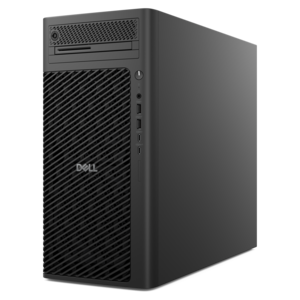
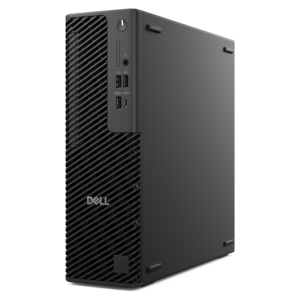
A business-ready tower desktop delivering reliable everyday performance with essential security features for productive workflows.
A powerful desktop designed to boost everyday productivity in a streamlined setup.
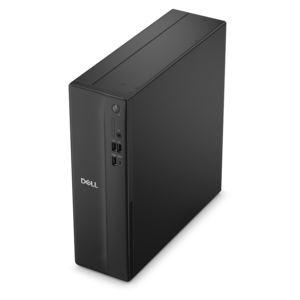
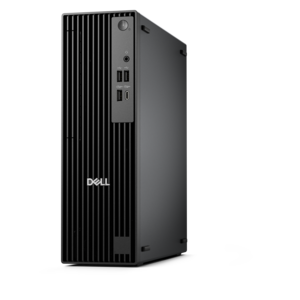
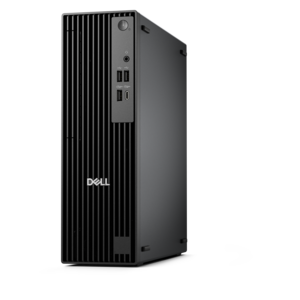
A space-saving desktop delivering reliable performance and security for everyday productivity.
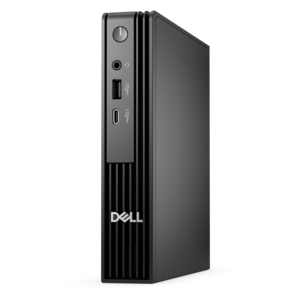
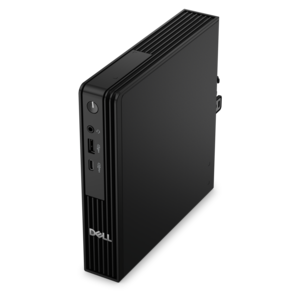
A compact desktop delivering reliable performance and security for everyday productivity.
A business-ready tower desktop delivering dependable performance and security for everyday productivity workloads.
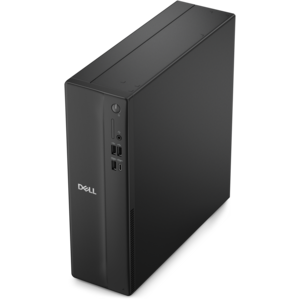
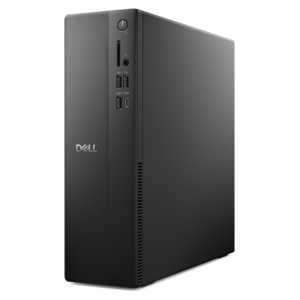
A space-saving, business-ready desktop delivering reliable everyday performance with essential security features.
A compact desktop designed for everyday productivity and creative tasks.
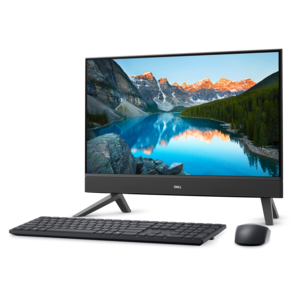
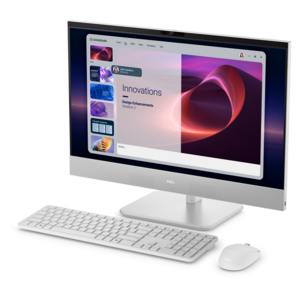
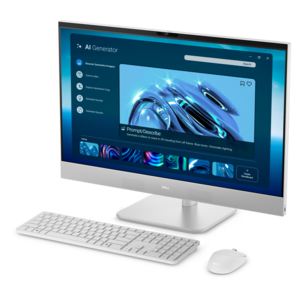
A compact all-in-one desktop designed for productive work and everyday entertainment.
An ultracompact business desktop with Copilot+ PC options, AI-enhanced productivity, robust security, and streamlined manageability.
A reliable workstation desktop delivering excellent performance with professional graphics for demanding productivity and creative workloads.
A business-ready tower desktop with Copilot+ PC options, robust security, manageable features, and expandable performance.
A compact, high-performance desktop with AI PC options, robust security, and streamlined manageability for demanding workloads.
A compact, high-performance business desktop for heavy workloads, featuring advanced security, manageability, and optional AI productivity.
A space-saving desktop engineered for exceptional speed and efficiency in a sleek, compact design.
A space-saving all-in-one desktop designed for productive work and immersive entertainment.
A business-ready tower desktop with AI-enhanced productivity, robust security, seamless manageability, and expandable performance.
A scalable desktop delivering the world’s fastest single-threaded performance for demanding professional workloads.
A compact desktop designed for everyday productivity and creative projects.
A slim desktop delivering exceptionally fast CPU and GPU performance for demanding professional workloads.
An AI-powered Copilot+ PC featuring Series 3 Intel Core Ultra processors for efficient performance.
A space-saving all-in-one desktop designed for productive work and immersive entertainment.
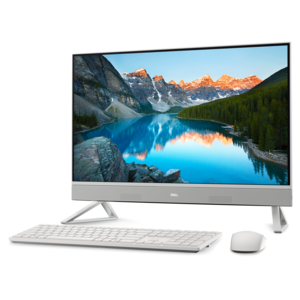
A sleek all-in-one desktop featuring a spacious display for comfortable everyday computing.
A desktop platform brings together the components, software environment and workspace arrangements that make everyday computing feel dependable and comfortable. In most cases, the term refers to a desktop computer system built around a processor, memory, internal storage, graphics capability and an operating system. It can also describe a physical platform or riser that raises a monitor, supports a computer tower or creates an extra level of organization on a desk. Understanding this distinction helps narrow the search. Someone replacing an aging home computer may be looking for a complete system that handles documents, browsing, streaming and video calls, while a creative professional, student or enthusiast may need more responsive performance for photo work, programming, design applications or other demanding tasks. A physical desktop platform serves a different purpose: it can free up valuable surface area, improve screen height, provide room beneath a monitor for a keyboard or notebook, or make a compact workspace easier to arrange. Both interpretations center on the same goal—creating a desktop setup that fits the way a person works, studies, creates and relaxes.
When choosing a computer-based desktop platform, begin with the habits that will shape its daily workload rather than focusing only on specifications. A system used for email, online research, budgeting and video calls may feel smooth with a balanced processor, sufficient memory and fast solid-state storage, while multitasking across many browser tabs, editing large media files or running specialized applications benefits from additional memory and stronger processing capability. Storage capacity matters as well. Local space is useful for photographs, school projects, downloaded media and application libraries, and fast storage can make startup and file access feel noticeably more responsive. Graphics capability should match the intended use: integrated graphics can be appropriate for routine computing and entertainment, whereas creative work, three-dimensional modeling or graphically demanding games may call for dedicated graphics hardware. Screen size, resolution and connection options also deserve attention, especially when the platform will support more than one display. A compact desktop can be a smart fit for a small apartment, dorm room or shared family office, while a larger tower may offer more room for future upgrades. Consider the operating system environment, included ports, wireless connectivity, audio support, camera compatibility and the length of available support coverage. These details rarely appear exciting at first glance, but they are the things that determine whether a setup feels effortless months after it arrives. For a starting point among familiar personal-computing configurations, explore Windows Desktops and compare the capabilities that align with the intended routine.
The physical side of a desktop platform deserves equal care because comfort and organization influence concentration just as much as computing performance. A riser should be wide and stable enough for the equipment placed on it, with a weight capacity that leaves a sensible margin rather than operating at its limit. Measure the desk before choosing one, including the space needed for a keyboard, mouse, speakers, notebooks or a charging area. Height is particularly important: positioning the top of a display near eye level can encourage a more natural posture, while a platform with open space beneath may keep frequently used items close without crowding the main work surface. Look for a design that allows airflow around equipment, resists sliding and complements the existing furniture. Cable routing can turn a tangle of black cords into a cleaner, calmer workspace, and a platform with shelves or compartments may help separate work materials from personal items. These products can be practical gifts for a student setting up a first study area, a remote worker refreshing a home office or a family member who spends long evenings managing household tasks online. A complete desktop computer can be a thoughtful choice for someone beginning a new course, building a creative hobby or needing a reliable place for communication and entertainment, provided its performance, dimensions and connectivity match the recipient’s needs. Before making a final choice, consider where the platform will live, how often it will be moved, who will use it and what the next few years may bring. The best fit is not always the largest or most powerful option; it is the one that leaves enough room to work comfortably today while offering a practical path for tomorrow.
Add the products you would like to compare, and quickly determine which is best for your needs.