$829.99
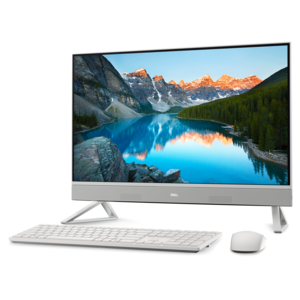
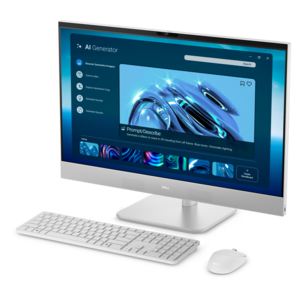
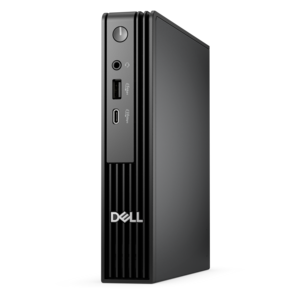
A powerful desktop designed to boost everyday productivity in a streamlined setup.
Discover a world of powerful performance and seamless multitasking with our extensive collection of Windows desktops. Designed to cater to both personal and professional needs, these desktops offer a reliable computing experience for everyday tasks, creative projects, and intensive applications. Whether you're setting up a home office, upgrading your current system, or enhancing your gaming setup, our range of Windows desktops provides the perfect solution to meet your requirements. Explore the versatility and efficiency that come with owning a Windows desktop, and elevate your productivity and entertainment experiences to new heights.
A powerful desktop designed to boost everyday productivity in a streamlined setup.
A versatile desktop for everyday productivity and creative tasks.
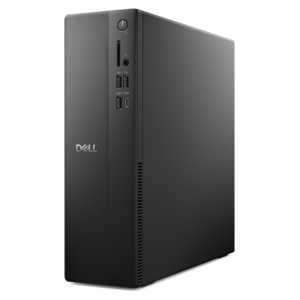
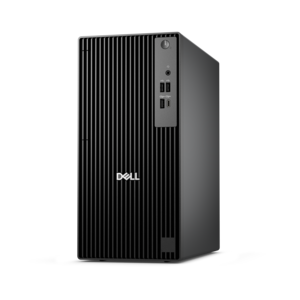
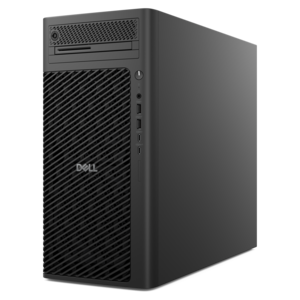
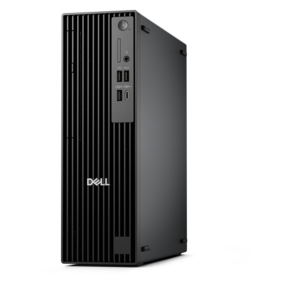
A business-ready tower desktop with AI-enhanced productivity, robust security, seamless manageability, and expandable performance.
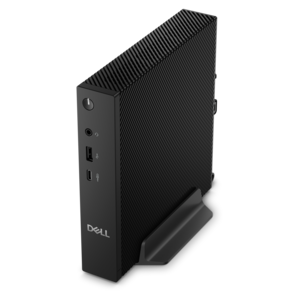
A compact thin client supporting cloud software, ThinOS, Windows 11 IoT Enterprise, or no operating system.
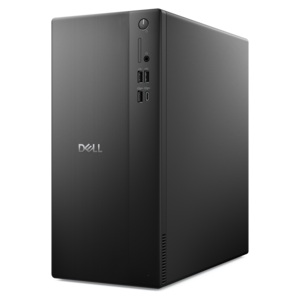
A business-ready tower desktop delivering reliable everyday performance with essential security features for productive workflows.
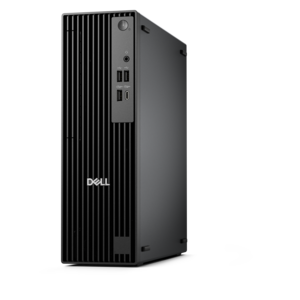
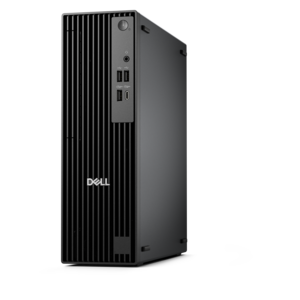
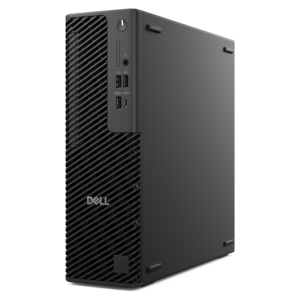
A space-saving business desktop delivering reliable everyday performance with essential security features for productive work.
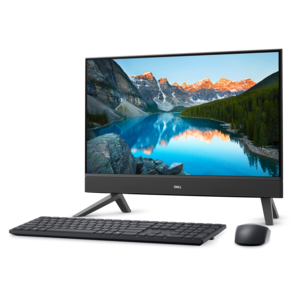
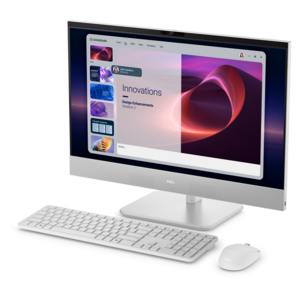
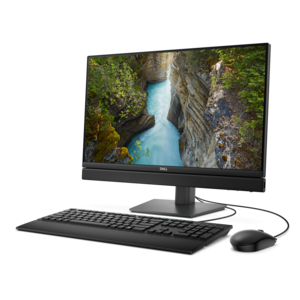
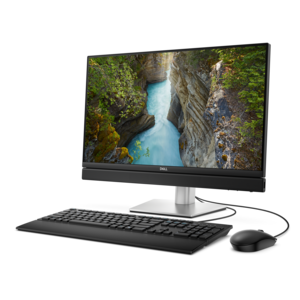
A compact all-in-one desktop designed for productive work and everyday entertainment.
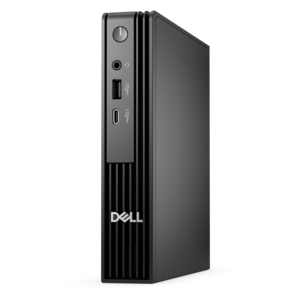
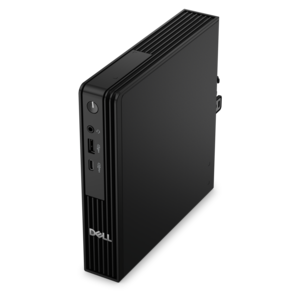
An ultracompact business desktop with Copilot+ PC options, AI-enhanced productivity, robust security, and streamlined manageability.
A sleek all-in-one desktop featuring a spacious display for streamlined computing and everyday productivity.
A business-ready tower desktop with Copilot+ PC options, robust security, manageable features, and expandable performance.
A compact, high-performance desktop with AI PC options, robust security, and streamlined manageability for demanding workloads.
A space-saving all-in-one desktop designed for productive work and immersive entertainment.
A scalable desktop delivering the world’s fastest single-threaded performance for demanding professional workloads.
A high-performance business desktop with Copilot+ PC options, AI-enhanced productivity, robust security, and manageability.
A slim desktop delivering exceptionally fast CPU and GPU performance for demanding professional workloads.
An AI-powered Copilot+ PC featuring Series 3 Intel Core Ultra processors for efficient performance.
A space-saving all-in-one desktop designed for productive work and immersive entertainment.
A compact, high-performance AI-ready desktop delivering secure, manageable performance for demanding business workloads.
A high-performance AI-ready business desktop with security, seamless manageability, and expandable capabilities for demanding tasks.
A space-saving, AI-ready all-in-one desktop with a 24-inch display and streamlined security and manageability features.
A powerful, space-saving desktop designed to boost everyday productivity.
A high-performance business desktop with AI PC options, robust security, and seamless manageability for productivity.
An AI-ready all-in-one desktop with an optional 5MP IR camera and streamlined security and manageability features.
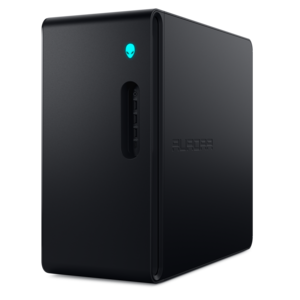
A purpose-built gaming desktop featuring efficient airflow and improved acoustics for immersive play in any setting.
Windows desktops provide a dependable, familiar foundation for work, learning, creativity, communication and entertainment. Unlike a portable computer, a desktop is designed to stay in one place, making it a natural fit for a home office, study area, shared family workspace or bedroom gaming setup. The larger form factor can support a comfortable, permanent arrangement with a full-size keyboard, precise mouse, spacious display and other everyday accessories, while the Windows operating system offers a broad selection of software for organizing documents, joining video calls, editing photos, managing household tasks and enjoying streaming content. When choosing among Windows Desktops, consider how the computer will be used from morning through evening. A system for email, web browsing, writing and schoolwork may benefit from a responsive processor, sufficient memory for several browser tabs and a fast solid-state drive that helps applications open quickly. More demanding creative work, high-resolution media, advanced multitasking or PC gaming may call for stronger processing performance, additional memory and capable graphics. Storage capacity matters as well: a larger drive can accommodate a growing collection of photographs, projects, downloaded media and applications without constant file management. Pay attention to the available ports and connections, especially if you plan to use multiple displays, external storage, a printer, a headset or other accessories. A well-planned desktop setup can feel like a carefully arranged workbench—everything within reach, the screen positioned at a comfortable height and enough room to focus without repeatedly rearranging the space.
One of the useful features built into Windows is the virtual desktop system, which lets you organize multiple open workspaces on a single physical monitor. Virtual desktops are helpful when a single screen needs to serve several roles throughout the day. For example, one desktop can hold documents, a calendar and communication tools for work or school, while another keeps personal browsing, recipes, travel planning or entertainment separate. To open Task View, press the Windows key and Tab, or select the Task View icon on the taskbar. From there, you can view thumbnails of active desktops, create a new desktop and switch between workspaces without closing the applications already in use. The keyboard shortcut Ctrl + Windows key + D creates a new desktop, while Ctrl + Windows key + Left Arrow or Right Arrow moves between desktops. To close the current desktop, press Ctrl + Windows key + F4; open windows move to another available desktop rather than disappearing. Task View also allows customization: right-click a desktop thumbnail to rename it or assign a different background image, making it easier to recognize “Work,” “School,” “Planning” or “Personal” at a glance. You can move an open application by opening Task View and dragging its window onto another desktop preview. This simple separation can make a busy afternoon feel more orderly, much like clearing one section of a desk before beginning the next task. Additional information about compatible applications and operating system options is available through Windows Software.
Windows Desktops can suit a wide range of people because they can be selected around a particular routine rather than a single moment. Students may use one for research, writing, online coursework and creative assignments, with virtual desktops helping separate class materials from personal activities. Remote and hybrid workers can create a focused workspace for meetings and documents, then switch to a personal desktop when the workday ends. Families may appreciate a shared computer for household budgeting, school projects, photo organization and everyday browsing, particularly when the desktop is placed in a central room where it is easy to access. A dedicated system can also be a thoughtful gift for someone setting up a first home office, refreshing a study area or exploring a new hobby such as digital art, music production or content creation. During the warmer part of the year, a desktop can support planning, learning and creative projects indoors, while the cooler months often bring more time for long-form projects, family photo organization and comfortable evenings with games or entertainment. Before completing a purchase, measure the intended workspace, check that the display and computer will fit comfortably, and think about whether the desk has enough room for speakers, a webcam, a printer or other frequently used accessories. It is also worth considering upgrade flexibility, warranty coverage, operating system requirements and the number of people who may share the computer. The right Windows desktop should feel ready for the way life actually unfolds: quiet and efficient for routine tasks, responsive when several applications are open, and adaptable enough to support new projects as interests and responsibilities change.
Add the products you would like to compare, and quickly determine which is best for your needs.