$899.99
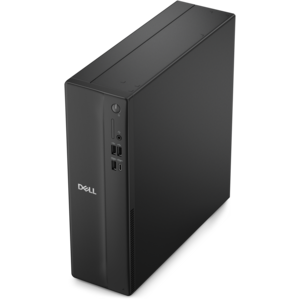
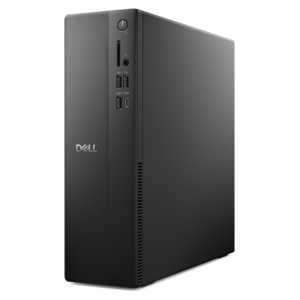
A versatile desktop for everyday productivity and creative tasks.
Elevate your workspace with our curated selection of top-tier solutions designed to enhance desktop productivity. Discover a range of innovative electronics and accessories that seamlessly blend performance with efficiency, ensuring you stay ahead in your professional and personal endeavors. Whether you're setting up a home office or upgrading your current setup, our offerings are tailored to meet the demands of modern multitasking. Dive into a world where technology meets functionality, and transform the way you work with tools that empower productivity and inspire success.
A versatile desktop for everyday productivity and creative tasks.
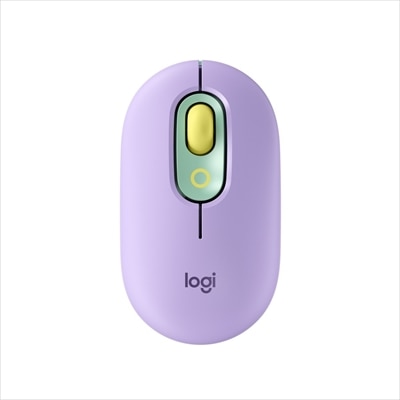
A comfortable, easy-to-set-up wireless mouse designed for reliable everyday productivity.
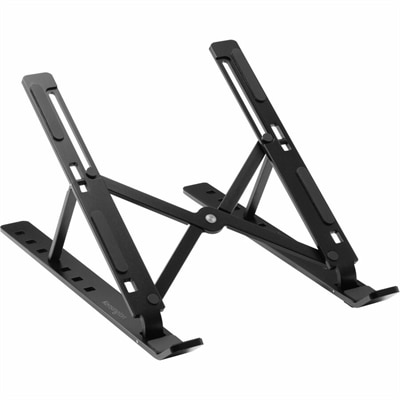
A collapsible aluminum laptop riser with seven adjustable viewing levels, open ventilation, and anti-slip pads.
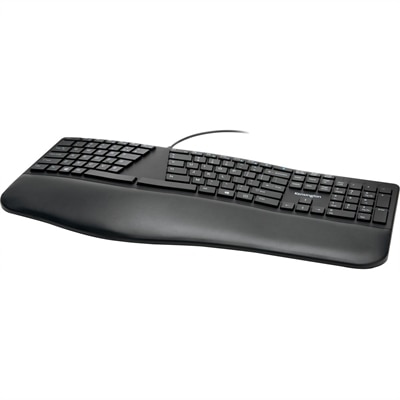
A wired productivity keyboard with built-in collaboration keys, designed for comfortable, efficient typing.
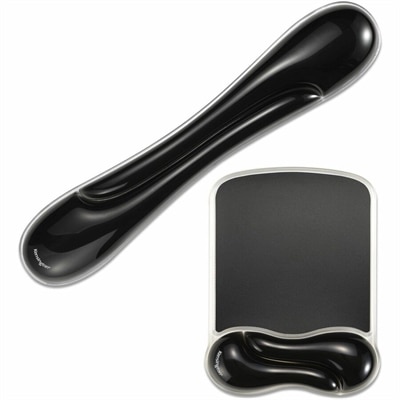
A black gel wrist rest bundle with ergonomic support, ventilation channels, and an easy-clean, fluid-resistant finish.
An ergonomist-approved split keyboard with adjustable tilt, cushioned wrist rest, quiet spill-proof keys, and USB connectivity.
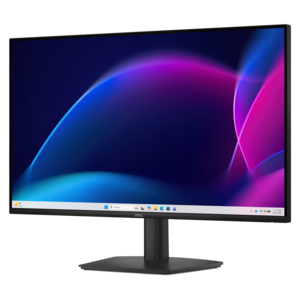
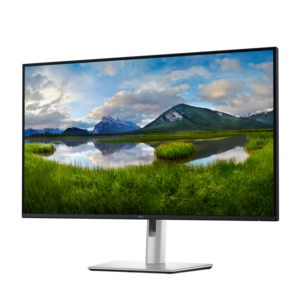
A smooth 100Hz monitor with TÜV Rheinland 3-star eye comfort certification for everyday productivity.
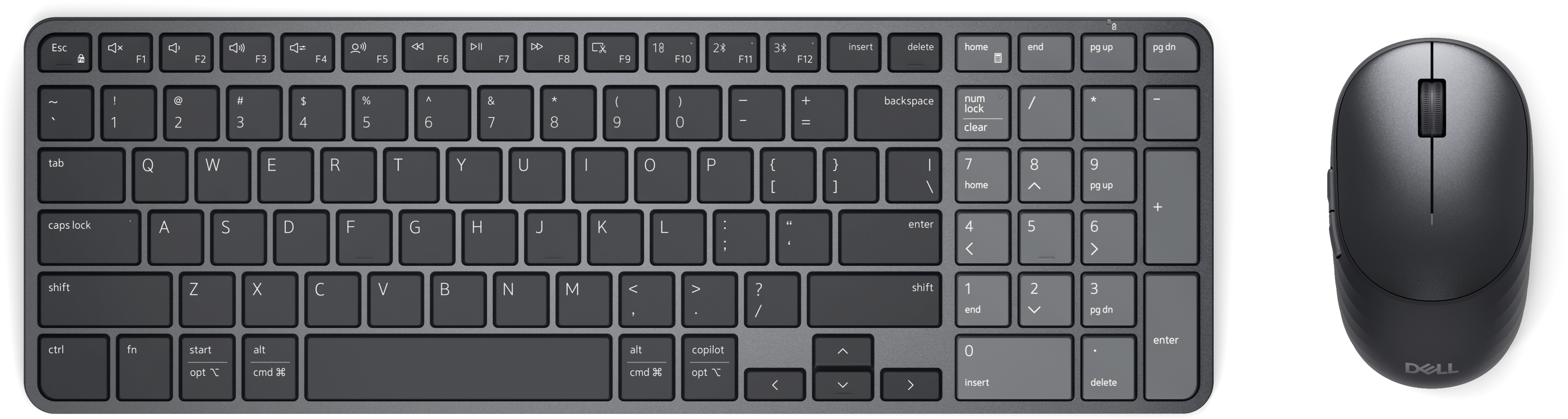
A rechargeable keyboard and mouse combo with quiet operation, adaptive scrolling, and five-second charging.
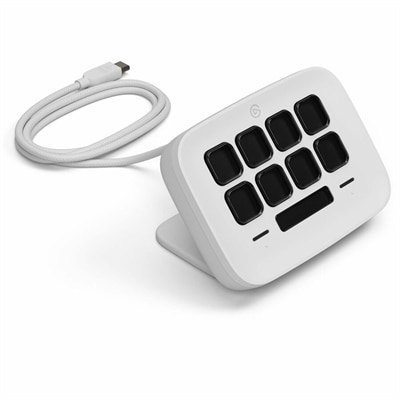
An eight-key USB controller with customizable shortcuts, real-time Infobar, Touch Points, and Windows or Mac compatibility.
A productivity-focused fixed-stand monitor certified by TÜV Rheinland® for 3-star eye comfort.
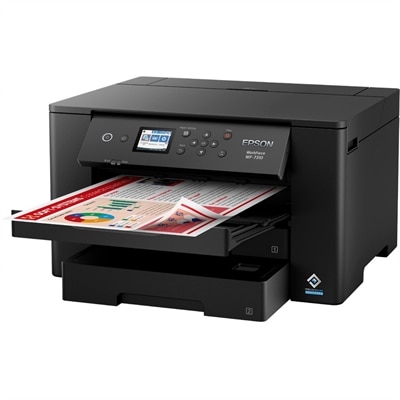
A wireless wide-format color inkjet printer with PrecisionCore technology, dual 250-sheet trays, and fast 25-ppm printing.
A professional docking station delivering 130W power and versatile connectivity for streamlined productivity.
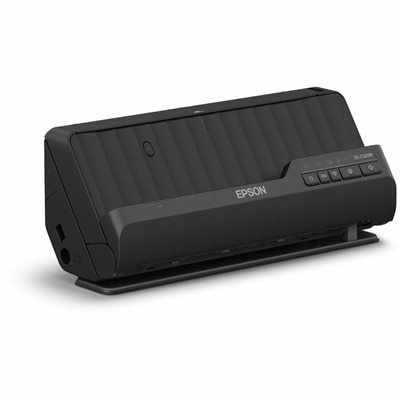
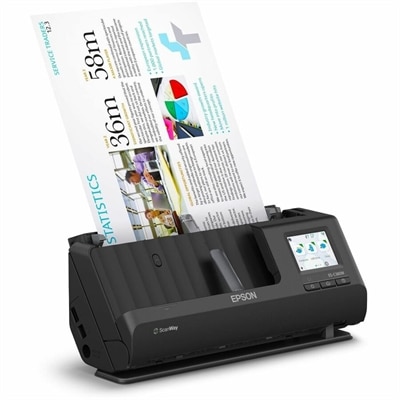
A compact wireless 600-dpi scanner with duplex scanning, 20-page feeder, and 30-ppm speed.
A wireless sheetfed scanner with 600-dpi optical resolution, duplex scanning, 20-page ADF, and 30-ppm performance.
A QHD monitor with a USB-C hub, extensive connectivity, and TÜV-certified four-star eye comfort.
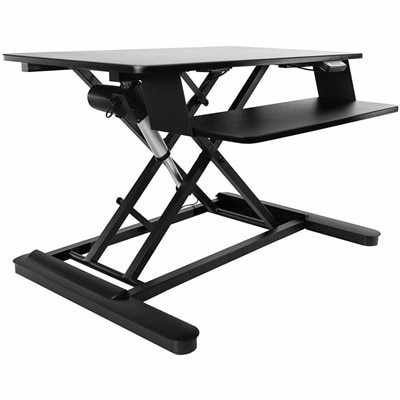
An electric sit-stand workstation with upper display and lower keyboard surfaces, arriving assembled for easy setup.
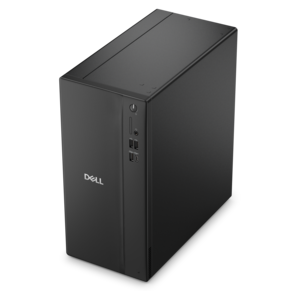
A business-ready tower desktop delivering reliable everyday performance with essential security features for productive workflows.
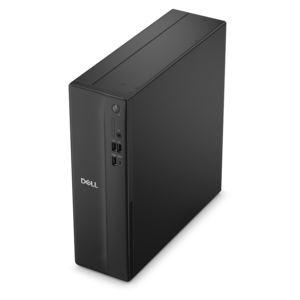
A space-saving business desktop delivering reliable everyday performance with essential security features for productive workflows.
A powerful desktop designed to boost everyday productivity in a streamlined setup.
A compact desktop designed for everyday productivity and creative tasks.
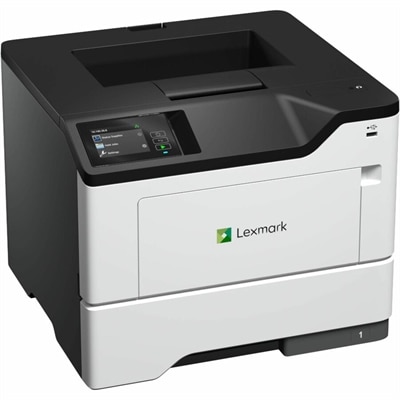
A secure monochrome laser printer with wired connectivity, 50 ppm printing, touchscreen controls, and steel construction.
A space-saving desktop delivering reliable performance and security for everyday productivity.
A compact desktop delivering reliable performance and security for everyday productivity.
A business-ready tower desktop delivering dependable performance and security for everyday productivity workloads.
Desktop productivity starts with a workspace that makes everyday tasks feel clear and manageable. A well-chosen desktop computer, laptop, monitor, or accessory can help bring structure to everything from focused office work and virtual meetings to creative projects, school assignments, household planning, and personal finance. The right setup depends on how you work, where you work, and which tasks deserve the most attention. A desktop computer can provide a steady home base for demanding applications, long documents, research, and detailed projects, while a laptop offers the flexibility to move from a dedicated desk to a kitchen table, home office, classroom, or shared workspace. When comparing options, consider the applications you use most often, the size and complexity of your files, the amount of multitasking you typically do, and how much room you have for future needs. Memory and processing capability influence how smoothly several applications can run together, while solid-state storage can help with responsive startup and file access. A comfortable display, clear camera, dependable audio, and easy connectivity can make a noticeable difference when workdays include video calls or collaboration. Exploring different Desktop Platforms can also help you match a computer’s form factor and capabilities to the rhythm of your routine. Someone who spends hours reviewing spreadsheets may value a spacious screen and an uncluttered layout; a designer, editor, or hobbyist may prioritize color, detail, and performance; and a family computer may need to balance schoolwork, browsing, communication, and entertainment in one approachable setup.
Physical organization is just as important as computing capability. A monitor positioned at a comfortable height can reduce the instinct to lean forward, while an external keyboard and mouse may make extended typing and navigation feel more natural. If your work involves comparing documents, referencing research, or keeping communication visible while creating, an additional display can reduce the constant shuffle between windows. A wide, clear desktop surface, sensible cable management, and an adjustable chair help turn a collection of electronics into a workspace that feels intentional rather than improvised. Digital organization matters too. Keeping commonly used files in clearly named folders, removing outdated downloads, and limiting the number of icons on the desktop can reduce visual noise. Separate virtual desktops or organized window layouts can help divide writing from research, communication from focused work, and personal tasks from professional ones. Built-in window snapping, task lists, calendars, notes, and reminders can support a simple workflow without requiring complicated routines. Many people find it useful to begin with a short list of priorities, close unrelated notifications, and group similar tasks together before settling in. Even small habits, such as keeping reference material on one side of the screen and the active project on the other, can save repeated clicks and preserve concentration. During warmer days or cooler months spent indoors, a workspace that is bright, comfortable, and easy to reset can make the transition into productive time feel more natural. Accessories such as webcams, headsets, speakers, docking solutions, external storage, and ergonomic input devices can further adapt a computer setup to changing responsibilities, especially for people who move between home, office, and study spaces.
Desktop productivity products can serve a wide range of people, which makes them practical choices for a new workspace or a thoughtful gift. A student may use a reliable computer and comfortable display for research, presentations, coursework, and creative exploration. A remote professional may appreciate equipment that creates a more polished meeting experience and helps separate work from the rest of the home. Freelancers, small-business owners, and household organizers often benefit from a setup that handles invoicing, scheduling, document creation, communication, and file management without feeling cramped. For creators and enthusiasts, a capable computer paired with a detailed display can support photo work, video projects, music, illustration, or game development. A family member who enjoys writing, genealogy, digital photography, or online learning may value a simple, responsive system that makes those interests easier to pursue. When selecting for someone else, think beyond appearance and consider the recipient’s space, comfort, technical confidence, and daily habits. A compact setup may suit a small apartment or shared room, while a larger display or desktop configuration may be welcome in a dedicated office. Accessibility features, adjustable viewing angles, readable text, quiet operation, and straightforward connectivity can be as important as raw performance. The best desktop productivity setup is not necessarily the most elaborate one; it is the combination that removes friction from the tasks a person returns to again and again. With thoughtful choices and a few dependable organizational habits, a computer workspace can become a calm landing place for busy mornings, focused afternoons, creative sessions, and the ordinary digital tasks that keep life moving.
Add the products you would like to compare, and quickly determine which is best for your needs.