1. Graphics Card (GPU)
2. Processor (CPU)
3. Memory and Storage
4. Cooling and Expandability
Selecting the right gaming desktop can elevate your gameplay and ensure smooth, immersive experiences. Here are key factors to keep in mind when shopping for a gaming PC.
1. Graphics Card (GPU)
2. Processor (CPU)
3. Memory and Storage
4. Cooling and Expandability
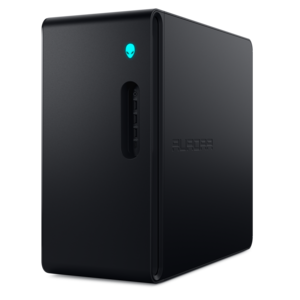
A purpose-built gaming desktop featuring efficient airflow and improved acoustics for immersive play in any setting.

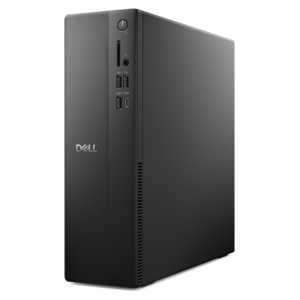
A powerful desktop designed to boost everyday productivity in a streamlined setup.
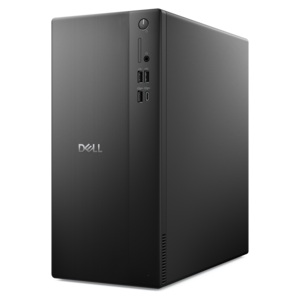
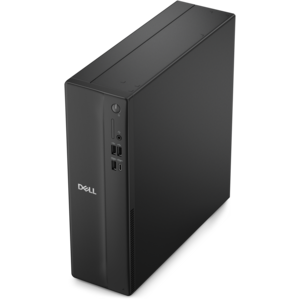
A space-saving desktop designed to boost everyday productivity.
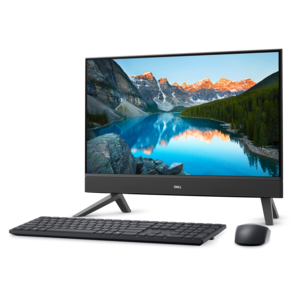
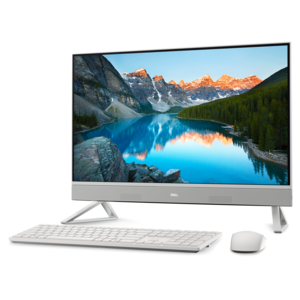
A compact all-in-one desktop designed for productive work and enjoyable entertainment.
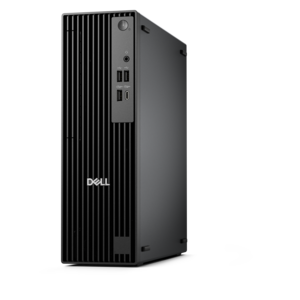
A compact, high-performance desktop with AI PC options, robust security, and streamlined manageability for demanding workloads.

A space-saving desktop engineered for exceptional speed and efficiency in a sleek, compact design.
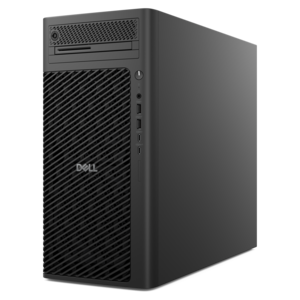
A scalable desktop delivering the world’s fastest single-threaded performance for demanding professional workloads.
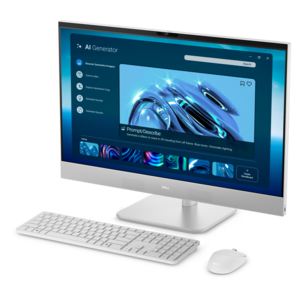
A space-saving all-in-one desktop designed for productive work and immersive entertainment.
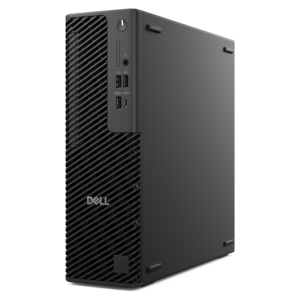
A slim desktop delivering exceptionally fast CPU and GPU performance for demanding professional workloads.
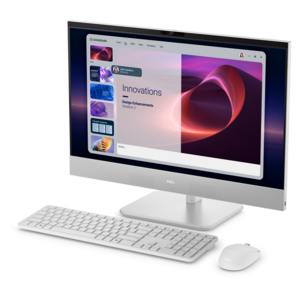
A space-saving all-in-one desktop designed for productive work and immersive entertainment experiences.
When choosing a gaming desktop, consider features such as a high-performance graphics card (GPU), a powerful multi-core processor (CPU), ample RAM (at least 16GB is recommended), fast storage options like SSDs, and efficient cooling systems to ensure smooth gameplay and future upgradability.
A dedicated graphics card is crucial for gaming desktops because it handles the complex rendering of images, videos, and animations in games. This results in smoother frame rates, better visual quality, and an overall enhanced gaming experience compared to integrated graphics.
For most modern games, 16GB of RAM is considered the sweet spot for optimal performance. Some demanding games or multitasking scenarios may benefit from 32GB, but 16GB is generally sufficient for smooth gameplay and system responsiveness.
Many gaming desktops are designed with upgradability in mind. You can often upgrade components such as the GPU, RAM, storage drives, and sometimes even the CPU to keep your system current with evolving game requirements.
Effective cooling is essential in a gaming desktop to prevent overheating during intensive gameplay sessions. Good airflow and quality cooling solutions help maintain optimal temperatures, ensuring stable performance and prolonging the lifespan of your components.

Add the products you would like to compare, and quickly determine which is best for your needs.


