$79.99
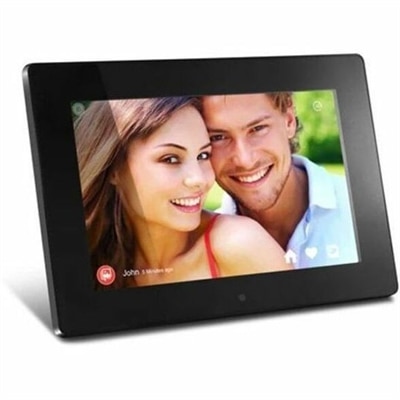
A WiFi digital photo frame with 1024x600 true-color display, 8GB storage, motion sensor, and USB support.
Transform your visual experiences with cutting-edge digital display solutions that cater to a wide array of needs, from business presentations to home entertainment. Discover a range of innovative displays designed to deliver stunning clarity and vibrant colors, enhancing every detail of your content. Whether you're looking to upgrade your office setup or create an immersive viewing experience at home, our selection offers the perfect solution for any environment. Explore options that seamlessly blend style and functionality, ensuring you find the ideal match for your specific requirements.
A WiFi digital photo frame with 1024x600 true-color display, 8GB storage, motion sensor, and USB support.
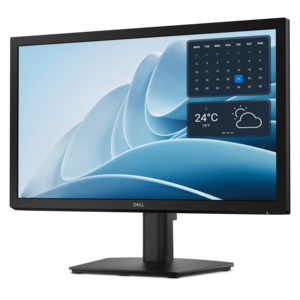
A productivity monitor offering 100Hz refresh and eye comfort solutions that reduce blue light emissions.
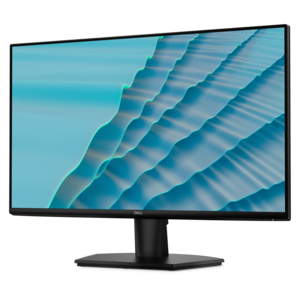
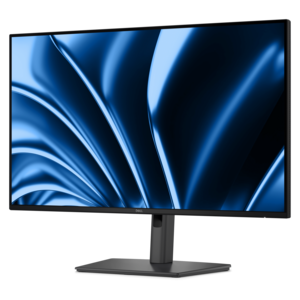
A 27-inch monitor with TÜV-certified eye comfort, 144Hz refresh rate, low blue light, and compact design.
A stylish digital photo frame with 1024×768 TFT clarity, 4GB storage, memory-card support, and photo, video, music playback.
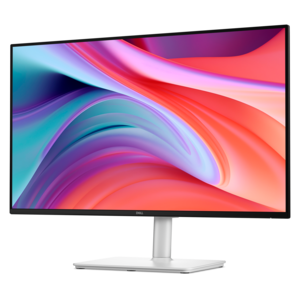
A Full HD monitor with 144Hz refresh rate, built-in speakers, and TÜV 4-star eye comfort certification.
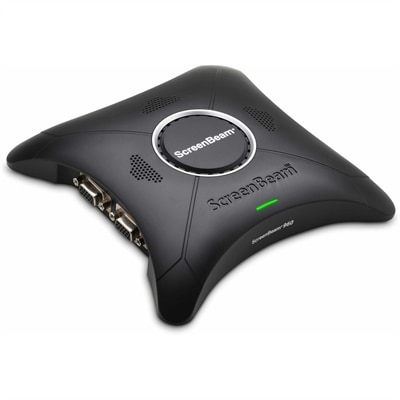
A wireless display receiver enabling app-free presentations, extended desktops, interactive touch, and centralized remote management.
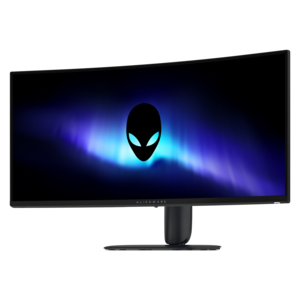
A curved ultrawide WQHD gaming monitor delivering vivid color and an exceptionally smooth 240Hz refresh rate.
A Full HD hub monitor with extensive connectivity, 100W power delivery and TÜV-certified 4-star eye comfort.
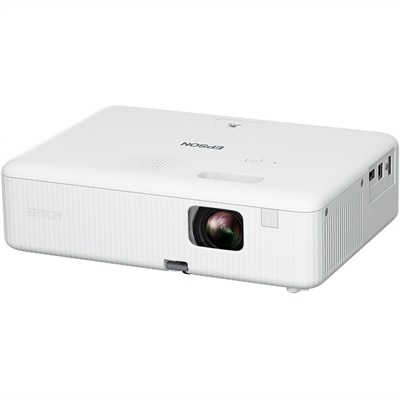
A portable WXGA 3LCD projector delivering 3,000 lumens, 378-inch images, HDMI connectivity, and easy keystone correction.
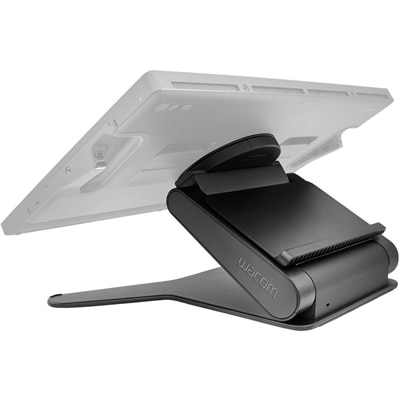
A stable, adjustable display stand offering height, angle, and 20-degree rotation for comfortable, natural creative workflows.
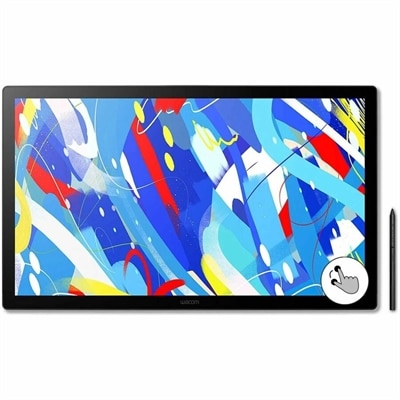
A professional drawing display with 2.5K WQHD resolution, etched anti-glare glass, multitouch, and pressure-sensitive stylus.
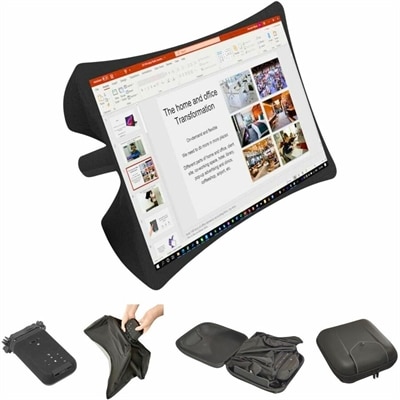
A foldable, rugged projection system with a nanomaterial screen, built-in battery, HDMI and USB-C connectivity.
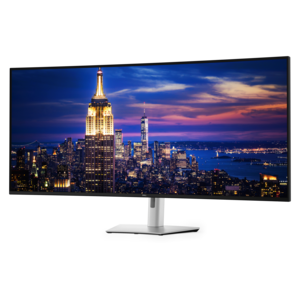
A 6K ultrawide monitor with Thunderbolt hub connectivity, exceptional clarity, seamless multitasking, and all-day eye comfort.
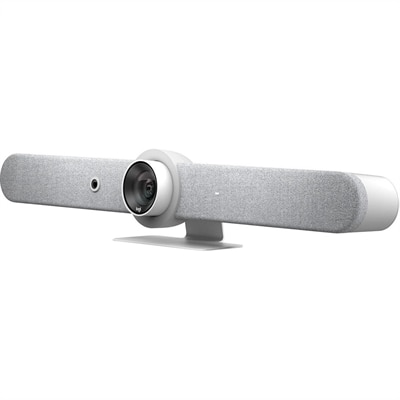
An all-in-one white video bar delivering automated PTZ, brilliant optics, and high-performance audio for medium rooms.
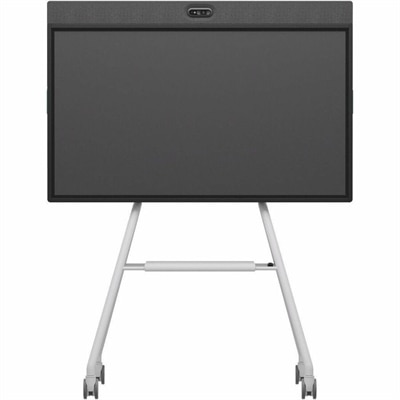
An all-in-one mobile conferencing system with touchscreen collaboration, AI-powered audio/video, recycled plastic, and lockable cart.
Digital display solutions bring information, announcements, promotions and visual guidance to life in places where people naturally pause, gather or pass through. A thoughtfully selected display can turn a quiet lobby into a welcoming information point, help visitors find their way through a large building, or give customers a clearer view of featured services and changing messages. These solutions generally combine a commercial-grade screen with a media player, content management software or another connected source that controls what appears on screen. Depending on the setting, content may include images, video, menus, schedules, maps, live updates, room availability, internal communications or emergency notices. Retail stores and shopping environments can use digital signage to present product information, pricing, promotions and branded visuals without relying on printed materials that become outdated. Offices can place displays near reception areas, elevators, conference rooms or shared spaces to provide directories, meeting information and company updates. Schools, libraries, healthcare facilities, hotels and public venues may use them for wayfinding, event schedules, queue information and timely announcements. For a closer look at screen options suited to different spaces and viewing needs, explore Display Screens. A digital display can also be a practical gift for someone setting up a home office, creative studio, classroom, gaming room or small business, particularly when a bright, spacious viewing area makes everyday information easier to read and share.
When comparing digital display solutions, start with the environment rather than the appearance alone. Indoor displays designed for a reception desk or meeting room may have different brightness, durability and mounting needs than screens positioned near windows, under strong overhead lighting or in semi-outdoor areas. Screen size should suit both the viewing distance and the amount of information shown: a compact display can work well for a close-up directory or counter message, while a larger screen is easier to read from across a lobby, showroom or waiting area. Resolution affects the clarity of text, maps, product images and video, with sharper detail especially valuable when viewers stand close to the screen. Consider the viewing angle as well, since content placed in a hallway or open public area may need to remain legible from several directions. For organizations planning extended operating hours, look for displays built for sustained commercial use and review the manufacturer’s guidance for duty cycle, ventilation and placement. Touch capability can make a display more useful when visitors need to search a directory, browse a catalog, check an itinerary or interact with educational material, while a non-touch display may be the simpler choice for announcements, menus or scheduled content. Accessibility should also be part of the selection process. Clear type, strong contrast, readable layouts, captions and well-paced transitions help more people understand the message, including viewers who are standing farther away or navigating a busy space. A screen that is easy to read in the real setting will usually make a stronger impression than one chosen only for its specifications.
Connectivity and content management shape how smoothly a display solution fits into daily work. Common connections may include HDMI, USB and Wi-Fi, while cloud-based content management platforms can allow authorized staff to create layouts, schedule messages, update several screens and manage content remotely. This is useful for organizations with displays in multiple rooms or locations, because a change to a business hour, event time, menu item or safety message can be distributed without visiting every screen. Before choosing a solution, confirm that the available software works with the intended operating system, media player and network environment, and consider who will be responsible for creating and approving content. Simple templates and scheduling tools can help a small team maintain polished communications without specialized design experience. For larger installations, centralized controls, user permissions, monitoring and playback reporting may be valuable. Placement matters just as much as technology: avoid glare, keep cables secured, allow appropriate airflow and position the screen where its message can be seen without blocking walkways or creating a distraction. During warmer weather and throughout the cooler months, changing light levels, visitor traffic and indoor activity can affect visibility and placement, so a flexible content plan is helpful. With the right balance of screen size, brightness, durability, interactivity, connectivity and manageable software, digital display solutions can support clearer communication and a more welcoming experience across workplaces, storefronts, campuses, hospitality spaces and community environments.
Add the products you would like to compare, and quickly determine which is best for your needs.