$89.99
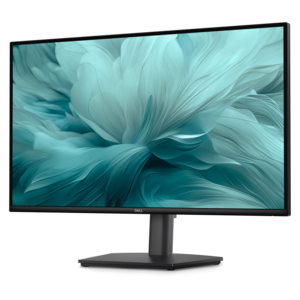
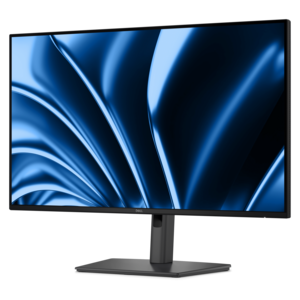
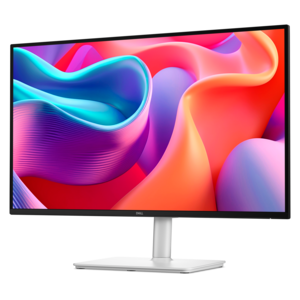
A smooth 100Hz monitor with TÜV Rheinland 3-star eye comfort certification for everyday productivity.
Explore the vibrant world of display screens, where cutting-edge technology meets stunning visual clarity. Whether you're upgrading your home office setup, enhancing your gaming experience, or seeking the perfect screen for professional presentations, our diverse selection offers something for every need. From sleek monitors to immersive displays, each option is designed to deliver exceptional picture quality and performance. Dive into a range of sizes and resolutions to find the ideal display screen that complements your lifestyle and elevates your viewing experience.
A smooth 100Hz monitor with TÜV Rheinland 3-star eye comfort certification for everyday productivity.
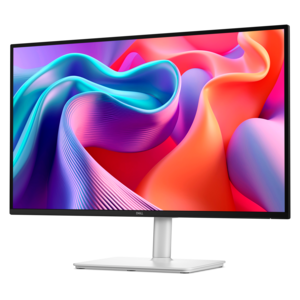
A height-adjustable monitor certified by TÜV Rheinland® for 3-star eye comfort and productive everyday use.
A QHD monitor with 144Hz refresh, built-in speakers, and TÜV 4-star eye-comfort certification.
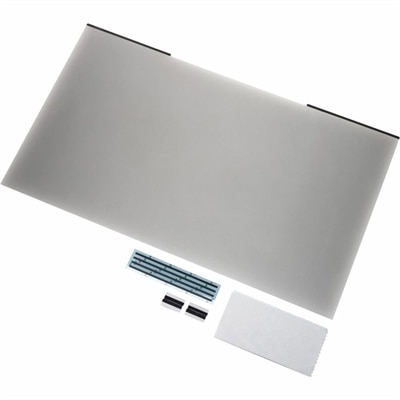
A reversible magnetic privacy screen with +/-30° viewing, 22% blue-light reduction, glare resistance, and scratch protection.
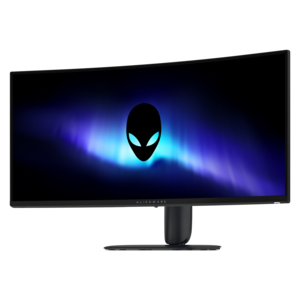
A curved ultrawide WQHD gaming monitor delivering vivid color and an exceptionally smooth 240Hz refresh rate.
A Full HD hub monitor with extensive connectivity, 100W power delivery and TÜV-certified 4-star eye comfort.
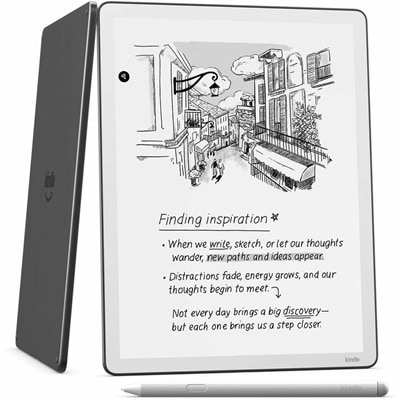
An e-reader with a glare-free front-lit display, built-in notebook, AI tools, Wi-Fi, and cloud service support.
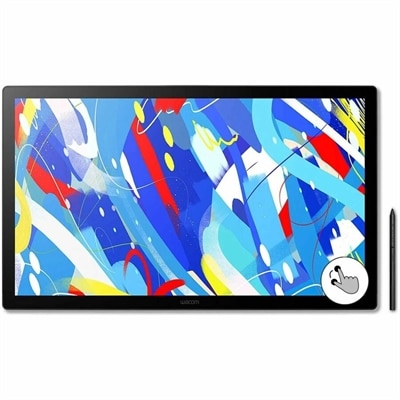
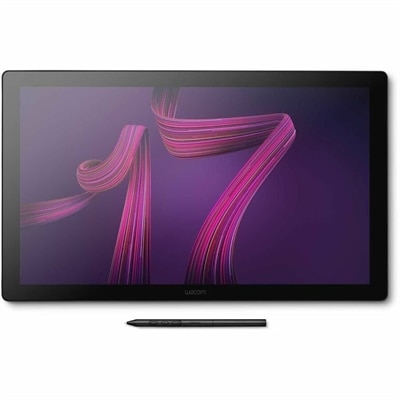
A professional drawing display with 2.5K WQHD resolution, etched anti-glare glass, multitouch, and pressure-sensitive stylus.
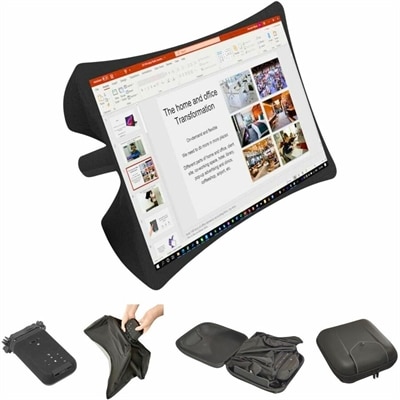
A foldable, rugged projection system with a nanomaterial screen, built-in battery, HDMI and USB-C connectivity.
A professional 4K touchscreen pen display with 120Hz refresh, multi-touch control, customizable ExpressKeys, and pressure-sensitive stylus.
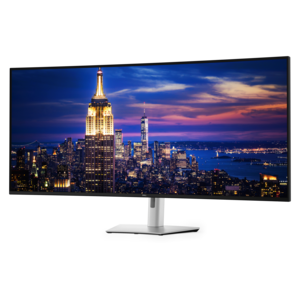
A 6K ultrawide monitor with Thunderbolt hub connectivity, exceptional clarity, seamless multitasking, and all-day eye comfort.
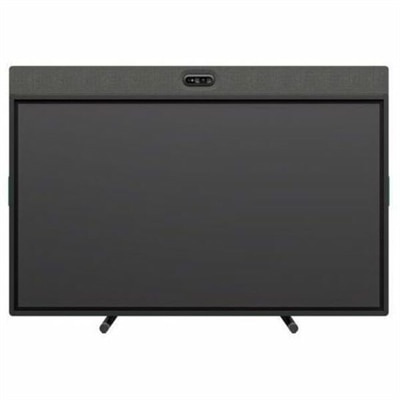
An all-in-one video conferencing device with brilliant audio, AI features, flexible camera placement, and graphite touchscreen.
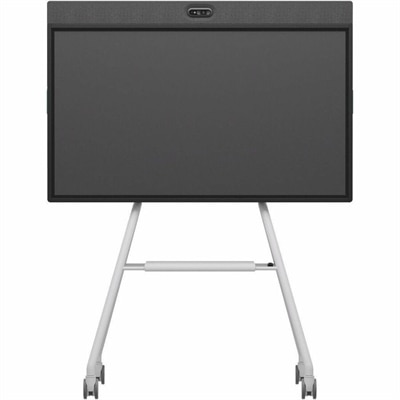
An all-in-one mobile conferencing system with touchscreen collaboration, AI-powered audio/video, recycled plastic, and lockable cart.
Display screens are electronic output devices that turn signals from a computer or another compatible source into visible text, images, and video. They provide the workspace for everyday activities, from writing a report and comparing spreadsheets to editing photographs, joining video calls, and exploring a game’s richly detailed environments. Although screen technologies share this basic purpose, they create images in different ways. Liquid crystal display, or LCD, technology uses a backlight and a layer of liquid crystals that regulate how much light passes through each pixel. An LED monitor is generally an LCD screen illuminated by light-emitting diodes; the term describes its backlighting rather than a separate type of image-forming panel. Organic light-emitting diode, or OLED, screens use pixels that produce their own light, allowing individual pixels to switch off for deep blacks and strong contrast. Within the LCD category, in-plane switching, or IPS, panels typically offer wide viewing angles and consistent color, useful when two people sit beside each other reviewing a presentation. Vertical alignment, or VA, panels generally provide higher native contrast than IPS panels, giving darker scenes greater depth, though motion performance varies by design. Twisted nematic, or TN, panels are associated with fast pixel transitions but usually have narrower viewing angles and less consistent color when viewed off-center. Panel technology is only part of the picture: resolution, brightness, screen finish, and color performance also influence how a display looks in an actual room. A bright workspace with a window beside the desk presents different demands than a dim room used for evening entertainment. Matte finishes scatter reflections, while glossy surfaces can preserve a crisp appearance but make reflected lights more noticeable. For shared workspaces, reception areas, and meeting rooms, Commercial Displays provide a related category where intended operating hours, mounting arrangements, visibility, and connection requirements deserve particular attention. A display’s suitability depends on its specifications and intended environment, not simply its diagonal measurement.
The relationship between screen size, resolution, and viewing distance shapes how comfortably a display fits into daily life. Size is measured diagonally, while resolution describes the number of pixels across and down the screen. Full HD, QHD, and 4K displays offer progressively larger pixel grids, but perceived sharpness also depends on how tightly those pixels are packed and how far away the viewer sits. A higher-resolution screen can make small lettering and fine image details appear cleaner, although operating system scaling may be needed to keep menus and text comfortably readable. On a shallow desk, an oversized screen can require frequent head movement; on a deeper surface, a larger display may provide room for several open windows without feeling too close. Standard widescreen formats suit documents, video, and everyday browsing, while ultrawide formats can accommodate a timeline, reference material, and a working document across one continuous surface. Curved screens bring the outer edges closer to the viewer on some larger displays, although their usefulness depends on seating position, screen width, and whether the workspace is shared. For writers, students, and people handling long documents, a stand that supports portrait orientation can make a page or column of code easier to follow. Photographers and designers may place greater importance on color gamut coverage, accuracy, and calibration support, especially when images need to look consistent across different devices. Gamers and video enthusiasts often pay closer attention to refresh rate, pixel response time, and adaptive synchronization. Refresh rate, measured in hertz, indicates how often the screen can update each second; response time describes how quickly pixels change between states. Neither measurement alone guarantees clear motion or low input delay. The connected computer, graphics capabilities, cable, and display settings all affect the result. High dynamic range support also varies substantially: meaningful HDR performance depends on brightness, contrast, and color capability, rather than the presence of an HDR label alone. These differences become visible in practical moments, such as following a fast-moving ball, reading small spreadsheet entries, or examining detail in a photograph’s shaded areas.
Physical construction and everyday usability matter just as much as the image on the screen. Display housings commonly combine molded plastics with metal components in the stand or internal structure, while the screen surface incorporates delicate layers and coatings that require careful handling. A stable base helps limit wobble when typing, and height, tilt, swivel, and pivot adjustments can make a shared desk more comfortable for people of different heights. Screen placement generally works best when the upper portion of the display sits at or slightly below eye level, with text large enough to read without leaning forward. Compatible mounting patterns allow some displays to attach to monitor arms, but the mounting dimensions, screen weight, and arm capacity need to match. Connections also influence how naturally a screen fits an existing setup. HDMI and DisplayPort carry digital video and audio, while some USB-C connections can carry video, transfer data, and supply power through one cable. Those functions are not universal, so a USB-C connector alone does not establish compatibility or charging capacity. Built-in USB hubs, speakers, cameras, and microphones can reduce desktop clutter where included, though their capabilities vary. For someone moving between a laptop and a home workstation, the right connection arrangement can turn a crowded desk into a simpler space for concentrated work. A display can also be a thoughtful graduation, birthday, or new-job gift when the recipient’s desk dimensions, computer connections, and preferred activities are known. Long-term condition depends partly on care: a clean, soft microfiber cloth is appropriate for routine dust removal, and any cleaning solution should follow the manufacturer’s instructions rather than being sprayed directly onto the panel. Excess pressure, abrasive cloths, and unsuitable chemicals can damage screen coatings. Keeping ventilation openings clear and routing cables away from chair wheels also helps protect the setup. OLED screens warrant attention to manufacturer-recommended pixel-care features because prolonged static content can contribute to uneven wear or burn-in. Across display types, sensible brightness settings, sleep timers, and careful handling support a comfortable workspace and help preserve the screen for everyday use.
For graphic design or photo editing, it's important to choose a display screen with high color accuracy, wide color gamut coverage (such as sRGB or Adobe RGB), and a high resolution for detailed work. IPS panels are often preferred for their superior color consistency and wide viewing angles. Adjustable stands and calibration support can further enhance the editing experience.
Refresh rate, measured in hertz (Hz), determines how many times per second the screen updates its image. A higher refresh rate, such as 120Hz or 144Hz, provides smoother motion and is especially beneficial for gaming, fast-paced video, or animation work. For general productivity, a standard 60Hz refresh rate is usually sufficient.
Many modern display screens offer multiple input ports, such as HDMI, DisplayPort, and USB-C, allowing you to connect several devices like laptops, desktops, gaming consoles, or streaming devices. Some monitors also feature built-in KVM switches, making it easy to toggle between connected sources using a single set of peripherals.
Blue light filters and flicker-free technology are designed to enhance eye comfort during extended use. Blue light filters reduce the amount of short-wavelength blue light emitted by the screen, which can help minimize eye strain and improve sleep quality. Flicker-free technology eliminates screen flickering at all brightness levels, further reducing visual fatigue.
Yes, portable display screens are lightweight and compact, making them ideal for travel or remote work. They often connect via USB-C or HDMI and can be powered by a laptop, offering additional screen space for multitasking, presentations, or entertainment on the go. Many models come with protective covers that double as stands for added convenience.
Add the products you would like to compare, and quickly determine which is best for your needs.