$149.99
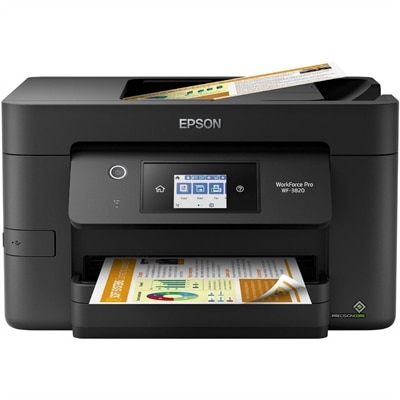
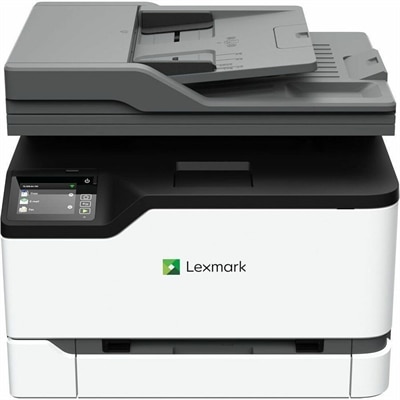
A high-performance multifunction printer with automatic duplex printing, copying, scanning, faxing, and wireless connectivity.
Duplex printers are an essential addition to any home office or business environment, offering enhanced efficiency and streamlined workflows. Designed to handle double-sided printing with ease, these versatile machines help reduce paper usage and contribute to a more sustainable workspace. Whether you're printing reports, presentations, or everyday documents, duplex printers provide the convenience and performance needed to keep up with demanding tasks. Explore our selection of duplex printers to find the perfect match for your printing needs.
A high-performance multifunction printer with automatic duplex printing, copying, scanning, faxing, and wireless connectivity.
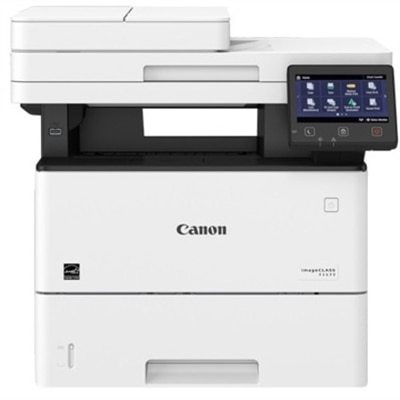
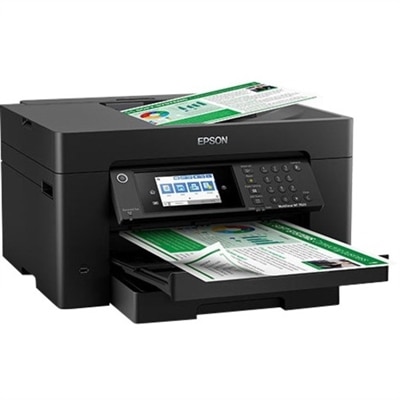
A monochrome laser multifunction printer delivering 45 ppm, 600x600 dpi, duplex scanning, and 2,300-sheet capacity.
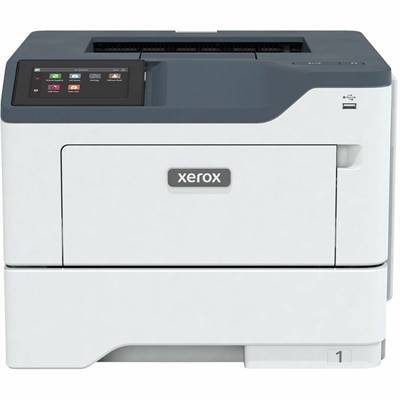
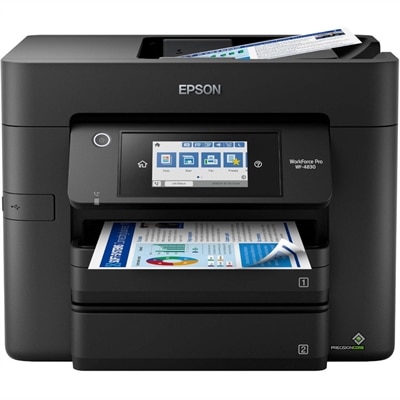
A secure, reliable duplex printer delivering fast, high-quality output with optional Wi-Fi for small work teams.
Duplex printers are designed to print on both sides of a sheet, helping households, students, and workplaces use paper more efficiently without giving up the convenience of printed documents. In automatic duplex printing, the printer feeds a page through, prints the first side, draws the sheet back inside, and prints the reverse before delivering the finished page. That process happens without requiring you to stand nearby and turn pages by hand. Compared with simplex printing, which places content on one side only, automatic duplex printing can reduce paper use for many everyday jobs, including reports, school assignments, meeting notes, recipes, reference material, and multi-page forms. It can also make printed documents feel more like finished booklets, with less bulk in a backpack, file folder, or desk drawer. When comparing models, look closely at whether duplexing is automatic or manual. A manual duplex feature may ask you to reload a stack after the first side prints, while an automatic system handles the sequence internally. Automatic duplexing is especially helpful in a busy home office or shared workspace, where even a small amount of hands-on setup becomes inconvenient over time. Families may appreciate the reduced paper consumption when printing children’s worksheets and creative projects, while remote professionals can use double-sided printing to keep contracts, presentations, and project plans organized. A duplex printer can also be a thoughtful practical gift for someone setting up a study area, home office, or small business, particularly when a compact workspace needs one device to handle a steady stream of documents.
The best duplex printer for your space depends on the kind of work you expect it to perform. Inkjet models are often a good fit for homes and small offices that print a mix of text, color charts, photographs, invitations, and other visually detailed pages. Laser models are commonly chosen for frequent text printing, fast output, and crisp black-and-white documents, making them useful for forms, invoices, classroom materials, and administrative work. Color capability matters if you regularly print diagrams, branded documents, images, or color-coded schedules; a monochrome printer may be a better match when nearly everything you print is text. Consider print speed as well as the printer’s recommended monthly volume, particularly if several people will share it. A model intended for occasional personal use may feel strained in a busy office, while a high-capacity model may take up more room than necessary on a home desk. Paper handling can make a noticeable difference: look for a tray that holds enough sheets for your routine, support for envelopes or heavier paper when needed, and the paper sizes you use most often. Automatic document feeders are useful for copying or scanning several pages, and some all-in-one models support duplex scanning, which reads both sides of a document in a single pass. This feature can save considerable time when digitizing signed forms, receipts, lecture notes, or long packets. For a broader look at compact printing options for workspaces and personal offices, explore Desktop Printers.
Connectivity and ongoing operating costs deserve just as much attention as the duplex feature itself. Wi-Fi makes it easier for multiple computers, tablets, and phones to send documents without running a cable across the room, while USB connectivity can provide a direct option for a primary computer. Mobile printing support is convenient when a file arrives on a phone or tablet and needs to be printed from the kitchen counter, a shared office, or a study nook. Before choosing, check compatibility with your operating systems and preferred devices, and consider whether the printer supports the cloud or mobile services your household or workplace already uses. A clear display and straightforward controls can simplify setup, especially when changing paper sizes, checking ink or toner levels, or resolving a misfeed. Think beyond the purchase price by comparing replacement ink or toner, page yields, energy use, and maintenance requirements. High-yield supplies may cost more initially but can be more practical for frequent printing, while standard-capacity cartridges may suit occasional users who want to avoid keeping supplies stored for long periods. Placement matters too: leave enough room for paper trays to open fully, provide ventilation, and keep the printer within comfortable reach for loading paper and collecting finished pages. During the warmer part of the year and into the cooler months, a well-chosen duplex printer can support changing routines, from school preparation and household organization to remote work and small-business administration. With automatic two-sided printing, suitable speed, dependable connectivity, and supply costs that match your habits, the right model can make everyday paperwork neater, more efficient, and easier to manage.
Add the products you would like to compare, and quickly determine which is best for your needs.