$49.99
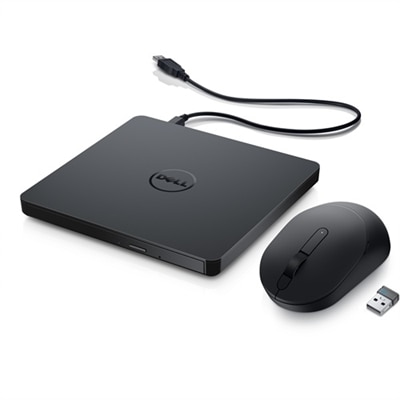
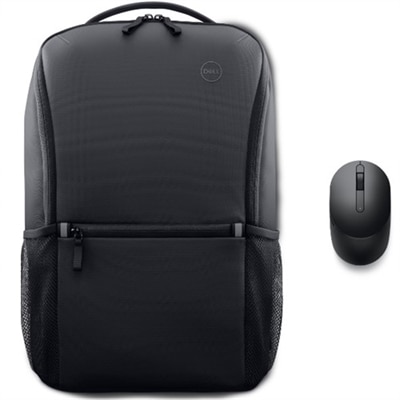
A Dell Mobile Wireless Mouse with 4 dpi levels and a sustainably made everyday backpack for efficient learning.
Elevate your workspace with ergonomic office accessories designed to help create a comfortable and efficient environment. Whether you're setting up a home office or upgrading your corporate workstation, the right accessories can make a noticeable difference in your daily routine. Explore a wide selection of ergonomic office accessories that support productivity and help you stay organized throughout your workday. Discover options tailored to suit a variety of needs and preferences, all crafted to enhance your office experience.
A Dell Mobile Wireless Mouse with 4 dpi levels and a sustainably made everyday backpack for efficient learning.
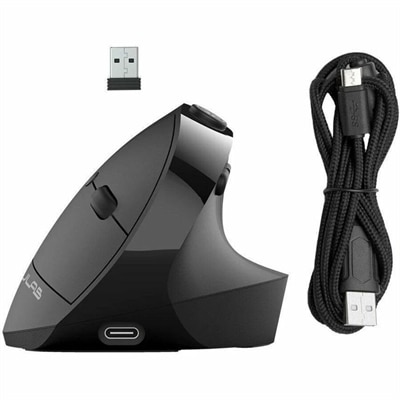
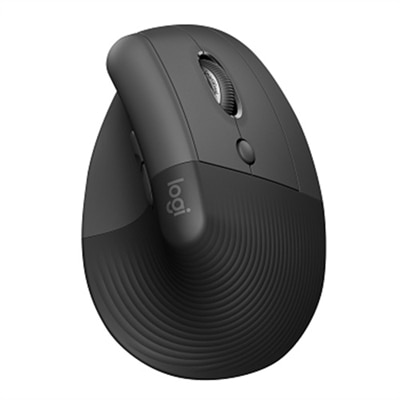
An ergonomic black wireless mouse with seven silent buttons, vertical design, and multi-device Bluetooth or USB connectivity.
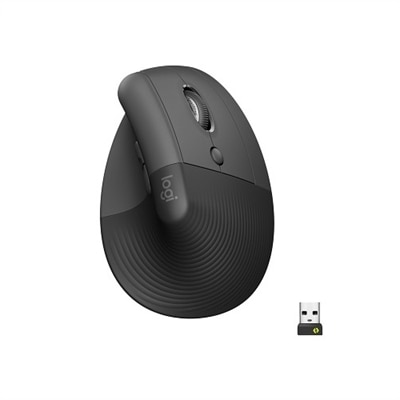
A wireless ergonomic mouse in graphite with quiet clicks, four customizable buttons, and multi-device connectivity.
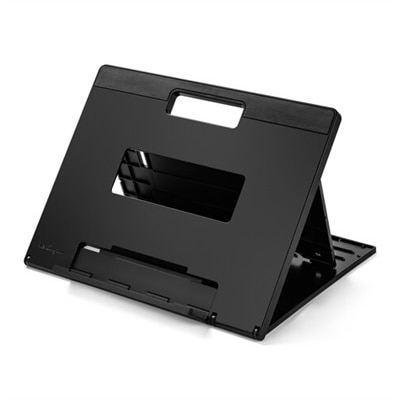
A black ergonomic laptop riser with adjustable height, foldable design, and enhanced air circulation.
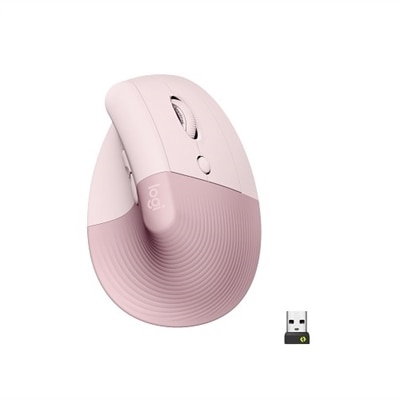
A wireless ergonomic mouse in rose with quiet clicks, four customizable buttons, and Bluetooth or USB connectivity.
A wireless vertical ergonomic mouse in graphite with quiet clicks, high-precision sensor, and secure Bluetooth connectivity.
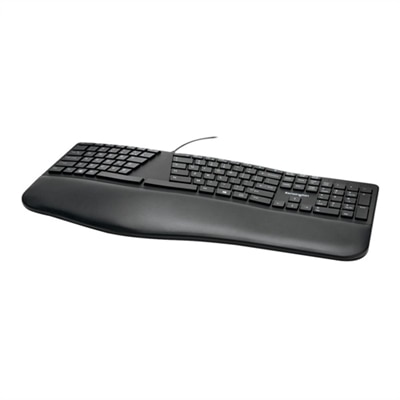
An ergonomist-approved black wired keyboard featuring a split design, cushioned wrist rest, quiet spill-proof keys, and USB connectivity.
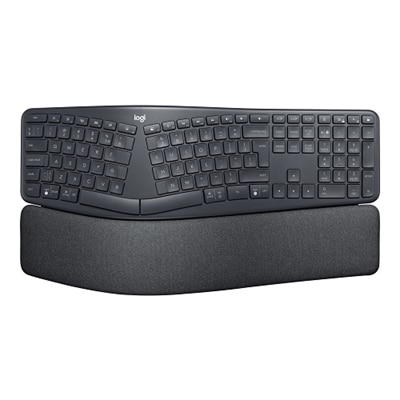
An ergonomic wireless keyboard in graphite featuring a split keyframe, palm rest, and secure Logi Bolt technology.
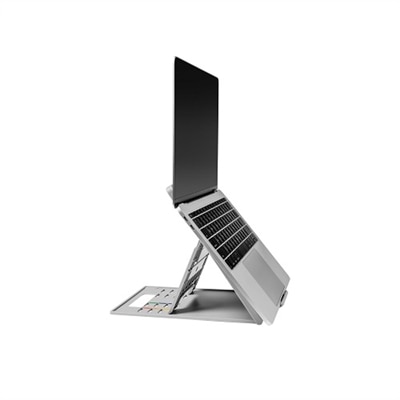
A gray ergonomic laptop riser with adjustable height, foldable design, and enhanced air circulation.
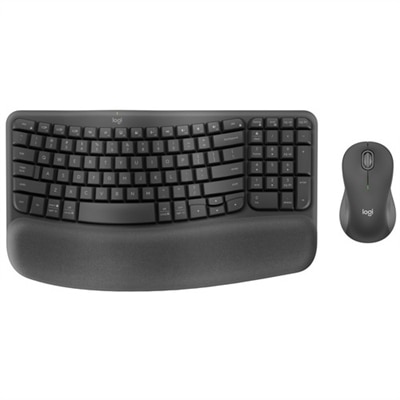
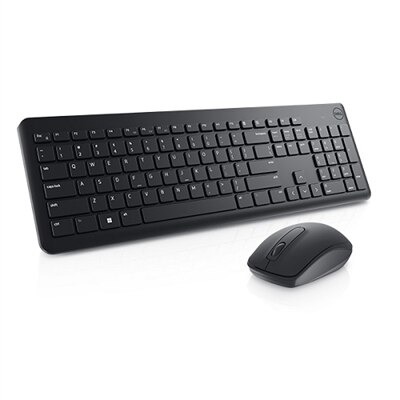
An ergonomic wireless keyboard and mouse combo with recycled plastic, cushioned palm rest, and quiet, sculpted design.
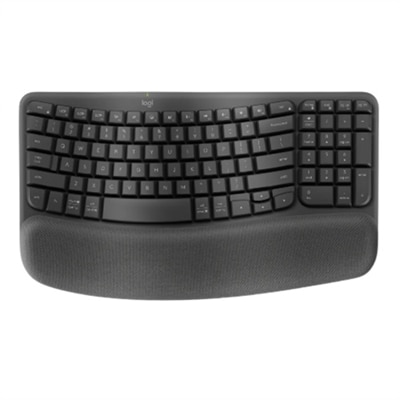
A graphite wave-shaped keyboard with cushioned palm rest for enhanced wrist support and natural typing posture.
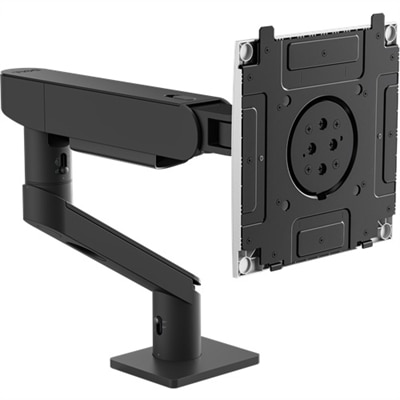
A heavy-duty black and silver monitor arm offering ergonomic adjustments, stability, and quick-release functionality.
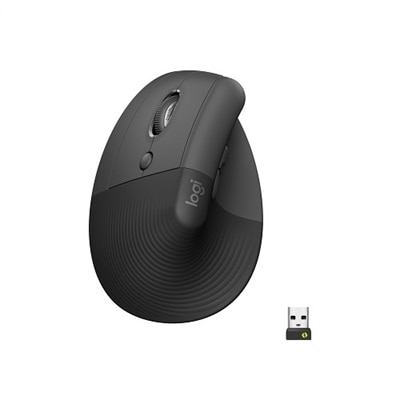
A left-handed wireless ergonomic mouse in graphite with quiet clicks, customizable buttons, and multi-device connectivity.
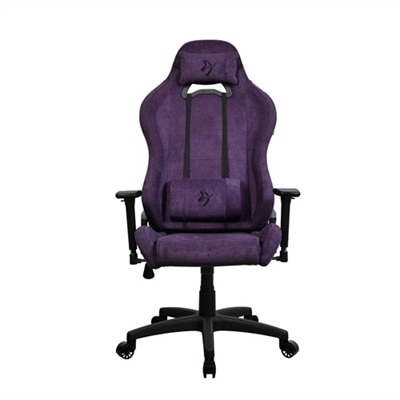
A stylish purple ergonomic chair with plush lumbar and headrest pillows for optimal comfort and posture.
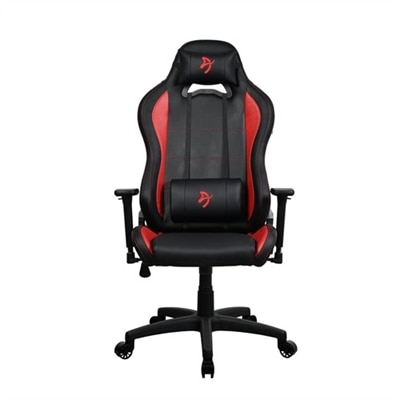
A red and black ergonomic chair with adjustable features and plush support pillows for ultimate comfort.
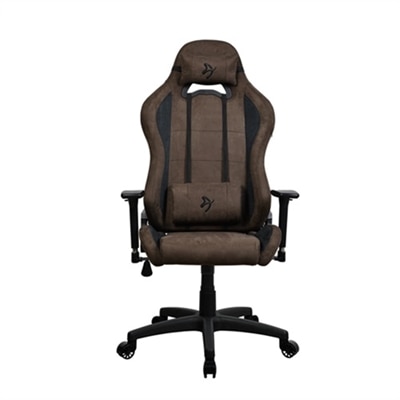
A brown ergonomic chair designed for comfort and posture during extended office or gaming sessions.
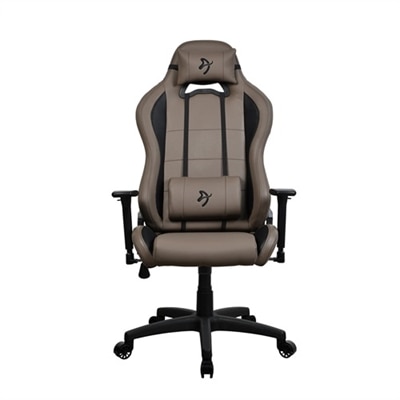
A brown ergonomic chair with plush lumbar and headrest pillows for optimal comfort and posture.
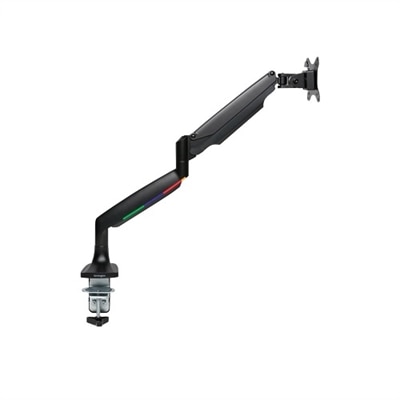
A fully articulating, heavy-duty monitor arm with gas spring adjustment and built-in cable management for ergonomic workspaces.
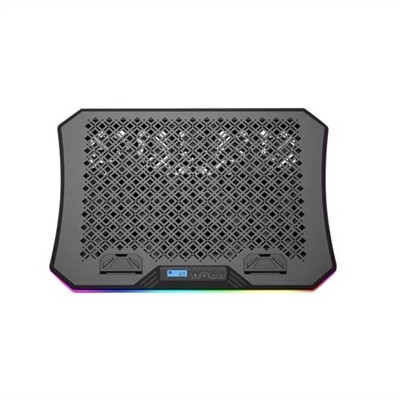
An ergonomic cooling pad with RGB lights, adjustable angles, and three large fans for optimal airflow.
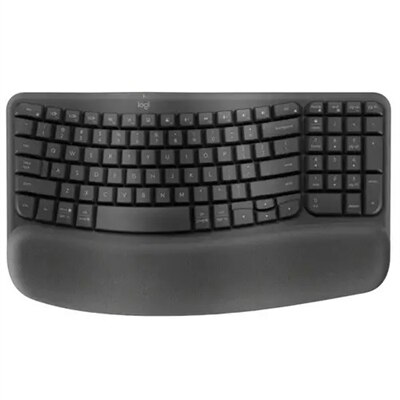
An ergonomic wireless keyboard in graphite with cushioned palm rest and secure Logi Bolt connectivity.
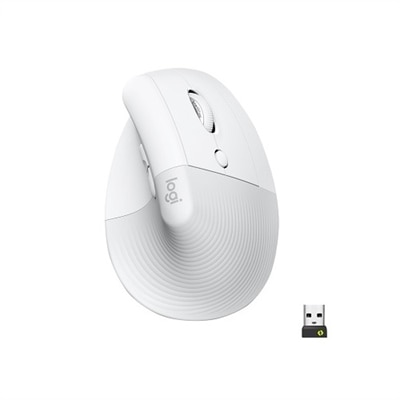
An off-white wireless ergonomic mouse with quiet clicks, Bluetooth or USB connectivity, and four customizable buttons.
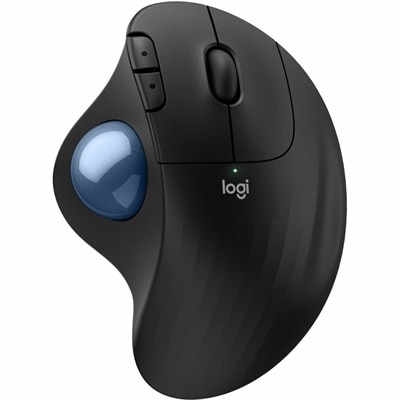
An ergonomic wireless trackball mouse in black with a blue ball, featuring quiet clicks for comfort.
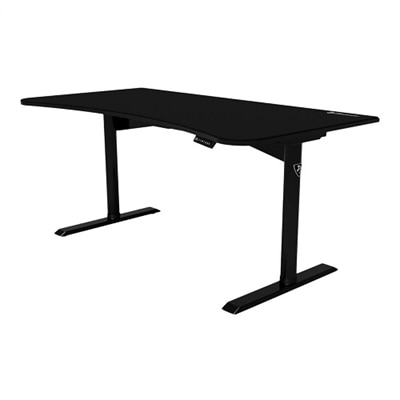
A motorized gaming desk with height adjustment, full-surface mousepad, and efficient cable management.
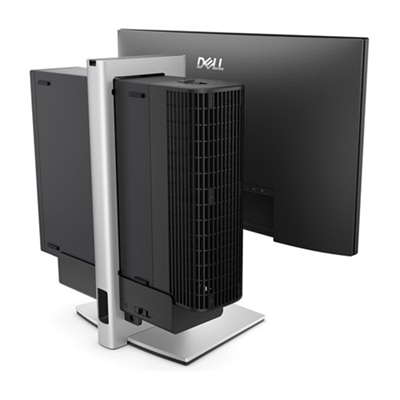
A silver ergonomic stand that secures a Slim desktop to a VESA-compatible monitor for a clutter-free workspace.
Ergonomic office accessories can make a workstation feel more comfortable, balanced and easier to use throughout a full day. Designed to support healthier positioning, these additions help reduce unnecessary strain by bringing the keyboard, mouse, monitor and other frequently used items into a more natural arrangement. A keyboard tray or adjustable desk surface can place the keyboard near elbow height, while a low-profile or split-style keyboard may help keep the hands and wrists in a straighter, more relaxed position. A wrist rest can provide gentle support when it is positioned correctly, but it should not force the wrists upward or become a substitute for adjusting the keyboard itself. For people who use a mouse for extended periods, a comfortable shape, responsive tracking and a smooth surface can make small, repetitive movements feel less demanding. Browse [Ergonomic Accessories For Wrist Pain](https://www.dell.com/en-us/shopping/ergonomic-accessories-for-wrist-pain) for options intended to complement a more wrist-conscious workspace. Monitor stands and monitor arms are also useful for improving screen placement. Raising the display so the top portion is near eye level can help limit repeated downward bending of the neck, while an adjustable arm makes it easier to set the viewing distance, angle and height for different users. When selecting a monitor support, consider the display’s size and weight, the available desk space, the mounting method and whether the screen needs to be repositioned during the day. Small adjustments can have a noticeable effect: a screen that is too low may encourage a hunched posture, while one that is too close can make the eyes work harder to focus.
Support for the lower body is just as important as support for the hands and neck. Lumbar cushions can add structure to a chair that feels too flat or lacks adequate lower-back support, helping maintain the natural curve of the spine without taking up the space of a larger chair. A footrest can help shorter users keep both feet supported when a chair is set at the right height for the desk, and it can provide a comfortable resting position during long periods of sitting. Look for a stable base, a surface large enough to accommodate both feet and an angle that feels natural rather than forcing the ankles into a fixed position. For workstations that alternate between sitting and standing, an anti-fatigue mat can cushion the floor beneath the feet and reduce the hard, unchanging feel of standing on tile, wood or other firm surfaces. Its edges should lie flat, and its material should offer enough support without feeling unstable. A standing mat is most useful when paired with regular changes in position; shifting weight, taking brief walking breaks and alternating tasks can be more comfortable than remaining still for hours. Other accessories, including adjustable laptop stands, document holders, cable management tools and compact desktop organizers, can help keep the working area aligned and uncluttered. A laptop stand may raise the screen to a more comfortable height, though a separate keyboard and mouse are often needed to maintain a relaxed arm position. A document holder placed beside the monitor can reduce repeated turning of the head when reading from printed pages, while cable management keeps charging cords and peripheral cables from creating obstacles around the feet.
When choosing ergonomic office accessories, begin with the way the workspace is used rather than selecting items based only on appearance. Someone who spends most of the day typing may prioritize keyboard positioning, wrist support and a mouse that fits the hand. A person who moves between video calls, spreadsheets and reading may benefit from a monitor arm or stand with a broad range of adjustment. Remote workers can use these accessories to make a dining table, spare room or compact desk feel more purpose-built, while students and professionals may appreciate options that help organize a shared workstation. They can also be thoughtful gifts for a colleague, recent graduate, family member or anyone creating a home office, especially when the accessory addresses a visible need such as a low screen, unsupported feet or limited desk space. Before purchasing, measure the desk’s width and depth, check clearance for drawers and keyboard trays, confirm compatibility with the monitor or laptop and consider whether the accessory can be adjusted without tools. Materials, weight capacity, portability and ease of cleaning matter as well, particularly for shared work areas or setups that are rearranged during the cooler months. A cohesive ergonomic arrangement does not need to be complicated: the monitor should sit at a comfortable viewing height, the keyboard and mouse should remain close enough to avoid reaching, the shoulders should feel relaxed, the lower back should be supported and the feet should rest securely. With the right combination of accessories, a workstation can feel less crowded and more natural, whether it is used for focused tasks, creative projects, online learning or long stretches of everyday computer work.
Add the products you would like to compare, and quickly determine which is best for your needs.