$752.99
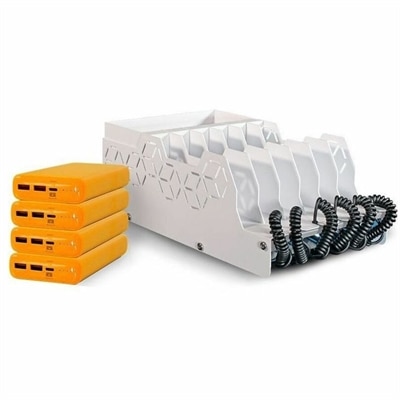
A USB-C charging station kit with four power banks, 65W PD charging, adapters, and cable storage.
A USB-C charging station kit with four power banks, 65W PD charging, adapters, and cable storage.
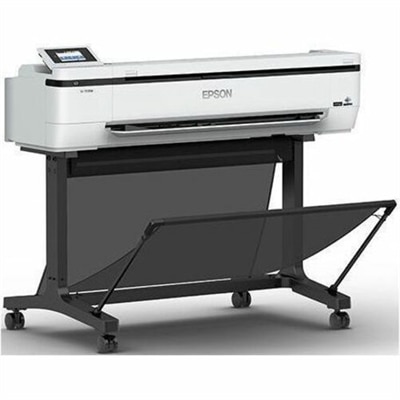
A versatile color multifunction printer, scanner, and copier delivering precise CAD graphics with archival-quality pigment inks.
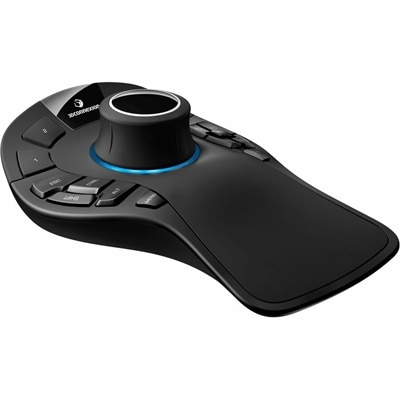
A professional 3D mouse with ergonomic design and on-screen display for precise, comfortable navigation.
Start with your engineering department’s requirements for the processor, memory, graphics, and operating system. CAD, simulation, and programming courses may have different specifications, so compare those requirements with the laptop’s listed configuration.
Check which operating systems your required engineering applications support. Some programs require a particular version of Windows, while others support macOS or Linux. Your department’s software list and installation documentation can help guide your choice.
A laptop provides a portable computer for classes, labs, and study sessions, while a desktop stays at a dedicated workspace. Consider where you expect to complete assignments and whether your department requires you to bring a computer to class.
Compare the monitor’s inputs with your computer’s video outputs, such as HDMI, DisplayPort, or USB-C with video support. If you plan to use a docking station, confirm that it supports your computer, monitor connections, and intended display configuration.
An engineering student’s accessory checklist can include a mouse, keyboard, headset, webcam, and compatible docking station or USB hub. Choose accessories based on your course activities, computer connections, and whether you work at a desk or move between study locations.
Add the products you would like to compare, and quickly determine which is best for your needs.