$852.00
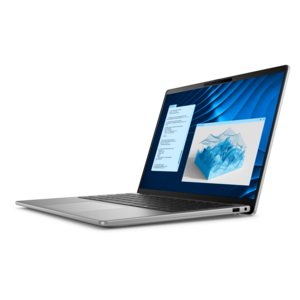
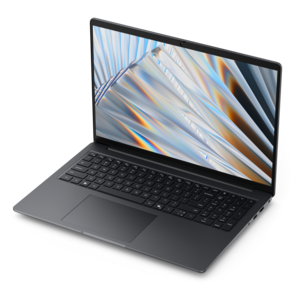
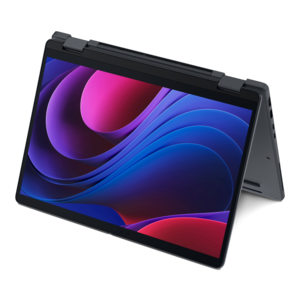
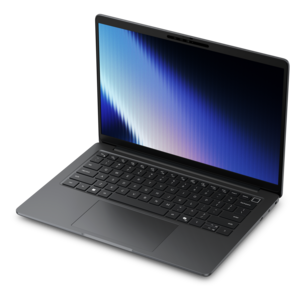
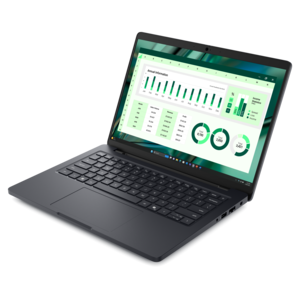
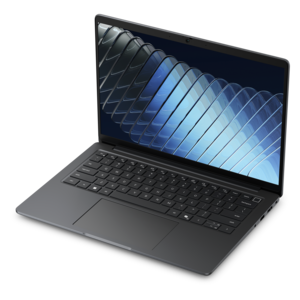
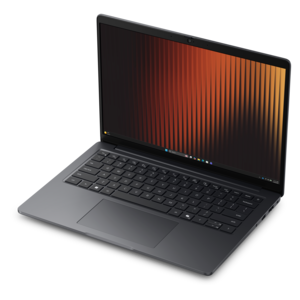
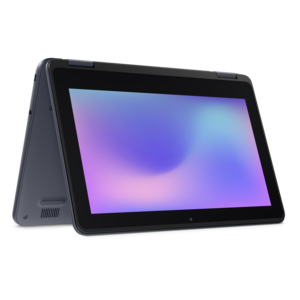
A durable, serviceable laptop or 2-in-1 designed specifically for demanding education environments.
Laptops for computer engineering students are designed to support demanding coursework, complex software, and creative projects throughout your academic journey. The right device can help streamline assignments, facilitate collaboration, and ensure you stay productive whether you're coding, designing circuits, or running simulations. Explore a wide selection of high-performance laptops tailored to meet the unique needs of computer engineering students and set yourself up for success in every class and project.
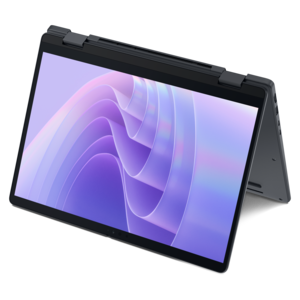
A durable, serviceable laptop or 2-in-1 designed specifically for demanding education environments.
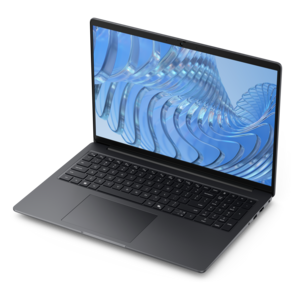
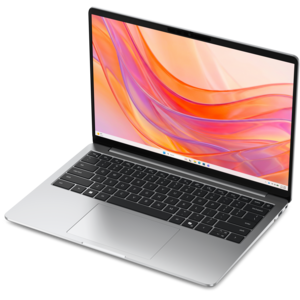
A sleek, portable laptop with an expansive 16:10 display for reliable productivity anywhere.
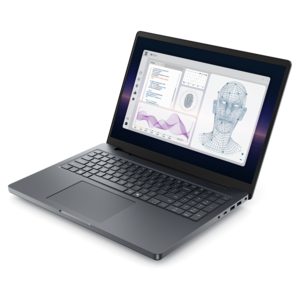
A durable, serviceable laptop designed specifically for demanding education environments.
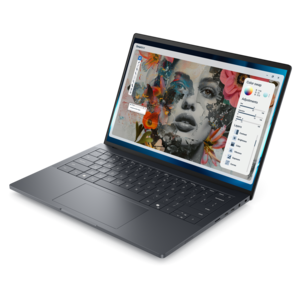
An AI-ready laptop with a spacious display, designed for creators and developers seeking high performance.
A professional laptop delivering powerful on-device AI, impressive unplugged performance, and groundbreaking battery life.
A remarkably thin laptop powered by AMD Ryzen AI PRO 400 Series processors for professional performance.
A professional laptop powered by AMD Ryzen AI PRO processors for complex workflows and productive results.
A thin 2-in-1 laptop combining versatility, portability, and performance with Series 3 Intel Core Ultra processors.
A remarkably thin professional laptop combining portability and performance with Intel Core Ultra Series 3 processors.
A portable professional laptop designed for demanding office, design, and creative applications.
A thin, durable laptop delivering reliable performance for professional productivity.
A sleek workstation delivering exceptional performance with advanced on-device AI and exuberant style.
A powerful professional laptop delivering productivity, scalability, ease of use, and advanced on-device AI.
A powerful professional laptop with an ultra-thin, durable chassis for productive work wherever you go.
A thin 2-in-1 laptop combining portability and versatility with Series 3 Intel Core Ultra processors.
A thin, lightweight laptop crafted from eco-friendly materials with Series 3 Intel Core processors for productivity.
A portable laptop with a sleek design, 16:10 display, and AI PC options for productivity anywhere.
A thin, lightweight laptop crafted with eco-friendly materials and powered by AMD Ryzen 200 Series processors.
A lightweight AI-powered laptop designed for creative professionals and small businesses.
A thin, lightweight laptop made with eco-friendly materials and Series 3 Intel Core processors for productivity.
A slim, lightweight laptop with Intel® Core™ processors and graphics for productive work anywhere.
A thin, lightweight business laptop with AMD Ryzen processors, commercial-grade security, and durable, manageable construction.
A lightweight AI-powered laptop with Intel Arc graphics, ideal for creative professionals and small businesses.
A sleek laptop with AI-enhanced performance and accelerated creative workflows for demanding productivity.
Choosing a laptop for computer engineering means looking beyond everyday browsing, note-taking, and video calls. The products listed here are intended for students whose coursework may include programming, embedded systems, digital logic, computer architecture, operating systems, circuit simulation, and hardware-software development. A capable multi-core processor is one of the most important starting points because compiling code, running development environments, building projects, and testing multiple processes can place sustained demands on the system. For many students, 16GB of memory provides a workable baseline, while 32GB offers more breathing room when an integrated development environment, browser research, simulation tools, documentation, and one or more virtual machines are open at the same time. Memory that cannot be upgraded later deserves particular attention, especially when a laptop is expected to last through several years of classes and independent projects. Fast solid-state storage also makes a noticeable difference in daily use. A 512GB drive may be suitable for a streamlined setup, but a 1TB capacity can be more comfortable for large software toolchains, local code repositories, virtual machine images, lab files, datasets, and personal media. Students often begin a semester with modest storage needs and then accumulate installers, project versions, course materials, and development environments faster than expected. A laptop with responsive storage, strong thermal design, and enough processing capacity can make the difference between a smooth afternoon of testing and a frustrating wait while fans run and builds crawl.
Compatibility should remain central when comparing laptops for computer engineering students. University programs can rely on a wide mix of compilers, hardware description language tools, circuit simulators, microcontroller utilities, board programming software, and virtualized environments. A system designed around a widely supported 64-bit desktop architecture is generally a practical choice for software that may not yet run well on every processor type. Students should review the requirements for their department before purchasing, including operating system support, memory recommendations, graphics requirements, and any approved laboratory applications. Many workloads run effectively on a current Windows installation, while Linux can be important for systems programming, open-source development, command-line tools, and coursework that mirrors professional software environments. Some students use a Linux partition, a virtual machine, or a compatibility layer, so generous memory and storage can be especially valuable. Graphics needs depend on the program. Integrated graphics are often sufficient for programming, documentation, general simulation, and ordinary productivity, but a dedicated graphics processor can be helpful for 3D visualization, computer-aided design, printed circuit board layouts, robotics projects, image processing, and other courses that use accelerated workloads. Students who expect to work with graphics-intensive engineering applications may also appreciate a higher-resolution display, accurate color, and a refresh rate that keeps diagrams, schematics, and interfaces comfortable to view. A 14-inch laptop can be easy to carry between lecture halls, libraries, and laboratories, while a 15- or 16-inch screen may provide a more spacious workspace for side-by-side code, terminal windows, and reference materials. Weight, charger size, battery life, webcam quality, keyboard comfort, and port selection matter just as much during a long day on campus. Full-size or well-spaced keys are useful when writing code for hours, and USB-A, USB-C, HDMI, audio, and memory card connectivity may reduce the need for adapters when working with development boards, external displays, test equipment, or classroom presentation systems.
The laptops gathered under this theme can suit first-year students learning their first programming language, upper-level students building embedded projects, and graduate students managing demanding simulations or research workloads. They may also be thoughtful gifts for a student beginning a computer engineering program, moving into a new dorm, or replacing an aging computer before a challenging semester. A strong choice should balance performance with the way the student actually travels and works. Someone who spends most of the day moving between classes may value a lighter chassis, dependable battery life, and a compact power adapter, while a student who works primarily at a desk may prefer a larger display, higher graphics capability, and extensive connectivity. Students who enjoy gaming after class may find that performance-oriented systems can also handle engineering applications effectively; the options in Gaming Laptops For Engineering Students may be relevant for those seeking a laptop that serves both coursework and recreation. Durability is another practical consideration. A sturdy hinge, firm keyboard deck, reliable cooling, and a finish that withstands daily transport can matter more over time than a small difference in peak specifications. It is also wise to consider warranty coverage, serviceability, and whether the memory or storage can be expanded as projects become more demanding. The best laptop for a computer engineering student is not necessarily the largest or most powerful option available; it is the one with enough processor performance, memory, storage, graphics capability, compatibility, and portability to support real assignments without becoming an unnecessary burden. By matching the configuration to the student’s software requirements, workload, workspace, and travel habits, shoppers can choose a dependable computer for writing code in a quiet library, testing a design in a crowded lab, reviewing schematics on the train, or finishing a project late at night at a dorm desk.
Add the products you would like to compare, and quickly determine which is best for your needs.