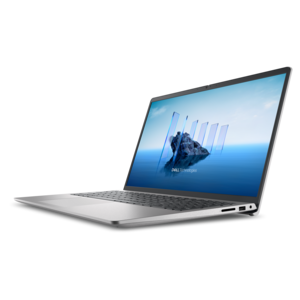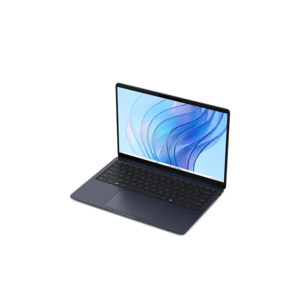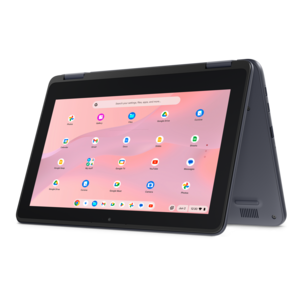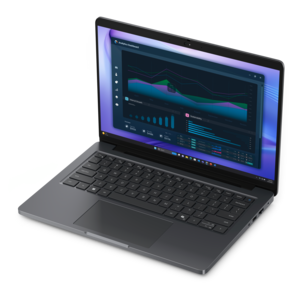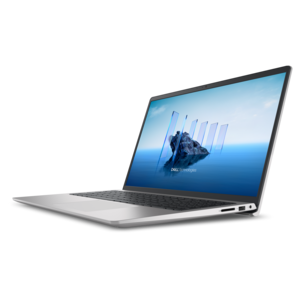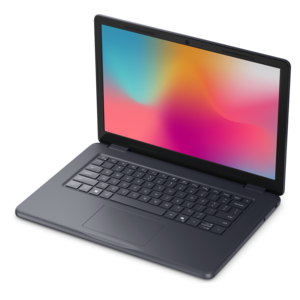
$971.00
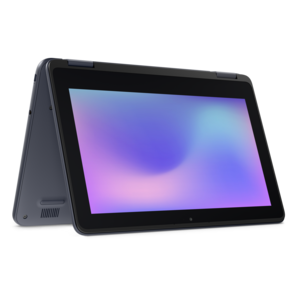
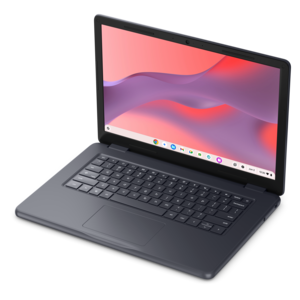
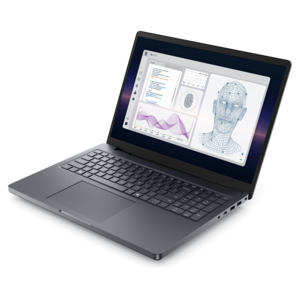
A durable, serviceable laptop designed specifically for demanding education environments.
Compare laptops for tech students with your coursework, required software, and budget in mind. Look at processor performance and memory for coding and technical assignments, then consider screen size, weight, and battery life for studying on campus and moving between classes.
A durable, serviceable laptop designed specifically for demanding education environments.
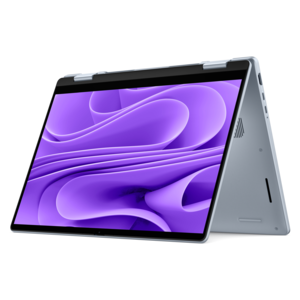
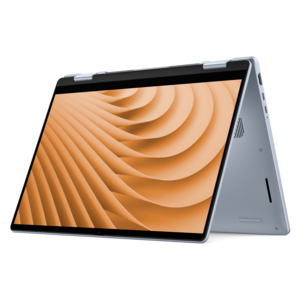
A versatile 2-in-1 laptop with AI experiences, all-day battery life, and seamless multitasking.
A durable, serviceable laptop or 2-in-1 designed specifically for demanding education environments.
A sleek, lightweight laptop with Intel Core Ultra processors, NVIDIA graphics, and advanced on-device AI.
A thin, lightweight laptop crafted from eco-friendly materials with Series 3 Intel Core processors for productivity.
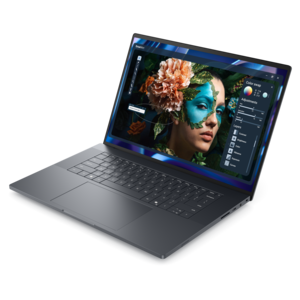
A stylish laptop with built-in AI and a spacious display for creators and developers.
A versatile 2-in-1 laptop with Intel Core processors, DDR5 memory, and multiple modes for creative work.
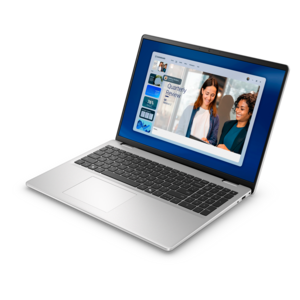
A portable laptop with a sleek design, 16:10 display, and AI PC options for productivity anywhere.
A thin, high-performance creator laptop delivering exceptional battery life for demanding creative work.
A laptop featuring an FHD camera, enlarged ergonomic keyboard, and AMD Ryzen™ processing.
A durable, serviceable Chromebook designed specifically for education environments.
A remarkably thin laptop delivering portable performance with Series 3 Intel Core Ultra processors.
A slim, lightweight laptop with Intel® Core™ processors and graphics for productive work anywhere.
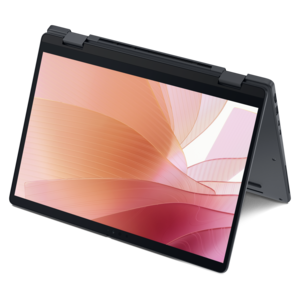
A versatile 2-in-1 laptop designed for AI experiences and seamless multitasking on the go.
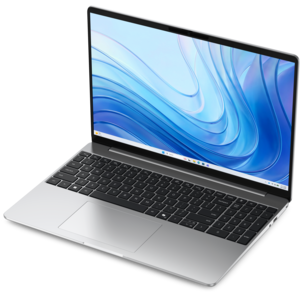
A modern laptop powered by AMD Ryzen™ processors for effortless productivity and captivating entertainment.
A powerful professional laptop delivering productivity, scalability, ease of use, and advanced on-device AI.
A thin 2-in-1 laptop powered by AMD Ryzen AI PRO 400 Series processors for versatile performance.
A remarkably thin laptop powered by AMD Ryzen AI PRO 400 Series processors for professional performance.
An AI-powered laptop with a spacious display and Intel Arc graphics for creators and developers.
A powerful productivity laptop with scalable performance and advanced on-device AI capabilities.
An exceptionally thin and lightweight laptop designed for ultimate mobility.
A thin, lightweight laptop made with eco-friendly materials and Series 3 Intel Core processors for productivity.
A durable, serviceable Chromebook designed for K–12 learning environments.
A workstation-class laptop delivering powerful performance in a modern design.
Laptops for tech students support a working day that can move from writing code in a morning lecture to analyzing data, building a design project, or collaborating on a presentation after class. The most useful configurations balance processing power, sufficient memory, battery life, and compatibility with the software required by a particular program. For many programming courses, 16 GB of memory provides a practical starting point for running a code editor, browser tabs, documentation, and everyday productivity applications together. More demanding work, such as running several virtual machines or handling large datasets, may benefit from 32 GB or more. A modern multicore processor helps with compiling code and managing simultaneous tasks, although sustained performance also depends on cooling and the demands of the application. Integrated graphics can suit general coding and document work, while some engineering, animation, and three-dimensional design courses call for a dedicated graphics processor. The requirements published by a department or software developer provide useful context because not every technical major needs the same hardware. Operating system and processor architecture compatibility matter, too: a required application, plug-in, or device driver may work differently across platforms. A solid-state drive helps applications launch promptly and projects open without lengthy delays. Capacity becomes important when coursework includes large development environments, virtual machine images, video files, or extensive project folders; 512 GB can accommodate many everyday academic workflows, while 1 TB leaves more room for larger local files. Memory and drive upgrade options vary by laptop design, making the initial configuration especially important when components cannot be replaced later. For students moving between introductory assignments and more specialized coursework, a balanced laptop can be more useful than one built around a single standout specification. The goal is a dependable workspace that handles the tools used every week, with enough flexibility for the projects that arrive as a degree progresses. That balance also supports less glamorous but essential tasks, including managing references, reviewing feedback, and submitting finished assignments.
Portability shapes how comfortably a student laptop fits into campus life. A compact model can be easier to carry between classrooms, while a larger display provides more room for a code window beside documentation or a spreadsheet beside a lab report. Screen size alone does not determine the experience: resolution, text scaling, brightness, and reflections all affect readability during long study sessions. A matte surface can reduce distracting reflections under overhead lights, and a taller screen shape can show more lines of code or more of a document at once. Color accuracy becomes more relevant for coursework involving visual design, image editing, or digital media. The keyboard deserves equal attention, particularly when assignments involve hours of typing and frequent use of brackets, shortcuts, and navigation keys. Comfortable key spacing, a responsive touchpad, and a layout that suits the student's hands can make daily work feel less cramped. Overall weight includes more than the laptop itself; a charger, protective sleeve, and other essentials add to the backpack carried across campus. Battery needs also depend on the schedule. Several lectures away from an outlet create different demands from a day spent mostly at a desk, and intensive processing or high screen brightness can shorten runtime substantially. Chassis materials such as aluminum and durable polymers contribute different combinations of rigidity, weight, and surface feel, but material alone does not establish resistance to drops or spills. A well-fitted padded sleeve helps protect against scuffs and minor bumps without replacing careful handling. Keeping food and drinks away from the keyboard, leaving ventilation openings unobstructed, and following the manufacturer's cleaning instructions support everyday care. A soft cloth is generally useful for removing surface dust, while screen-safe cleaning methods help avoid damage to display coatings. These practical details matter when the same computer travels from a crowded lecture hall to a library desk and then home for an evening assignment.
Connections and everyday usability help turn a portable computer into a complete study setup. A student who works with external displays, lab instruments, or removable project files may need a particular mix of ports, and a compact design may rely on an adapter for some connections. Ports that share the same physical shape do not necessarily support the same charging, display, or data functions, so their specifications matter when pairing a laptop with a monitor or docking station. At a desk, an external keyboard and mouse can create a more comfortable arrangement for extended coding sessions, while a raised display can make reference material easier to view. Away from that setup, a clear webcam, usable microphones, and a reliable wireless connection support remote office hours and group presentations. Accessible features such as adjustable text size, keyboard navigation, and compatibility with assistive software can be important parts of a student's daily workflow rather than optional extras. Security features also have a practical role when a laptop holds coursework and personal information. A fingerprint reader or other supported sign-in method can make locking and unlocking the computer more convenient, while software updates, device encryption where supported, and separate backups help protect ongoing work. A copied project folder can save considerable frustration when a file is accidentally deleted shortly before a deadline. Students whose assignments bridge programming, experimental data, and laboratory research may also find relevant options in the Laptops For Science Students collection. Across technical disciplines, intended use remains the clearest point of connection between a laptop and its owner. A computer science student building applications, an engineering student reviewing models, and a digital media student editing footage may share a classroom without sharing identical requirements. For a graduation gift or the beginning of college, a laptop feels especially thoughtful when its weight, keyboard, software compatibility, and capabilities match the recipient's actual routine. Those details help it become a familiar tool for lectures, independent projects, internships, and the work that continues beyond the classroom.
Add the products you would like to compare, and quickly determine which is best for your needs.