$12.99
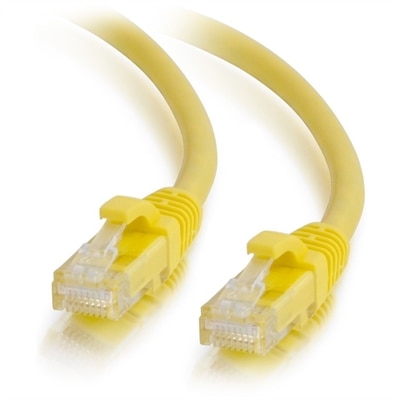
A yellow Cat6a unshielded Ethernet patch cable with snagless RJ45 connectors supports reliable 10Gbps networking.
Ethernet networks are the backbone of seamless connectivity, offering a reliable and efficient solution for both home and business environments. Whether you're setting up a new office or enhancing your home network, ethernet provides the stability and speed needed to support multiple devices and high-bandwidth applications. Discover a range of options that cater to various needs, ensuring robust performance and secure connections. Embrace the power of ethernet networks to keep your digital world running smoothly and efficiently.
A yellow Cat6a unshielded Ethernet patch cable with snagless RJ45 connectors supports reliable 10Gbps networking.
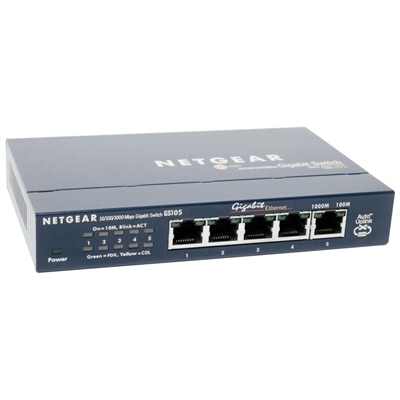
A compact, fanless five-port Gigabit Ethernet switch with a durable metal chassis for quiet, reliable networking.
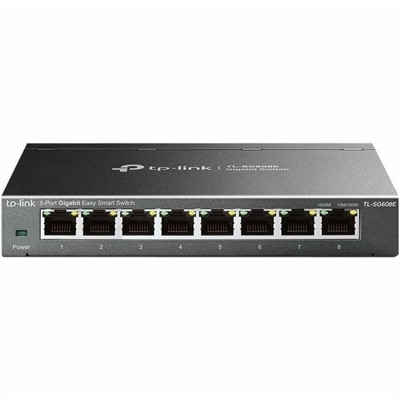
An 8-port Gigabit smart switch featuring durable metal construction, QoS, VLAN, IGMP Snooping, and fanless design.
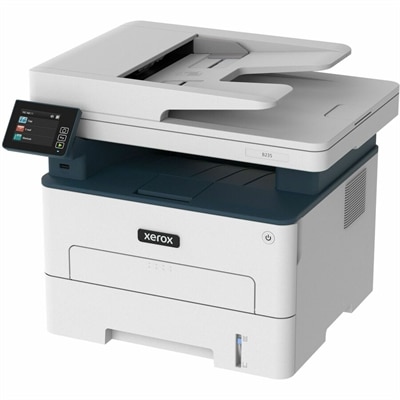
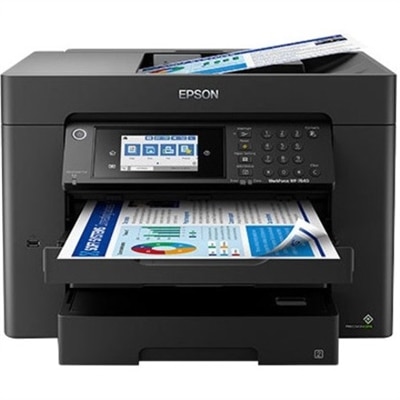
A wireless multifunction laser printer offering automatic two-sided printing, scanning, copying, faxing, and mobile device support.
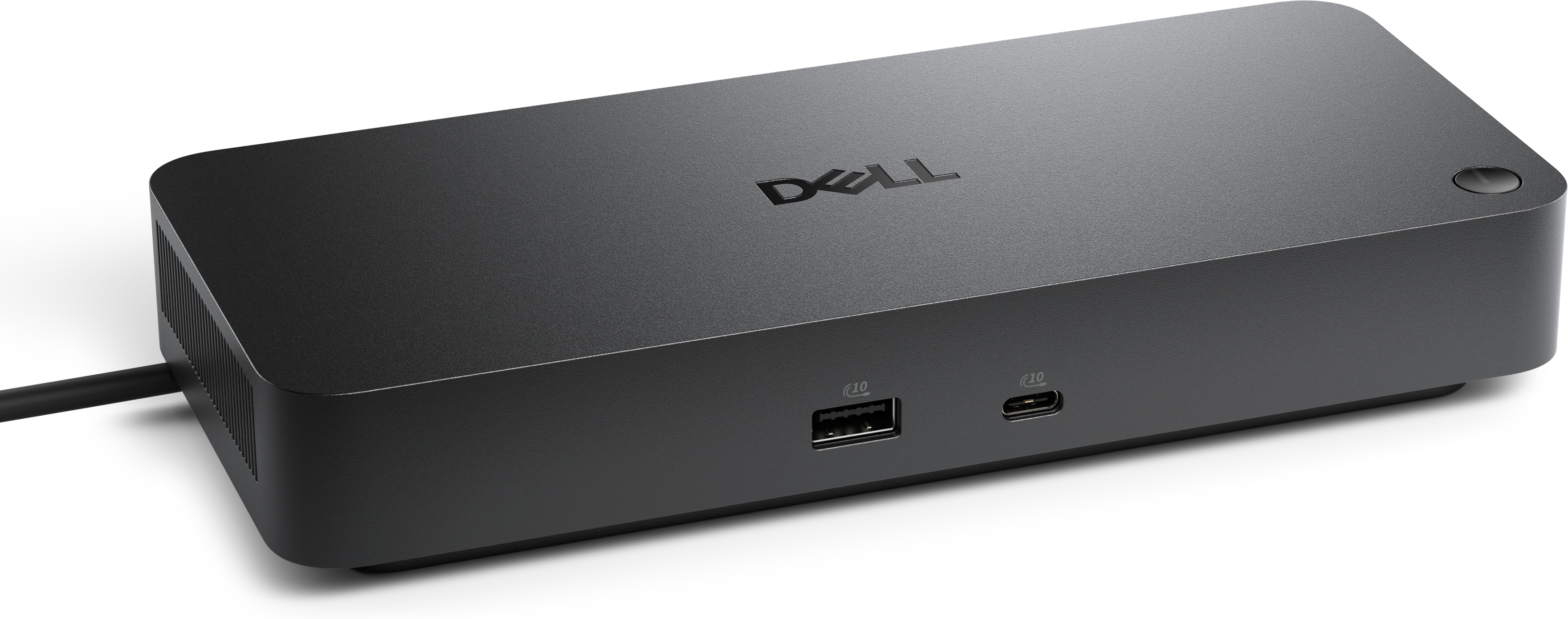
A versatile Thunderbolt 5 smart dock delivering up to 300W power with remote management capabilities.
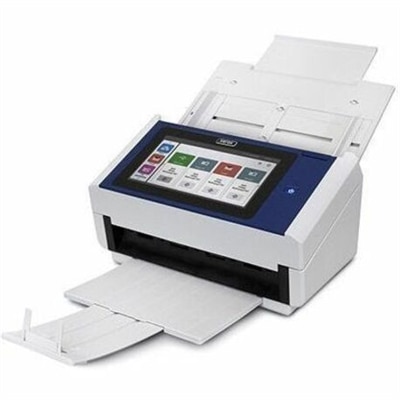
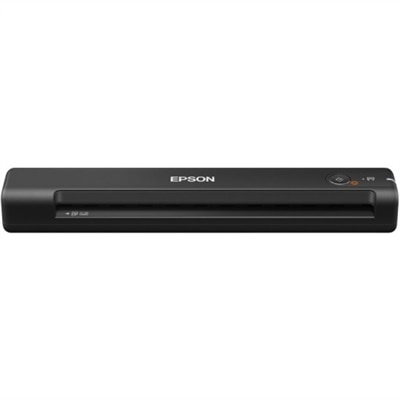
A document scanner with an 8-inch touchscreen, 600 dpi optical resolution, Wi-Fi, Ethernet, and 100-sheet feeder.
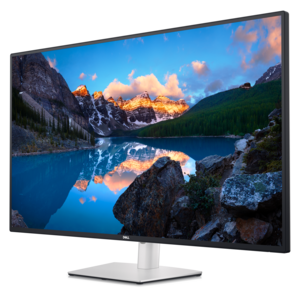
A 4K USB-C hub monitor supporting multi-PC connectivity, four FHD partitions, ComfortView Plus, and wired Ethernet.
Ethernet Networks provide a dependable wired way to connect computers, printers, displays, and other compatible equipment within a local area network, often called a LAN. Instead of sending data through the air, an Ethernet connection carries digital signals through a physical cable, creating a direct path between devices and the equipment that manages local traffic. The standard behind Ethernet is IEEE 802.3, a family of specifications that defines how devices communicate and how data moves across the connection. For many homes, small offices, classrooms, studios, and workspaces, this approach offers a steady alternative to relying entirely on wireless connections. A typical setup may include a computer with an Ethernet port, a compatible cable with an RJ45 connector, and a central device with multiple ports for bringing several wired connections together. Laptops and desktops can use Ethernet for activities that benefit from a consistent connection, while monitors, printers, and other accessories may be easier to position when the available ports and cable lengths match the layout of the room. Ethernet cables commonly use twisted-pair copper wires to reduce signal interference. Cat5e cable can support Gigabit Ethernet under suitable conditions, while Cat6 and Cat6a cable can provide additional bandwidth and support higher-speed connections when the connected equipment is designed for them. A cable’s category is only one part of the experience; the ports, adapters, central connection equipment, and internet service or local equipment at the other end must also support the desired speed. Reviewing these details before purchase can help prevent a fast cable from being limited by an older port or incompatible accessory. Browse the selection of Ethernet Devices to compare options for building or updating a wired setup around the equipment already in use.
The main appeal of Ethernet is consistency. Wireless signals can weaken as they pass through walls, floors, cabinets, and appliances, and they may also compete with nearby radio signals. A wired connection is not affected by those same obstacles, which can make it useful for a desktop in a home office, a computer used for large file transfers, or a workstation that needs a stable connection during long video meetings. It can also help reduce latency, the small delay between sending and receiving data. That distinction is noticeable when a meeting should begin without a frozen image, when a large project needs to move between connected computers, or when an online game requires quick responses. Ethernet is not automatically faster in every situation, because actual performance depends on the slowest compatible component and the quality of the connection, but it is often more predictable from one room to the next. Security is another consideration. Data traveling over a physical cable is generally less exposed to the kinds of unauthorized wireless access associated with an open or poorly secured Wi-Fi signal, although every connected device should still use strong passwords, current software, and appropriate security settings. For a family, a wired connection can provide a practical path for a desktop or game console while mobile devices remain wireless. In a small business, it can help keep frequently used workstations connected without asking every device to compete for the same radio signal. In a classroom, library, or shared workspace, a well-planned arrangement can make it easier to place computers where people need them while keeping cable runs organized and out of walking paths.
Choosing Ethernet equipment is largely a matter of matching the connection to the room, the devices, and the way the setup will be used. Begin by counting the equipment that needs a wired connection, then allow room for future additions such as another desktop, printer, monitor accessory, or compact workstation. Port count matters when multiple devices will share one central connection point, while cable length matters just as much: a cable that is too short can pull against a port, and one that is much longer than necessary can create a loose loop behind a desk. Look for cables with durable connectors and a jacket suited to the installation area, especially when the cable will be moved often or routed along a baseboard. For an adapter, check the connector on the computer and confirm that the adapter supports the Ethernet speed expected from the rest of the setup. A desktop may already include a built-in port, while a slim laptop may require a compatible adapter. It is also worth considering where the equipment will sit. A home office tucked into a quiet corner may benefit from a short, tidy cable run, while a growing workspace may need more ports and additional reach. Keeping cables labeled and separated from areas where chairs roll or doors open can make the arrangement easier to maintain. Ethernet accessories can also make practical gifts for someone setting up a first apartment, refreshing a study area, or creating a more reliable home office, because they solve an everyday problem without requiring a complete change of computer equipment. Whether the goal is a single stable connection or a coordinated group of wired devices, the right combination of cable category, port type, speed support, length, and physical layout can make the finished setup feel almost invisible: a quiet line of communication working steadily behind the desk.
Add the products you would like to compare, and quickly determine which is best for your needs.