$139.99
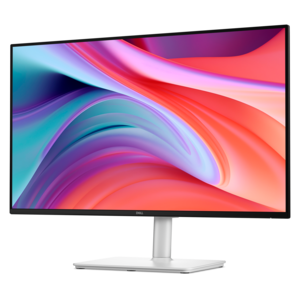
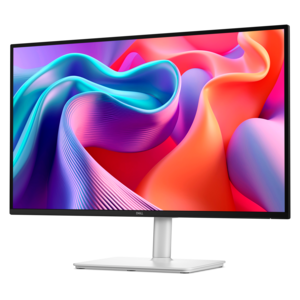
A fast IPS FHD monitor with 240Hz refresh rate, adjustable stand and TÜV Rheinland eye comfort.
Elevate your viewing experience with our selection of FHD displays, designed to deliver stunning visuals and vibrant colors that bring every image to life. Whether you're upgrading your home office setup, enhancing your gaming experience, or simply enjoying your favorite shows and movies, these Full High Definition screens offer the clarity and detail you need. Explore a variety of sizes and styles to find the perfect fit for your space, ensuring an immersive and enjoyable visual journey. Discover how FHD displays can transform the way you see the world.
A fast IPS FHD monitor with 240Hz refresh rate, adjustable stand and TÜV Rheinland eye comfort.
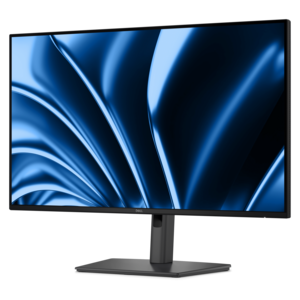
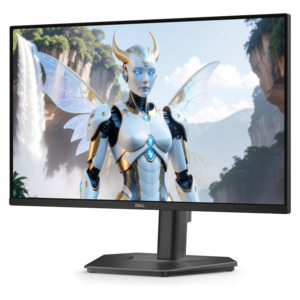
A Full HD monitor with 144Hz refresh rate, built-in speakers, and TÜV 4-star eye comfort certification.
A Full HD conferencing monitor with built-in webcam, speakers, and microphone for seamless everyday collaboration.
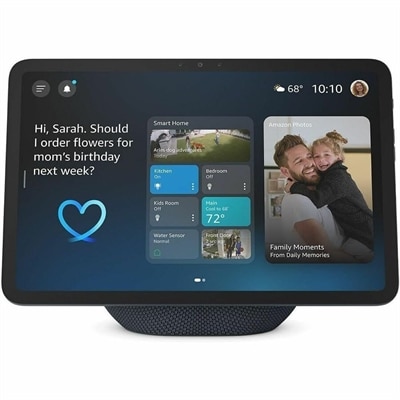
A graphite smart display with Full-HD visuals, spatial audio, Wi-Fi 6E, and a built-in smart-home hub.
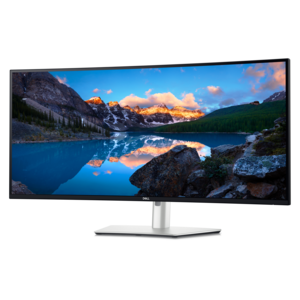
A Full HD hub monitor with extensive connectivity, 100W power delivery and TÜV-certified 4-star eye comfort.
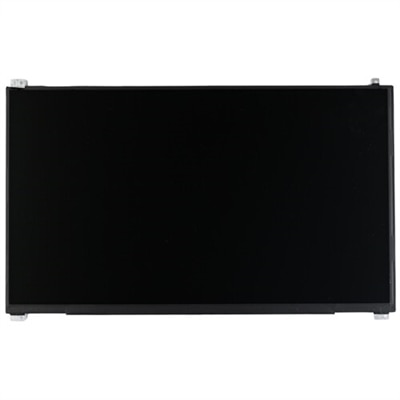
A genuine OEM FHD touchscreen LCD with anti-glare coating and included mounting bracket.
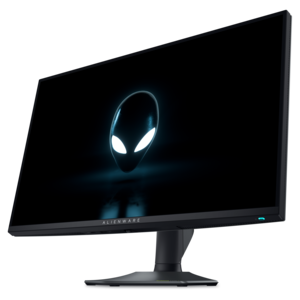
A dual-resolution IPS gaming monitor switching between 4K 180Hz and FHD 360Hz, with G-SYNC compatibility.
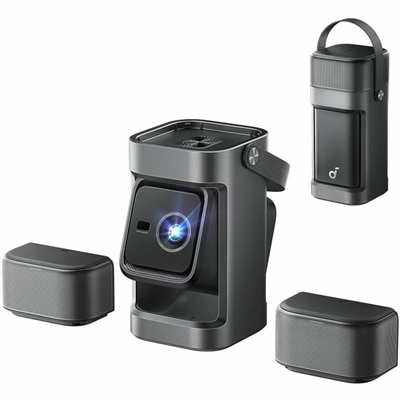
A portable 1080P projector with 650 ANSI lumens, detachable surround speakers, autofocus, and Google TV streaming.
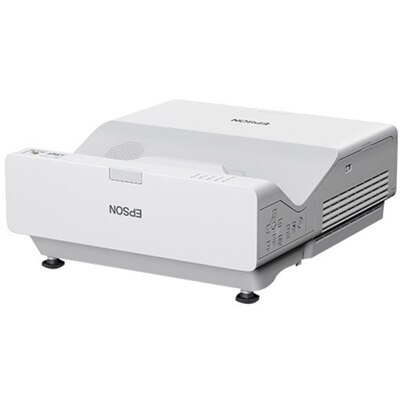
A 4,100-lumen ultra short throw laser projector with Full HD 1080p, wireless casting, and split-screen functionality.
FHD displays deliver a practical balance of clarity, compatibility, and everyday performance. FHD, or Full High Definition, refers to a resolution of 1920 x 1080 pixels, also called 1080p. Across a standard 16:9 widescreen format, that adds up to 2,073,600 pixels—twice the pixel count of 1280 x 720 HD. The result is a clean, familiar viewing experience for reading documents, browsing websites, attending video meetings, watching streaming content, reviewing photos, and enjoying casual games. Text appears defined without requiring the larger graphics resources associated with higher resolutions, which can make FHD a sensible choice for a broad range of laptops, desktops, and everyday computing setups. A well-matched FHD screen can feel especially comfortable in a home office, where a crisp spreadsheet, an open email window, and a video call may share the workspace throughout the day. It also fits naturally into study areas, family rooms, and compact desks where a useful screen needs to provide visual detail without overwhelming the available space. For shoppers comparing display types, FHD often stands out as an approachable option that supports common tasks while helping keep the overall computer setup straightforward. If you are pairing a display with a portable computer, explore HD Screens For Laptops to consider how screen resolution and device size work together.
Choosing among FHD displays begins with the way the screen will be used. For office work, school assignments, remote learning, and general web browsing, look for a size that leaves enough room for comfortable text without crowding the desk. A smaller screen can suit a narrow workstation or shared area, while a larger one may make side-by-side windows easier to manage. Consider the viewing environment as well: a bright room with windows may benefit from a screen with an anti-glare surface and strong brightness, while a dimmer workspace may call for comfortable brightness control and an adjustable stand. Panel characteristics can influence the experience as well. An IPS-style panel is often valued for consistent color and wide viewing angles, while other panel types may emphasize contrast or response time. Shoppers who spend long stretches reading or writing may appreciate features that help reduce visual strain, such as flicker reduction, a low blue light mode, or easy height and tilt adjustment. Connectivity also deserves attention. Check which video inputs are available on the computer and display, and consider whether built-in speakers, a headphone connection, USB ports, or cable management would simplify the workspace. For gaming, FHD can provide a responsive experience without placing heavy demands on the graphics hardware, particularly when paired with a display offering a fast refresh rate and low response time. Casual players may prioritize smooth motion and easy setup, while someone who edits photos or creates content may place greater weight on color consistency and screen adjustability. Matching features to routine tasks is usually more useful than choosing specifications that may never be used.
FHD displays can serve many people, from a student organizing research and classwork to a professional balancing documents, calendars, and collaborative calls. They can also be a thoughtful gift for someone setting up a first home office, refreshing a study corner, or building a more comfortable workstation for the cooler months when more time is spent indoors. A display may help a family member turn a laptop into a larger desktop-style workspace, giving them a clearer view for recipes, budgeting, creative projects, or staying connected with friends and relatives. Before choosing, measure the desk surface and viewing distance, leaving room for the stand, keyboard, and other accessories. Think about whether the screen will be used alone or alongside another display, since matching sizes, resolutions, and connection types can make a multi-screen setup look and feel more cohesive. It is also worth considering ergonomics: the top of the screen should sit near eye level, and the viewing distance should allow the entire image to be seen without leaning forward. A tidy arrangement with the display centered, cables routed neatly, and brightness adjusted to the surrounding room can make a noticeable difference over a full workday. Whether it supports everyday productivity, streaming during a quiet evening, casual gaming, or a student’s evolving workspace, an FHD display offers a dependable way to add clear, detailed visuals to common computing tasks without unnecessary complexity.
Add the products you would like to compare, and quickly determine which is best for your needs.