$16.99
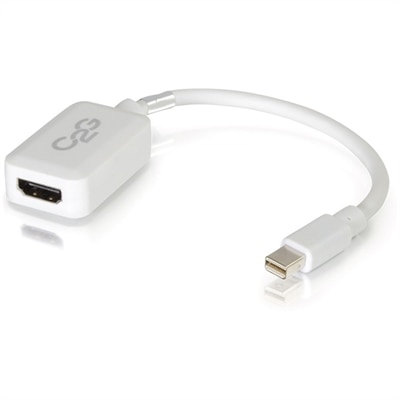
A white adapter converting Mini DisplayPort or Thunderbolt 2 to HDMI audio/video at up to 1080p.
Enhance your entertainment and workspace setup with a wide selection of HDMI accessories designed to support seamless connectivity and optimal performance. Whether you're connecting your devices for gaming, streaming, or professional presentations, HDMI accessories provide the versatility and compatibility you need. Explore solutions that help you get the most from your displays, audio systems, and media devices, ensuring smooth and reliable connections every time. Discover the right HDMI accessories to simplify your setup and elevate your experience.
A white adapter converting Mini DisplayPort or Thunderbolt 2 to HDMI audio/video at up to 1080p.
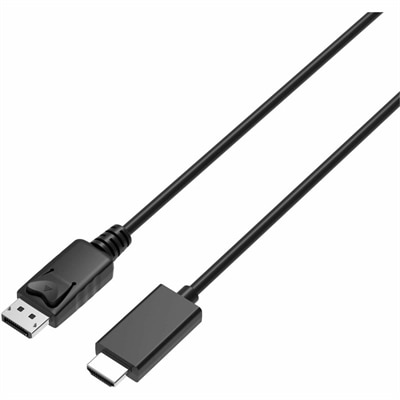
A 2-meter DisplayPort-to-HDMI cable delivering 4K resolution at 60Hz with backward-compatible HDMI support and plug-and-play connectivity.
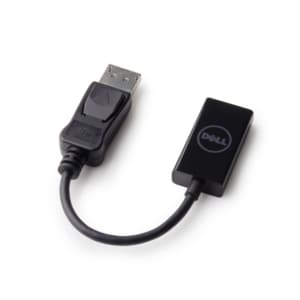
A DisplayPort-to-HDMI adapter delivering seamless 4K resolution at 60 Hz for compatible computers and monitors.
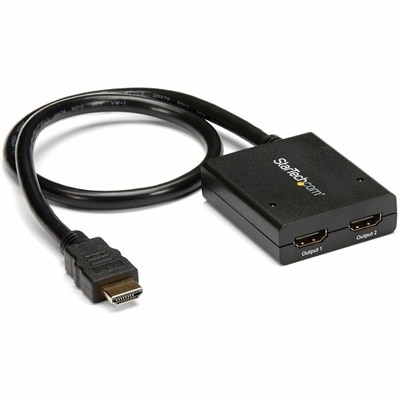
A powered two-port HDMI splitter supporting 4K at 30Hz, 3D video, and backward-compatible 1080p displays.
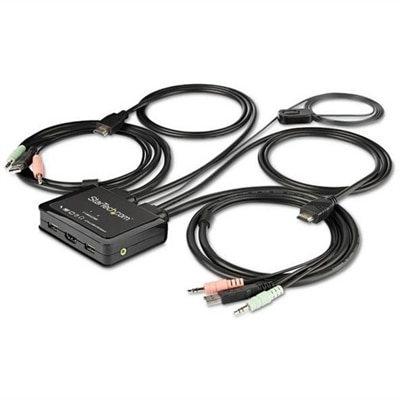
A bus-powered two-port HDMI KVM switch supporting 4K 60Hz, USB peripherals, stereo audio, and remote switching.
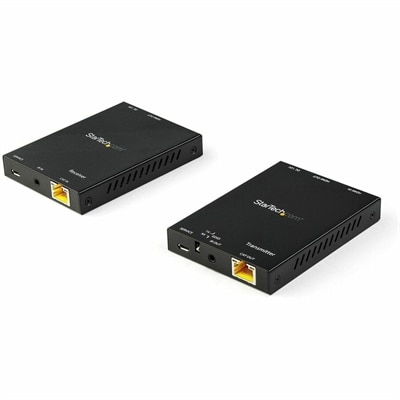
A 4K 60Hz HDMI extender supporting HDR and 4:4:4 chroma over CAT6 up to 165 feet.
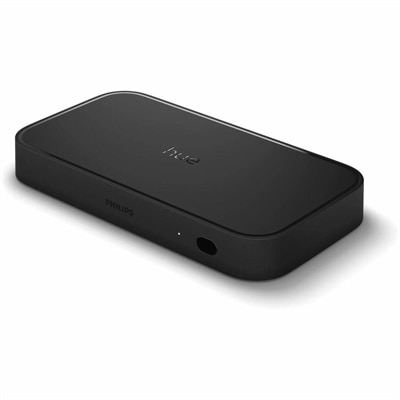
An HDMI 2.1 sync box synchronizing Hue lights with 8K 60Hz and 4K 120Hz content.
HDMI accessories make it easier to connect, arrange and expand a home entertainment or computer setup when the ports and cables you already have do not quite match. Adapters can help connect equipment with different connector types, including HDMI, DisplayPort or USB-C, while couplers join two compatible HDMI cables when additional reach is needed. Right-angle and swivel adapters are useful behind wall-mounted displays, compact monitors and desks placed close to a wall because they reduce the sharp bend that can strain a cable or press against a device port. Port savers provide a practical way to reduce repeated wear when a cable is connected and disconnected often, such as with a laptop used at a desk and then carried to another room. A switch allows multiple HDMI sources to share one display, which can simplify a workspace or entertainment area by reducing the need to reach behind a monitor or television every time you change devices. A splitter works in the opposite direction, sending one HDMI source to multiple compatible displays for presentations, classroom demonstrations, digital signage or a living room where the same content is viewed on more than one screen. Extenders can help carry an HDMI signal across a longer distance, although the right solution depends on the length of the run, the resolution and refresh rate required, and whether the extender uses a direct cable connection or another type of cabling. When a straightforward connection is all that is needed, browse HDMI To HDMI Cables for a dependable cable pairing between compatible HDMI ports.
Choosing the right HDMI accessory starts with identifying the devices at each end and the result you want. Check whether the source is a laptop, desktop, game console, streaming device, camera or another HDMI-equipped component, then confirm the display connection on a monitor, television, projector or capture device. Connector shape alone does not tell the whole story: an adapter may change the physical connection, but the devices still need to support the same signal requirements. For sharp 4K video, high refresh rates, HDR, 3D content or advanced audio, review the accessory specifications for supported bandwidth, resolution, refresh rate and HDCP compatibility. Gamers may place particular importance on refresh rate, variable refresh features and low-latency performance, while someone connecting a work laptop to a monitor may care more about stable resolution, audio support and convenient cable routing. Audio features also deserve attention. HDMI connections may carry sound alongside video, and setups using Audio Return Channel or Enhanced Audio Return Channel need compatible ports and accessories throughout the signal path. A switch should offer enough inputs for the devices in use, with room for another source if the setup may grow. Some switches include automatic source detection or a remote control, which can be helpful when equipment is tucked inside a cabinet. Splitters should be selected according to the number of displays and their shared capabilities, since a signal may be limited by the most restrictive display or accessory in the chain. For longer distances, measure the route rather than estimating from room to room, allowing enough length to follow the edge of a desk or wall without pulling the connectors tight. Cable clips, sleeves and ties can keep HDMI connections from becoming a tangled bundle behind a desk, and a little organization makes it easier to identify the correct cable when moving equipment during the cooler months or rearranging a room for guests.
HDMI accessories can serve a wide range of people because they solve small connection problems that appear in homes, offices, classrooms and creative workspaces. A student may use a compact adapter to connect a laptop to a larger display for a presentation, while a remote worker may use a switch to move between a work computer and a personal device without repeatedly reaching behind a monitor. A family entertainment area can benefit from a switch that keeps several sources connected to one screen, and a splitter may be useful when a presentation or shared viewing experience calls for the same image on two displays. Content creators and photographers may use adapters or capture-related connections while reviewing images and video on a larger screen, provided the devices and signal standards are compatible. These accessories can also make thoughtful gifts for someone setting up a first apartment, refreshing a home office or organizing a gaming and media corner, since they are compact, practical and often useful alongside equipment the recipient already owns. Before purchasing, count the available inputs and outputs, inspect the port locations, measure the distance between devices and note the capabilities that matter most, such as 4K resolution, HDR, high refresh rates, surround sound or ARC support. Keep in mind that an adapter cannot add a feature that the source or display does not support, and a splitter or extender may require external power for dependable performance. For wall-mounted displays and narrow workspaces, a low-profile or angled connection can help preserve a clean appearance; for frequently moved equipment, a durable connector and flexible cable arrangement can make setup changes less frustrating. With the right combination of adapters, switches, splitters, extenders and cable-management accessories, HDMI connections can stay organized, accessible and ready for everything from focused work to relaxed viewing during the changing seasons.
Add the products you would like to compare, and quickly determine which is best for your needs.