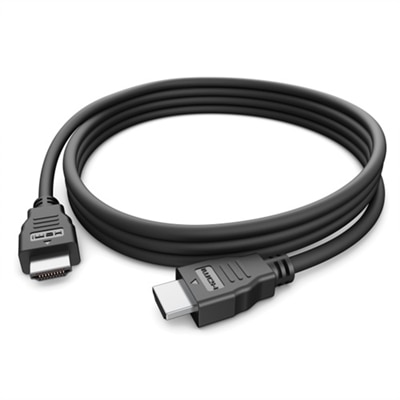
HDMI Cables For Projectors
Enhance your viewing experience with the right HDMI cables for projectors, designed to deliver reliable connectivity for presentations, movies, and gaming. Whether you’re setting up a home theater or equipping a conference room, choosing quality HDMI cables ensures smooth signal transmission between your devices and projector. Explore a wide selection of options to find the perfect fit for your setup and enjoy seamless performance every time you connect.
This product is not available
Check out the following recommendations.
Related Products

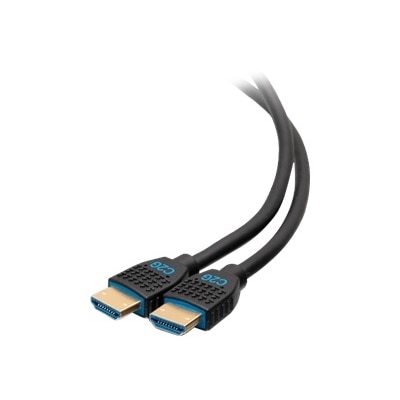

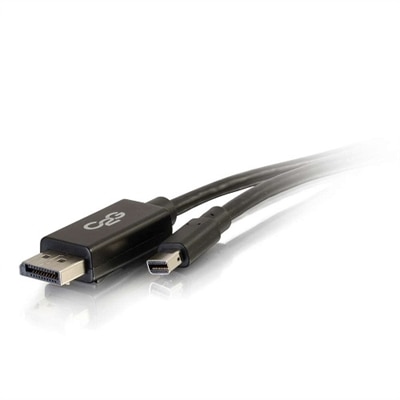
HDMI Cables For Projectors
HDMI cables for projectors provide the connection between a video source and a larger-than-life display, whether that source is a laptop, desktop, gaming console, streaming device, Blu-ray player or another HDMI-equipped component. A dependable cable carries both high-definition video and digital audio through one connection, helping create a clean setup for movie nights, presentations, classroom lessons, sports viewing and gaming. When browsing projector cables, begin with the projector’s native resolution and the capabilities of the device sending the signal. A Full HD projector generally works well with a High Speed HDMI cable, while a 4K projector benefits from a cable rated to support the bandwidth required for 4K content at the intended refresh rate. Standard 4K viewing at up to 60Hz typically calls for support around 18Gbps, while 4K gaming at refresh rates up to 120Hz may require an Ultra High Speed HDMI cable rated for up to 48Gbps. The cable does not improve a projector’s resolution beyond what the projector and source can produce, but choosing a suitable specification helps the connection keep pace with the content. Compatibility also depends on the entire signal path, including the source device, projector, audio equipment and any adapters in between. For a straightforward connection using a source with a full-size HDMI port, browse HDMI To HDMI Cables in the length and performance class that fit the setup.
Cable length is one of the most important details for a projector installation. A short, passive cable is often a practical choice when a laptop sits on a table beside the projector or a gaming console is positioned on a nearby shelf. Runs under roughly 15 feet are usually easy to manage with a standard High Speed or Ultra High Speed HDMI cable, depending on the resolution, frame rate and features in use. Longer connections require more planning. A cable routed across a room, through a wall or up to a ceiling-mounted projector may cover 20 feet or more, and a passive cable can be more vulnerable to signal degradation as distance increases. Active HDMI cables include signal-boosting electronics to help maintain transmission over longer runs, while fiber-optic HDMI cables convert the signal for travel over optical fibers and are often selected for especially long or carefully concealed installations. Active and fiber-optic cables can be directional, so check the source and display markings before installation and connect each end to the correct device. Measure the path rather than relying only on the straight-line distance between components, allowing enough room for turns, furniture placement and gentle cable routing. Extra length can be tucked away, but an overly short cable may place strain on ports or require an awkward arrangement. Avoid sharply bending an HDMI cable, pinching it behind furniture or pulling it tightly around a ceiling mount. A small amount of slack near each connection makes it easier to reposition equipment, unplug the projector or troubleshoot an image without disturbing the entire setup. For permanent runs, confirm the cable’s diameter and flexibility, and consider whether the connectors will fit through conduit or installation openings before beginning.
The right projector cable can make a home entertainment area feel more finished and can simplify a work or learning space where equipment is connected and disconnected often. A family may use one to send a streaming movie from a laptop to a projector for an indoor evening during the cooler months, while a student can connect a computer for coursework, presentations or collaborative projects. Gamers should compare the projector’s input specifications with the console’s output settings, paying close attention to resolution, refresh rate, high dynamic range and other supported features. A cable with greater bandwidth may be a sensible choice when a setup could be upgraded later, although every connected device still needs to support the desired format. Many newer laptops and thin computers use USB-C rather than a full-size HDMI port. In those cases, a USB-C to HDMI adapter or compatible cable may be needed, and the USB-C port must support video output; not every USB-C port does. If the projector shows a blank screen, check that the correct input is selected, confirm that the cable is fully seated and try the computer’s display controls. On a Windows computer, Windows Key + P opens projection options, while display settings on a Mac can help detect and arrange an external screen. Reconnecting the cable, restarting the source or testing another input can also isolate a connection issue. For a gift, an HDMI cable can be a useful addition for someone setting up a projector, upgrading a media room or preparing a portable presentation kit, especially when the length and connector type match the recipient’s equipment. Choosing by distance, source, resolution, refresh rate and installation style helps keep the picture stable and the setup easy to use, from a simple tabletop arrangement to a neatly routed ceiling-mounted display.
FAQs:
When selecting an HDMI cable for projector use, look for cables that support high resolutions such as 4K at 60Hz or higher, especially if you plan to use your projector for movies, gaming, or professional presentations. HDMI 2.0 or 2.1 cables are ideal for future-proofing your setup. For longer cable runs, consider active or fiber optic HDMI cables to maintain signal quality and reduce interference.
Yes, most modern laptops and projectors support HDMI connections. Using an HDMI cable for laptop to projector setups ensures a direct, high-quality video and audio signal. Make sure your devices have compatible HDMI ports, and if your laptop uses a different output (like USB-C or Mini DisplayPort), you may need an appropriate adapter.
An HDMI extender cable is useful when the distance between your source device and projector exceeds the standard cable length. Extender cables, especially those using fiber optic technology, help maintain signal integrity for longer runs across conference rooms, classrooms, or home theaters without sacrificing video or audio quality.
To achieve the best picture quality, use an HDMI cable that matches or exceeds your projector’s maximum supported resolution and refresh rate. Make sure the cable is properly connected to both the source and display, and choose a cable with adequate shielding to prevent interference. For longer distances, opt for active or fiber optic HDMI cables.
For outdoor projector setups, consider using durable HDMI cables with reinforced connectors and weather-resistant features if they may be exposed to the elements. Longer cable runs are common outdoors, so fiber optic or active HDMI cables are recommended to preserve signal quality over greater distances.