$899.99
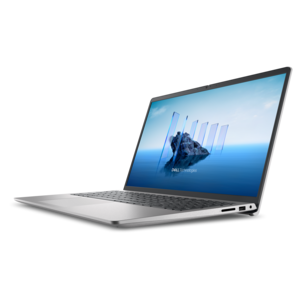
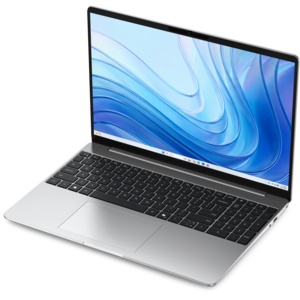
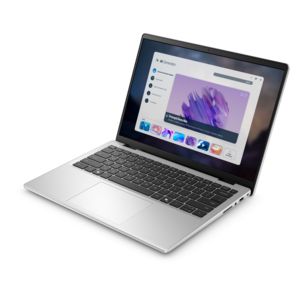
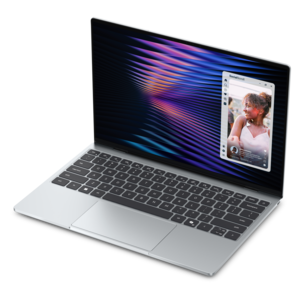
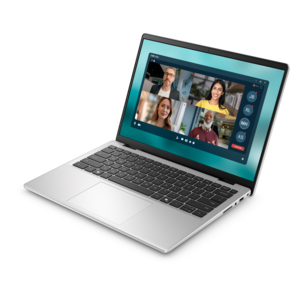
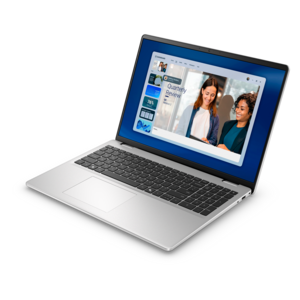
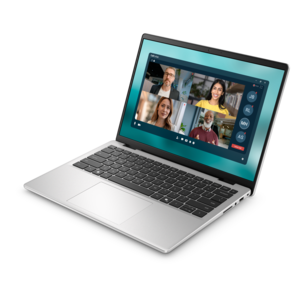
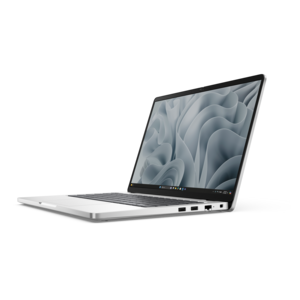
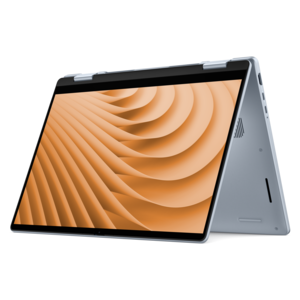
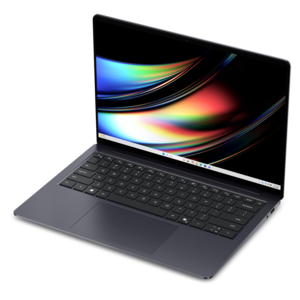
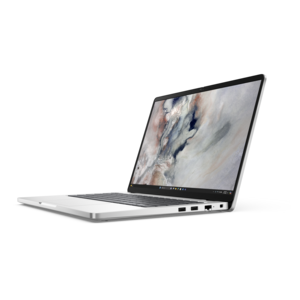
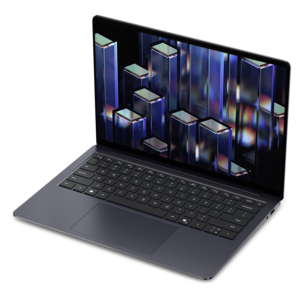
A laptop featuring an FHD camera, enlarged ergonomic keyboard, and Intel 13th Gen processors.
HDMI laptops offer seamless connectivity for work, entertainment, and everything in between. Whether you’re setting up dual monitors, presenting in meetings, or streaming your favorite content, these versatile devices make it easy to connect to external displays and projectors. Explore a wide selection of HDMI laptops designed to support productive multitasking, immersive visuals, and effortless integration with your home or office setup. Find the right model to suit your needs and enjoy enhanced flexibility with every connection.
A laptop featuring an FHD camera, enlarged ergonomic keyboard, and Intel 13th Gen processors.
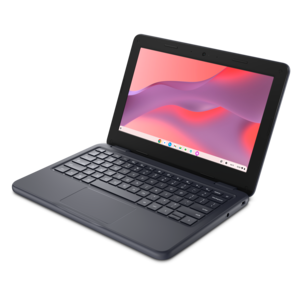
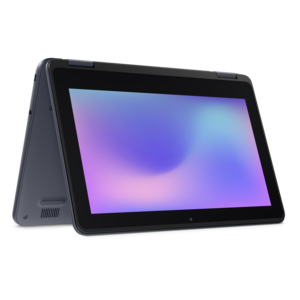
A durable, serviceable Chromebook designed specifically for education environments.
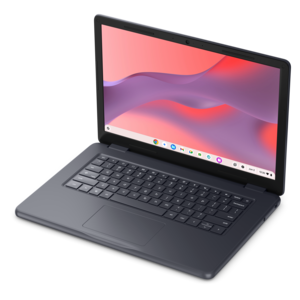
A durable, serviceable Chromebook designed for K–12 learning environments.
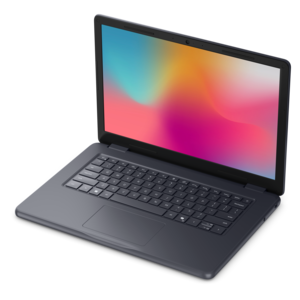
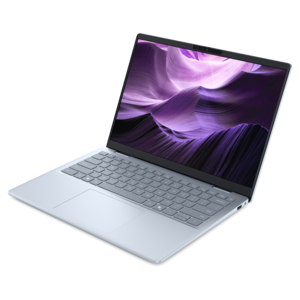
A laptop featuring an FHD camera, enlarged ergonomic keyboard, and AMD Ryzen™ processing.
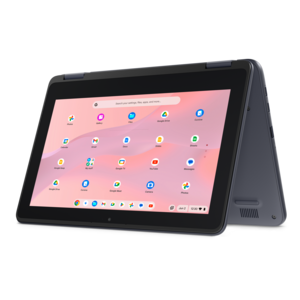
A durable, serviceable laptop or 2-in-1 designed specifically for K-12 learning environments.
A durable, serviceable Chromebook designed specifically for education environments.
A thin, lightweight laptop crafted from eco-friendly materials with Series 3 Intel Core processors for productivity.
A durable, serviceable laptop or 2-in-1 designed specifically for demanding education environments.
A versatile 2-in-1 laptop with Intel Core processors, DDR5 memory, and multiple modes for creative work.
A durable, serviceable laptop designed specifically for demanding education environments.
A portable laptop with a sleek design, 16:10 display, and AI PC options for productivity anywhere.
A remarkably thin, lightweight laptop designed for ultimate mobility.
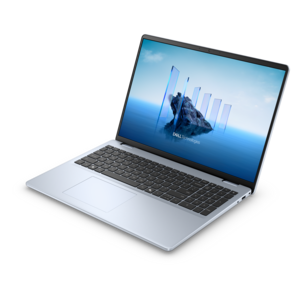
A sleek, portable laptop with an expansive 16:10 display for reliable productivity anywhere.
A modern laptop with AMD Ryzen™ processors, delivering effortless productivity and captivating entertainment in a design.
A slim, lightweight laptop with Intel® Core™ processors and graphics for productive work anywhere.
A lightweight AI-powered laptop designed for creative professionals and small businesses.
A durable, modular laptop with robust security, a spacious 16:10 display, and optional built-in AI.
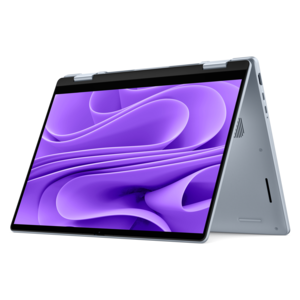
A versatile 2-in-1 laptop designed for AI experiences and seamless multitasking on the go.
A sleek laptop powered by AMD Ryzen AI 400, designed for smooth, capable multitasking.
A portable, durable laptop with modular design, strong security, spacious 16:10 display, and built-in AI options.
A versatile 2-in-1 laptop with AI experiences, all-day battery life, and seamless multitasking.
A durable productivity laptop featuring an expansive 16:10 display and convenient numeric keypad.
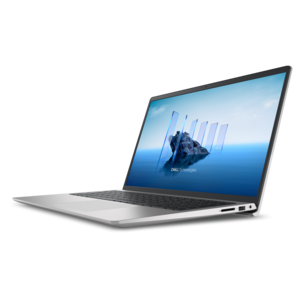
A modern laptop with Intel Core processors and graphics for effortless productivity and captivating entertainment.
A sleek laptop with a stylish new design, delivering powerful performance for modern multitasking.
HDMI laptops connect everyday computing to a larger screen through a familiar, widely used audio and video connection. A laptop HDMI port typically sends digital video and audio from the computer to a compatible monitor, television, or projector over a single cable. That makes a built-in HDMI output useful for a desk with an external display, a living room television used for movies, or a conference room projector showing a presentation. The connection can duplicate the laptop screen so everyone sees the same content, or extend the desktop so different windows occupy separate screens. A student might keep research on a monitor while writing on the laptop, while someone working from home can spread a spreadsheet across a larger display and leave messages on the smaller screen. For an instructor, presenter, or frequent traveler, a built-in port also means one less adapter to remember when connecting to a compatible display. Most laptop HDMI ports are output-only: they send a signal rather than receive one. Connecting a game console or another computer to that port generally will not turn the laptop screen into an external monitor. Receiving video from another device usually requires separate capture hardware and compatible software, and the resulting delay can make that arrangement unsuitable for responsive gaming. The distinction matters because an HDMI laptop is primarily a computer that can drive another screen, not a replacement for a dedicated display. Its usefulness still depends on the qualities that shape any laptop experience, including comfortable typing, a readable built-in screen, responsive performance, and a size that suits the places it will be used. A compact model can move easily between a kitchen table and a shared workspace, while a larger laptop may provide more room for a keyboard and an easier-to-read screen when no external monitor is connected. HDMI adds flexibility to either format without defining the computer’s overall speed, portability, or display quality.
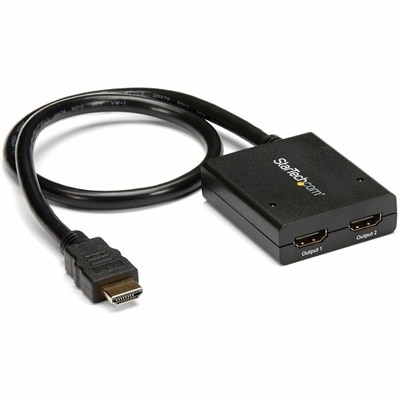
The capabilities of an HDMI connection depend on the complete path between the laptop and the external display. The laptop’s graphics hardware and HDMI implementation, the cable, and the receiving display all influence the resolutions and refresh rates a setup can support. An HDMI port alone does not guarantee a particular 4K refresh rate, high dynamic range, or gaming feature, and a higher-resolution laptop screen does not automatically establish the limits of its external video output. Published specifications for external display support provide a clearer picture than the connector’s appearance. For documents, email, and ordinary browsing, sharp text and comfortable screen space may matter more than very high refresh rates. Fast-moving games and video work place different demands on the graphics hardware, screen, and connection. Color-sensitive creative work also benefits from a suitable external monitor and careful display calibration; HDMI by itself does not ensure accurate color. Cable length and construction deserve attention, particularly when a television sits across a room rather than beside the laptop. A cable rated for the intended signal, with enough reach to avoid tension at the connector, helps create a dependable setup without leaving excessive loops under a desk. Some laptops connect to HDMI displays through a compatible USB-C video output instead of a built-in HDMI port. USB-C connector shape alone does not confirm video support, so the laptop must support the appropriate display output capability, such as DisplayPort Alternate Mode, for a typical USB-C video adapter to work. Compatible HDMI Adapters can bridge supported connections, though their specifications and direction of conversion also matter. Once connected, the receiving screen needs the matching HDMI input selected, and the computer’s display settings determine whether the desktop is duplicated or extended. Audio may also need to be directed to the external screen, which must have speakers or a connected audio system to produce sound. These compatibility details help distinguish a straightforward connection from a setup that needs additional accessories.
For daily use, the best fit comes from matching a laptop’s physical design and performance to the routine around it. Someone who connects a monitor every morning may appreciate a port location that keeps the cable away from a mouse, while a presenter may value a lightweight chassis that slips into a padded bag alongside a charger and cable. Aluminum and other metal enclosures can feel rigid and substantial, while well-designed plastic housings can offer practical durability; material alone does not determine how well a laptop withstands regular travel. Hinge construction, chassis reinforcement, weight, and careful handling matter too. A comfortable keyboard, an easy-to-use touchpad, and a screen with suitable brightness remain important even when an external monitor handles much of the work. Memory and processor capability should match the workload, whether that means several browser windows and video calls or demanding creative applications. Gaming and other graphics-intensive tasks may call for stronger graphics hardware and cooling, and driving a larger display does not remove those processing demands. Battery life matters between outlets, but a conventional HDMI connection does not charge the laptop, so longer desk sessions may still require its power adapter. Routine care is simple but worthwhile: support the computer on a stable surface, keep ventilation openings clear, and disconnect cables before placing it in a bag. Pulling a laptop away while HDMI remains attached can strain both the cable and the port. Aligning the connector rather than forcing it, keeping liquids away from the workspace, and following the manufacturer’s cleaning instructions help protect the equipment through repeated use. As a gift for a college student, a remote worker, or someone who enjoys sharing photos and movies on a television, an HDMI-equipped laptop can offer useful flexibility when its weight, keyboard, performance, and display connections suit the recipient’s habits. At a permanent desk or in a room that changes purpose throughout the day, the appeal is the same: a portable computer that can connect to a larger viewing area when more space makes work or entertainment more comfortable.
Add the products you would like to compare, and quickly determine which is best for your needs.