High Performance Mini PCs for Remote Work Setups

High performance mini PCs for remote work setups offer a powerful and space-saving solution for professionals seeking efficiency and flexibility. Designed to fit seamlessly into home offices or compact workspaces, these compact systems provide the reliability and versatility needed for a productive remote work environment. Explore options that balance performance with convenience, making it easy to stay connected and focused throughout your workday.

Filters

$1449.00

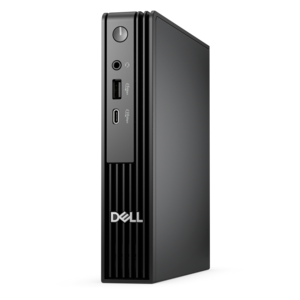
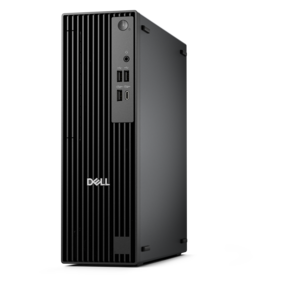
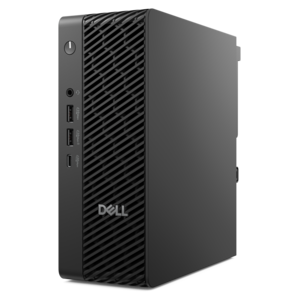
A space-saving desktop engineered for exceptional speed and efficiency in a sleek, compact design.
$1449
$1775.00

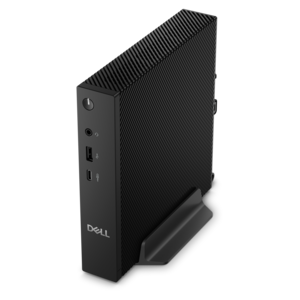
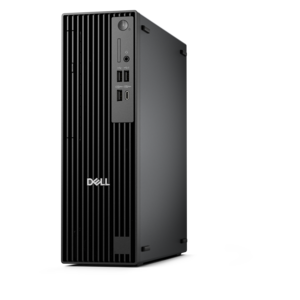
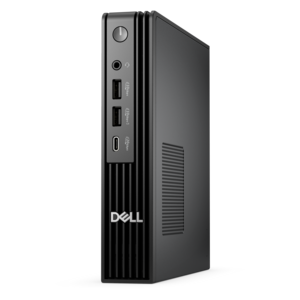
An ultracompact AI-ready desktop delivering robust business performance with exceptional security and seamless manageability.

$1775
$1383.00

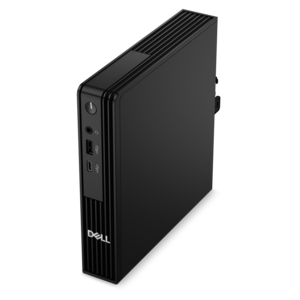
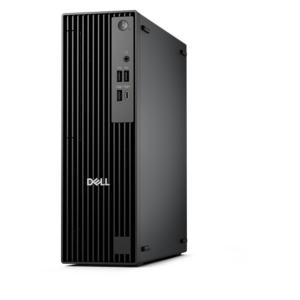
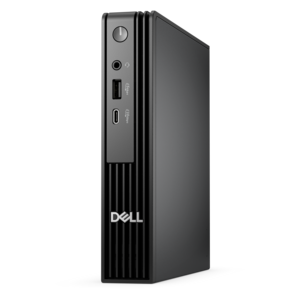
An ultracompact business desktop offering Copilot+ PC options, AI-enhanced productivity, robust security, and seamless manageability.

$1383
$1421.00

A high-performance micro desktop with AI PC options, robust security, and seamless business manageability.

$1421
$798.00

A compact thin client supporting cloud software, ThinOS, Windows 11 IoT Enterprise, or no operating system.

$798
$1037.00

A compact desktop delivering reliable performance and security for everyday productivity.

$1037
$1399.99

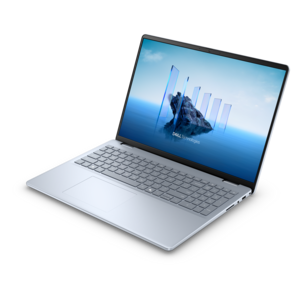
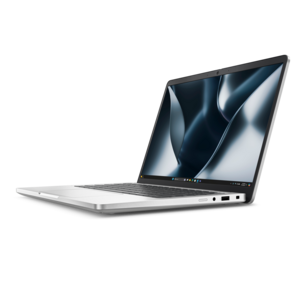
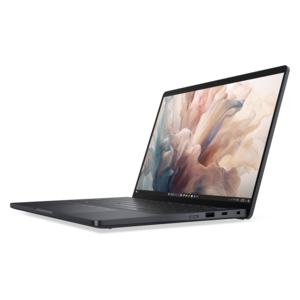
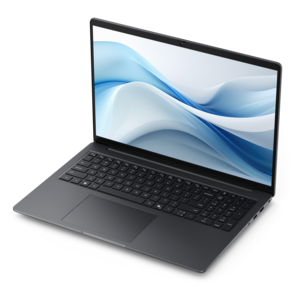
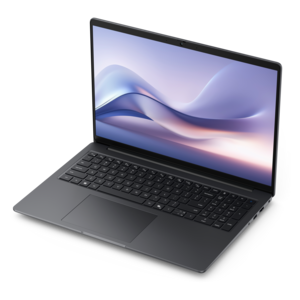
A modern laptop with Intel® Core™ processors and graphics for effortless productivity and immersive entertainment.

$1399.99
$1486.00

A compact, high-performance desktop with AI PC options, robust security, and streamlined manageability for demanding workloads.

$1486
$1975.00

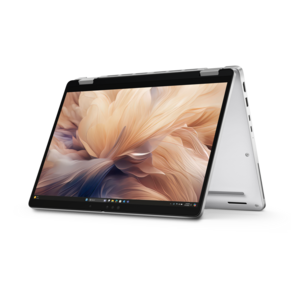
A secure, scalable commercial AI PC in a sleek, durable aluminum body for on-the-go multitasking.

$1975
$1762.00

A compact, high-performance AI-ready desktop delivering secure, manageable performance for demanding business workloads.

$1762
$1597.00

A high-performance business desktop with Copilot+ PC options, AI-enhanced productivity, robust security, and manageability.

$1597
$2059.00

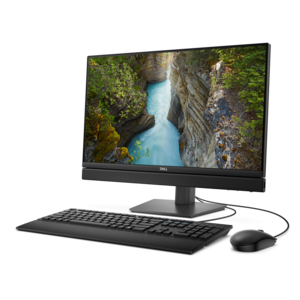
An AI-ready all-in-one desktop delivering space-saving productivity with enhanced security and streamlined manageability.

$2059
$2025.00

A secure, scalable commercial AI PC featuring a sleek, durable aluminum body for productive multitasking.

$2025
$2287.00

A lightweight AI PC delivering outstanding performance and battery life for highly mobile professionals.

$2287
$2935.00

A thin, lightweight Copilot+ PC with powerful AMD CPU, GPU, and NPU performance for productive multitasking.

$2935
$3845.00

A thin, lightweight Copilot+ PC combining powerful Intel® CPU, GPU, and NPU performance for productive multitasking.

$3845

High Performance Mini PCs for Remote Work Setups

High-performance mini PCs bring desktop computing power to remote work setups without requiring a full-size tower beside the desk. These compact computers can suit home offices, apartment workspaces, and shared rooms where a clear work surface matters as much as application performance. A capable mini PC can keep a video meeting, a large spreadsheet, a presentation, and several research tabs running together, provided its processor, memory, and cooling are matched to the workload. A modern multicore processor supports everyday multitasking, while more demanding work, such as compiling code, analyzing large datasets, or running local virtual machines, benefits from additional processing capacity and memory. For many remote office tasks, 16GB of RAM is a practical starting point; 32GB provides more room for heavier multitasking and memory-intensive applications. Larger projects may call for more, depending on software requirements. A solid-state drive helps applications open promptly and makes local files more responsive to access, although drive capacity should reflect the size of working documents, development tools, and media libraries. Graphics requirements deserve similar attention. Integrated graphics can be suitable for office applications, video calls, and supported multi-monitor configurations, while complex 3D work, advanced visual effects, and some engineering applications may require graphics capabilities beyond those found in smaller systems. The most useful measure of performance is how well a computer supports an actual workday: switching from a shared presentation to a detailed report, checking a dashboard while a call continues, or exporting a project without tying up every other application. Mini PC performance also depends on power settings and thermal design, so a compact enclosure alone does not indicate how a system will behave during sustained workloads. Processor specifications, application requirements, and the demands of connected displays together provide a clearer picture of suitability than size or processor speed alone. For remote professionals who spend most of the day in productivity software, the right balance can deliver a responsive workspace with considerably less equipment occupying the desk.

Physical fit is a defining advantage of mini desktop PCs, particularly where the same room serves as an office during the day and a living space afterward. A small enclosure may sit beneath a monitor stand, tuck into an open shelf, or attach to a compatible mounting bracket behind a display. Exact dimensions, mounting compatibility, cable clearance, and ventilation space all matter; a computer that fits into a narrow compartment still needs room for warm air to escape. Metal and durable plastic housings are common, with construction varying by model. Enclosure material contributes to weight and everyday wear resistance, but it does not replace adequate cooling or careful placement. A stable, open position away from spilled drinks and direct sunlight helps protect the system, while accessible ports make connecting a headset or external drive less awkward. Fan sound is worth considering in a bedroom office or a workspace used for frequent recorded calls. Cooling fans may become more noticeable during demanding tasks, even when a computer is relatively quiet during document editing. Keeping vents clear and removing surface dust according to the manufacturer’s care instructions supports airflow over time. The surrounding setup matters just as much as the computer itself. A properly positioned monitor, a comfortable keyboard, and a mouse suited to the user’s hand can make long work sessions more manageable. Two displays can separate a meeting window from working documents, while a single larger screen may provide enough space with fewer cables. Supported display count, resolution, and refresh rate depend on the computer’s graphics capabilities and its individual video outputs, not simply the number of visible ports. For a broader view of this space-conscious desktop category, Compact Mini Desktop PCs for Modern Workspaces offers a related starting point. A compact computer is easier to reposition than a tower, but unlike a laptop, it generally depends on a separate display, input devices, and a power connection.

Connectivity helps turn a high-performance mini PC into a practical remote work hub. USB-A ports can accommodate familiar keyboards, mice, and other accessories, while USB-C capabilities vary by system and port. Some USB-C connections support display output and high-speed data transfers; others provide a more limited set of functions, so connector shape alone does not establish compatibility. HDMI and DisplayPort connections can provide direct monitor connections when supported, reducing the need for adapters. Port placement also affects daily convenience: front access is useful for a headset or removable drive, while rear connections keep permanent display and peripheral cables out of the way. Compatible Wi-Fi supports flexible placement within a home, and a wired Ethernet connection can provide a consistent alternative when the workspace is near an appropriate connection point. Actual call quality and file-transfer speeds still depend on the internet connection, signal conditions, and other household activity. Bluetooth can reduce cable clutter for compatible accessories, though connection requirements should be checked for each device. For employees accessing company resources, operating system compatibility, hardware-backed security features, and support for required remote-access software may be essential. Employer requirements can also determine whether a particular computer is appropriate for handling work documents. Long-term usefulness depends partly on serviceability: some mini PCs allow memory or solid-state drive upgrades, while others have fixed components or limited expansion space. Published specifications and service documentation clarify those differences. These compact desktops can fit the routines of analysts, developers, consultants, writers, and other remote professionals whose work benefits from a dedicated desktop environment. A household with a permanent work corner may appreciate leaving the monitor, webcam, and keyboard connected rather than rebuilding the setup each morning. For someone who frequently works away from that desk, a laptop may remain the more suitable format. Within a fixed remote workspace, a thoughtfully matched mini PC brings together capable computing, practical connections, and a small physical footprint without making the computer the dominant object in the room.

FAQs:

Add the products you would like to compare, and quickly determine which is best for your needs.

Add the products you would like to compare, and quickly determine which is best for your needs.