$149.99
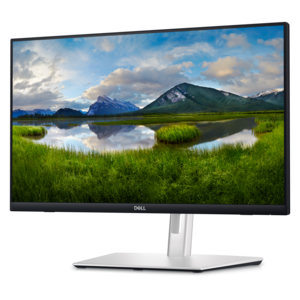
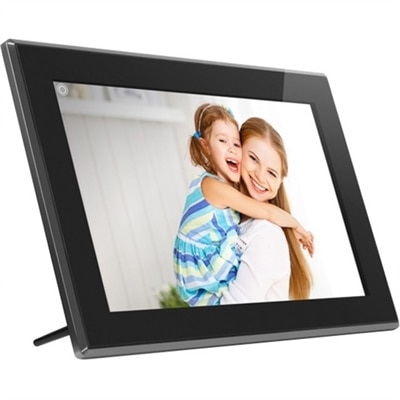
A touchscreen digital frame with IPS display, multimedia playback, wireless sharing, 16GB storage, and SD/USB support.
Elevate your workspace, classroom, or conference room with the latest in interactive displays, designed to transform the way you engage and collaborate. These cutting-edge tools offer a dynamic platform for sharing ideas, enhancing presentations, and fostering creativity in any setting. Whether you're looking to boost productivity in a corporate environment or inspire learning in educational spaces, interactive displays provide an intuitive and versatile solution. Explore our selection to find the perfect fit for your needs and experience the future of interactivity today.
A touchscreen digital frame with IPS display, multimedia playback, wireless sharing, 16GB storage, and SD/USB support.
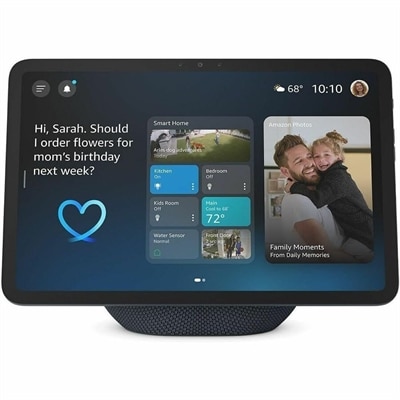
A graphite smart display with Full-HD visuals, spatial audio, Wi-Fi 6E, and a built-in smart-home hub.
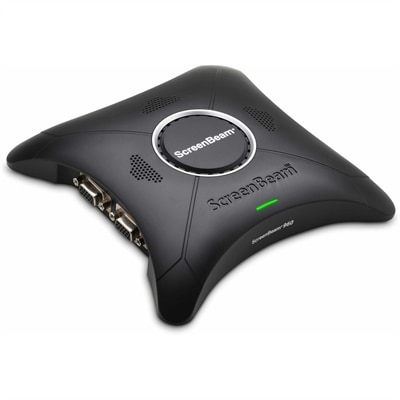
A wireless display receiver enabling app-free presentations, extended desktops, interactive touch, and centralized remote management.
A life-size carbon-fiber racing wheel with IPS telemetry display, LED indicators, responsive paddles, and customizable controls.
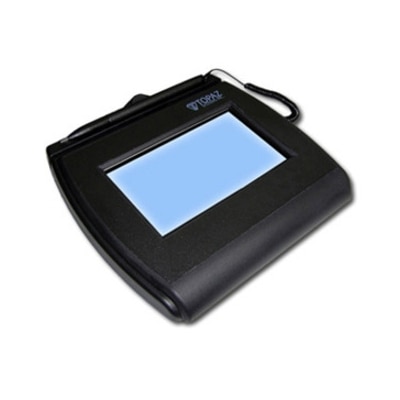
An interactive LCD signature pad with tempered glass, large signing area, and electronic ink visible beneath pen.
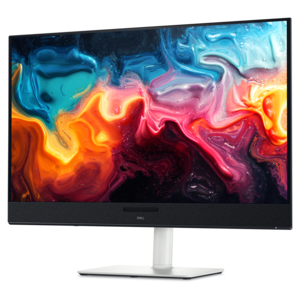
A 4K QD-OLED monitor with AI-enhanced 3D Spatial Audio for captivating entertainment.
A QHD QD-OLED gaming monitor delivering 360Hz refresh rates and VESA DisplayHDR True Black 400 visuals.
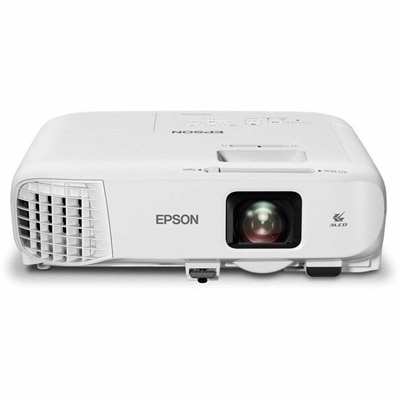
A bright white 4,100-lumen Full HD projector featuring 3LCD technology, Wi-Fi 6/6E, and wireless screen mirroring.
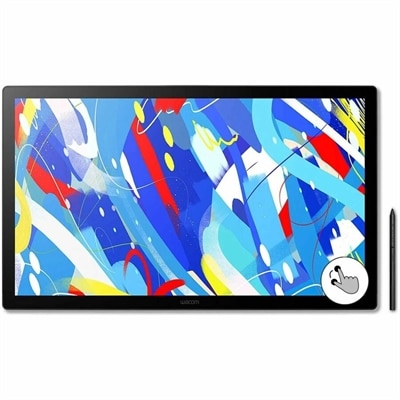
A professional drawing display with 2.5K WQHD resolution, etched anti-glare glass, multitouch, and pressure-sensitive stylus.
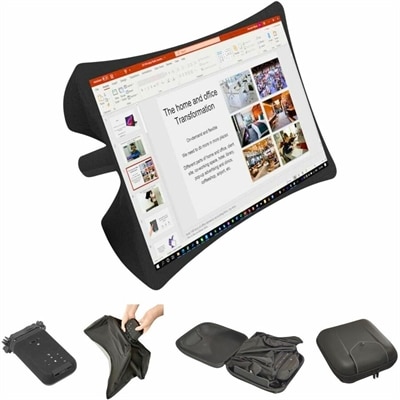
A foldable, rugged projection system with a nanomaterial screen, built-in battery, HDMI and USB-C connectivity.
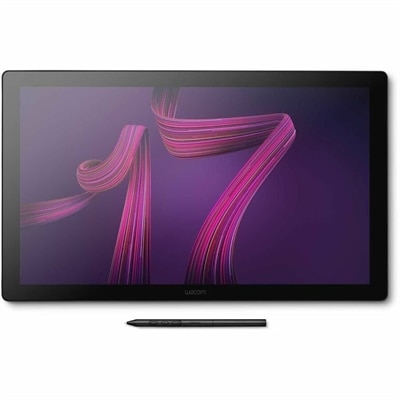
A professional 4K touchscreen pen display with 120Hz refresh, multi-touch control, customizable ExpressKeys, and pressure-sensitive stylus.
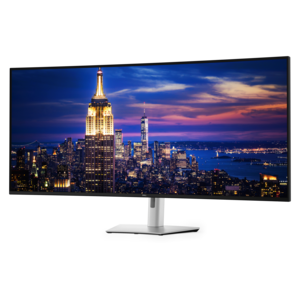
A 6K ultrawide monitor with Thunderbolt hub connectivity, exceptional clarity, seamless multitasking, and all-day eye comfort.
A 4K touchscreen monitor featuring 20-point InGlass Touch, palm rejection, and up to 90W USB-C power.
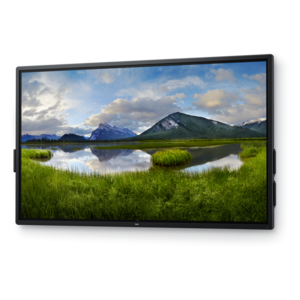
Interactive displays bring the familiar feel of a touchscreen to a much larger format, combining visual presentation, digital writing, collaboration tools and audio in one central workspace. Also called interactive flat panels or smart boards, these displays are designed for people who need to do more than view content. A teacher can annotate a lesson directly on the screen, a project team can move ideas around a shared canvas, and a presenter can switch between a video, a document and a live demonstration without stepping away from the display. Many models support multiple touch points, allowing several people to write, draw, select, resize or organize content at the same time. Depending on the display, wireless screen sharing can make it easy to cast content from a laptop, tablet or phone, while integrated speakers, microphones and cameras may help support video meetings and remote participation. When comparing options, consider the environment first: a classroom may benefit from a durable surface, clear viewing angles and responsive writing, while an office may place greater value on conferencing compatibility, wireless connectivity and simple content sharing. For reception areas, training rooms, creative studios and community spaces, a large touch display can make information easier to explore and group activities more engaging. Browse Touch Displays to compare touchscreen options that can complement the computers and accessories already used in your space.
Screen size is one of the most important considerations because the right fit depends on room dimensions, seating distance and the amount of information shown at once. A compact interactive display can suit a smaller meeting room or a personal teaching area, while larger screens help people at the back of a classroom or across a conference table follow detailed text, diagrams and demonstrations. Resolution also matters: a sharp image keeps fine writing, spreadsheets and presentation graphics easier to read, especially when the display is viewed from different angles. Look for a responsive touch experience with accurate recognition of handwriting and gestures, along with a surface that helps reduce distracting reflections under overhead lighting. Brightness, contrast and viewing angles can affect visibility in rooms with windows or changing light, so it is useful to consider how the space looks throughout the day. Connectivity should match the devices people plan to use, including laptops, desktops, tablets and other accessories. HDMI, USB and network connections may support wired setups, while wireless sharing can reduce cable clutter when several presenters need to participate. Compatibility with common meeting, classroom and productivity software can also make the transition smoother. Some displays include built-in whiteboard applications, annotation tools, file sharing and cloud access; others work best when paired with a connected computer. Check supported operating systems, account requirements, included accessories and software terms before choosing, particularly if the display will be shared by many users or installed in an organization with established IT policies.
Interactive displays are useful anywhere people gather to explain, create, learn or make decisions together. In education, they can turn a static lesson into a hands-on activity: students might sort images, solve a math problem, trace a map or add observations to a shared diagram. In business, a team can use the screen for brainstorming, project planning, training sessions and hybrid meetings, giving people in the room and remote participants a common visual reference. A small business may use one for staff onboarding or customer presentations, while a design, architecture or media team may rely on a spacious touch surface to review concepts and mark up work. Retail, hospitality and public-facing environments can use interactive screens for wayfinding, product exploration, registration or self-service information, provided the selected display and software are suited to frequent public use. Families and home users may also appreciate a large touchscreen for creative projects, shared learning and collaborative planning, although the size and installation requirements should be considered before bringing one into a living area. Think about mounting and placement as carefully as the display itself. A wall mount can preserve floor space, while a mobile stand may allow the screen to move between rooms; either setup should support comfortable reach, safe cable management and a clear sightline. Review warranty coverage, service options, included pens or stands, sound quality and energy use as part of the purchase decision. With the right combination of size, touch performance, connectivity and software support, an interactive display can become a dependable focal point that turns ordinary screen time into a more active, shared experience.
Add the products you would like to compare, and quickly determine which is best for your needs.