$629.99
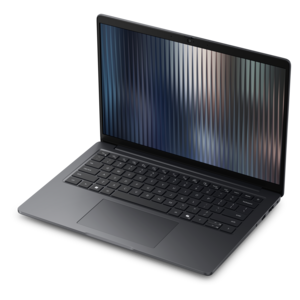
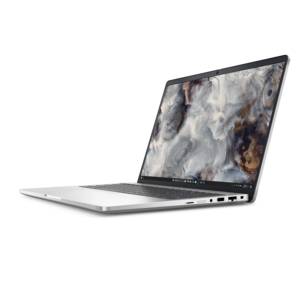
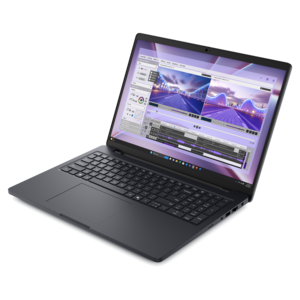
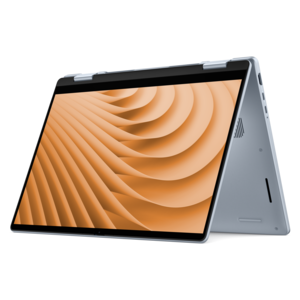
A laptop featuring an FHD camera, enlarged ergonomic keyboard, and AMD Ryzen™ processing.
Architects require powerful and reliable tools to bring their visionary designs to life, and choosing the right laptop is crucial for executing complex architectural tasks. Laptops for architects are engineered to handle demanding software applications and multitasking with ease, ensuring seamless performance during design, rendering, and modeling processes. With an emphasis on speed, efficiency, and superior graphics capabilities, these laptops cater to the unique needs of architecture professionals who seek precision and creativity in their work. Explore a range of options that offer the perfect balance of power and portability to support your architectural endeavors.
A laptop featuring an FHD camera, enlarged ergonomic keyboard, and AMD Ryzen™ processing.
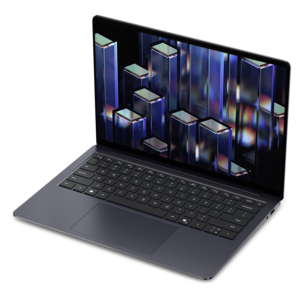
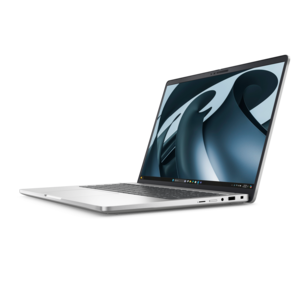
A thin, lightweight laptop crafted from eco-friendly materials with Series 3 Intel Core processors for productivity.
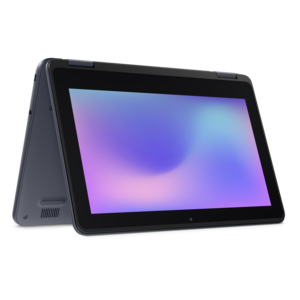
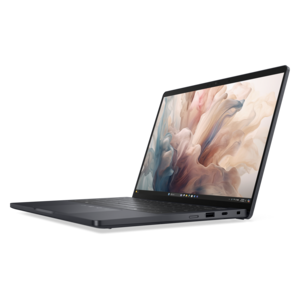
A durable, serviceable laptop or 2-in-1 designed specifically for demanding education environments.
A durable, serviceable laptop designed specifically for demanding education environments.
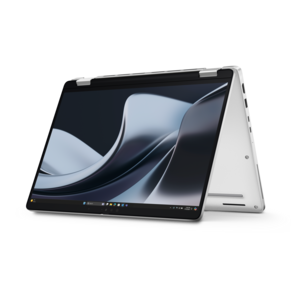
A portable laptop with a sleek design, 16:10 display, and AI PC options for productivity anywhere.
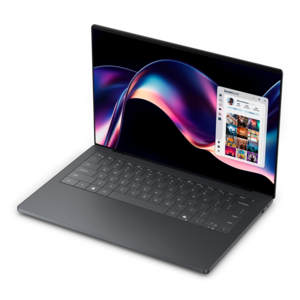
An exceptionally thin and lightweight laptop designed for ultimate mobility.
A slim, lightweight laptop with Intel® Core™ processors and graphics for productive work anywhere.
A lightweight AI-powered laptop designed for creative professionals and small businesses.
A sleek laptop with a stylish design, delivering powerful performance for modern multitasking.
An AI-powered, lightweight laptop with Intel Arc graphics, ideal for creative professionals and small businesses.
An AI-ready laptop with a spacious display, designed for creators and developers seeking high performance.
A sleek laptop delivering smooth AI experiences and accelerated creative workflows for demanding high-performance users.
A gaming laptop powered by AMD Ryzen 200 Series processors and NVIDIA GeForce RTX laptop graphics.
A durable, reliable business laptop offering commercial-grade security, manageability, and everyday productivity in a lightweight design.
A secure, scalable commercial AI laptop featuring a durable aluminum design and productivity-focused display.
A secure, scalable AI laptop with durable aluminum construction and a spacious productivity-focused display.
A secure, scalable commercial AI laptop with a sleek, durable aluminum body and spacious productivity-focused display.
A sleek laptop built for mobile creation with exceptional battery life and an ultra-thin design.
A creator-focused laptop with built-in AI, a spacious display, and Intel Arc graphics for demanding workflows.
A lightweight AI PC delivering outstanding performance and battery life for highly mobile professionals.
A powerful laptop with a large display, built for productivity and design applications on the go.
A powerful professional laptop featuring an ultra-thin, durable chassis for productive work wherever you go.
A durable, lightweight business laptop offering reliable productivity with commercial-grade security and manageability.
A thin, durable laptop delivering capable performance in a spacious display design for productive everyday computing.
Laptops for architects bring drafting, 3D modeling, visualization, and project coordination into a computer that can move between the studio, a client meeting, and a construction site. The right configuration depends on whether a typical day involves refining floor plans, navigating a detailed building information model, or producing realistic views of a proposed interior. For demanding architectural work, a capable multicore processor, 32GB of memory, dedicated graphics, and a fast solid-state drive provide a practical starting point rather than a universal requirement. Lighter 2D drafting and smaller student projects may run comfortably with 16GB of memory, while large models, complex scenes, and several applications open together can benefit from 64GB or more. Processor performance matters in different ways across those tasks: strong single-core performance helps keep many drawing and modeling operations responsive, while additional cores can accelerate workloads designed to use them, including some rendering processes. Dedicated graphics are particularly useful for navigating detailed 3D environments and working with compatible real-time visualization software. For heavier visualization, 8GB or more of graphics memory can be a useful starting point, although intricate geometry, high-resolution textures, and demanding output settings may require more. Software requirements remain important because some rendering tools rely primarily on the processor, others rely on the graphics processor, and hardware compatibility varies. A 1TB solid-state drive offers useful working capacity for applications, active projects, material libraries, and presentation files; larger project collections may warrant additional capacity. Fast file access can shorten loading and saving times, but it does not replace the memory or processing power needed to manipulate a model. These distinctions matter when a laptop must handle a section drawing in one window, a shared model in another, and a video call discussing last-minute changes. Architecture students, independent practitioners, interior designers, and members of larger design teams may all use similar tools, yet their daily workloads can place very different demands on the same machine. Matching the configuration to that actual workload helps keep performance useful throughout a project's development.
The display and physical design of an architecture laptop shape how comfortably that performance can be used. A 15- or 16-inch screen can provide room for drawing palettes, model views, and reference documents without requiring a separate monitor at every stop. Smaller laptops are easier to carry across campus or between appointments, while larger screens can make dense drawings easier to inspect at a desk. Resolution affects the clarity of fine lines and text, but screen size and interface scaling also determine whether dimensions and toolbars remain readable. A taller display can reveal more of a sheet or document, and an antiglare finish can reduce distracting reflections beneath bright studio lights. For material studies and presentation imagery, documented color-gamut coverage and color accuracy are more meaningful than vivid-looking colors alone. Consistent display settings help when comparing the warmth of wood finishes, the gray of exposed concrete, or the subtle differences between fabric samples, although screen images cannot fully reproduce physical materials. An external monitor can extend the workspace for reviewing drawings beside a model, making supported display connections another practical consideration. Keyboard spacing, a precise pointing device, and a stable hinge become noticeable during long sessions of entering dimensions and adjusting details. Aluminum or magnesium construction can contribute to a rigid chassis, while well-designed reinforced polymer housings can also provide dependable everyday durability; material alone does not establish how well a laptop will tolerate travel. Overall weight includes the power adapter, which can make a meaningful difference in a shoulder bag. More powerful components also generate more heat, so cooling design influences sustained performance during extended rendering sessions. A thin machine may be convenient for a site visit yet less suited to hours of continuous heavy computation than a larger design with greater cooling capacity. Published battery estimates rarely reflect intensive modeling or rendering, and maximum performance often depends on connecting to external power. Portability, working comfort, and sustained output therefore belong in the same conversation rather than being treated as separate specifications.
Architectural work also calls for practical connections, dependable file handling, and a laptop that fits its surroundings. A presentation may require a direct connection to a conference-room display, while a desk setup may include a monitor, keyboard, mouse, and external backup drive. Port types and capabilities deserve attention because a connector's shape does not guarantee support for video output, charging, or the same transfer speeds. Dock compatibility and support for multiple external displays can make moving between a home workspace and a studio less cumbersome. Reliable wireless connectivity helps with shared documents and remote reviews, but synchronized files are not a substitute for a separate backup routine. For professionals working with complex models, documented application certification, where offered, can provide useful evidence that a particular hardware and driver configuration has been tested with supported software. Architecture and engineering teams often share drawings, coordinated models, and visualization requirements, making Powerful Laptops For Engineers a relevant related category for overlapping technical workloads. Long-term suitability also depends on whether memory and drives can be upgraded, since some compact designs use fixed components. Accessible service documentation and appropriate support options can matter when a computer is central to coursework, client presentations, or deadline-driven revisions. Everyday care helps protect that investment in working time: a padded sleeve limits abrasion during transport, clear vents support airflow, and a firm surface is preferable to a cushion during demanding tasks. Screens should be cleaned according to the manufacturer's directions with suitable materials, without spraying liquid directly onto the display. At construction sites, ordinary laptops need protection from dust, moisture, impacts, and temperature extremes; a sturdy-looking case is not evidence of tested environmental resistance. For a graduating architecture student or someone beginning professional practice, a laptop can be a useful gift when its operating system and configuration match the recipient's required applications. From early sketches translated into measured plans to the final walkthrough of a finished proposal, the most suitable architecture laptop supports both the technical demands of design and the places where that work happens.
Add the products you would like to compare, and quickly determine which is best for your needs.