$2580.00
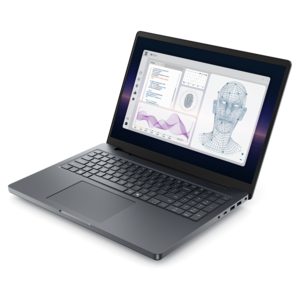
A powerful Copilot+ PC combining Intel CPU, GPU, and NPU performance to enhance productivity.
Powerful laptops for engineers are essential tools for tackling demanding projects, running complex simulations, and managing intricate workflows. Whether working in the office, at home, or on the go, engineers need reliable performance and versatility to keep up with their dynamic tasks. Explore a wide selection of powerful laptops for engineers designed to support productivity, creativity, and seamless multitasking in any environment.
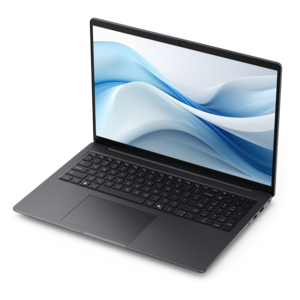
A powerful Copilot+ PC combining Intel CPU, GPU, and NPU performance to enhance productivity.
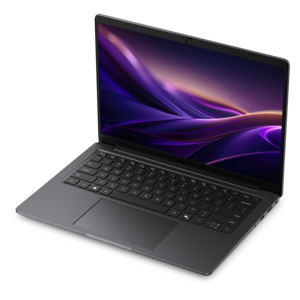
A sleek laptop powered by AMD Ryzen AI 400, designed for smooth, capable multitasking.
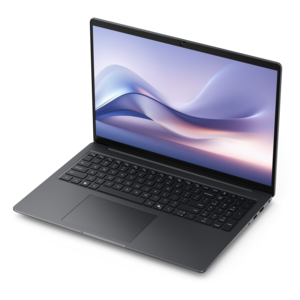
A thin, lightweight Copilot+ PC with powerful AMD CPU, GPU, and NPU performance for productive multitasking.
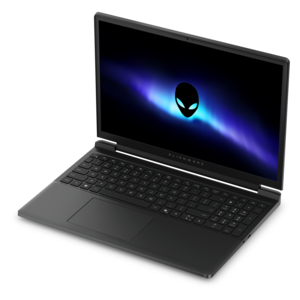
A powerful gaming laptop with Intel Core processors and NVIDIA GeForce RTX graphics for immersive gaming.
A thin, lightweight Copilot+ PC combining powerful Intel® CPU, GPU, and NPU performance for productive multitasking.
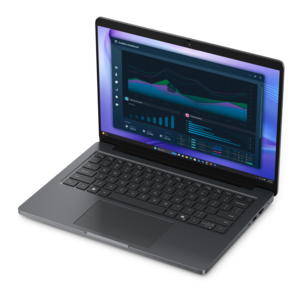
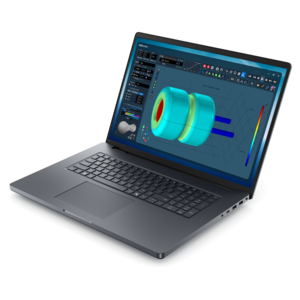
A workstation-class laptop delivering powerful performance in a modern design.
Powerful laptops for engineers are designed to bring demanding technical work into classrooms, offices, laboratories, job sites and home workspaces without tying the user to a desk. The right model can handle large computer-aided design (CAD) assemblies, three-dimensional modeling, product development, architectural visualization, coding environments, engineering simulations and technical documentation with fewer slowdowns during long work sessions. Begin with the processor, since engineering applications often rely on a combination of high clock speeds and multiple cores. A modern multi-core processor helps manage parallel workloads such as finite element analysis (FEA), computational fluid dynamics, compiling software, rendering and running several applications at once, while strong single-core performance keeps everyday modeling and design interactions responsive. For demanding professional workloads, look for a current-generation performance processor with higher power limits rather than an entry-level mobile chip. Memory is equally important. While 16GB may be sufficient for light coursework, 32GB is a more practical starting point for engineering students and professionals, and 64GB or more is helpful for large assemblies, simulation datasets, virtual machines and multitasking across CAD, spreadsheets, reference documents and communication tools. A dedicated professional graphics processor or high-performance discrete GPU can accelerate viewport navigation, photorealistic rendering, visualization and other graphics-intensive tasks. Compatibility with the engineering applications used by a school, studio or employer also matters, so check software requirements and certification information when available. A certified configuration can provide added confidence that important design tools will behave as expected, particularly when precision, stability and repeatable results are part of the daily workflow. For software-focused disciplines, powerful laptops with efficient processors, ample memory and fast solid-state drive capacity can shorten compile times and make it easier to work with development environments, containers and local testing tools. Explore High Performance Laptops for Software Engineering for additional options suited to programming and development-centered work.
Screen quality and physical design have a direct effect on comfort and productivity. A 15- or 16-inch display offers useful room for tool palettes, code, schematics and model views, while a 16:10 aspect ratio provides additional vertical space for timelines, command panels and long documents. A sharp resolution makes fine lines easier to inspect and can reduce the need to zoom repeatedly, especially when reviewing circuit diagrams, mechanical drawings or detailed assemblies. An IPS panel is a dependable choice for clear viewing across a broad range of tasks, while an OLED panel can provide rich contrast and deep blacks for visualization work; color accuracy is especially valuable for engineering teams that collaborate with industrial designers, architects or manufacturing partners. Brightness and anti-glare treatment are worth considering for users who move between an office, lecture hall, workshop and outdoor site. A sturdy chassis, comfortable keyboard and precise touchpad can make a noticeable difference when a laptop is carried between meetings or used for hours beside a drafting table. Pay attention to weight and power requirements as well. Higher-performance components may require a larger power adapter, and a slim laptop may not offer the same sustained performance as a thicker mobile workstation with stronger cooling. Battery life can vary widely according to screen brightness, processor settings, graphics workload and connected accessories, so users who spend time away from an outlet should balance portability with performance. Useful connections may include high-speed USB ports, video output and versatile expansion options for external displays, measurement equipment and other approved accessories. Reliable wireless connectivity is helpful for accessing project files and collaborating with a team, but local copies of essential work should be handled according to the organization’s backup and security practices. A comfortable docking setup can turn a portable laptop into a full desktop-style workspace with a large monitor, keyboard and mouse when the user returns to a home office or lab.
These laptops can serve many kinds of engineers, including mechanical, civil, electrical, aerospace, industrial, environmental and software professionals, as well as students building skills through design projects and laboratory assignments. A mechanical engineering student may use one to develop a part, inspect clearances and prepare manufacturing drawings before presenting a prototype. A civil engineering student might review site plans, analyze structures and move between lecture notes and calculation tools. An electrical engineering student can benefit from a responsive system for circuit design, programming and technical documentation, while an aerospace or automotive team may need the graphics capability to examine complex surfaces and run intensive analysis tools. Software engineers often prioritize processor performance, memory capacity, keyboard comfort and a display that makes code easy to read, with additional attention to operating-system compatibility for their preferred development tools. When choosing among powerful laptops for engineers, consider the applications that will be used most often, the size of current and expected projects, the need for professional graphics, the number of years the laptop should remain useful and whether memory or internal drive capacity can be expanded later. Security features such as a fingerprint reader, facial recognition camera, firmware protections and a privacy shutter can be valuable for people carrying project information between locations. A capable laptop may also be a thoughtful gift for an engineering student, recent graduate, maker or professional who is beginning a new design program, provided the configuration matches the recipient’s field and software requirements. During the warmer and cooler parts of the year alike, engineers may work from a quiet home desk, a shared office or a changing field environment, making a dependable portable computer a practical companion for sketches, calculations, simulations, presentations and the next stage of a project.
Add the products you would like to compare, and quickly determine which is best for your needs.