$1299.99
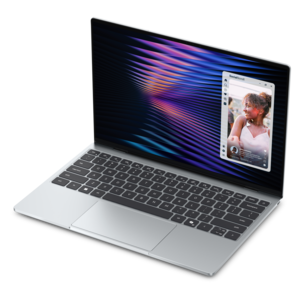
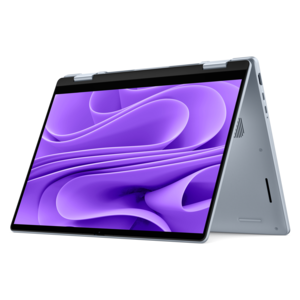
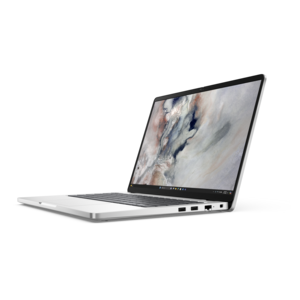
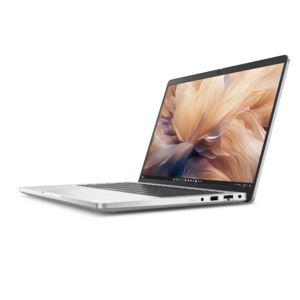
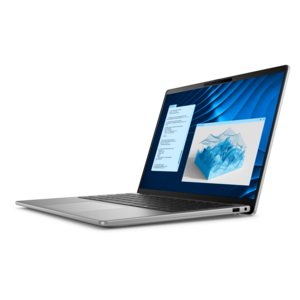
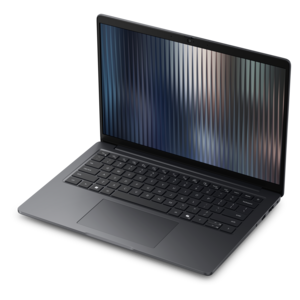
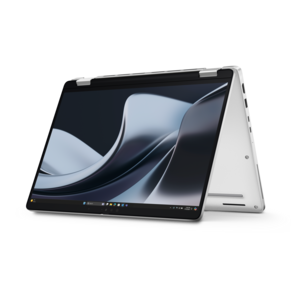
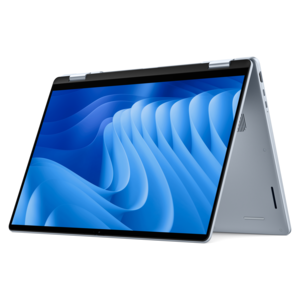
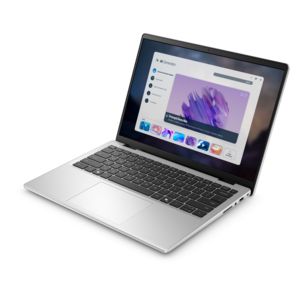
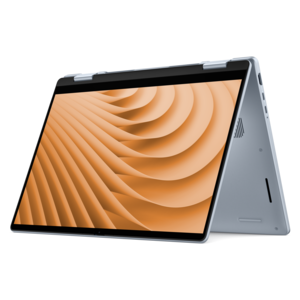
A versatile 2-in-1 laptop designed for AI experiences and seamless multitasking on the go.
Laptops for construction management are essential tools for professionals who need reliable performance both in the office and on the job site. Designed to support project planning, document management, and real-time collaboration, these laptops help streamline workflows and keep projects on track. Explore a range of options built to handle the unique demands of construction management, ensuring you stay productive wherever your work takes you.
A versatile 2-in-1 laptop designed for AI experiences and seamless multitasking on the go.
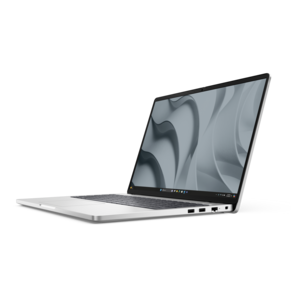
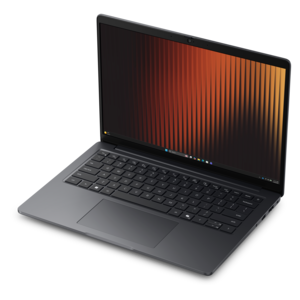
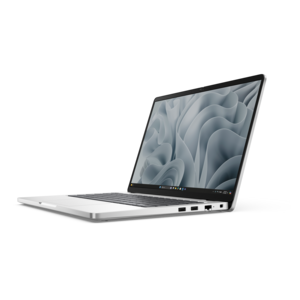
A remarkably thin, lightweight laptop designed for ultimate mobility.
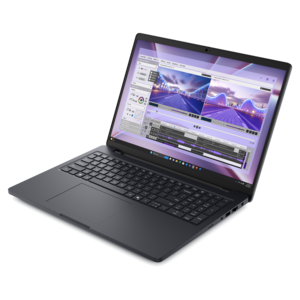
A durable, modular productivity laptop featuring robust security, a 16:10 display, numeric keypad and AI options.
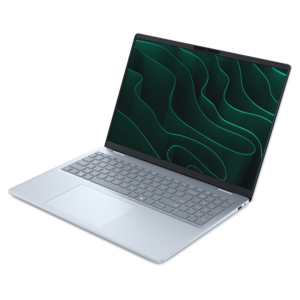
A sleek, portable laptop with an expansive 16:10 display for reliable productivity anywhere.
A slim, lightweight laptop with Intel® Core™ processors and graphics for productive work anywhere.
A modern laptop with AMD Ryzen™ processors delivers effortless productivity and captivating entertainment.
A versatile 2-in-1 laptop with multiple modes, Intel Core processors, and DDR5 memory for mobile creativity.
A sleek laptop powered by AMD Ryzen AI 400, designed for smooth, capable multitasking.
A sleek laptop powered by the latest AMD Ryzen AI 400 Series processors for demanding users.
A versatile 2-in-1 laptop with AI experiences, all-day battery life, and seamless multitasking.
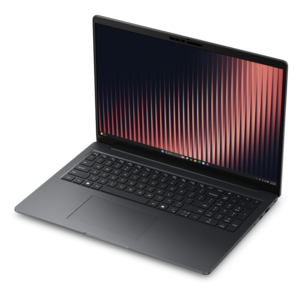
A durable productivity laptop featuring an expansive 16:10 display and convenient numeric keypad.
A sleek laptop with a stylish modern design, built for multitasking and powerful everyday performance.
A lightweight AI-powered laptop with Intel Arc graphics, ideal for creative professionals and small businesses.
A stylish, lightweight AI-powered laptop designed to boost productivity for creatives and small businesses.
A durable, modular laptop with robust security, a spacious display, and optional built-in AI for workdays.
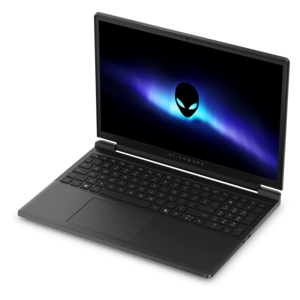
A gaming laptop powered by AMD Ryzen 200 Series processors and NVIDIA GeForce RTX laptop graphics.
A durable, lightweight business laptop powered by AMD Ryzen processors with commercial-grade security and manageability.
A durable, lightweight business laptop powered by AMD Ryzen processors with commercial-grade security and manageability.
A sleek aluminum commercial AI PC with robust security, scalable performance, and flexible laptop-or-tablet versatility.
A professional laptop delivering powerful on-device AI, impressive unplugged performance, and groundbreaking battery life.
A durable, reliable business laptop offering commercial-grade security, manageability, and everyday productivity in a lightweight design.
A secure, scalable commercial AI laptop featuring a durable aluminum design and productivity-focused display.
A durable modular laptop with robust security, a spacious display, and optional built-in AI for workdays.
A versatile 2-in-1 laptop with built-in AI and a spacious display for creative work.
Laptops for construction management support the work that happens between the drawing set, the project schedule, and the jobsite. A project manager may spend the morning comparing subcontractor estimates, open a revised floor plan during a coordination meeting, and finish the afternoon documenting a change before the next crew arrives. The right laptop keeps those tasks moving without adding unnecessary weight to an already full work bag. Performance requirements depend on the actual workload: email, scheduling, spreadsheets, and browser-based project tracking generally need fewer resources than computer-aided design, building information modeling, or detailed visualization. For administrative work and moderate multitasking, 16 GB of memory can be sufficient when it meets the applications’ requirements. For larger drawing sets, several demanding applications open together, or regular model review, 32 GB provides more room to work; complex models and substantial point-cloud files may benefit from 64 GB or more. A modern processor with strong single-core performance helps with many everyday design and documentation tasks, while additional processor cores can benefit applications built to use them. Dedicated graphics are useful for intensive 3D work, but they are not automatically necessary for every construction manager. Graphics memory, driver support, and software compatibility matter as much as the presence of a separate graphics processor. Solid-state storage helps applications launch and large project files open promptly, while capacity needs depend on how much information stays on the laptop. A 512 GB drive may suit work centered on shared online documents, whereas 1 TB or more gives additional space for local drawings, progress photos, and project archives. Estimators, superintendents, construction coordinators, and owner representatives often use the same kinds of files in different ways, so a laptop’s specifications should reflect those differences. A machine used mainly to annotate plans in a site trailer has a different job from one expected to navigate a detailed building model during a live coordination session.
Life around a construction site also puts the screen, chassis, and keyboard under scrutiny. A display that looks comfortable in a quiet office can become difficult to read beside an open trailer door or beneath temporary lighting. Higher brightness and an anti-glare finish can improve visibility, although even a bright screen may struggle in direct sunlight. Resolution affects how clearly small dimensions, drawing notes, and spreadsheet figures appear, while screen size influences both working space and portability. A 14-inch laptop can be easier to carry between floors, while a 16-inch screen can make side-by-side documents more comfortable to review. Scaling settings matter, too: fitting an entire sheet onscreen is less useful when the annotations become too small to read. For someone entering quantities or tracking costs throughout the day, a comfortable keyboard and an integrated numeric keypad can be valuable. Touch input may simplify quick markups, but accurate pen input requires compatible hardware, and not every touchscreen works well with gloves. Construction and materials deserve similar attention. Aluminum and magnesium-alloy housings can provide stiffness, while reinforced polymer designs may offer other durability advantages; material alone does not establish resistance to impacts, moisture, or dust. Hinge design, corner protection, port covers, and documented testing provide more meaningful context. A laptop described as rugged should be evaluated against its stated test conditions and any ingress-protection rating rather than assumed to withstand every jobsite hazard. Ordinary business laptops still need protection from concrete dust, rain, vibration, and accidental knocks. A padded sleeve or fitted carrying case helps during transport, and a clean, stable surface keeps vents away from loose debris. Routine care includes shutting the laptop down before cleaning, following the manufacturer’s cleaning directions, and keeping liquids away from openings. Leaving a computer inside a hot vehicle or using it where airborne grit can enter the cooling system adds avoidable stress. Durability is most useful when it matches the environment and is supported by sensible daily handling.
The transition from fieldwork to desk work is another important part of choosing a construction management laptop. Back at the office, an external monitor can make a full drawing sheet easier to inspect, while a second screen leaves space for correspondence, specifications, or a running list of requests for information. Connection options should support the displays, peripherals, and charging setup involved. A USB-C port does not necessarily support every display or charging function, so its documented capabilities matter when connecting a dock or monitor. Battery expectations also need to reflect real working conditions. Reviewing documents at moderate brightness uses power differently from navigating a 3D model with a bright display during a video meeting. Manufacturer battery estimates may not represent that heavier workload, and access to a suitable charger can matter more than a headline runtime on long days. Built-in cellular connectivity, where supported, may help away from dependable Wi-Fi, but service coverage and a compatible plan are still necessary. Offline access is particularly useful in unfinished buildings: locally accessible plans and forms allow work to continue, provided revisions are synchronized and clearly identified once a connection returns. Security features such as biometric sign-in, device encryption, and supported operating-system updates help protect contracts, employee information, and project records when correctly configured. A clear backup routine reduces the risk of losing site photos or notes if a laptop is damaged. For students preparing to enter construction technology or related technical fields, Laptops For Computer Engineering Students offers a related category to explore where coursework also involves programming, modeling, and demanding applications. Across professional and academic use, operating-system compatibility, published application requirements, and any relevant hardware certifications are more useful than specifications viewed in isolation. The strongest fit is a laptop that handles the required files comfortably, stays practical to carry, and provides a readable, dependable workspace wherever the project takes shape.
Add the products you would like to compare, and quickly determine which is best for your needs.