Laptops for Educational Technology

Explore laptops for educational technology with coursework, lesson planning, and online learning in mind. Compare performance, portability, and connectivity, and check your educational software’s system requirements to choose a laptop that fits your classroom or study routine.

Filters

$570.00

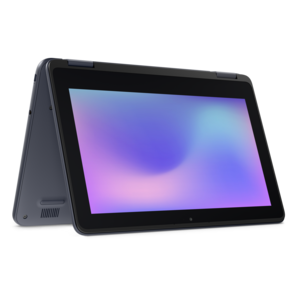
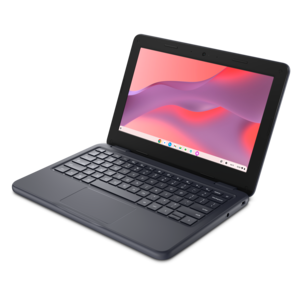
A durable, serviceable Chromebook designed specifically for education environments.

$570
$971.00

A durable, serviceable laptop designed specifically for demanding education environments.

$971
$852.00

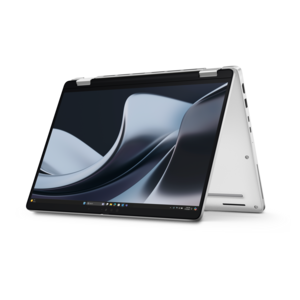
A durable, serviceable laptop or 2-in-1 designed specifically for demanding education environments.

$852
$620.00

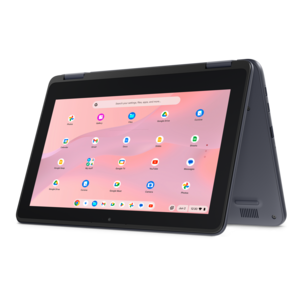
A durable, serviceable Chromebook laptop or 2-in-1 designed specifically for K–12 learning environments.

$620
$670.00

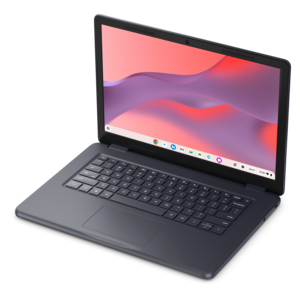
A durable, serviceable Chromebook designed specifically for education environments.

$670
$2005.00

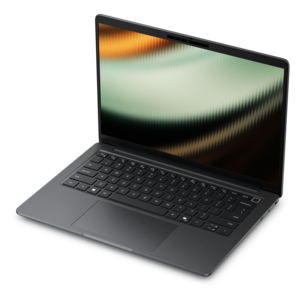
A remarkably thin laptop powered by AMD Ryzen AI PRO 400 Series processors for professional performance.

$2005
$590.00

A durable, serviceable Chromebook laptop or 2-in-1 designed specifically for K-12 learning environments.

$590
$2795.00

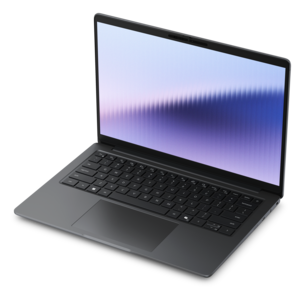
A commercial AI laptop with a durable aluminum body, roomy 14-inch display, security, and scalability.

$2795
$2193.00

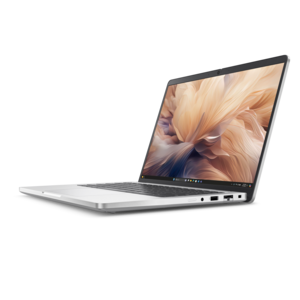
A remarkably thin laptop delivering portable performance with Series 3 Intel Core Ultra processors.

$2193
$2094.00

A commercial AI laptop with advanced security, scalability, and a sleek, durable aluminum body for productivity.

$2094
$699.99

A thin, lightweight laptop crafted from eco-friendly materials with Series 3 Intel Core processors for productivity.

$699.99
$2766.00

A thin laptop combining portability and performance, powered by Series 3 Intel Core Ultra processors.

$2766
$998.00

A portable laptop with a sleek design, 16:10 display, and AI PC options for productivity anywhere.

$998
$879.99

A versatile 2-in-1 laptop with Intel Core processors, DDR5 memory, and multiple modes for creative work.

$879.99
$629.99

A laptop featuring an FHD camera, enlarged ergonomic keyboard, and AMD Ryzen™ processing.

$629.99
$1339.99

A versatile 2-in-1 laptop with AI experiences, all-day battery life, and seamless multitasking.

$1339.99
$1249.99

A lightweight AI-powered laptop designed for creative professionals and small businesses.

$1249.99
$1099.99

A slim, lightweight laptop with Intel® Core™ processors and graphics for productive work anywhere.

$1099.99
$2287.00

A lightweight AI PC delivering outstanding performance and battery life for highly mobile professionals.

$2287
$1249.99

An AI-ready laptop with a spacious display, designed for creators and developers seeking high performance.

$1249.99
$849.99

A thin, lightweight laptop made with eco-friendly materials and Series 3 Intel Core processors for productivity.

$849.99
$1109.99

A versatile 2-in-1 laptop designed for AI experiences and seamless multitasking on the go.

$1109.99
$1067.00

A sleek, portable laptop with an expansive 16:10 display for reliable productivity anywhere.

$1067
$799.99

A modern laptop powered by AMD Ryzen™ processors for effortless productivity and captivating entertainment.

$799.99

Laptops for Educational Technology

Laptops for educational technology support the everyday work of learning and teaching, from opening digital textbooks and submitting assignments to presenting lessons, writing code, and collaborating on group projects. The right fit depends on the student’s age, the school’s software requirements, and the work the laptop needs to handle throughout the day. For elementary and middle school students, manageable size, straightforward controls, and a durable design can matter more than advanced computing power. High school and college students may need greater flexibility for research, presentations, virtual classes, and subject-specific applications. Teachers and instructional staff often move between lesson planning, attendance tools, video meetings, and classroom displays, making comfortable multitasking and reliable connections especially useful. Compatibility with required applications is an important starting point: a browser-based learning platform has different requirements from engineering software, video editing tools, or a desktop application used for supervised exams. Some programs require a particular operating system, processor type, or graphics capability, so those requirements help define a suitable laptop before screen size or appearance enters the picture. For lighter browser-based assignments, 8 GB of memory may be sufficient, depending on the applications involved; 16 GB provides more flexibility for multiple documents, research tabs, and video calls running together. More demanding creative or technical coursework may call for additional memory and stronger processing or graphics capabilities. Integrated graphics can handle many everyday educational tasks, while certain design, animation, and simulation applications benefit from dedicated graphics. Enough room for downloaded course materials, project files, and required applications also matters, particularly when an internet connection is not always dependable. A conventional laptop offers a familiar keyboard-centered workspace, while a convertible design with a supported touchscreen and pen can accommodate handwritten equations, diagram annotations, and sketches. Pen compatibility varies, and a touchscreen alone does not guarantee support for the tools a particular class uses. These distinctions make educational laptops useful across a wide range of learning environments without assuming that every student or classroom needs the same configuration.

Physical fit becomes noticeable during an ordinary school day: the walk between buildings, a crowded desk, an hour of typing notes, or an afternoon spent reading journal articles. A laptop with a 13- or 14-inch display can be easier to carry between classes, while a 15- or 16-inch screen offers more room for spreadsheets, side-by-side documents, and detailed visual work. Overall dimensions and weight matter alongside screen size, especially when the laptop shares a backpack with books, a lunch container, and a charger. A keyboard with comfortable spacing and clear feedback supports longer writing sessions, and a responsive touchpad helps when a separate mouse is impractical. Display resolution, brightness, and glare control affect how clearly text and diagrams appear under classroom lights or beside a library window. Adjustable text size and built-in accessibility tools can be just as important as display dimensions for an individual learner. Construction deserves similar attention. Metal housings can provide a rigid feel, while well-designed reinforced plastic housings may offer practical durability without unnecessary weight; material alone does not establish how well a laptop will withstand daily use. Hinge construction, a stable base, and documented durability testing provide more meaningful context. Spill-resistant keyboards or reinforced corners, when specified, add protection against particular classroom mishaps but do not make a device waterproof or damage-proof. Battery life is another practical consideration, although actual runtime changes with brightness, application demands, wireless activity, and battery condition. Comparing published battery tests is most useful when the test conditions resemble the intended schoolwork. Charging connections also deserve attention, since not every USB-C port supports charging or external video. Clear microphones, usable speakers, and a well-positioned webcam help with remote instruction, recorded presentations, and conversations with classmates. A physical camera shutter, where included, provides a simple way to cover the lens between calls. Together, these details shape how naturally a laptop fits into a school routine.

Educational use also extends beyond the laptop itself. Connections for a classroom display, headphones, a mouse, or an external monitor can support different ways of working, whether a student is presenting a science project or a teacher is preparing tomorrow’s lesson at a desk. The necessary ports and adapter support depend on the equipment involved, and a wired headset can be useful for keeping spoken instructions clear in a shared room. Students whose coursework moves into programming, computer-aided design, or other specialized subjects may find additional context in Laptops for Tech Students, with course requirements remaining the clearest reference for computing needs. For school-managed devices, compatibility with the institution’s account setup, accessibility tools, and device policies matters as much as individual preferences. Security features such as supported biometric sign-in can make access convenient, but strong passwords, software updates, and careful handling of shared files remain important. Everyday care helps preserve both function and appearance: a padded sleeve protects against contact with books and other belongings, while a properly fitted backpack compartment limits movement during travel. Laptops need clear ventilation during use, so a hard, stable surface is preferable to bedding or a soft cushion that can block airflow. Cleaning should follow the manufacturer’s directions, using suitable materials and keeping liquid away from openings. Carrying the device with its lid closed, keeping drinks separate, and avoiding pressure on the display are simple habits that reduce avoidable damage. Regular backups through school-approved methods help protect assignments if a laptop is lost or needs repair. When a laptop is intended as a graduation gift or for a student starting a new program, confirming required software, preferred screen size, and any accessibility needs makes the choice more personal and practical. A thoughtfully matched educational laptop supports the tasks that recur every week: reading closely, taking notes, completing projects, communicating clearly, and carrying work from the classroom to home.

FAQs:

Add the products you would like to compare, and quickly determine which is best for your needs.
Add the products you would like to compare, and quickly determine which is best for your needs.