$2399.99
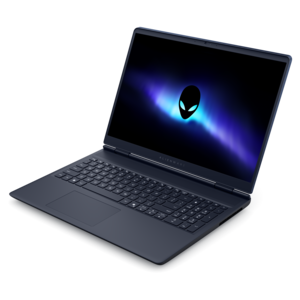
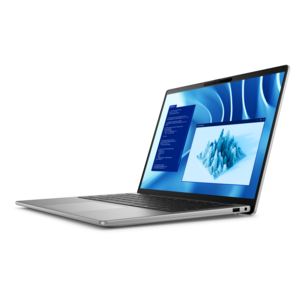
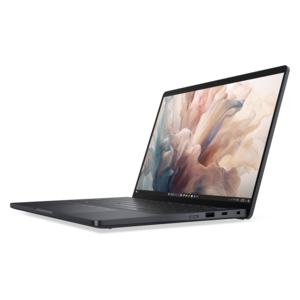
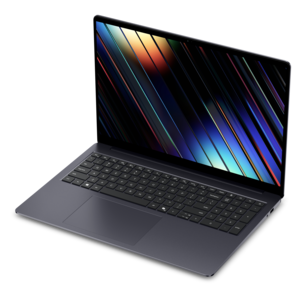
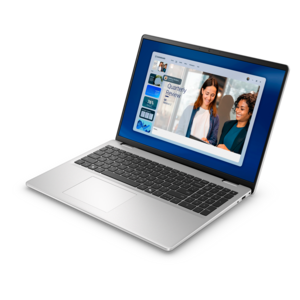
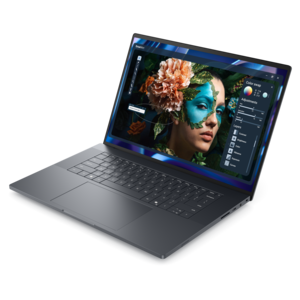
A thin, high-performance 16-inch laptop with exceptional battery life, designed for creators.
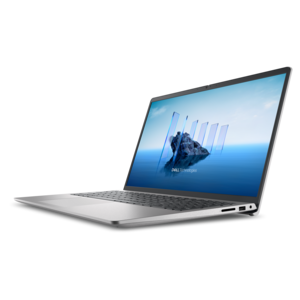
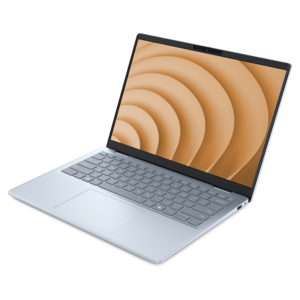
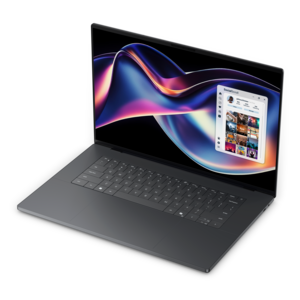
Browse laptops for game design students and compare options for coding, 3D modeling, and game development coursework. Check processor, graphics, RAM, and storage specifications against your course software requirements, then consider screen size and portability for working on projects and carrying your laptop between classes.
A thin, high-performance 16-inch laptop with exceptional battery life, designed for creators.
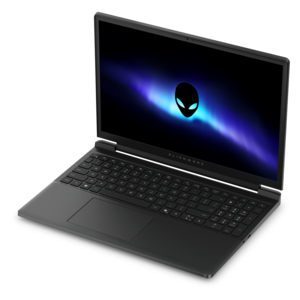
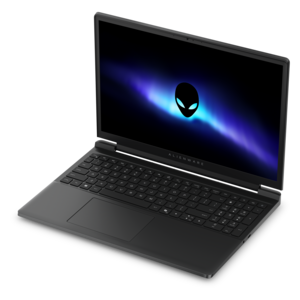
A streamlined gaming laptop delivering essential performance with up to NVIDIA GeForce RTX 50 Series graphics.
A streamlined gaming laptop powered by AMD Ryzen 200 Series processors and NVIDIA GeForce RTX graphics.
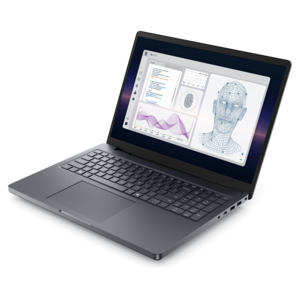
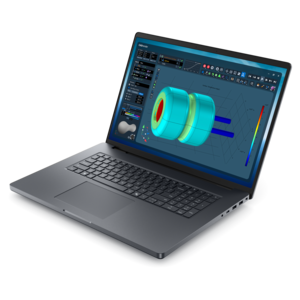
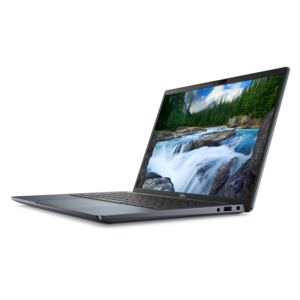
A powerful professional laptop delivering productivity, scalability, ease of use, and advanced on-device AI.
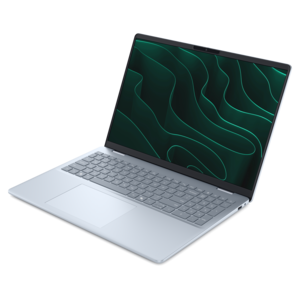
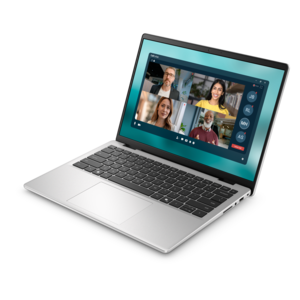
A stylish laptop with built-in AI and a spacious display for creators and developers.
A premium laptop delivering powerful on-device AI, game-changing unplugged performance, and outstanding battery life.
A powerful gaming laptop with Intel Core processors and NVIDIA GeForce RTX graphics for immersive gaming.
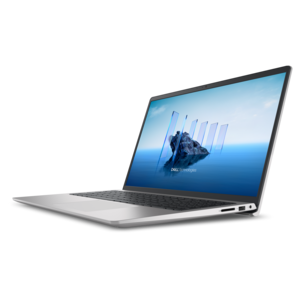
An AI-powered laptop with a spacious display and Intel Arc graphics for creators and developers.
A thin, lightweight laptop crafted from eco-friendly materials with Series 3 Intel Core processors for productivity.
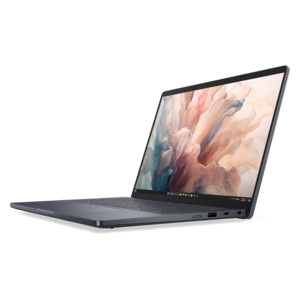
A portable laptop with a sleek design, 16:10 display, and AI PC options for productivity anywhere.
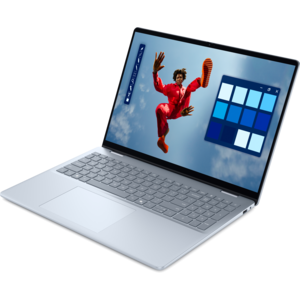
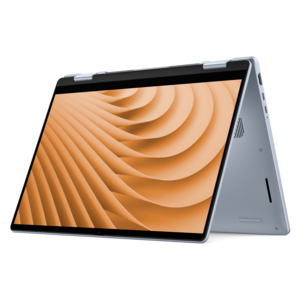
A versatile 2-in-1 laptop with Intel Core processors, DDR5 memory, and multiple modes for creative work.
A versatile 2-in-1 laptop with AI experiences, all-day battery life, and seamless multitasking.
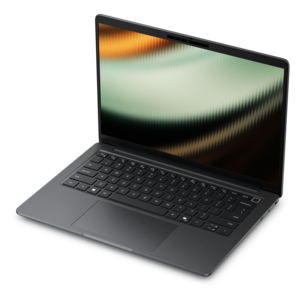
A slim, lightweight laptop with Intel® Core™ processors and graphics for productive work anywhere.
A lightweight AI PC delivering outstanding performance and battery life for highly mobile professionals.
A sleek laptop delivering smooth AI experiences and accelerated creative workflows for demanding high-performance users.
A thin, lightweight laptop made with eco-friendly materials and Series 3 Intel Core processors for productivity.
A powerful productivity laptop with scalable performance and advanced on-device AI capabilities.
A versatile 2-in-1 laptop designed for AI experiences and seamless multitasking on the go.
A remarkably thin laptop powered by AMD Ryzen AI PRO 400 Series processors for professional performance.
A premium laptop featuring QHD+ resolution, ComfortView Plus, built-in AI, and an Intel vPro platform.
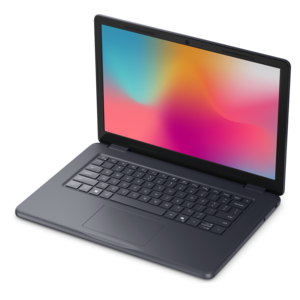
A durable, serviceable laptop designed specifically for demanding education environments.
A modern laptop with AMD Ryzen™ processors delivers effortless productivity and captivating entertainment.
A sleek, portable laptop with an expansive 16:10 display for reliable productivity anywhere.
An AI-powered tablet with optional keyboard, active pen, advanced thermals, HDR cameras, and Intel Core Ultra.
Laptops for game design students support a mix of creative work, programming, and real-time testing, often within the same afternoon. A typical project might move from a rough character sketch to a textured 3D model, then into an interactive scene with lighting, animation, sound, and playable controls. For many student workflows, a modern multicore processor, at least 16 GB of memory, and solid-state storage provide a practical starting point. More demanding 3D projects often benefit from 32 GB of memory and dedicated graphics, especially when several creative applications stay open alongside a game engine. The processor handles tasks such as compiling code, building project files, and running simulations, while the graphics processor draws complex scenes and supports responsive movement through a 3D workspace. Graphics memory also matters as environments gain detailed textures, larger assets, and more elaborate visual effects. Students focused on 2D games, narrative design, or introductory programming may have less demanding graphics needs than classmates building expansive 3D environments. Integrated graphics can suit some lighter assignments, provided the laptop meets the requirements of the software used in class. Those requirements are an important reference because engine versions, rendering features, and course expectations can change. Storage needs grow quickly, too: project folders may contain source artwork, recorded audio, multiple builds, and earlier versions kept for comparison. A 512 GB solid-state drive can accommodate a modest collection of coursework, while 1 TB offers more room for large applications and developing projects. Fast storage helps applications launch and assets load, though it does not replace sufficient memory or graphics performance. The most useful configuration reflects the work a student expects to create, from a small puzzle prototype to a final-year project with animated characters and detailed environments. Consistent performance during a long editing session can matter more than an impressive specification considered on its own.
The screen and physical design shape how comfortable that work feels day after day. A 14-inch laptop can fit more easily on a crowded classroom desk or inside a backpack, while a 15- or 16-inch display offers more space for timelines, scene views, code, and tool panels. Higher resolution can make text and fine visual details appear sharper, although screen size and interface scaling affect how much usable workspace is available. For students creating textures, interface artwork, or promotional images for a class project, color accuracy and coverage of the color space used for the assignment deserve attention. A fast refresh rate can make motion look smoother during testing, but it is not a substitute for accurate color or sufficient graphics performance. Students whose coursework also includes illustration, typography, and visual communication may find related context in Best Laptops For Graphic Design Students. Outside the display, a comfortable keyboard helps during long stretches of scripting, documentation, and written feedback. Clear key markings, a useful layout, and a responsive touchpad are small details that become noticeable after hours of work. An external mouse often gives finer control when positioning objects or adjusting a camera inside a scene, and an external monitor can spread reference images and editing tools across a larger workspace. Connections matter in those everyday setups: students may need ports for a mouse, drawing tablet, external drive, headphones, or classroom display. USB-C connections differ in their support for charging and video output, so the capabilities of each port matter as much as its shape. A usable webcam and microphone also support remote critiques, group planning, and presentations. Together, these features help a laptop move between individual creative work and the collaborative routines of a game design course, where sharing a screen and explaining a design decision can be as important as building the scene itself.
Portability means considering the complete load carried between a residence hall, studio, library, and classroom, including the power adapter and any accessories. A lighter chassis is easier to carry, while a larger design may have more room for cooling components; neither size alone guarantees better performance or durability. Metal and reinforced plastic housings can both work well for student use, depending on their construction, hinge design, and resistance to flex. A properly fitted padded sleeve helps protect the laptop from bumps in a backpack, especially when books, cables, and a mouse share the same compartment. Keeping drinks away from the keyboard and following the manufacturer’s cleaning instructions can help preserve the finish and working surfaces. Vents need clear space on a firm surface, particularly during rendering, compiling, or extended playtesting. Those demanding tasks generate heat, and cooling performance influences how consistently a laptop can sustain its workload. Fan noise may also be noticeable in a quiet classroom or recording session. Battery life varies with screen brightness, applications, and power settings, so light note-taking and intensive 3D development should not be expected to deliver the same unplugged runtime. Many high-performance laptops provide their strongest sustained performance when connected to power. For students working through several years of increasingly complex assignments, memory and storage expansion can be useful, but upgrade options vary by design and should be checked rather than assumed. Regular backups are equally important: an external drive or another approved backup location helps protect work beyond the copy stored on the laptop. These practical details support the realities of student development, from revising a level after an instructor’s critique to preparing a playable build for a portfolio review. A well-suited laptop gives an aspiring designer room to experiment, make changes, and carry a project from its first rough concept to a finished presentation.
Add the products you would like to compare, and quickly determine which is best for your needs.