$570.00
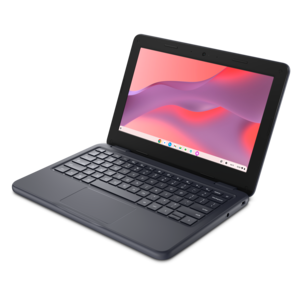
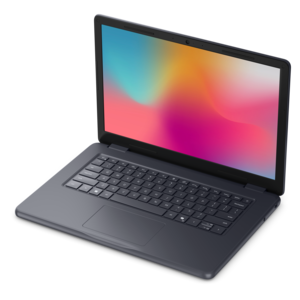
A durable, serviceable Chromebook designed specifically for education environments.
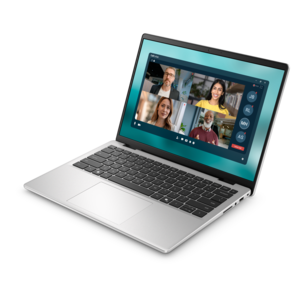
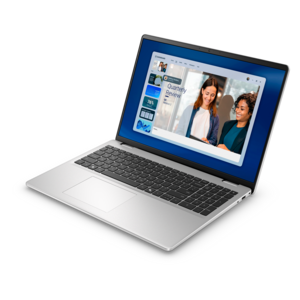
Enhance your virtual collaboration with laptops for Microsoft Teams, designed to help you stay connected and productive wherever you work. Whether you’re joining video meetings, sharing files, or chatting with colleagues, the right laptop can make all the difference in your daily workflow. Explore a wide range of options optimized for seamless communication and reliable performance, so you can focus on what matters most—getting the job done efficiently. Find the perfect match for your Microsoft Teams experience and take your productivity to the next level.
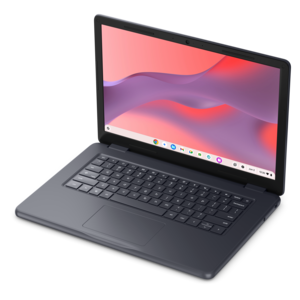
A durable, serviceable Chromebook designed specifically for education environments.
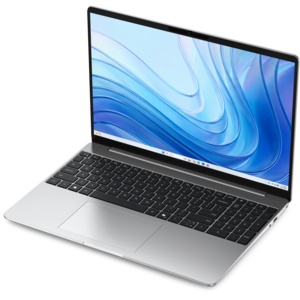
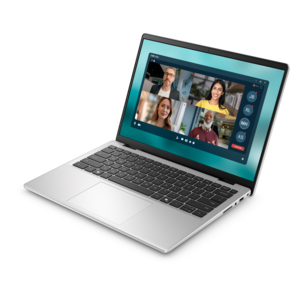
A laptop featuring an FHD camera, enlarged ergonomic keyboard, and AMD Ryzen™ processing.
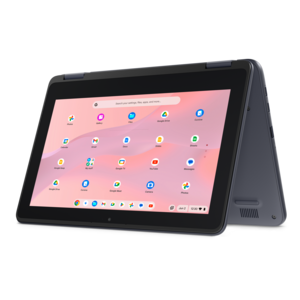
A durable, serviceable laptop or 2-in-1 designed specifically for K-12 learning environments.
A durable, serviceable Chromebook laptop or 2-in-1 designed specifically for K–12 environments.
A durable, serviceable Chromebook designed specifically for education environments.
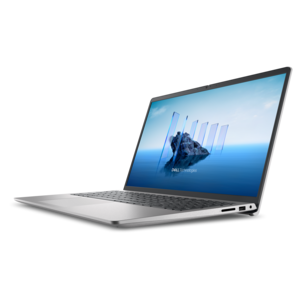
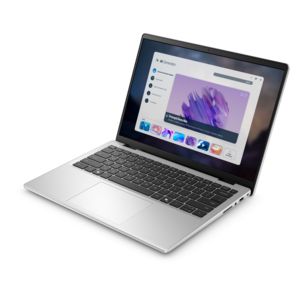
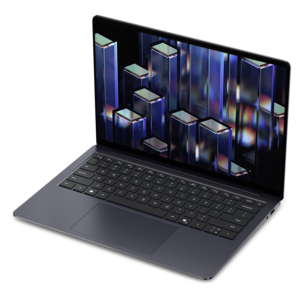
A thin, lightweight laptop crafted from eco-friendly materials with Series 3 Intel Core processors for productivity.
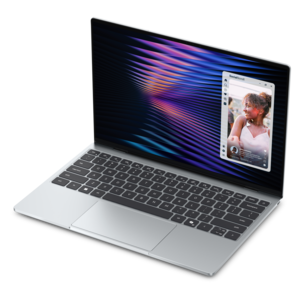
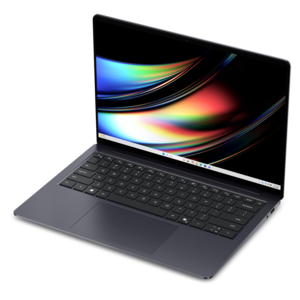
A remarkably thin, lightweight laptop designed for ultimate mobility and effortless everyday productivity.
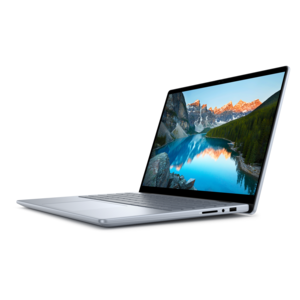
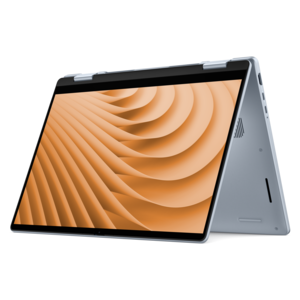
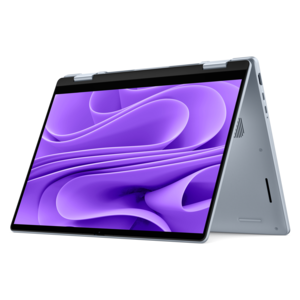
A versatile 2-in-1 laptop with Intel Core processors, DDR5 memory, and multiple modes for creative work.
A laptop featuring an FHD camera, enlarged ergonomic keyboard, and Intel 13th Gen processors.
A durable, serviceable laptop designed specifically for demanding education environments.
A portable laptop with a sleek design, 16:10 display, and AI PC options for productivity anywhere.
A durable productivity laptop featuring an expansive 16:10 display and convenient numeric keypad.
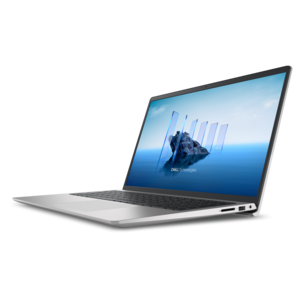
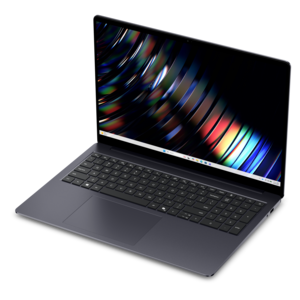
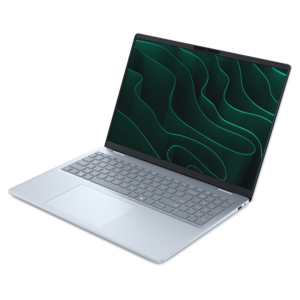
A sleek, portable laptop with an expansive 16:10 display for reliable productivity anywhere.
A slim, lightweight laptop with Intel® Core™ processors and graphics for productive work anywhere.
A modern laptop with AMD Ryzen™ processors delivers effortless productivity and captivating entertainment.
A streamlined gaming laptop powered by AMD Ryzen 200 Series processors and NVIDIA GeForce RTX graphics.
A modern laptop with Intel® Core™ processors and graphics for effortless productivity and captivating entertainment.
A lightweight AI-powered laptop designed for creative professionals and small businesses.
A sleek laptop with a stylish design, delivering powerful performance for modern multitasking.
A sleek laptop powered by the latest AMD Ryzen™ AI 400 Series processors for demanding users.
A versatile 2-in-1 laptop designed for AI experiences and seamless multitasking on the go.
A sleek laptop powered by AMD Ryzen AI 400, designed for smooth, capable multitasking.
A versatile 2-in-1 laptop with AI experiences, all-day battery life, and seamless multitasking.
Laptops for Microsoft Teams support the everyday rhythm of video meetings, shared documents, quick messages, and focused work between calls. A well-suited laptop keeps a presentation readable, voices clear, and essential applications responsive without making every meeting feel like a test of the hardware. For everyday collaboration, a modern multicore processor and 8GB of memory can provide a practical starting point, while 16GB offers more headroom for video calls alongside browser tabs, spreadsheets, and other work applications. These are general selection considerations rather than official minimum requirements; performance also depends on the operating system, application version, background tasks, and the work being done. People who regularly combine meetings with large datasets, design applications, or other demanding software may benefit from additional memory and processing power. A solid-state drive helps applications open promptly and keeps routine file access responsive, although it cannot compensate for an unreliable internet connection. Camera quality matters just as much as computing performance when coworkers see the laptop’s image every day. A 1080p webcam can provide a more detailed picture than a lower-resolution camera, but lens quality, exposure control, and room lighting also affect the result. A face lit by a nearby window generally looks clearer than one silhouetted against it. Built-in microphones with noise-reduction features can help make speech easier to understand, though a headset remains useful in shared rooms or busy offices. Speakers should reproduce voices clearly at a comfortable volume, and a physical camera shutter provides a simple way to cover the lens between meetings. Together, these features suit remote employees, consultants, educators, students, and small-business owners who need one portable computer for conversations and the work those conversations generate. Compatibility with current software requirements and any employer or school security policies is especially important when the laptop will be used to access managed accounts or confidential information.
Screen size, keyboard comfort, and portability shape how naturally a laptop fits into a working day. A compact 13- or 14-inch design is easier to carry between home, an office, and a client location, while a 15- or 16-inch screen gives shared presentations and side-by-side documents more breathing room. Display resolution and scaling work together: text needs to remain comfortably readable rather than simply fitting more information into a small space. An anti-glare finish can reduce distracting reflections under overhead lights, and useful brightness adjustment helps a screen feel comfortable as daylight changes. A taller display can show more of a document or conversation at once, while an external monitor can provide a larger workspace at a regular desk. The most comfortable physical fit also depends on the keyboard layout, key spacing, touchpad responsiveness, and the room available on a desk or small table. Someone taking notes through a lengthy planning session may notice these details more than a minor difference in processor speed. Touchscreen and convertible designs can suit handwritten annotations, collaborative sketches, or reviewing documents away from a desk, but they are optional rather than essential for meetings. Battery endurance deserves particular attention because video calls use the camera, microphone, processor, and wireless connection together. Published battery figures may reflect lighter activities, so a long advertised runtime should not be treated as a promise of equally long meeting time. Charging options matter, too: a compatible USB-C charger or dock can simplify the transition from a home workspace to an office, provided the laptop supports the required charging wattage and display functions. Ports for a headset, external camera, monitor, or other accessories help the computer fit existing equipment. For routines that alternate between a dedicated desk and shared spaces, Laptops for Remote Teams and Hybrid Work Environments offer a related way to consider portability, connection options, and everyday collaboration needs.
Materials, construction, and care influence how well a laptop handles repeated travel and daily use. Aluminum housings can feel rigid and substantial, while well-constructed reinforced plastic designs can balance weight with resilience; the material alone does not establish durability. A stable hinge, limited flex around the keyboard, and a lid that protects the display are useful qualities in a computer opened and closed several times a day. Frequent commuters benefit from considering the combined weight of the laptop, charger, protective sleeve, and accessories rather than the computer’s weight in isolation. A padded compartment helps prevent contact with keys and other hard objects, and carrying the laptop closed reduces the chance of strain on the screen or hinges. At home, a firm surface keeps ventilation openings clear during long calls. Soft bedding or a thick cushion can obstruct airflow, increasing heat and potentially affecting sustained performance. Regular cleaning with a soft microfiber cloth helps keep the screen and camera lens clear; any cleaning solution should follow the manufacturer’s instructions and should not be sprayed directly onto the device. Small habits make a noticeable difference during meetings: placing the camera near eye level creates a more natural view, and using a separate keyboard and mouse makes an elevated laptop easier to operate. Headphones can reduce distractions and help keep conversations private, though sensitive discussions still call for an appropriate setting. Fingerprint readers or compatible face sign-in features can make secure access more convenient, while timely operating system and application updates support compatibility and security. A dependable wireless connection remains part of the experience, and a supported wired connection may be useful at a fixed desk when wireless reception is inconsistent. These practical details matter for a new employee joining daily standups, a graduate beginning remote coursework, or an independent professional meeting clients from a home office. As a gift for someone starting a job or educational program, a laptop is most useful when its operating system, physical size, and capabilities match that person’s requirements. The strongest fit is a machine that supports clear communication while remaining comfortable and capable throughout the rest of the day.
Add the products you would like to compare, and quickly determine which is best for your needs.