$74.99
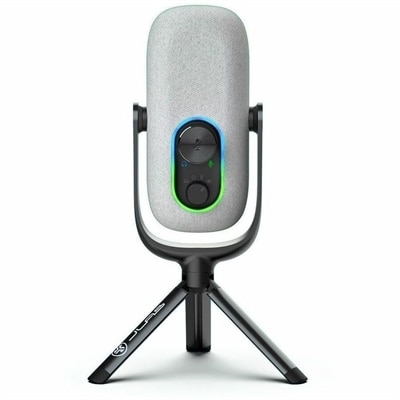
A Microsoft Teams-certified speakerphone delivering rich, clear sound for intelligent, convenient communication.
Enhance your collaboration and productivity with Microsoft Teams devices designed to support seamless communication in any workspace. Discover a wide range of solutions tailored for meetings, calls, and teamwork, whether you’re at the office or working remotely. Find the right Microsoft Teams devices to help streamline your workflow and keep your team connected efficiently.
A Microsoft Teams-certified speakerphone delivering rich, clear sound for intelligent, convenient communication.
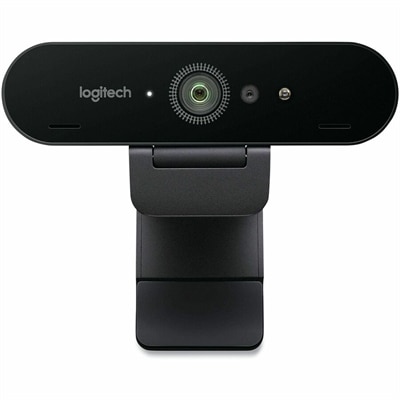
A professional 4K webcam with autofocus, Windows Hello biometrics, RightLight 3 correction, and Microsoft Teams compatibility.
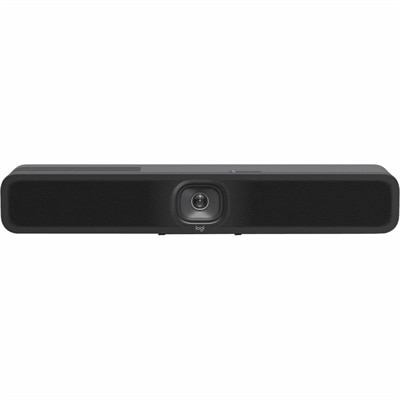
An AI-powered USB conference camera with intelligent audio, video features, flexible mounting, and BYOD compatibility.
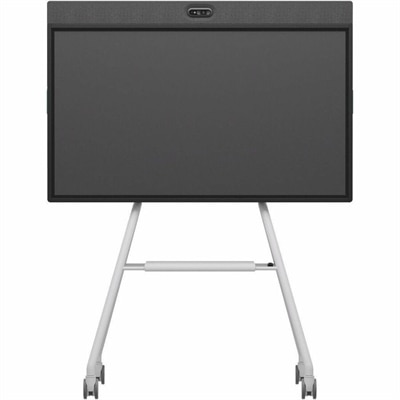
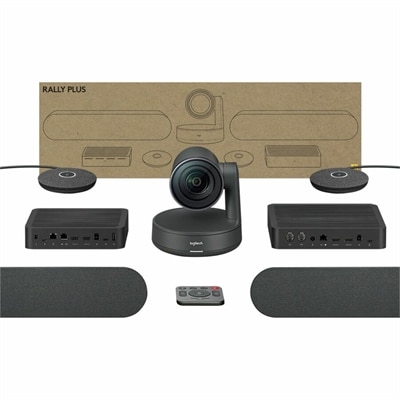
An all-in-one mobile conferencing system with touchscreen collaboration, AI-powered audio/video, recycled plastic, and lockable cart.
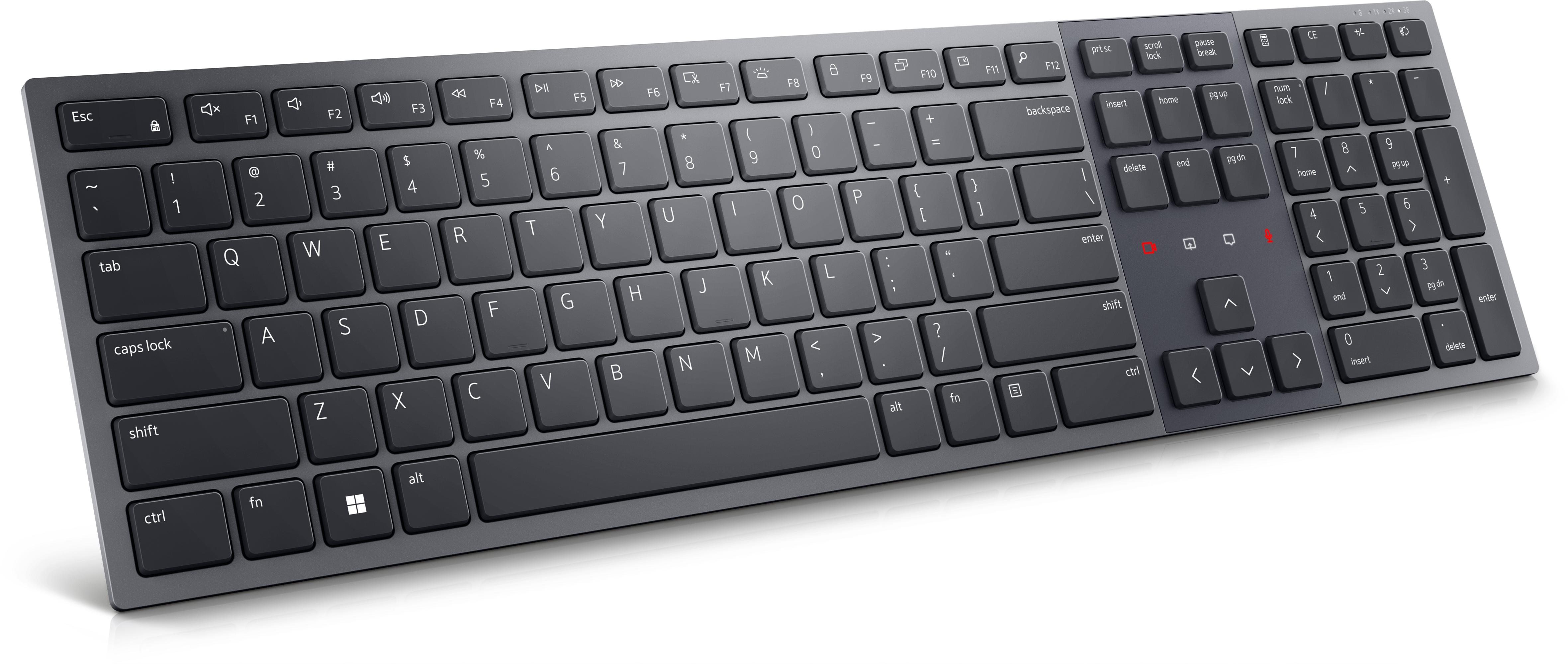
A Zoom-certified rechargeable keyboard designed for seamless collaboration, enhanced productivity, and all-day typing comfort.
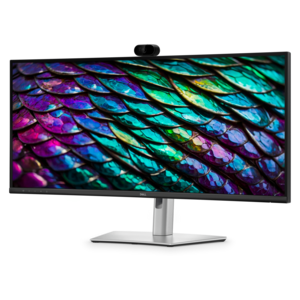
A curved WQHD IPS conferencing monitor with built-in webcam, speakers, microphone, and USB-C hub.
A purpose-built conferencing appliance supporting Zoom Rooms and Teams Rooms with USB cameras and HD displays.
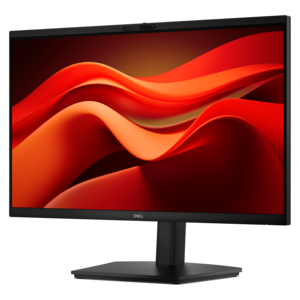
A Full HD conferencing monitor with built-in webcam, speakers, and microphone for seamless everyday collaboration.
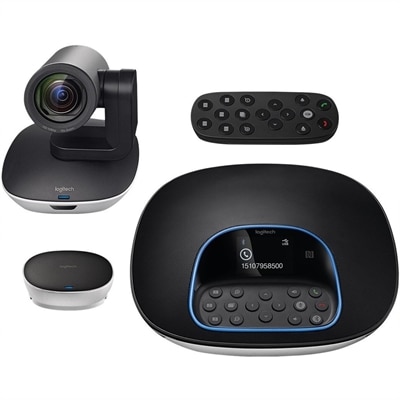
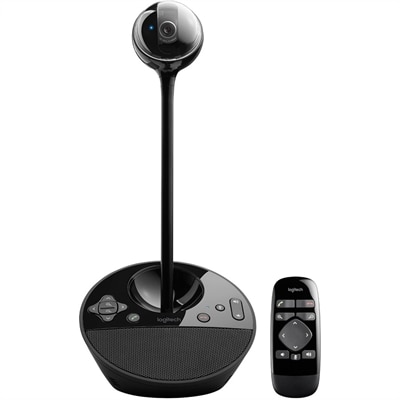
A plug-and-play conferencing system delivering 1080p video, 90-degree viewing, 10X zoom, and clear audio.
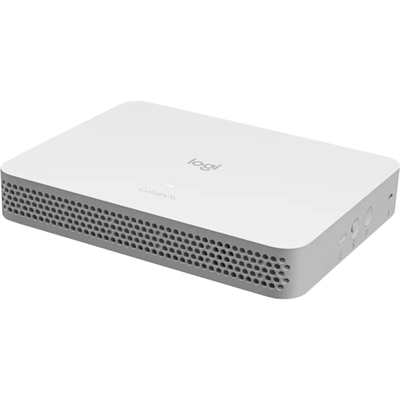
A compact appliance bundle with touch-to-join control and remote management for rooms with existing conference cameras.
Microsoft Teams devices are hardware designed to make virtual meetings, calls, and shared collaboration feel more natural, whether they are used at a home office desk, in a private workspace, or across a dedicated meeting room. Common categories include personal headsets, webcams, speakerphones, desk phones, collaboration bars, room systems, room scheduling panels, and interactive collaboration displays. Many are certified for Microsoft Teams, which means they are tested to support key calling and meeting features such as clear audio, video communication, one-touch controls, device management, and reliable integration with the Teams experience. A headset can help one person stay focused when the house is busy or a nearby office is filled with conversation, while a webcam can bring a more polished, lifelike presence to a remote meeting. Speakerphones are useful for small group discussions, allowing several people to gather around a table without passing a laptop from person to person. Dedicated desk phones can suit reception areas, shared workspaces, and employees who prefer familiar physical controls for frequent calls. For a complete meeting space, Microsoft Teams Rooms hardware may combine cameras, microphones, speakers, a display, and a touch controller into one coordinated setup. Collaboration bars can be a practical fit for smaller rooms because they bring audio and video features together in a compact design, while larger shared spaces may benefit from intelligent cameras with wide fields of view and framing features that help participants remain visible as people join or move around the room. Teams Panels can be placed outside meeting rooms to show availability and support more organized scheduling, and interactive collaboration displays can give teams a shared canvas for brainstorming, annotating documents, and reviewing ideas together.
Choosing among Microsoft Teams Devices starts with understanding how the space is used and how many people need to participate. For an individual, comfort and sound quality often matter most. Look for a headset with a microphone that keeps speech distinct, ear cushions suited to extended wear, convenient mute controls, and wired or wireless connectivity that matches the computer or mobile device. Noise-reducing features can be especially helpful when calls take place near a kitchen, a shared living area, or an open office, while a lightweight design may be preferable for someone who spends much of the day in meetings. Webcam shoppers should consider resolution, low-light performance, autofocus, framing, and field of view. A wider view can include two people at a small desk, but a narrower view may keep the background less distracting in a personal workspace. Speakerphones should be evaluated for microphone pickup, echo control, portability, and connection options, particularly when they will move between rooms or be used with different computers. For a meeting room, measure the table, seating arrangement, display location, and distance between participants before selecting equipment. A compact room may need a simple all-in-one solution, while a larger space may call for multiple microphones, a wider camera view, stronger speaker coverage, and controls that are easy for guests to understand without training. Platform compatibility is another important consideration: confirm that the device works with the intended Teams account, operating system, connection method, and room-management approach. USB, Bluetooth, and wireless options can each provide flexibility, but the best choice is the one that fits the existing workspace and keeps setup straightforward.
These devices can support a wide range of people, from remote employees and consultants to educators, customer service teams, medical office staff, and families who stay connected across distances. A comfortable headset or clear webcam can be a thoughtful gift for someone beginning a remote role, moving into a home office, or preparing for a season of video calls during the cooler months. In a small business, a shared speakerphone or room system can make weekly planning sessions easier to hear and less dependent on whoever happens to bring the loudest laptop. In a larger organization, consistent room hardware can help employees move from one meeting space to another without relearning the controls each time. Consider accessibility as well: simple buttons, visible status indicators, adjustable volume, clear on-screen prompts, and flexible mounting options can make collaboration more comfortable for a broader range of users. It is also worth thinking about placement and daily habits. Position a webcam near eye level, leave enough space around microphones, keep a headset within easy reach, and choose a display size that allows everyone at the table to read shared content. As schedules shift between home, office, classroom, and shared spaces, a carefully matched setup can reduce distractions and help conversations feel more direct. Explore additional options in Collaboration Devices to compare communication and collaboration hardware for personal workstations, compact huddle areas, and larger meeting environments.
Add the products you would like to compare, and quickly determine which is best for your needs.