$103.99
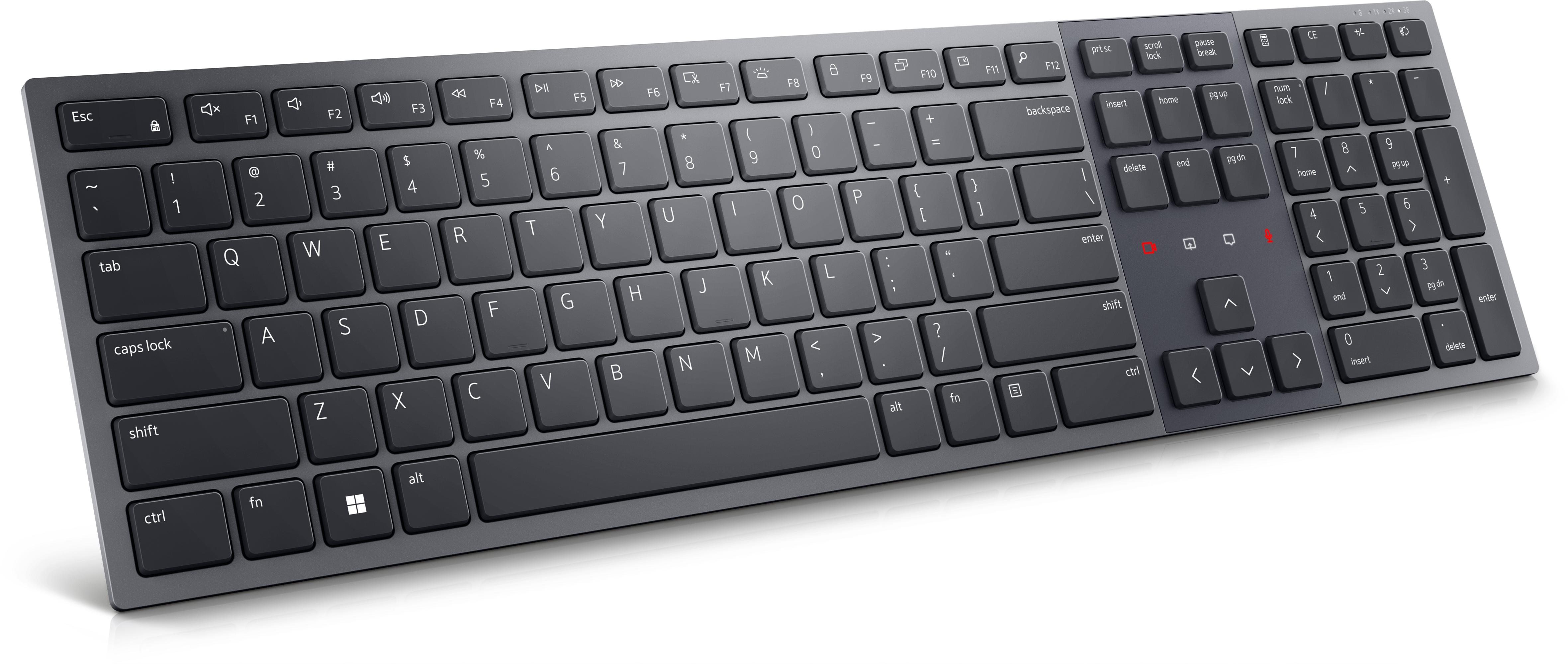
A Zoom-certified rechargeable keyboard designed for seamless collaboration, enhanced productivity, and all-day typing comfort.
In today's fast-paced world, collaboration devices have become essential tools for enhancing productivity and fostering seamless communication in both professional and personal settings. Whether you're working from home, leading a team meeting, or connecting with loved ones across the globe, these innovative technologies ensure that you stay connected and engaged. Explore an array of cutting-edge solutions designed to elevate your collaborative experience, making it easier than ever to share ideas, manage projects, and build meaningful connections. Discover how collaboration devices can transform the way you interact and achieve your goals.
A Zoom-certified rechargeable keyboard designed for seamless collaboration, enhanced productivity, and all-day typing comfort.
A premium keyboard and mouse combo designed for productive collaboration and all-day comfort.
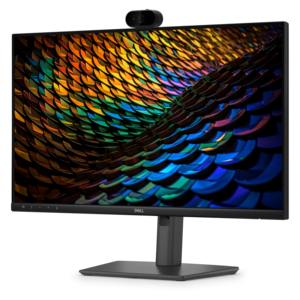
A Full HD conferencing monitor with built-in webcam, speakers, and microphone for seamless everyday collaboration.
A Full HD IPS conferencing monitor with built-in webcam, speakers, microphone, and USB-C hub for collaboration.
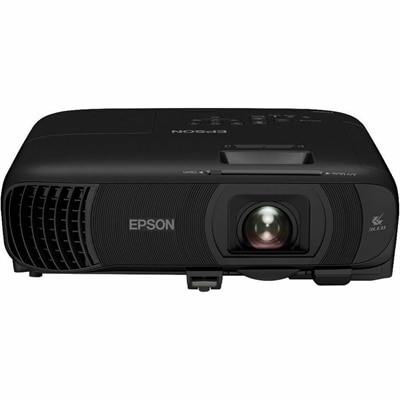
A ceiling-mountable Full HD 3LCD projector delivering 4,100-lumen brightness with AirPlay, Miracast, and 16W audio.
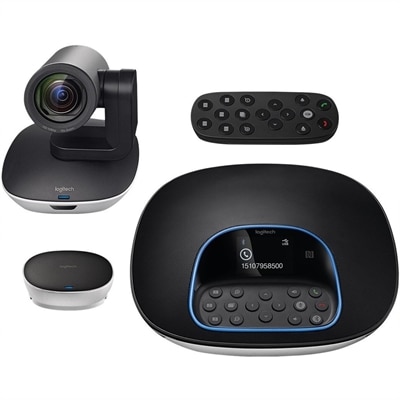
A plug-and-play conferencing system delivering 1080p video, 90-degree viewing, 10X zoom, and clear audio.
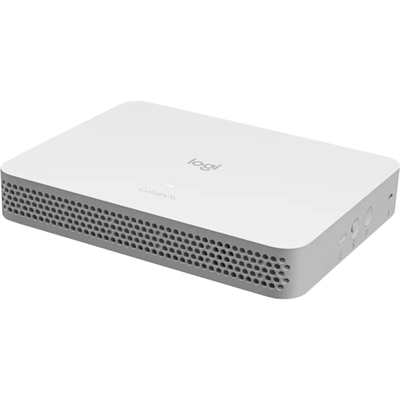
A purpose-built conferencing appliance supporting Zoom Rooms and Teams Rooms with USB cameras and HD displays.
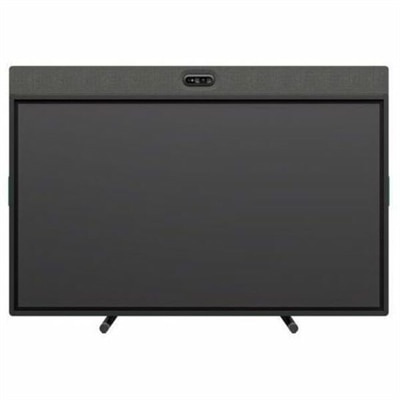
An all-in-one video conferencing device with brilliant audio, AI features, flexible camera placement, and graphite touchscreen.
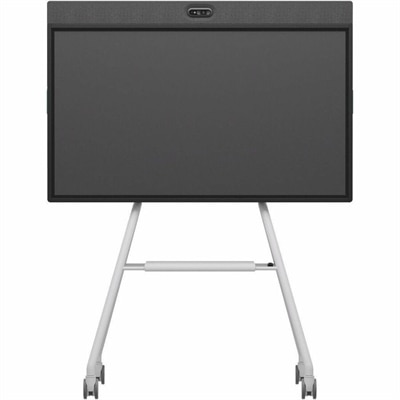
An all-in-one mobile conferencing system with touchscreen collaboration, AI-powered audio/video, recycled plastic, and lockable cart.
An intelligent 4K webcam delivering vibrant, full-spectrum clarity for secure, next-level collaboration.
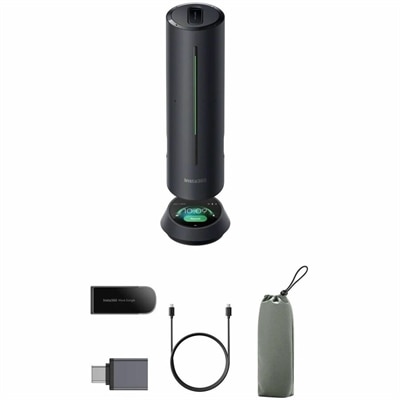
A smart conference speakerphone with eight microphones, 16-foot pickup, AI noise reduction, transcription, and 32GB storage.
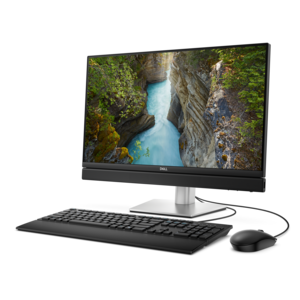
An AI-ready all-in-one desktop with an optional 5MP IR camera and streamlined security and manageability features.
A compact appliance bundle with touch-to-join control and remote management for rooms with existing conference cameras.
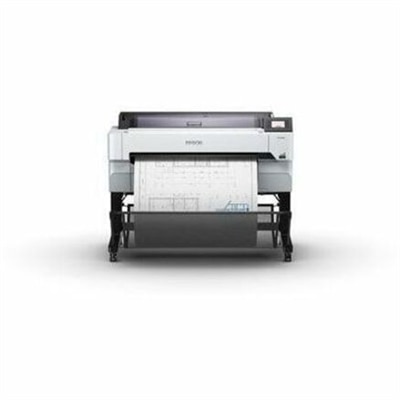
A versatile 36-inch color multifunction printer with integrated scanner, copier, touchscreen, and fast A1/D-size output.
A Microsoft Teams-certified speakerphone delivering rich, clear sound for intelligent, convenient communication.
An AI-powered premium conferencing soundbar delivering clear audio with enhanced noise cancellation.
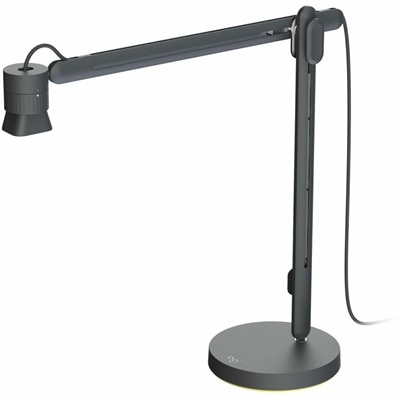
An articulating overhead camera arm with base mount, 1080p60 video, USB connectivity, and versatile pivoting controls.
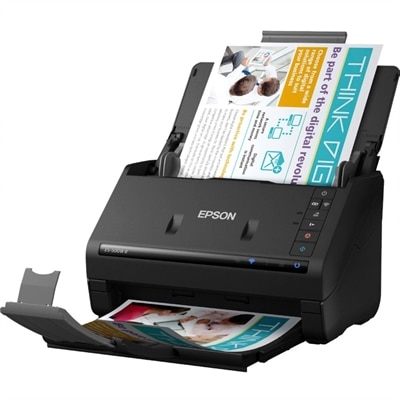
A wireless sheetfed scanner with 600-dpi optical resolution, duplex scanning, 20-page ADF, and 30-ppm performance.
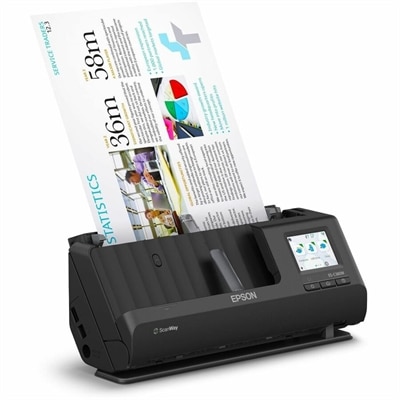
A wireless duplex scanner with 1200-dpi optical resolution, 35-ppm scanning, 50-sheet feeder, OCR, and cloud connectivity.
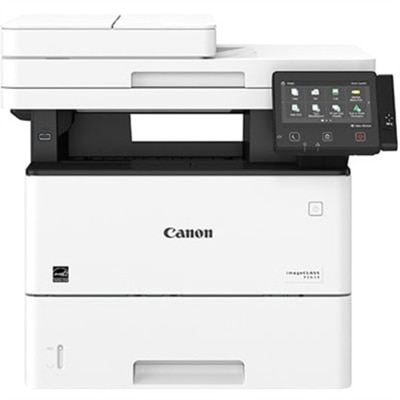
A monochrome multifunction laser printer with copier, fax, scanner, 45-ppm output and customizable color touchscreen.
A portable laptop with a sleek design, 16:10 display, and AI PC options for productivity anywhere.
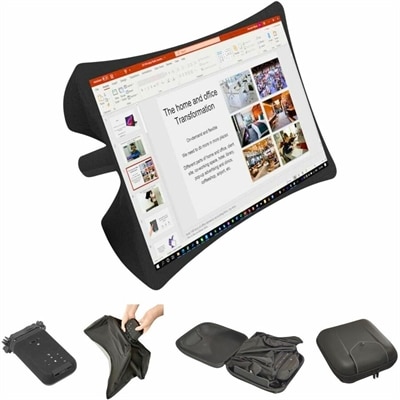
A foldable, rugged projection system with a nanomaterial screen, built-in battery, HDMI and USB-C connectivity.
A remarkably thin laptop powered by AMD Ryzen AI PRO 400 Series processors for professional performance.
Collaboration devices bring the essential parts of a productive video meeting into a more connected, easier-to-use setup. Designed for hybrid teams, remote employees, classrooms, home offices, and shared workspaces, these devices can combine cameras, microphones, speakers, touch displays, and interactive whiteboarding tools to help people communicate clearly from different locations. A collaboration device may be a compact camera and speaker unit for a small meeting area, a large touch display for group work, a personal desktop communication unit, or an accessory such as a high-definition webcam, USB headset, or dedicated microphone. Together, these options help create a more natural meeting experience by making faces easier to see, voices easier to hear, and shared ideas easier to follow. Automatic speaker framing can keep the active participant in view, while noise-reduction features can lessen the distraction of keyboards, nearby conversations, heating and cooling systems, or street sounds outside a window. Built-in speakers and microphones can reduce the need for a crowded desk, while a separate headset may offer greater privacy in an open office or busy home. For teams that rely on visual thinking, an interactive touch display can support digital notes, sketches, diagrams, presentations, and real-time document review, allowing participants to contribute in the same shared space even when some are joining from home. Explore options such as Logitech Collaboration Products for Office when creating a workspace that supports clear communication and shared productivity.
Choosing the right collaboration device starts with understanding where it will be used and how people typically meet. A personal desk setup may benefit from a webcam with clear image quality, a microphone that focuses on the speaker, and headphones or a headset that helps separate meeting audio from the rest of the room. This arrangement can be especially useful for employees who move between video calls, focused work, and informal conversations throughout the day. Small huddle spaces often need a compact all-in-one unit that can capture several people sitting nearby without requiring a complicated installation. Look for a wide field of view, balanced audio pickup, simple controls, and compatibility with the communication platform already used by the team. Larger conference rooms call for broader coverage, stronger speakers, and camera features that can show both the full group and the person speaking. A touch display may be a practical addition when meetings include planning sessions, training, design reviews, or collaborative presentations. Consider the size and shape of the room, the distance between participants and the screen, the amount of natural or artificial light, and whether people will sit, stand, or move around during a meeting. A device that performs well at a desk may not provide enough coverage in a long conference room, while an oversized system can add unnecessary complexity to a compact workspace. Check connection types, operating system support, display resolution, mounting options, power requirements, and software compatibility before purchasing. It is also helpful to consider how easily the device can be updated, managed, muted, repositioned, or shared among different users. In a home office, a smaller footprint and a privacy shutter may matter most; in a professional setting, clear status indicators, dependable controls, and easy room scheduling can make the difference between a smooth start and several minutes spent troubleshooting.
Collaboration devices can support many working styles, from a single professional joining a daily check-in to a distributed team reviewing a project with colleagues across the country. They are useful for interviews, consultations, virtual instruction, onboarding, customer presentations, project planning, and informal conversations that help coworkers stay connected. A high-quality camera can make a remote participant feel more present, while carefully positioned microphones help ensure that quieter voices are not lost when several people share a room. Clear, balanced audio also reduces the fatigue that comes from repeatedly asking others to repeat themselves, especially during longer sessions or when participants are joining from locations with different levels of background noise. When evaluating a display or camera, prioritize natural image quality, smooth motion, dependable exposure in changing light, and a field of view that includes everyone who needs to participate. For sound, consider echo cancellation, voice pickup range, directional microphones, speaker clarity, and the option to use a headset when privacy is important. Accessibility deserves attention as well: readable on-screen controls, straightforward mute functions, adjustable volume, captions supported by the meeting platform, and flexible camera positioning can help more people take part comfortably. Families and students may also use personal collaboration accessories for tutoring, study groups, appointments, or creative projects, making a compact webcam or headset a thoughtful gift for someone learning or working from home. During the cooler months, when more conversations may take place indoors, a dependable setup can turn a quiet corner, dining table, or spare room into a comfortable place for connection. The best choice is one that fits the room, works with familiar software, supports the way people communicate, and remains simple enough that attention stays on the conversation rather than the equipment.
Add the products you would like to compare, and quickly determine which is best for your needs.