$369.99
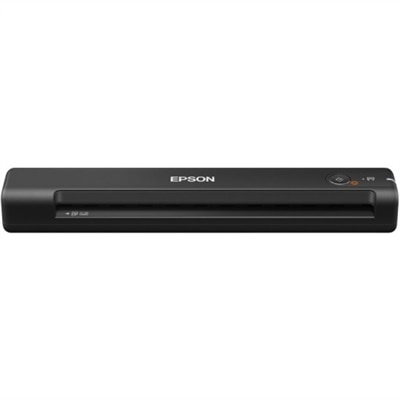
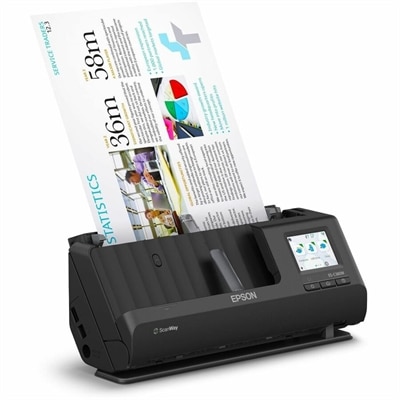
A wireless sheetfed scanner with 600-dpi optical resolution, duplex scanning, 20-page ADF, and 30-ppm performance.
Elevate your professional environment with our curated selection of workplace devices, designed to enhance productivity and streamline your daily tasks. Whether you're setting up a new office or upgrading existing equipment, our range offers innovative solutions tailored to meet the demands of modern workspaces. Discover cutting-edge technology that seamlessly integrates into your workflow, providing the tools you need to succeed in today's fast-paced business world. From sleek computers to versatile accessories, find everything you require to create an efficient and dynamic workplace.
A wireless sheetfed scanner with 600-dpi optical resolution, duplex scanning, 20-page ADF, and 30-ppm performance.
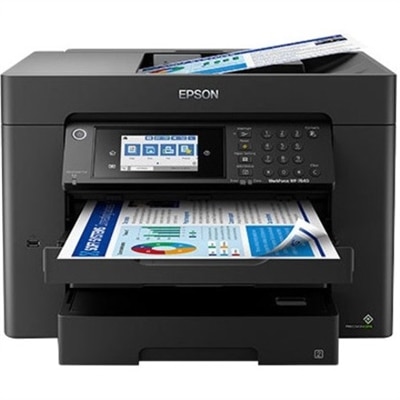
A high-performance wide-format all-in-one printer with duplex printing, copying, scanning, faxing, Wi-Fi, and pigment inks.
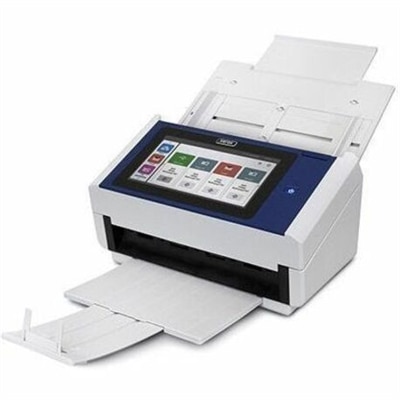
A document scanner with an 8-inch touchscreen, 600 dpi optical resolution, Wi-Fi, Ethernet, and 100-sheet feeder.
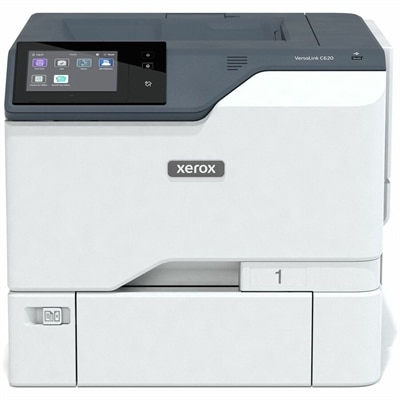
A color printer with duplex printing, up to 52ppm, 1200x1200-dpi output, touchscreen controls and robust security.
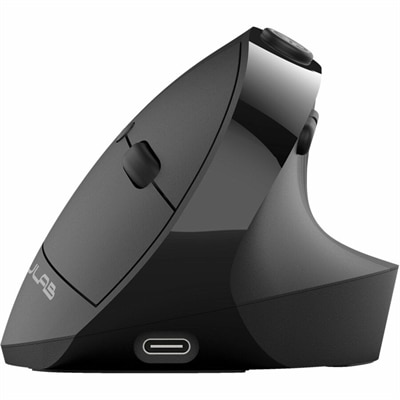
An ergonomic vertical mouse with seven silent buttons, Bluetooth/USB connectivity, and rechargeable four-month battery life.
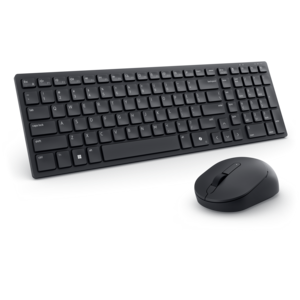
A compact silent keyboard and mouse combo with seamless dual-mode connectivity for quiet, flexible workspaces.
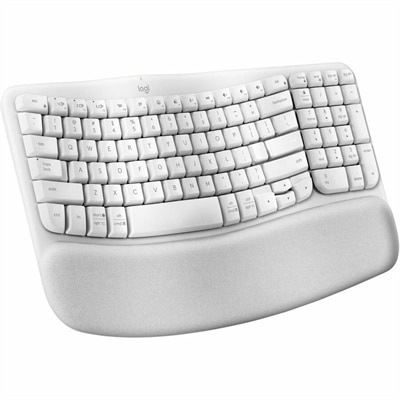
An off-white wireless ergonomic keyboard with memory-foam wrist support, Bluetooth, Logi Bolt, and recycled plastic.
A Full HD conferencing monitor with built-in webcam, speakers, and microphone for seamless everyday collaboration.
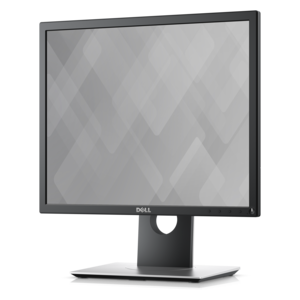
An office monitor designed for productive work, enhanced comfort, and convenient everyday use.
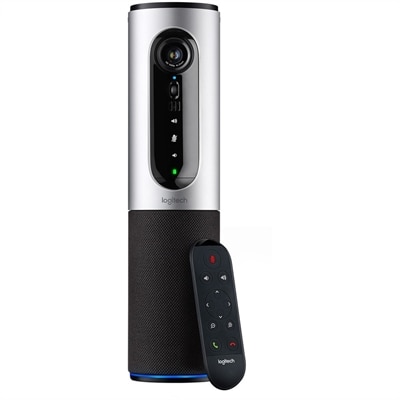
A 1080p conference camera with full-duplex speakerphone audio, autofocus, remote pan-tilt-zoom, and echo cancellation.
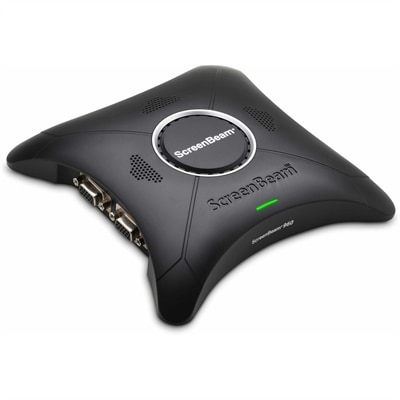
A wireless display receiver enabling app-free presentations, extended desktops, interactive touch, and centralized remote management.
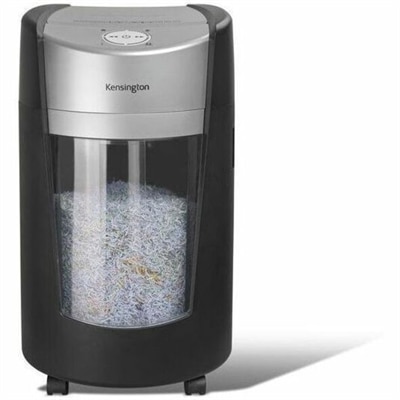
A micro-cut paper shredder with P-5 security, 35L rotating bin, anti-jam technology, quiet operation and LED alerts.
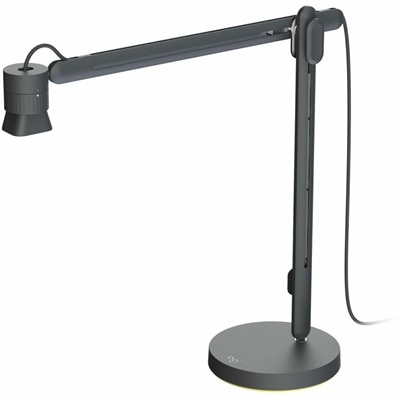
An articulating overhead camera arm with base mount, 1080p60 video, USB connectivity, and versatile pivoting controls.
A silver conference camera with 1080p video, 360-degree audio, wireless screen mirroring, and USB plug-and-play connectivity.
A durable, serviceable Chromebook laptop or 2-in-1 designed specifically for K–12 learning environments.
A battery-powered sensor delivering IAQ and occupancy insights with BLE and LoRaWAN connectivity for cable-free installations.
A durable, serviceable Chromebook designed specifically for education environments.
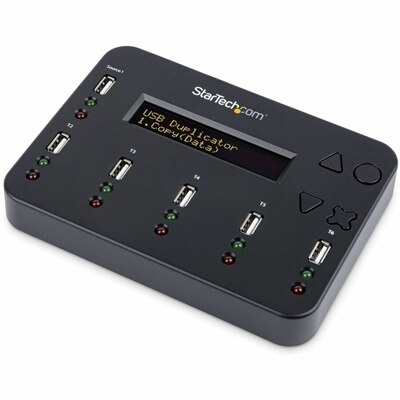
A standalone 1-to-5 USB duplicator and eraser with sector-by-sector cloning, LCD controls, and TAA compliance.
A space-saving business desktop delivering reliable everyday performance with essential security features for productive workflows.
A durable, serviceable Chromebook designed specifically for education environments.
A durable, serviceable Chromebook laptop or 2-in-1 designed specifically for K–12 learning environments.
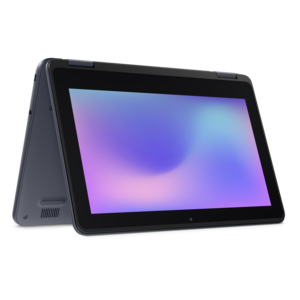
A durable, serviceable laptop or 2-in-1 designed specifically for demanding education environments.
A business-ready tower desktop delivering reliable everyday performance with essential security features for productive workflows.
A slim, lightweight laptop with Intel® Core™ processors and graphics for productive work anywhere.
Workplace devices help create a productive, comfortable setup in an office, home workspace, classroom, shared studio or flexible work environment. This category commonly includes laptops, desktops, monitors, docking stations, keyboards, mice, webcams, headsets and other computer accessories that support focused work and collaboration. A laptop can suit employees who move between a home office, company workspace and meeting rooms, while a desktop can provide a dependable central workstation for a reception area, design desk, finance station or shared office. Monitors are useful when work involves spreadsheets, research, messaging, creative applications or several documents at once, giving users more room to arrange information without constantly switching windows. When choosing a computer, consider how it will be used throughout the day rather than focusing only on a single specification. A lightweight system may be especially helpful for people who carry their device between locations, while a larger display, comfortable keyboard and responsive performance can make long sessions feel more natural at a fixed desk. Memory, processor capability, storage capacity, battery life, display quality and the available ports all affect the everyday experience. It is also worth considering the operating environment, security features, warranty coverage and compatibility with the applications, accessories and displays already in use. For organizations, standardizing on a manageable range of workplace devices can simplify setup, support consistent workflows and make it easier to equip new team members. For a home office, a carefully chosen combination of computer, display and accessories can turn a corner of a room into a space that feels ready for the day, whether the work involves video meetings, writing, accounting, project coordination or creative production. Explore Modern Workplace Tools for additional context when planning a connected, practical workspace.
A complete workplace setup often depends on the accessories surrounding the main computer. A docking station can help connect a compatible laptop to one or more external monitors, a keyboard, a mouse, audio equipment and other peripherals through a single desk connection, reducing the number of cables that need to be handled each morning. Before selecting one, check the computer’s supported connections, display requirements, charging capability and the number and type of ports needed for daily work. A monitor should be evaluated for screen size, resolution, brightness, color accuracy, adjustability and the space available on the desk. Height, tilt and swivel adjustment can make it easier to position the display comfortably, while a multi-monitor arrangement may help users compare documents, monitor communication channels and keep reference material visible. A webcam and headset can improve remote meetings by providing clearer video and sound, particularly in a shared home or office where background activity is part of the environment. Look for features such as microphone clarity, automatic light adjustment, camera framing, comfortable ear cushions and controls that are easy to reach during a conversation. A keyboard and mouse should feel natural over extended use, with a shape and layout that suit the user’s habits. Wireless accessories can help maintain a cleaner surface, while wired options may appeal to users who prefer a direct connection and minimal charging. Small additions such as a monitor stand, laptop riser, cable organizer or adjustable lighting can also make a meaningful difference. I have seen a workstation change from a crowded pile of chargers and notebooks into a calm, usable surface simply by adding a dock, placing the display at eye level and giving each accessory a consistent home. Those details are easy to overlook during planning, yet they often determine whether a setup remains comfortable and organized after the first busy week.
Workplace devices serve a wide range of people, from a professional working remotely at a kitchen table to a growing team furnishing shared desks, meeting areas and private offices. Students, freelancers, small-business owners, customer support staff, managers and creative specialists may each need a different balance of mobility, screen space, processing capability and communication features. A remote employee might prioritize a portable laptop, dependable battery life, a full-size monitor and a headset for calls, while an administrator who remains at one desk may prefer a desktop paired with an adjustable display and efficient input devices. A shared workspace can benefit from flexible equipment that is simple to connect, reposition and clean between users. When outfitting a new employee, match the device package to the person’s role, work location and schedule instead of assuming every desk requires the same arrangement. It can also be helpful to plan for growth: a computer with suitable performance headroom, a monitor with useful connectivity and accessories that work across multiple setups may remain practical as responsibilities change. Security deserves attention as well. Choose devices with available sign-in protections, firmware support, privacy features and manageability options appropriate for the organization, and establish sensible habits around updates, screen locking and the handling of confidential information. During warmer periods when work may shift between rooms or locations, portability and durable construction can become especially valuable; during cooler months, a comfortable fixed workstation may encourage longer, more focused sessions indoors. Whether the goal is to refresh a single home office, prepare desks for a distributed team or create a consistent setup across several work areas, the right workplace devices should make essential tasks feel smoother, meetings easier to follow and the workday more comfortable from the first login to the final sign-off.
Add the products you would like to compare, and quickly determine which is best for your needs.